
コーディングと開発
このコレクションを探索製品

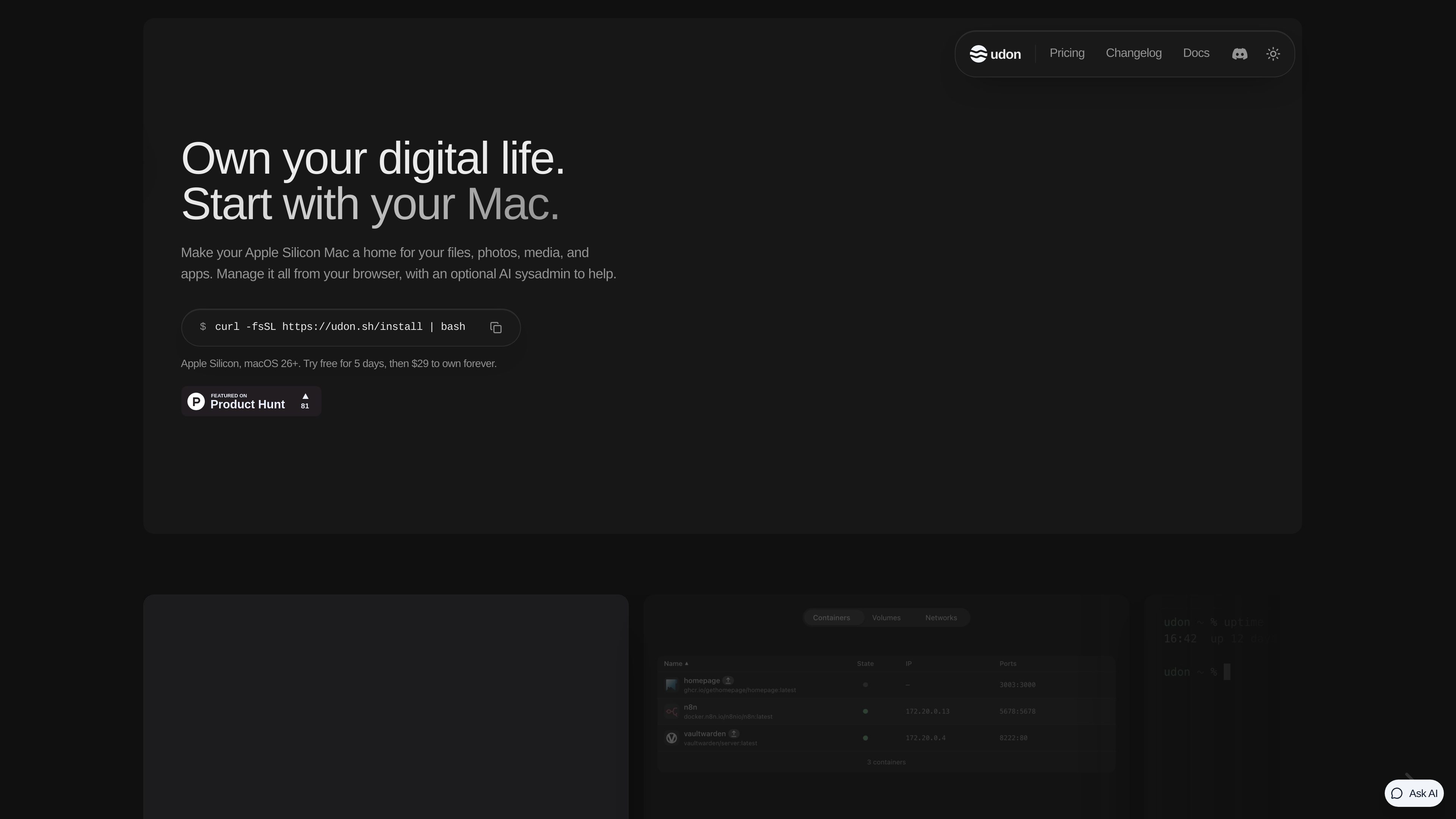
Portal
Developer Tools
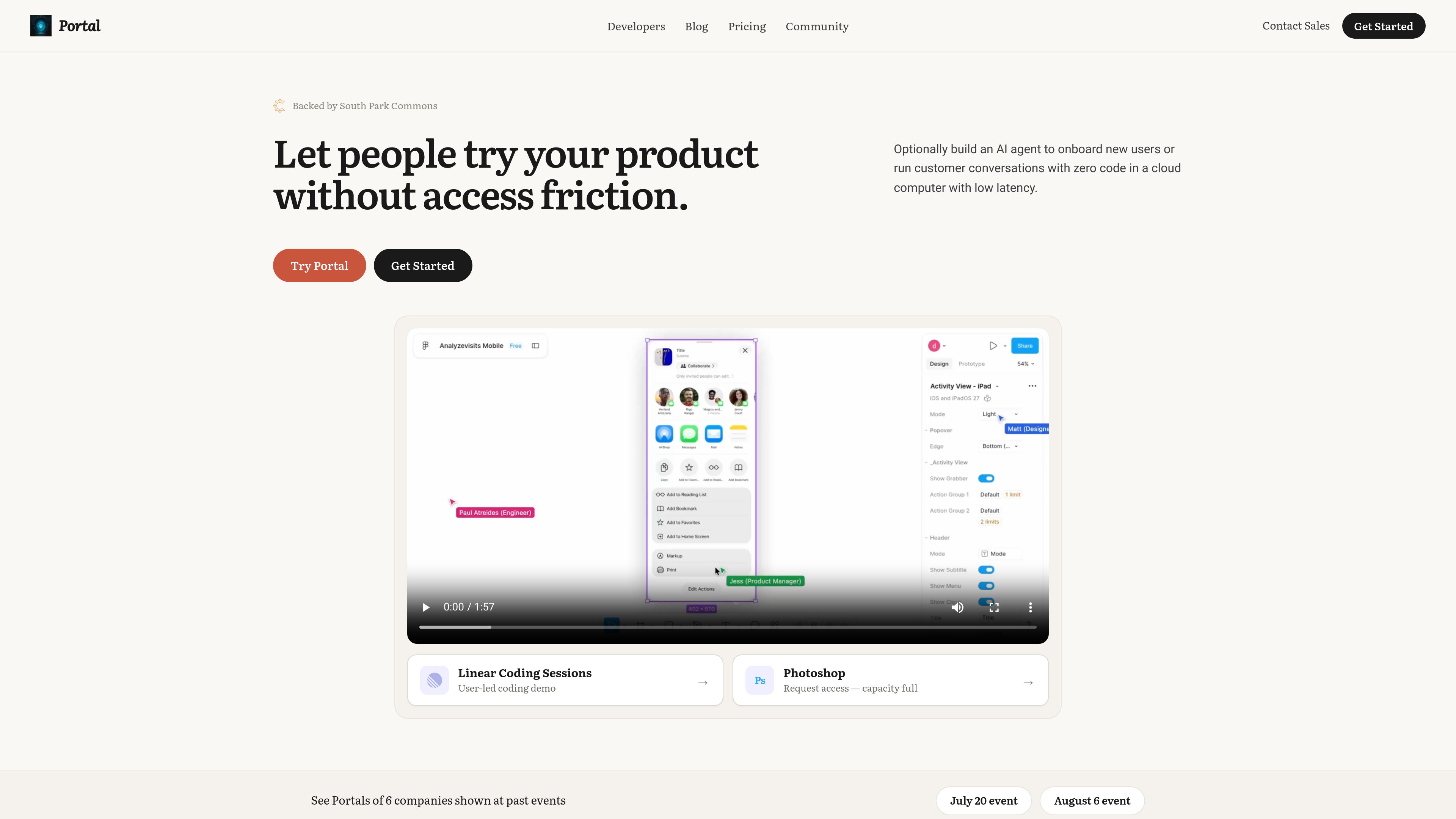
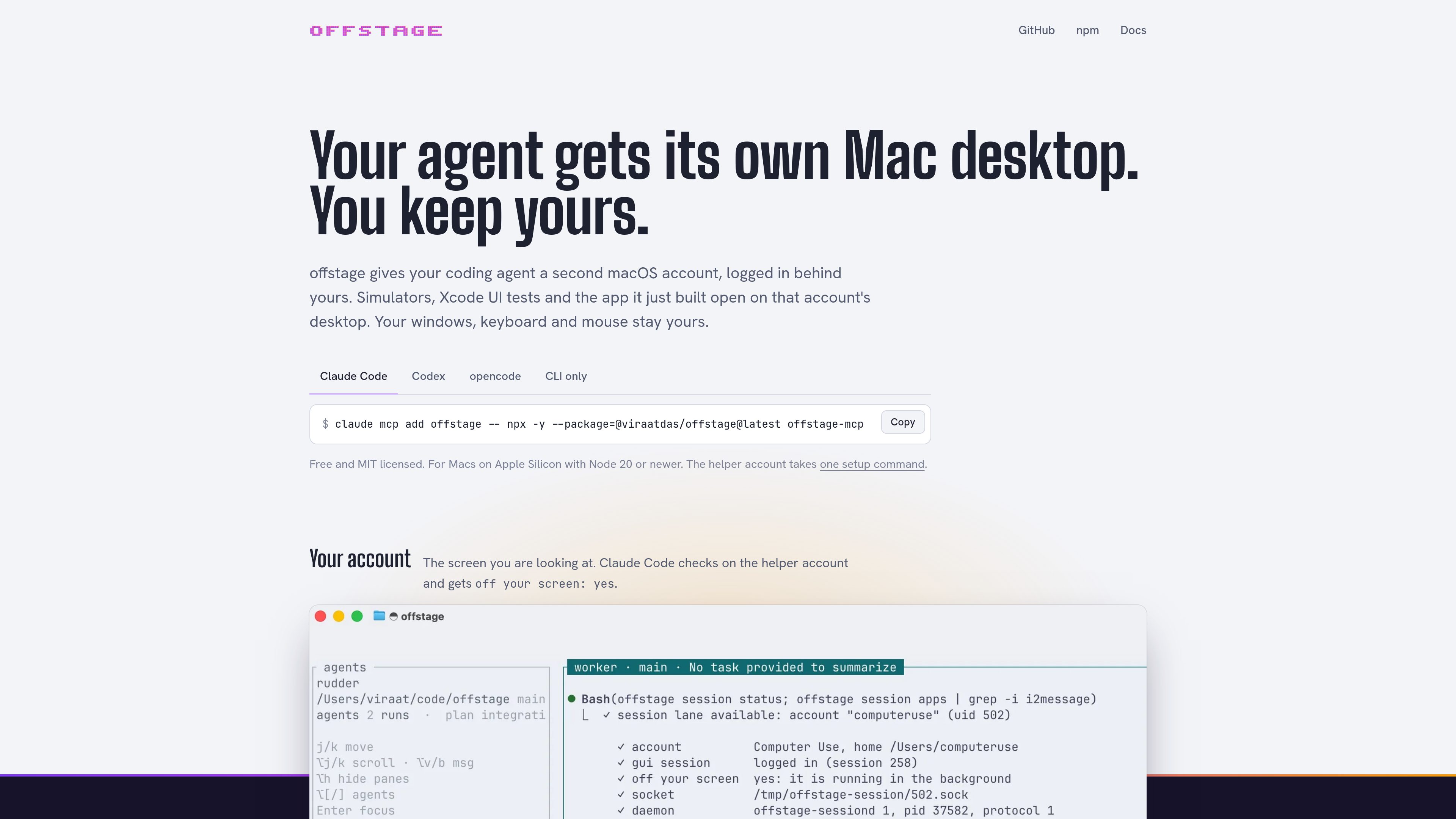
Portal turns live websites, localhost projects, Chrome extensions, and local files into shareable, isolated product environments. Sales, developer relations, and product teams can let people explore a real product or follow an AI-guided demo without requiring installation or signup.
無料・有料プラン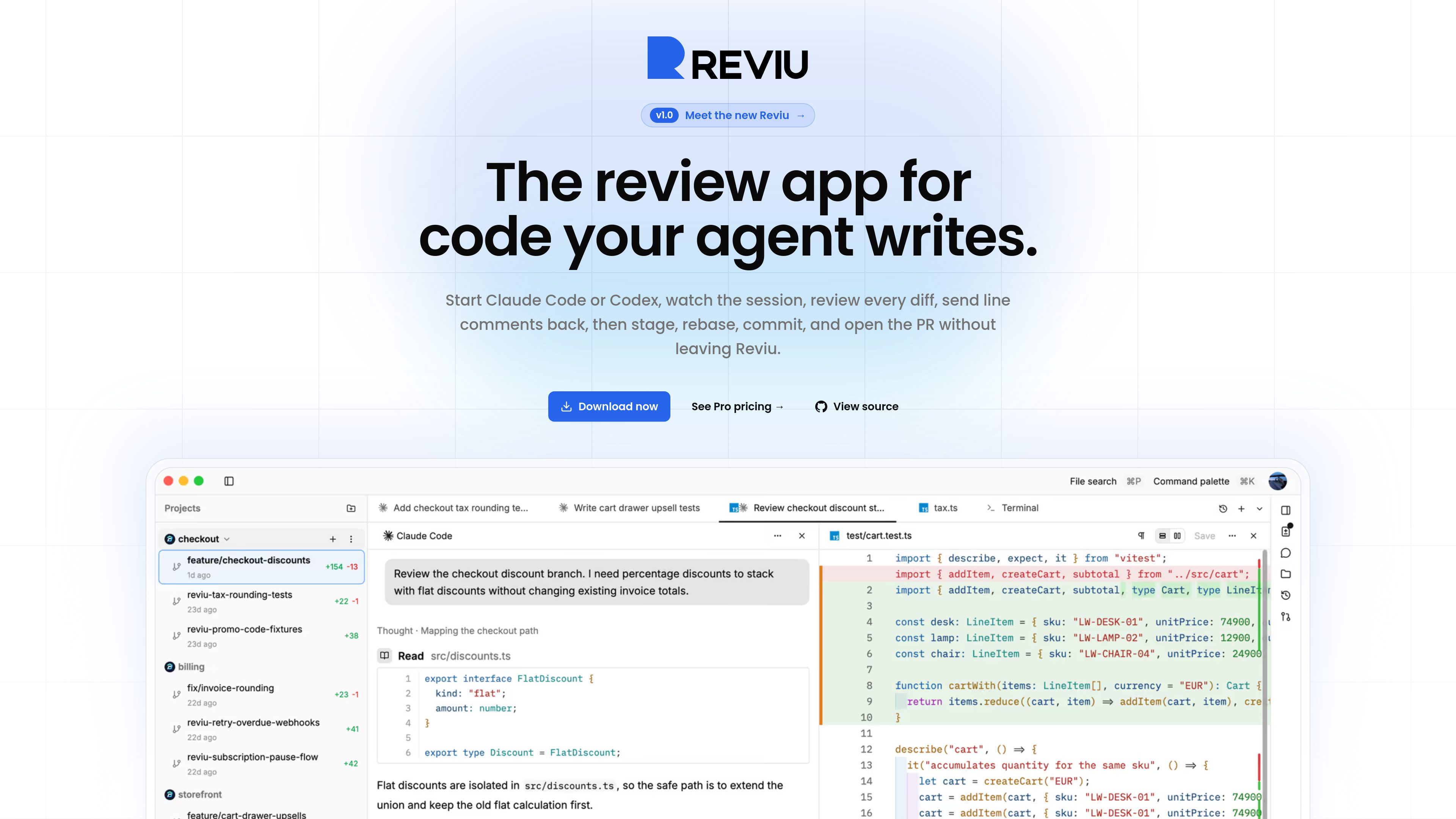



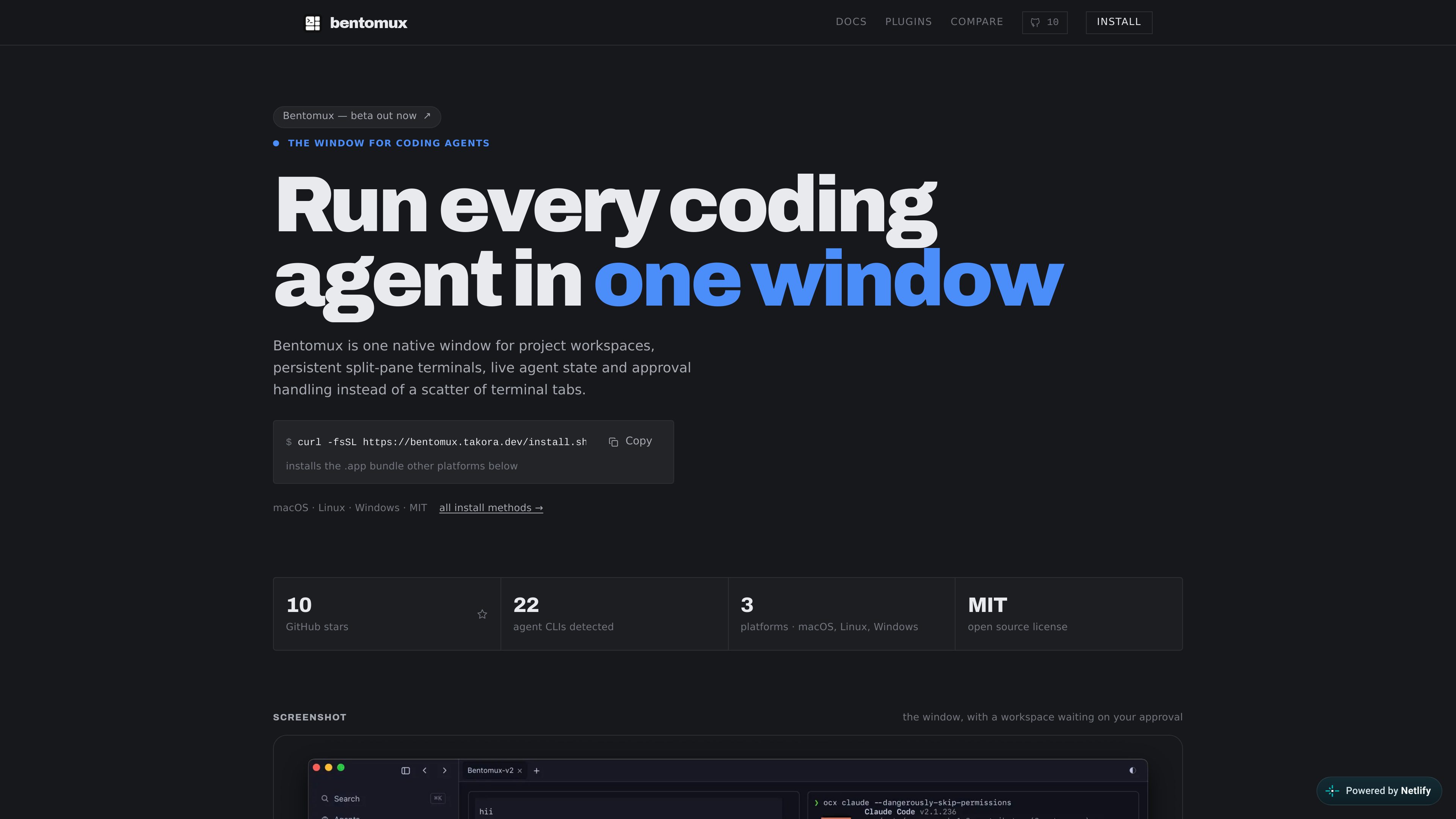
Termphin
Developer Tools
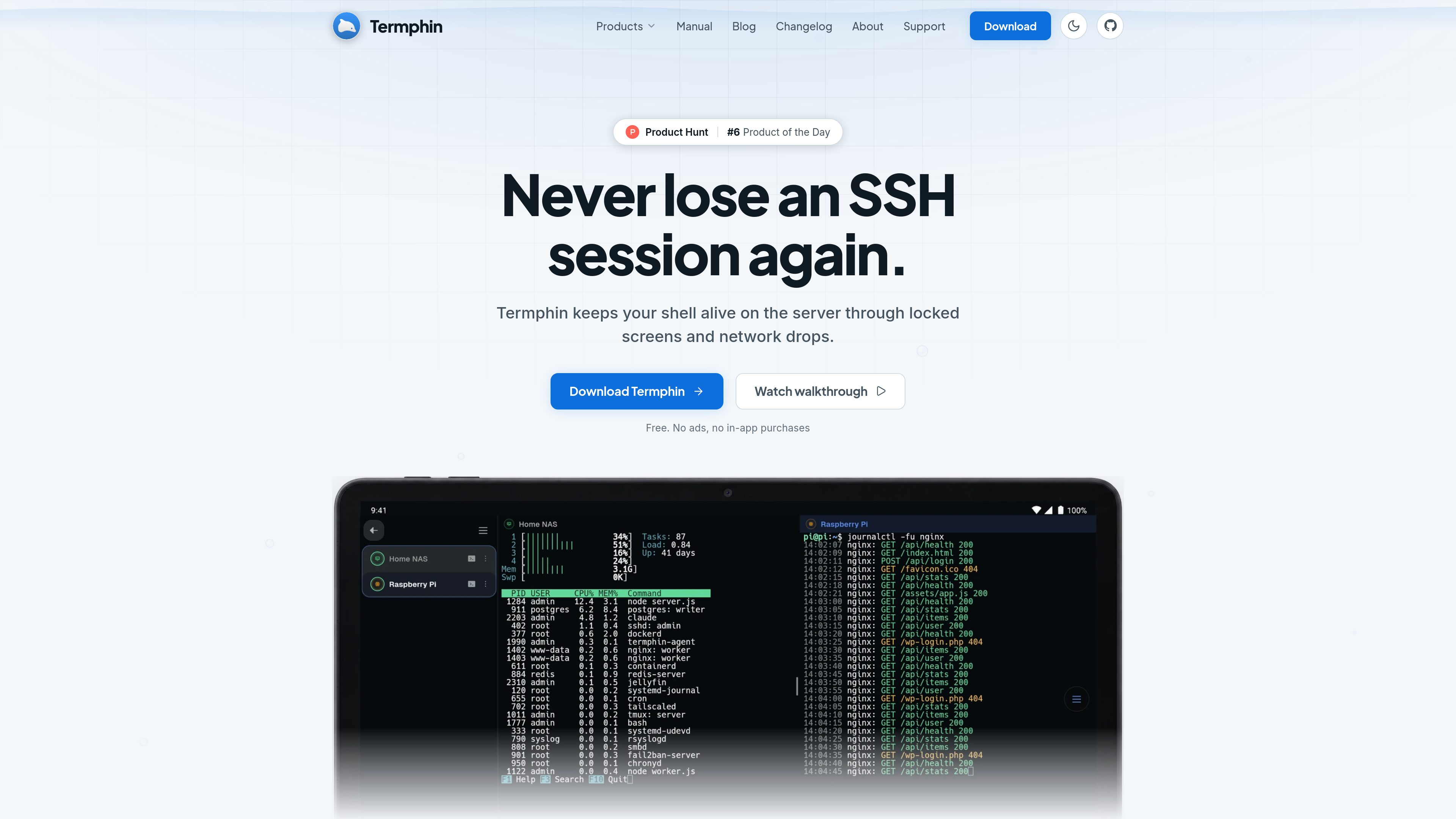
Termphin is an Android SSH client for connecting to existing servers, with persistent remote sessions that can be resumed after network drops or a locked phone. It combines terminal access with SFTP, SSH keys, port forwarding, snippets, and support for AI coding-agent workflows.
無料・有料プラン




Pastea
Developer Tools
Pastea is a clipboard history manager for macOS that saves copied text, links, code, images, files, and screenshots for later search and reuse. It helps developers, marketers, designers, and other Mac users recover and paste frequently used content without manually organizing it.
無料・有料プラン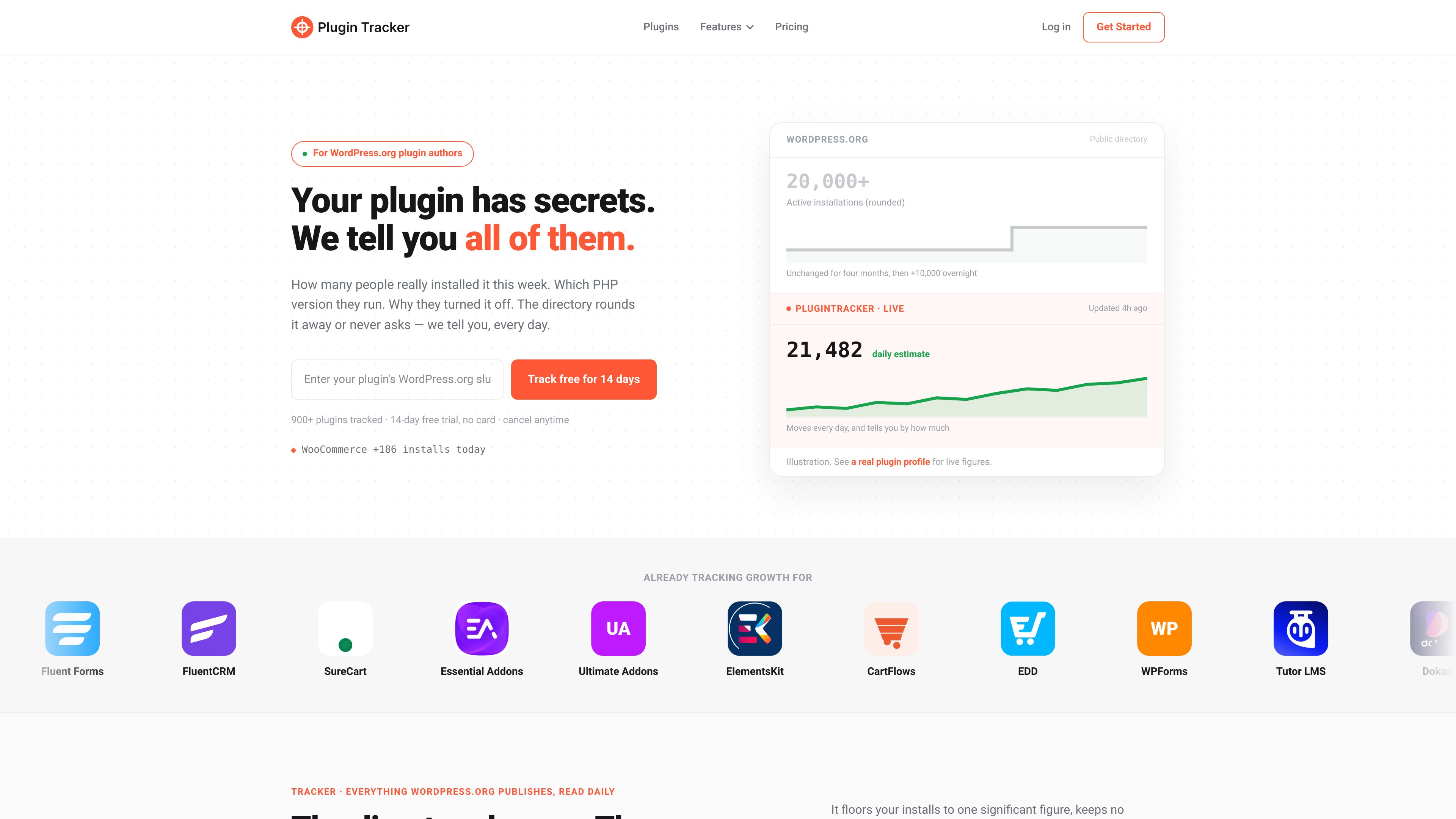

PluginTracker
Developer Tools
PluginTracker helps WordPress.org plugin authors monitor daily install estimates, rankings, reviews, support activity, competitors, and opt-in telemetry in one dashboard. It combines directory-based tracking with an optional SDK for site-level environment and deactivation data.
無料・有料プラン


appdesigns
Developer Tools
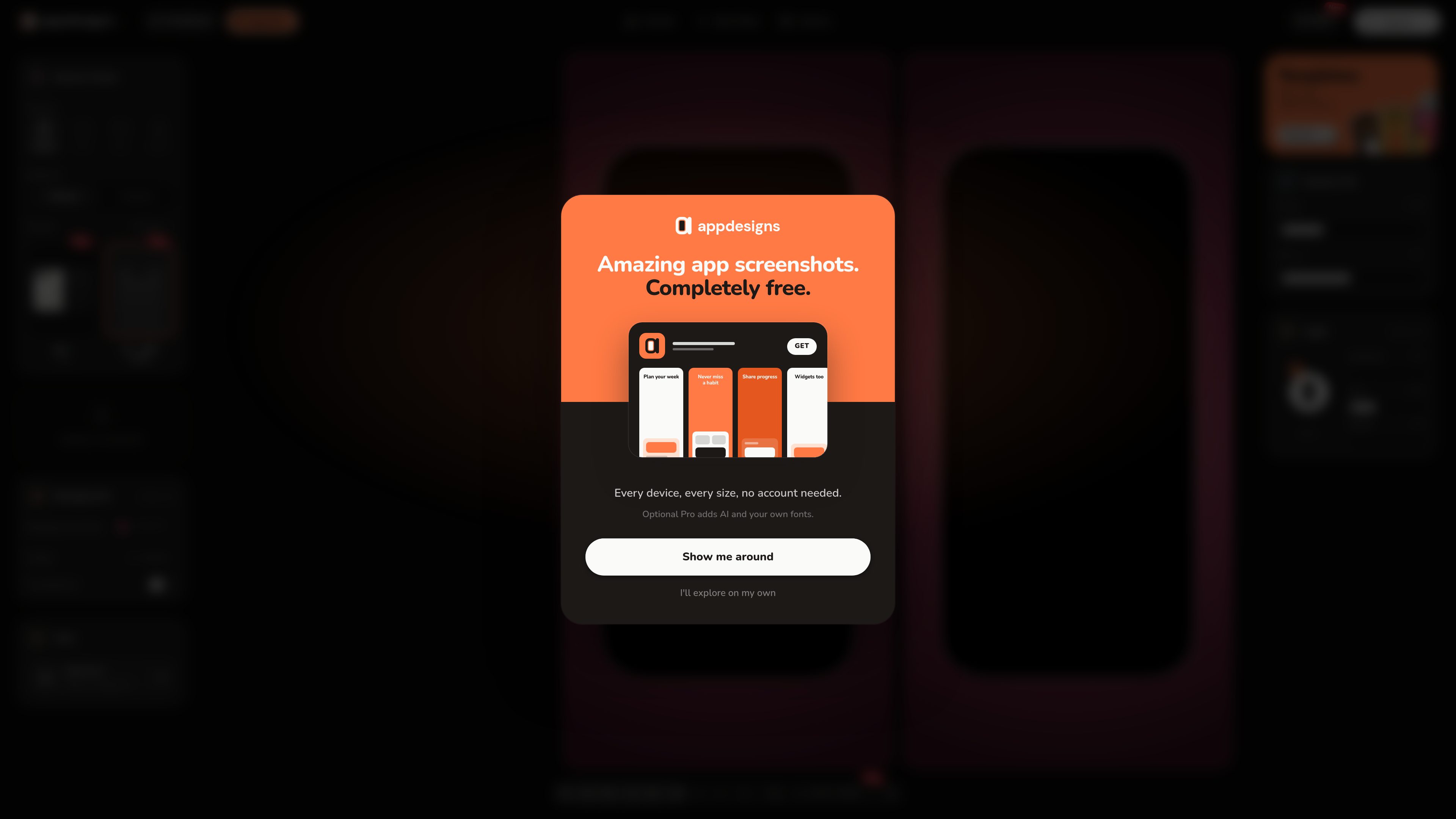
appdesigns is a browser-based editor for creating App Store and Google Play screenshot sets from uploaded app screens. It supports exact store canvas sizes, device frames, text and backgrounds, with an optional MCP workflow for generating editable sets from coding agents.
無料・有料プラン









DocxToWP
Developer Tools
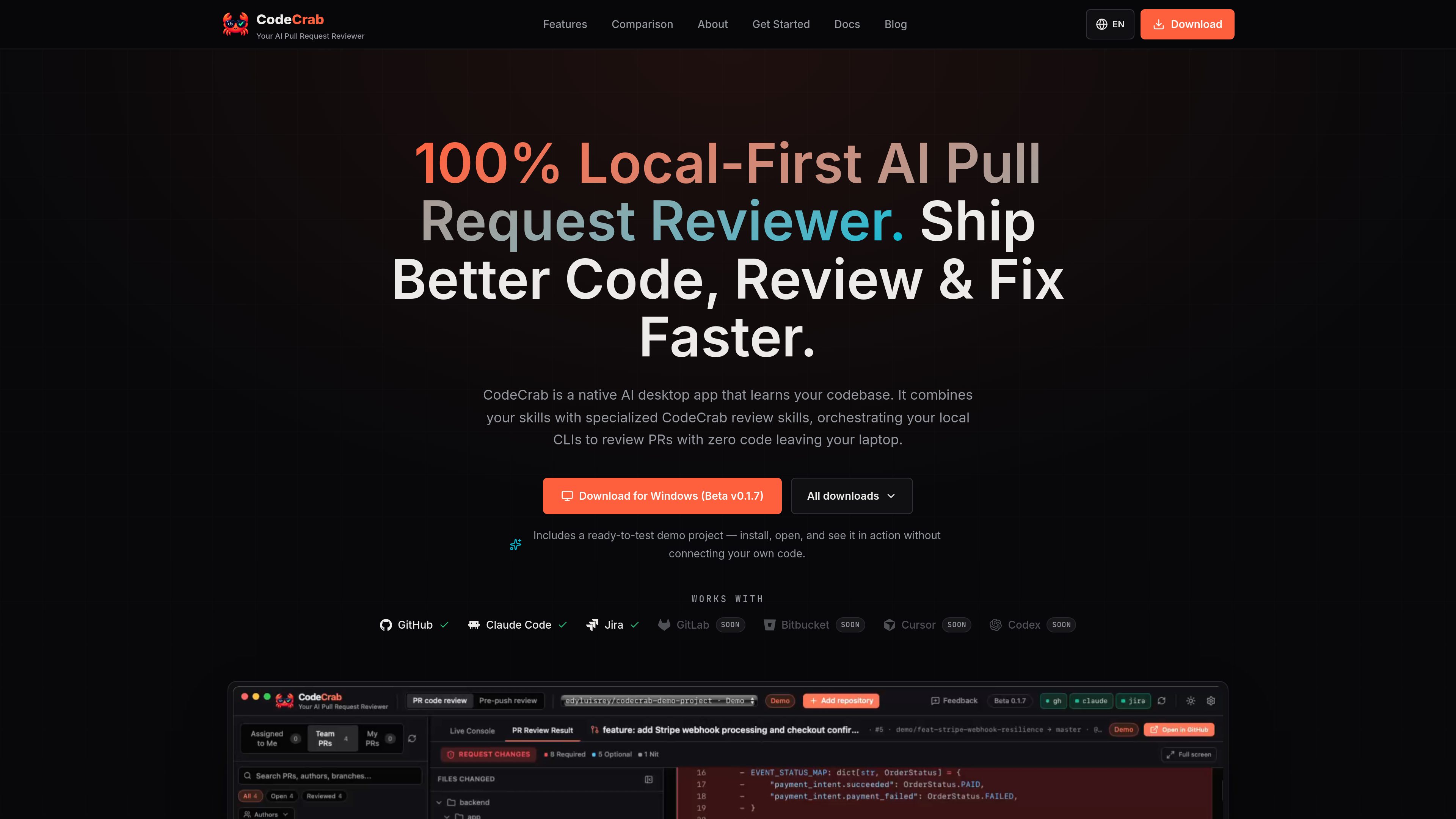
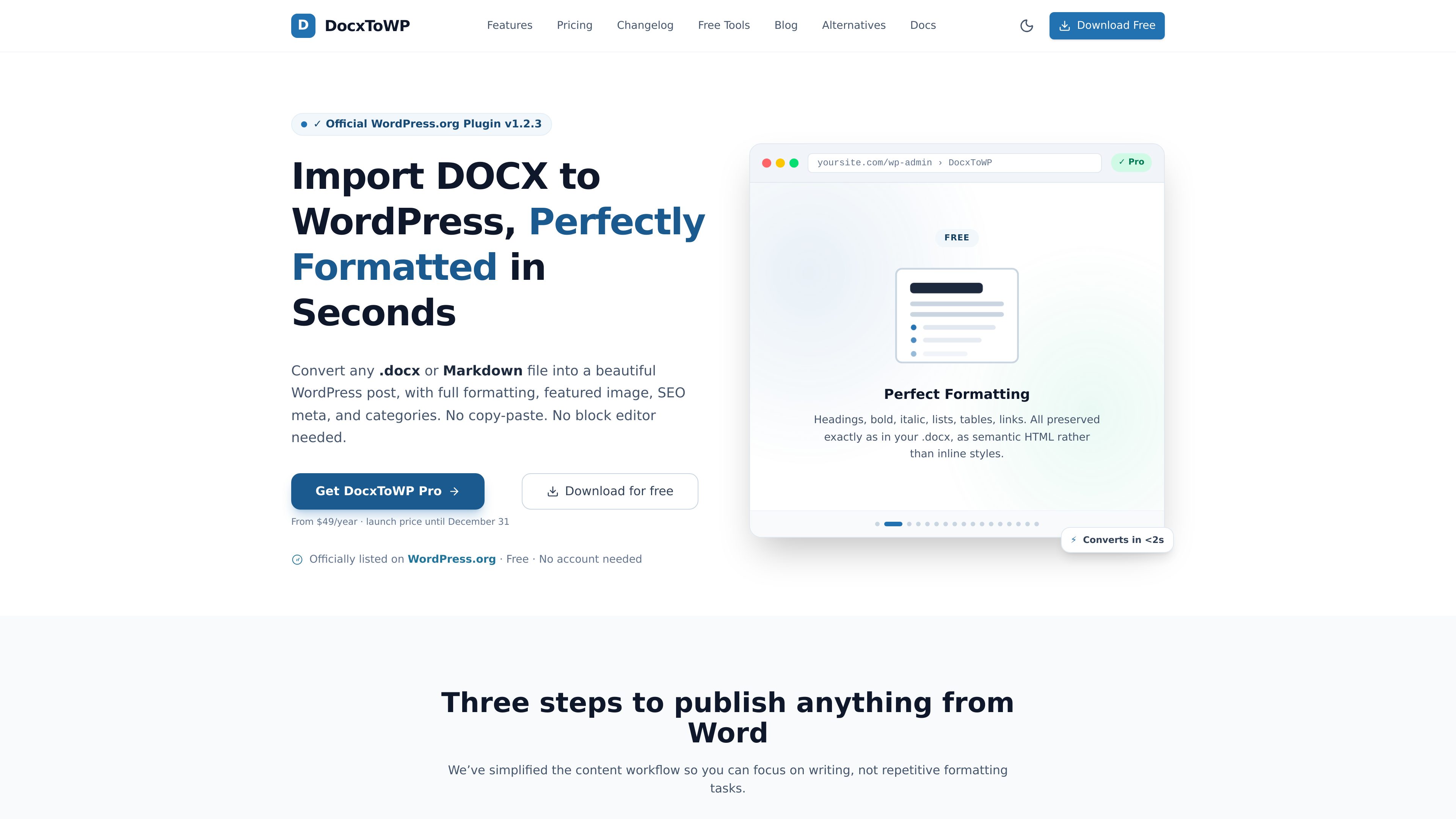
DocxToWP is a WordPress plugin that converts Microsoft Word DOCX and Markdown files into posts, pages, and custom post types while retaining document structure, images, and selected metadata. It is designed for writers, publishers, agencies, and documentation teams that prepare content outside WordPress.
無料・有料プラン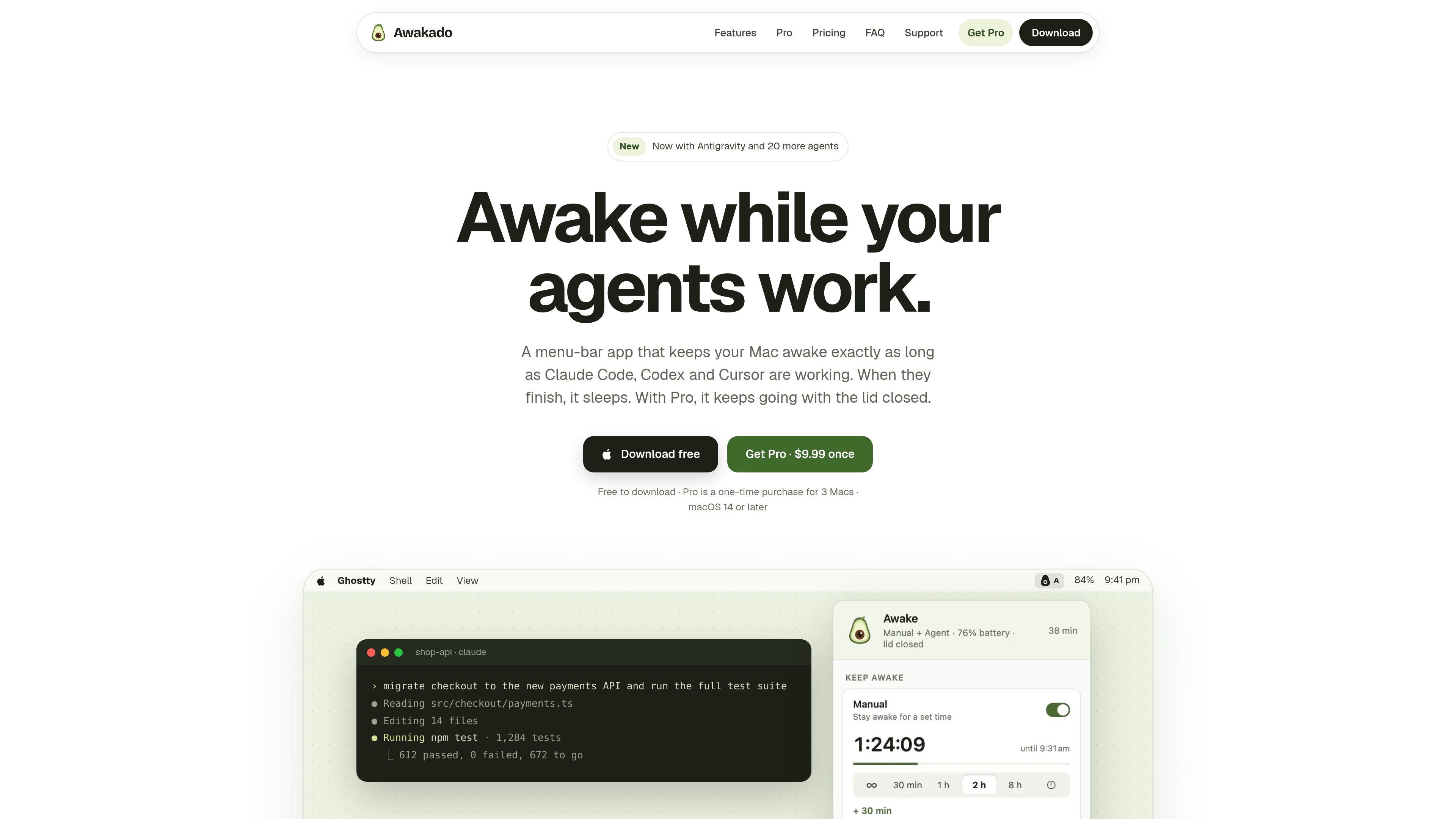


よくある質問
Developer Toolsの製品はどう比較すればよいですか?
各製品の概要と料金体系を比較し、必要な機能、利用制限、最新のプランを公式サイトで確認してください。
機能や料金はどこで確認できますか?
ツールのカードから製品の詳細ページを開き、概要を確認できます。最新の機能、料金、利用制限は、詳細ページのリンクから公式サイトで確認してください。