
Daily directory tracking
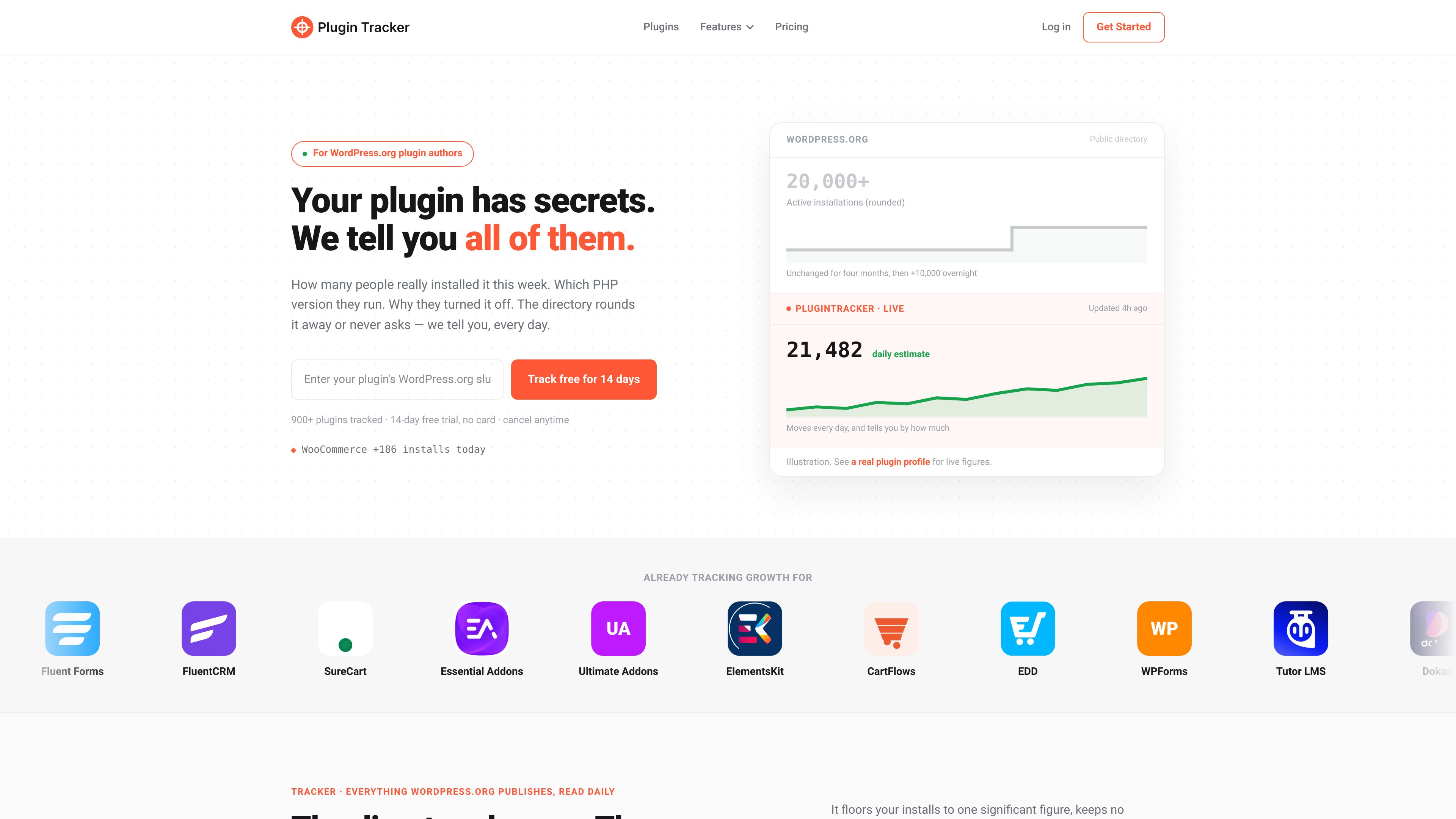
Track granular active-install estimates, downloads, WordPress.org ranking, ratings, reviews, support tickets, and the last successful sync, with historical changes rather than only the directory’s rounded figures.

PluginTracker helps WordPress.org plugin authors monitor daily install estimates, rankings, reviews, support activity, competitors, and opt-in telemetry in one dashboard. It combines directory-based tracking with an optional SDK for site-level environment and deactivation data.
PluginTracker is a monitoring and analytics platform for WordPress.org plugin authors. Its Tracker uses a plugin’s WordPress.org slug to collect daily directory data, including granular active-install estimates, downloads, repository ranking, ratings, reviews, support tickets, and data-freshness status. Unlike the public directory’s rounded figures, the service keeps historical movement so authors can examine changes over time.
The optional Telemetry SDK extends this with information that the directory does not publish. When included in a plugin release, it can collect selected version and environment details and deactivation feedback from sites whose administrators explicitly opt in. Authors choose the fields to request; telemetry is separate from slug-based tracking and requires no data collection without consent.
Track granular active-install estimates, downloads, WordPress.org ranking, ratings, reviews, support tickets, and the last successful sync, with historical changes rather than only the directory’s rounded figures.
Receive same-day alerts for rating drops, new one-star reviews, ticket spikes, rank changes, install declines, and outdated versions. Weekly digests and monthly reports summarize watched plugins.
Generate editable drafts for review responses and support-ticket replies, and analyze review sentiment, recurring ticket themes, and readme or listing content.
Monitor keyword positions, compare plugins using installs, ratings, downloads, and movement, and set goals with projected completion dates.
Create an indexable public plugin profile with directory metrics, rating breakdowns, review counts, support resolution, and a 30-day trend, and use embeddable badges to share growth.
Use the separate SDK to request selected WordPress, PHP, locale, multisite, release, and deactivation-feedback data from consenting site administrators. The author controls the fields collected.
An author can add a WordPress.org slug without changing plugin code, then review daily install and download movement, rank history, reviews, and support activity instead of relying only on rounded public totals.
A support or product owner can use same-day alerts for one-star reviews, ticket spikes, rating changes, or install drops, then use editable AI drafts to prepare responses and investigate recurring themes.
A growth-focused team can track target keyword positions, compare its plugin with competing plugins, and use goals and projections to follow progress over time.
A plugin team that needs information beyond WordPress.org can ship the optional SDK, ask site administrators for consent, and review selected WordPress, PHP, multisite, release, and deactivation-feedback signals.
An author can publish a linkable plugin profile and add an embeddable badge to communicate directory metrics, review activity, support resolution, and recent trends.
No. Tracker monitoring works from a WordPress.org plugin slug and does not require changes to the plugin code. The Telemetry SDK is optional and separate.
It is still an estimate, and the product labels it as such. The service is intended to show daily movement and 1-, 7-, and 30-day differences inside the public directory’s rounded install bucket, with historical data.
No. A site administrator must explicitly opt in before anything is sent. The plugin author chooses which fields to request and how long the SDK waits before asking for consent.
The account and data remain in place, but access to paid capabilities such as granular install estimates, alerts, comparisons, and AI tools is locked until an upgrade. The source states that history is not deleted; install history continues recording while unsubscribed, while keyword collection pauses during a lapse.
Yes. Plans are organized by tracked-plugin count, with options for one, five, or ten tracked plugins. Keyword, competitor, goal, and AI-credit limits vary by plan.
トラフィックデータは参考情報としてご利用ください。
