
Persistent workspaces and panes
Workspaces retain their tabs, split-pane layout, and terminal scrollback. A background process keeps agents running when Bentomux is closed so sessions can be reopened later.
An open-source desktop app for running coding-agent CLIs side by side in persistent workspaces.
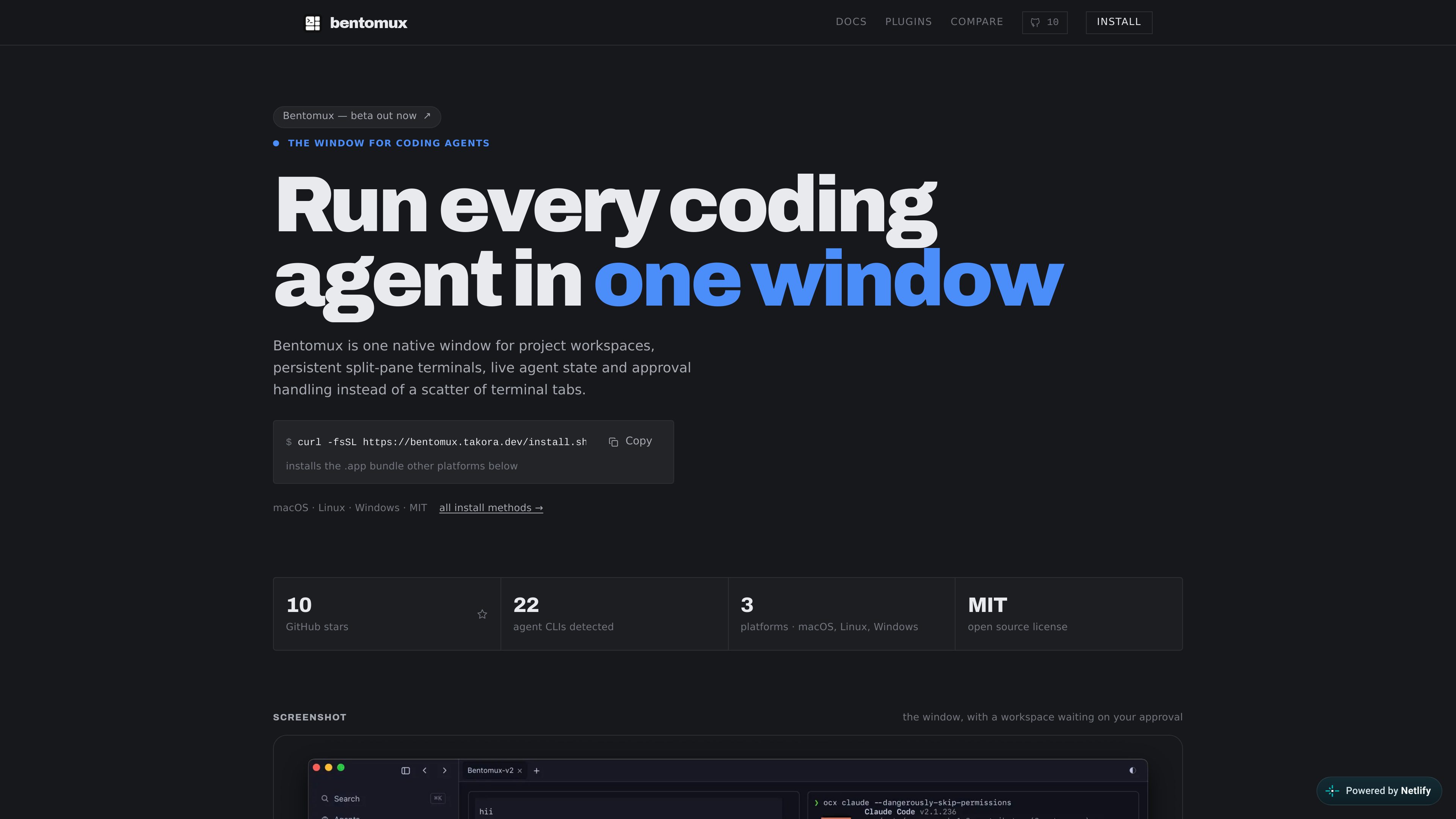
Bentomux is an open-source desktop app for running coding-agent CLIs side by side in one native window. It provides project workspaces with persistent tabs and split panes, keeps terminal sessions available after a restart, and reports whether detected agents are idle, working, or blocked. Approval prompts can be raised in an overlay instead of remaining hidden in another pane. Bentomux runs the CLIs already on the user's PATH and is available for macOS, Linux, and Windows.
Workspaces retain their tabs, split-pane layout, and terminal scrollback. A background process keeps agents running when Bentomux is closed so sessions can be reopened later.
Bentomux detects coding-agent CLIs and labels panes from the CLI it finds. It derives an agent's state from process and terminal activity, showing idle, working, or blocked status.
Permission prompts caught through the hook bridge appear in an always-on-top overlay with options to approve, deny, or jump to the requesting tab.
Agents continue to run as the CLIs on the user's PATH; Bentomux owns their terminals and derives state rather than replacing the tools or holding their prompts.
The native window includes tools for branches, changed files, syntax-highlighted diffs, history, and push.
An optional network monitor mirrors panes and states to a paired browser or phone. Plugins can add buttons, panels, tabs, modals, and background services.
Use separate panes and workspaces to keep multiple agent-driven project tasks visible in one desktop window instead of distributing them across terminal tabs.
Quit the application or restart the machine without rebuilding the workspace; persistent sessions and pane scrollback let you return to the same layout.
Use the idle, working, and blocked indicators to identify which agent needs attention, then respond to an approval from the overlay.
Enable the optional remote monitor, pair a phone or browser over the local network, and inspect panes or answer an approval prompt remotely.
Install or author plugins when the built-in interface is not enough. Plugin Studio reviews the downloaded manifest and declared permissions before installation.
The site lists macOS, Linux, and Windows. Installers and release assets are provided for those platforms.
No. Bentomux runs the CLIs already available on your PATH, owns their terminals, and derives their state instead of wrapping or replacing the agents.
A background process keeps the terminals and agents running. When you reopen the app, the workspace layout, panes, tabs, and scrollback are available again.
Yes. The optional remote monitor serves panes and their states over your own network and can be paired by QR code. It supports viewing runs and responding to approval prompts from a browser or phone.
No sandbox is stated. Plugins run in the app's own context, and their declared permissions and reachable hosts are shown for review before installation. Users should review plugins before installing them.
トラフィックデータは参考情報としてご利用ください。

