
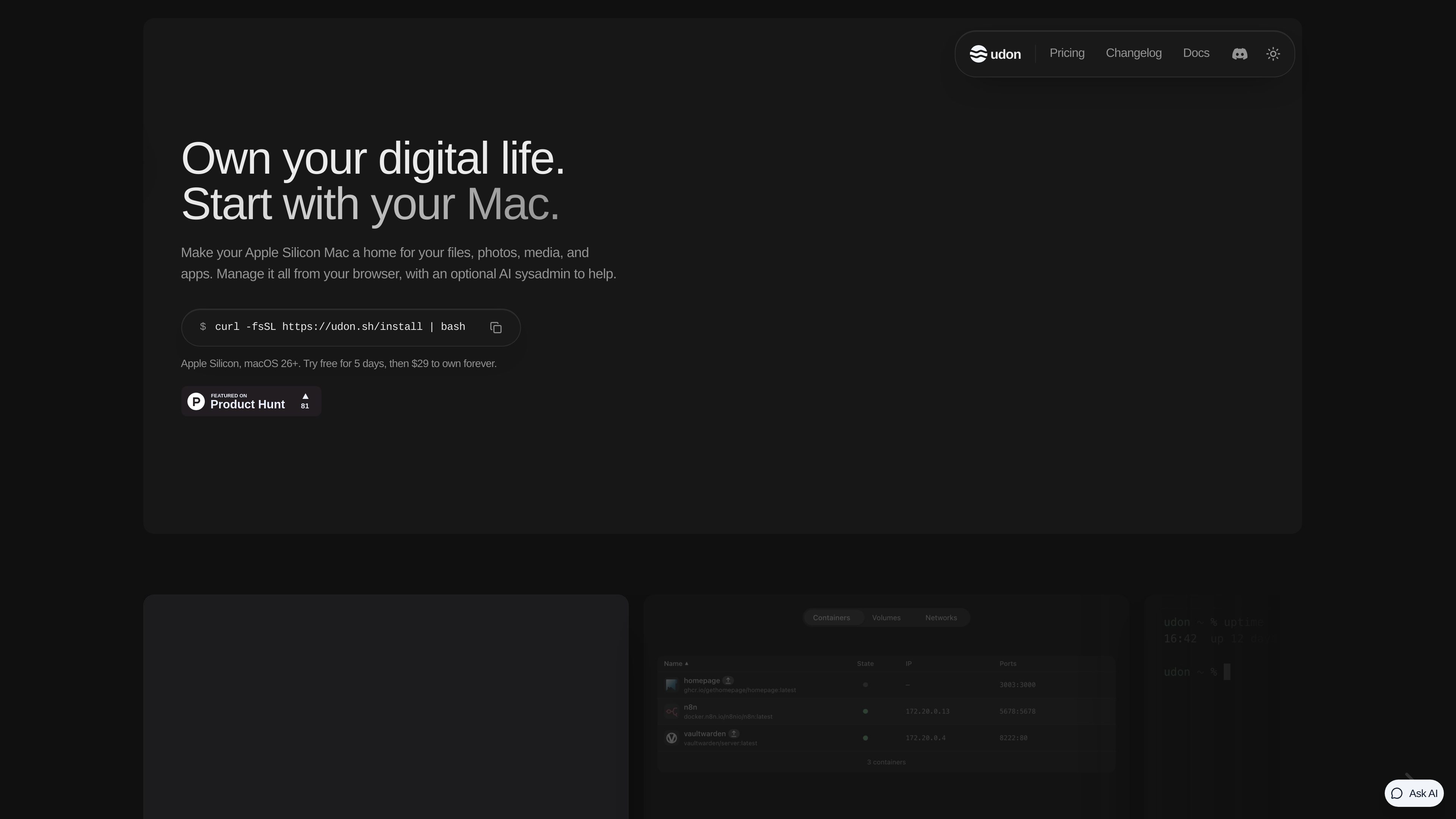
Browser-based Mac administration
Manage applications, containers, packages, files, shares, system activity, terminal sessions, and the Mac’s screen from a browser.

Turn your Apple Silicon Mac into a browser-managed home server for files, photos, media, and self-hosted apps, with optional AI-assisted administration.
Udon turns an Apple Silicon Mac into a home server for files, photos, media, and self-hosted applications while allowing the Mac to continue working as a normal Mac. Its browser dashboard brings server administration into one place, including application deployment, storage, system monitoring, terminal access, and remote desktop.
Udon supports Docker images from registries such as Docker Hub and GitHub Container Registry through Apple Container or OrbStack. OrbStack users can also create compose stacks in a visual Composer. Udon’s App Store provides self-hosted applications with pre-filled settings, while Homebrew packages and other software can be managed from the dashboard.
For remote access, Udon can connect the dashboard, files, and applications over the user’s Tailscale network. Storage tools cover file browsing and previewing, drive-health checks, and SMB shares. Live activity views show CPU, memory, network, power, and running-process information.
An optional assistant can install applications, inspect the server, and investigate problems through the dashboard or external AI clients using MCP. It can use providers such as Anthropic or OpenAI, a compatible local server, or supported coding CLIs installed on the Mac. The assistant runs in the Udon daemon, keeps provider keys out of the browser, records actions in an audit log, and supports configurable approval policies.
Manage applications, containers, packages, files, shares, system activity, terminal sessions, and the Mac’s screen from a browser.
Run standard container images with Apple Container or OrbStack, build visual compose stacks with OrbStack, and manage Homebrew packages.
Use a selected AI provider, local model, or supported coding CLI to deploy, connect, and debug applications through Udon’s APIs.
Browse and preview files, inspect drive health, share folders over the home network, and reach services remotely through Tailscale.
Install applications from Udon’s App Store with settings pre-filled, or find additional software through Docker Hub and Homebrew.
Host services such as Jellyfin or Plex on a Mac and manage the deployments from the Udon dashboard.
Use applications such as Immich, Nextcloud, or Paperless to back up photos, synchronize files, or archive documents on hardware you own.
Run development tools and coding agents on the home Mac, then reach them from a laptop or iPad while away.
Deploy tools such as Vaultwarden or network-wide ad blocking and access them remotely over a Tailscale network.
Udon supports Apple Silicon Macs with an M1 chip or newer running macOS 26 or later. Intel Macs are not supported. Supported models include Mac mini, Mac Studio, MacBook, and iMac.
The site documents installation with one terminal command. After installation, the dashboard is available in a browser on the Mac’s local network, with remote access available through Tailscale.
Yes. It runs standard images from Docker Hub, GitHub Container Registry, and other registries using Apple Container or OrbStack. OrbStack also provides the visual Composer for compose stacks.
The default approval policy asks before every change. Administrators can choose policies for safe reversible changes or all actions, while deletions continue to require approval unless the most permissive policy is selected.
The pricing page offers a five-day trial without requiring a card. After the trial, the dashboard locks until a license is purchased; containers continue running and files and settings remain in place.
トラフィックデータは参考情報としてご利用ください。

deplo.build
Deplo is a self-hosted deployment platform that builds, deploys, and serves applications on servers you own. It provides repository-based deployments, HTTPS, managed data services, access controls, and optional AI-assisted infrastructure operations.

baserow.io
Baserowは、データベース、アプリ、ダッシュボード、自動化を構築できるオープンソースのノーコードDB基盤です。クラウドとセルフホストに対応します。

webiny.com
構造化コンテンツ、Webサイト、ファイルを管理するオープンソースのセルフホスト型ヘッドレスCMS

relaticle.com
Relaticleは、共有レコード、パイプラインとタスクの管理、組み込みのAIチャット、39種類のツールを備えたMCPサーバーを統合した、チーム向けのオープンソースCRMです。ホスト型ワークスペースを利用するか、AGPL-3.0のアプリケーションをセルフホストし、MCPとREST API経由で外部AIエージェントに接続できます。

mobilebuilds.app
Mobile Builds is a native app for iPhone, iPad, Mac, and Apple Vision Pro that lets Apple-platform developers monitor and manage Xcode Cloud runs. It provides run status and history, build controls, workflow editing, and optional access for Xcode and Claude Code through a local read-only MCP server.