
Xcode Cloud run monitoring
View build status and recent activity for apps and workflows from supported Apple devices.

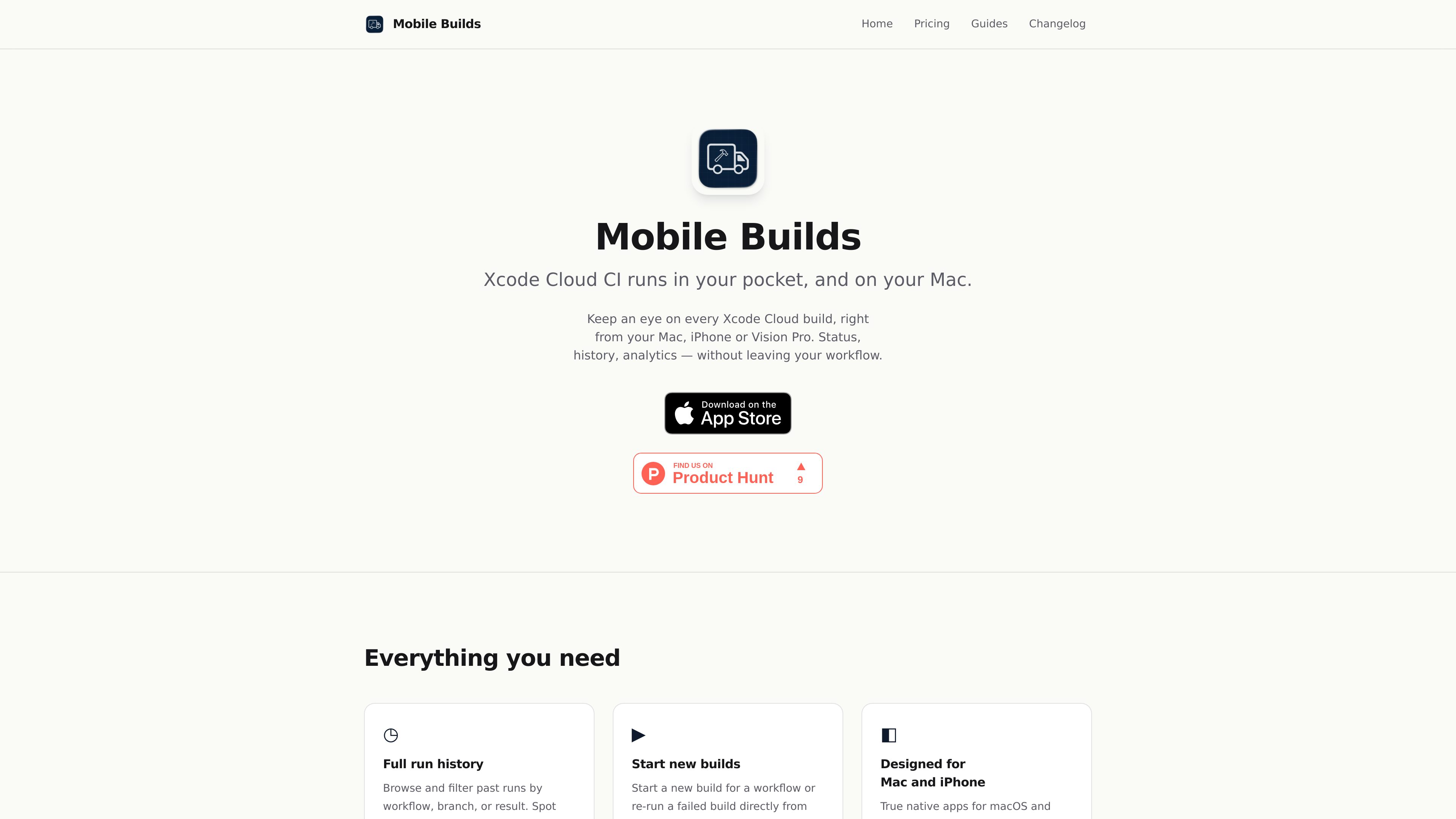
Mobile Builds is a native app for iPhone, iPad, Mac, and Apple Vision Pro that lets Apple-platform developers monitor and manage Xcode Cloud runs. It provides run status and history, build controls, workflow editing, and optional access for Xcode and Claude Code through a local read-only MCP server.
Mobile Builds is a native client for Apple-platform developers who use Xcode Cloud. It connects directly to Apple's App Store Connect APIs so users can inspect build status, review run history, and manage selected Xcode Cloud tasks from iPhone, iPad, Mac, or Apple Vision Pro without opening App Store Connect in a browser. The app requires an Apple Developer account with Xcode Cloud access and an App Store Connect API key.
It combines build monitoring with practical controls: users can review runs, start or re-run builds, and create or edit workflows. iOS and macOS provide at-a-glance access through a latest-runs widget and menu bar app, while Siri, Shortcuts, and Spotlight support additional entry points.
Mobile Builds states that credentials and build data do not pass through its own servers. Credentials remain in the system or iCloud Keychain, and the app communicates directly with Apple's APIs. On Mac, an optional local MCP server helper can provide read-only build context to Xcode's coding assistant and Claude Code while Mobile Builds is running and unlocked.
View build status and recent activity for apps and workflows from supported Apple devices.
MobileBuilds+ subscribers can browse full history and filter or sort workflows and runs by details such as workflow, branch, or result.
Start a new workflow run, re-run a failed build, and create or edit Xcode Cloud workflows from the app.
Use the iOS latest-runs widget or macOS menu bar app to check current activity without opening the full app.
Ask Siri to start or re-run a build, add Mobile Builds actions to Shortcuts, and find recent runs in Spotlight.
On Mac, the MCP helper lets Xcode's coding assistant and Claude Code read build context through a localhost, read-only connection.
Review whether an Xcode Cloud run passed, inspect recent activity, or start a run from an iPhone or iPad while away from the workstation.
Use historical runs and filters to compare workflows, branches, and results when looking for flaky or recurring build patterns.
Create a new Xcode Cloud workflow or adjust an existing one directly in Mobile Builds instead of switching to a browser-based dashboard.
On a Mac with the MCP helper installed, Xcode's coding assistant or Claude Code can read run details, failing steps, logs, and related build context while the developer works on the code.
You need an Apple Developer account with access to Xcode Cloud, an App Store Connect API key, and iOS 26, iPadOS 26, macOS 26, or visionOS 26 or later.
No. Mobile Builds states that it has no backend servers for this purpose. Credentials remain in the system or iCloud Keychain, and the app communicates directly with Apple's APIs.
No. Mobile Builds is specifically an Xcode Cloud client using Apple's App Store Connect API. It is not a dashboard for GitHub Actions, Bitrise, Codemagic, CircleCI, Jenkins, or self-hosted fastlane builds.
On a Mac, they can read apps, workflows, run history, status, branches, commits, durations, triggers, failing steps, logs, and result bundles where supported by the plug-in. The connection is read-only; starting, re-running, and cancelling builds still happen in Mobile Builds.
The app is free to download. MobileBuilds+ costs $4.99 USD per month or $49.99 USD per year and adds full run history plus filtering and sorting across workflows and runs. Subscriptions are managed in the App Store.
トラフィックデータは参考情報としてご利用ください。

deplo.build
Deplo is a self-hosted deployment platform that builds, deploys, and serves applications on servers you own. It provides repository-based deployments, HTTPS, managed data services, access controls, and optional AI-assisted infrastructure operations.

omniline.app
Omni Line is a self-hosted package registry for teams that publish and consume packages across multiple ecosystems. It provides hosted, proxy, and virtual registries through one UI and REST API, with organization access controls and OSV-backed vulnerability checks.

relaticle.com
Relaticleは、共有レコード、パイプラインとタスクの管理、組み込みのAIチャット、39種類のツールを備えたMCPサーバーを統合した、チーム向けのオープンソースCRMです。ホスト型ワークスペースを利用するか、AGPL-3.0のアプリケーションをセルフホストし、MCPとREST API経由で外部AIエージェントに接続できます。

pastea.app
Pastea is a clipboard history manager for macOS that saves copied text, links, code, images, files, and screenshots for later search and reuse. It helps developers, marketers, designers, and other Mac users recover and paste frequently used content without manually organizing it.

www.udon.sh
Turn your Apple Silicon Mac into a browser-managed home server for files, photos, media, and self-hosted apps, with optional AI-assisted administration.

opaline.so
Opalineは、Claude CodeとCodexのセッションをチーム全体で分析し、メッセージ単位でtokenコスト、所要時間、スキルの利用状況を追跡します。組織全体の活動や詳細なセッショントレースを確認し、コーディングエージェントの導入状況や利用パターンを把握できます。