
Coding & Development
Explore this collectionProducts



ThunderPhone
Developer Tools
ThunderPhone is an AI phone agent platform for building, testing, and deploying voice agents for inbound, outbound, and web or app-based calls. It is aimed at teams that need production call handling with telephony, language support, and workflow integrations in one stack.
Freemium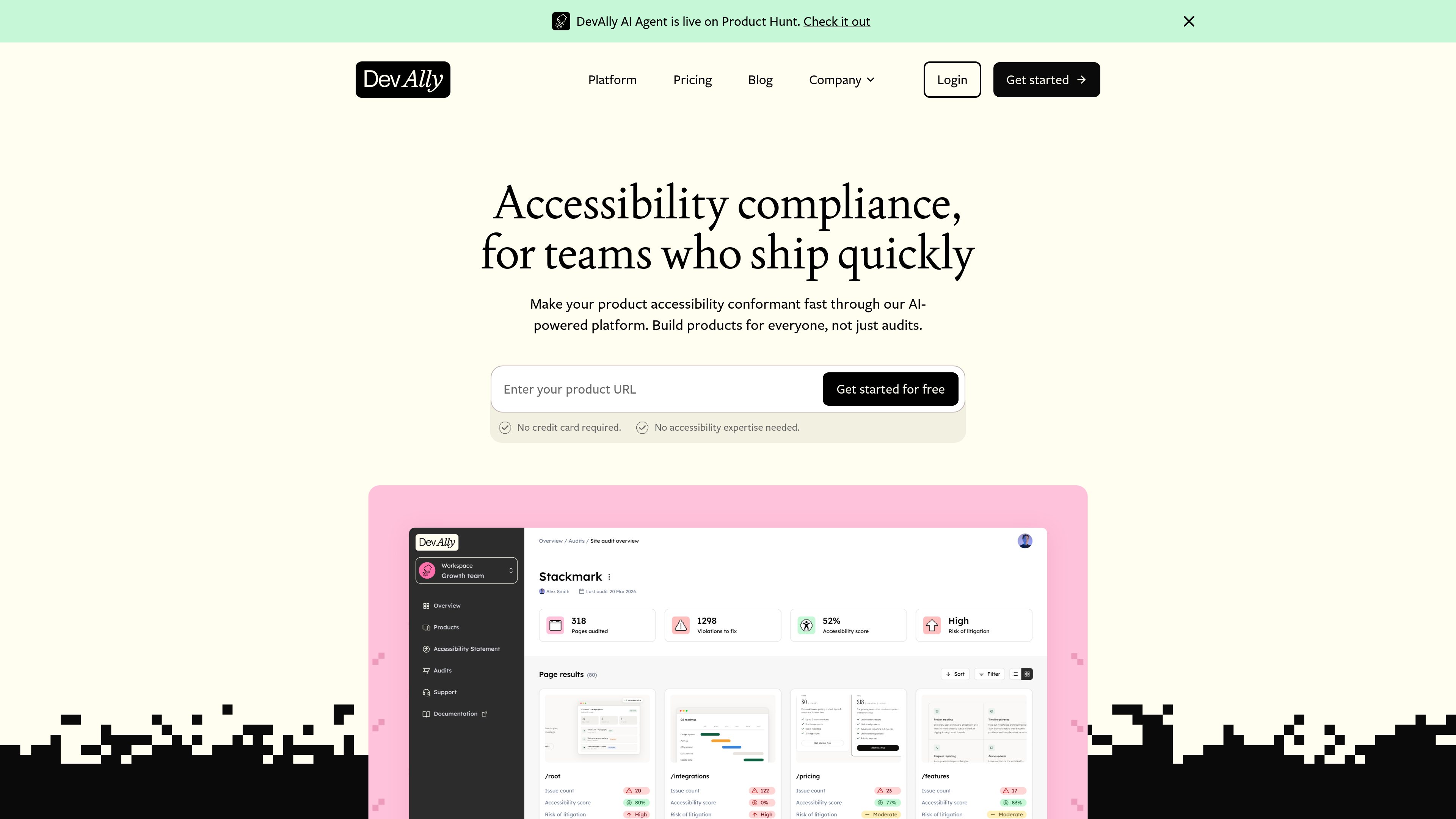







Relaticle
Developer Tools
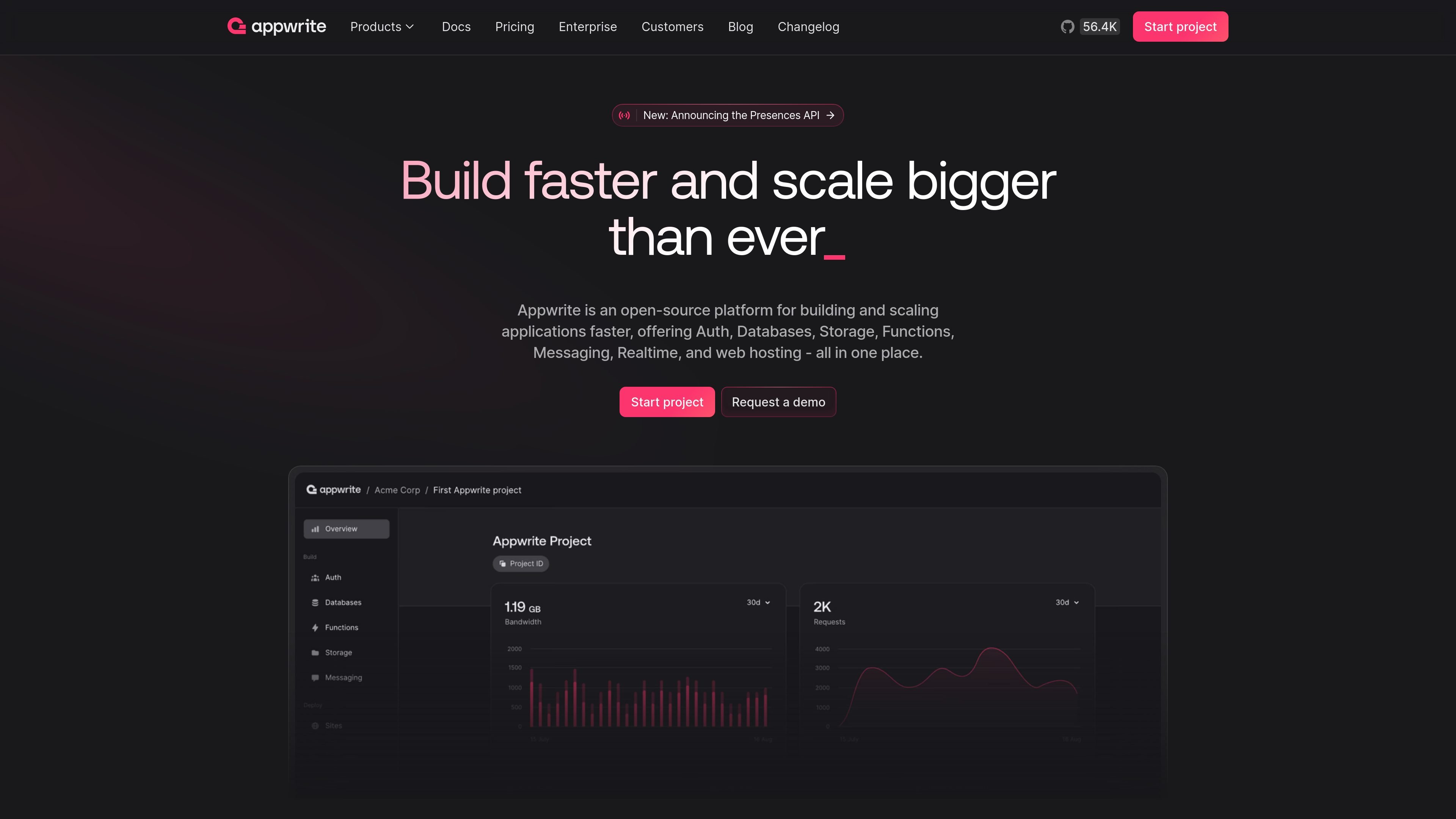
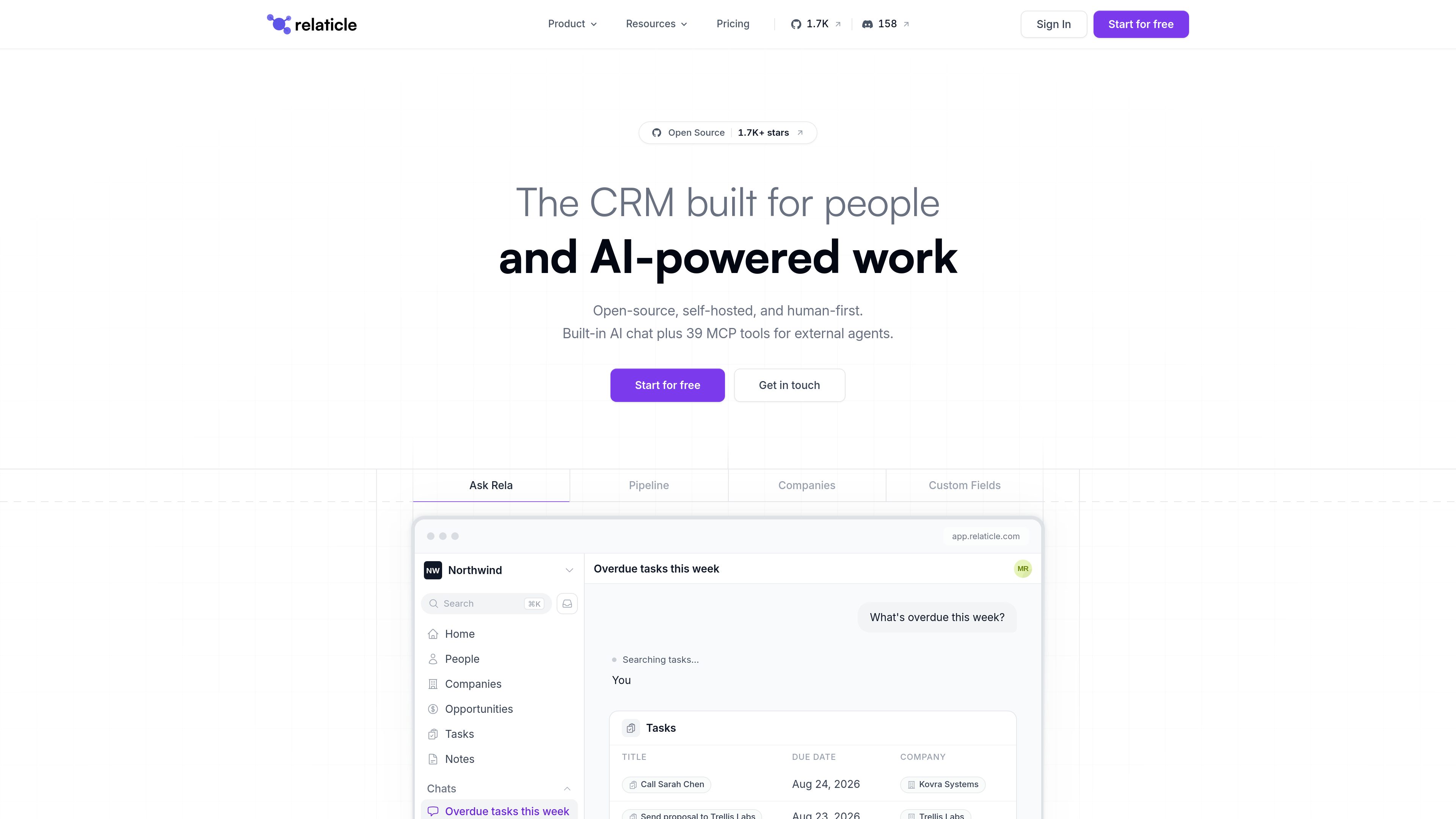
Relaticle is an open-source CRM for teams that combines shared records, pipeline and task management with built-in AI chat and a 39-tool MCP server. Teams can use the hosted workspace or self-host the AGPL-3.0 application and connect external AI agents through MCP and REST API access.
Freemium


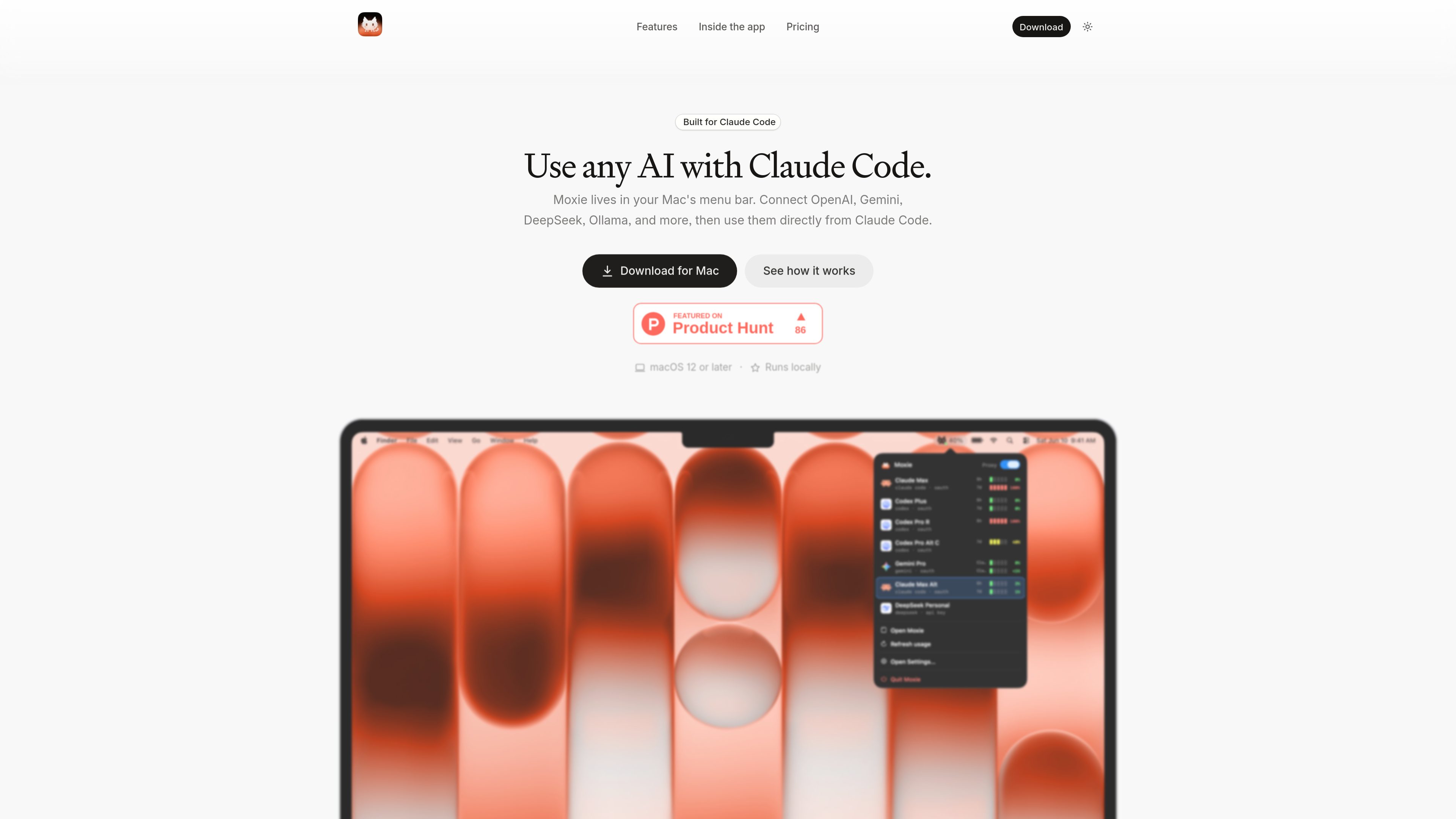



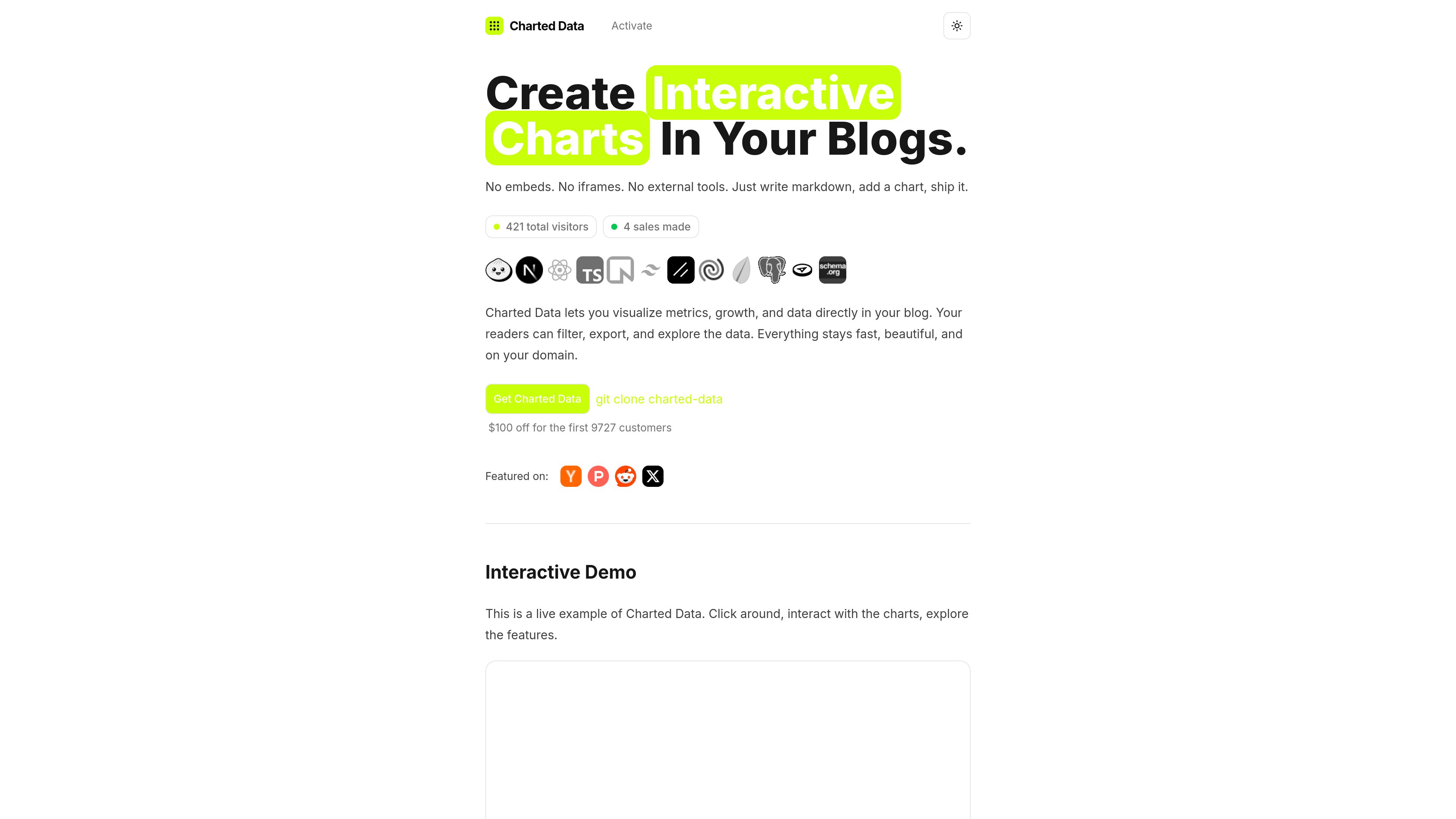

Charted Data
Developer Tools
Charted Data is a source-code blog platform for publishing MDX content with interactive charts directly on a site. It helps technical writers, analysts, founders, and data-focused teams present metrics and data stories without relying on screenshot-based charts or third-party embeds.
Freemium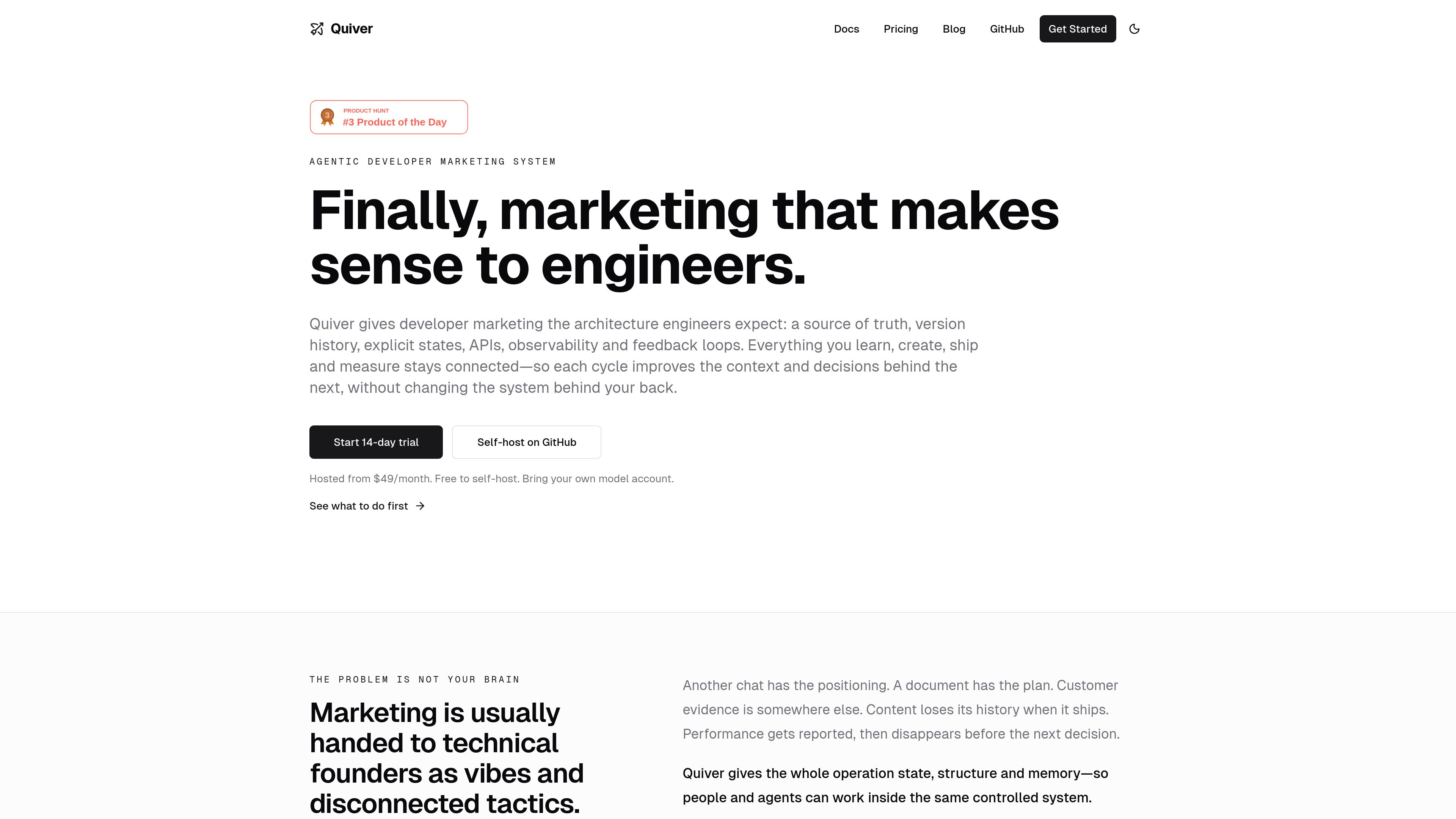

Quiver
Developer Tools
Quiver is an agentic developer marketing system for technical founders, developer marketing teams, and the agents they use. It brings approved product context, customer research, campaigns, content, publishing states, tasks, and performance results into one versioned workflow.
Freemium



Elva
Developer Tools
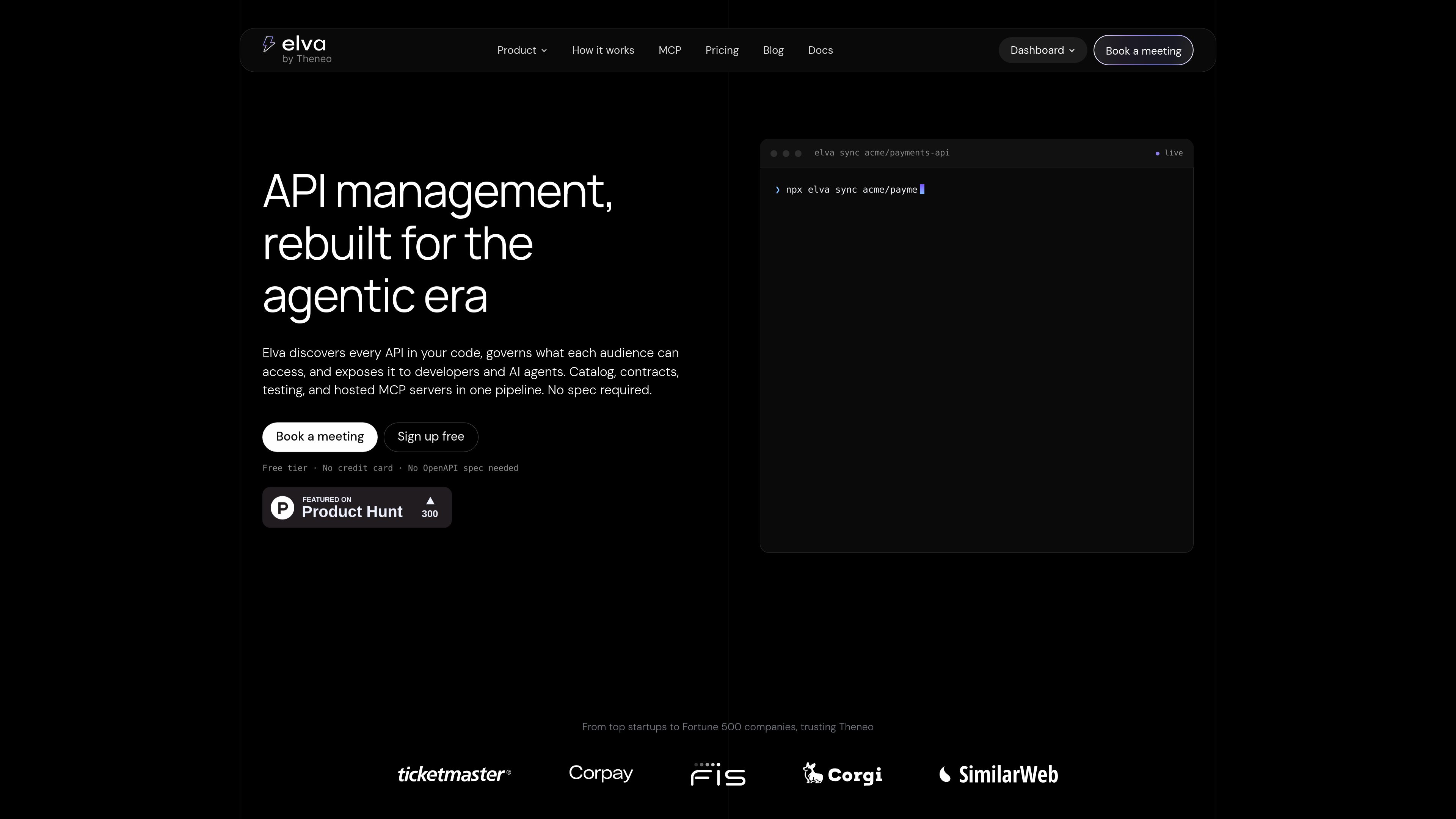
Elva is an API management platform that discovers APIs from source repositories, evaluates their design and AI readiness, and governs how they are published to developers and AI agents. It generates contracts, documentation, MCP servers, and related delivery artifacts without requiring an existing OpenAPI specification.
Freemium

Mobile Builds
Developer Tools
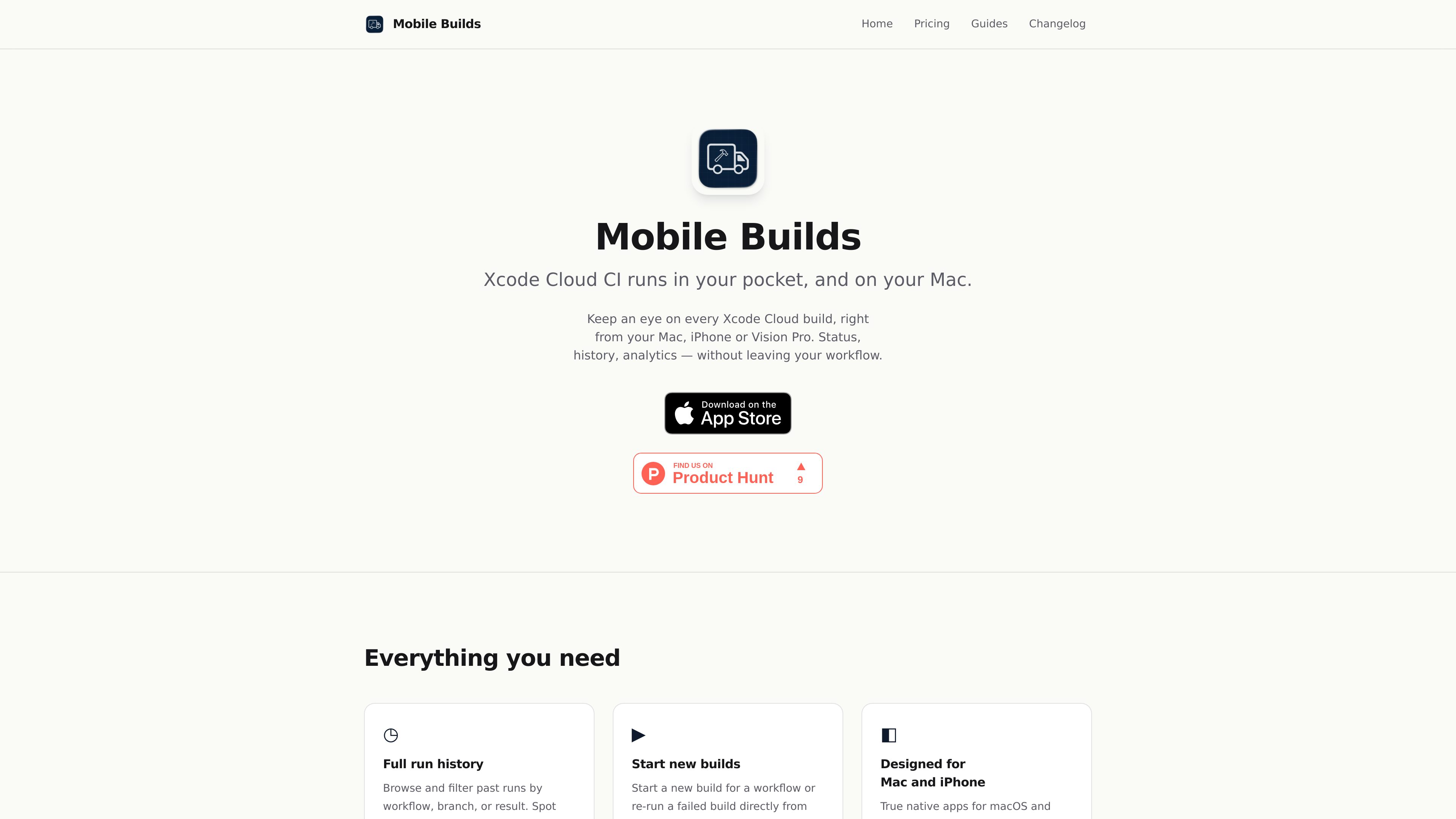
Mobile Builds is a native app for iPhone, iPad, Mac, and Apple Vision Pro that lets Apple-platform developers monitor and manage Xcode Cloud runs. It provides run status and history, build controls, workflow editing, and optional access for Xcode and Claude Code through a local read-only MCP server.
Freemium

Frequently asked questions
How can I compare tools in Developer Tools?
Compare each product’s description and pricing model, then check its official website for the features, limits and current plans you need.
Where can I check features and pricing?
Open a tool’s detail page for more product information. Use its official website link to confirm current features, prices and usage limits.