

2026 Best AI DevOps Assistant tools
AI DevOps assistants help developers automate workflows, monitor systems, troubleshoot incidents, and manage cloud infrastructure more efficiently.
Maintained by Findings24
Coding & Development
Explore this collectionProducts


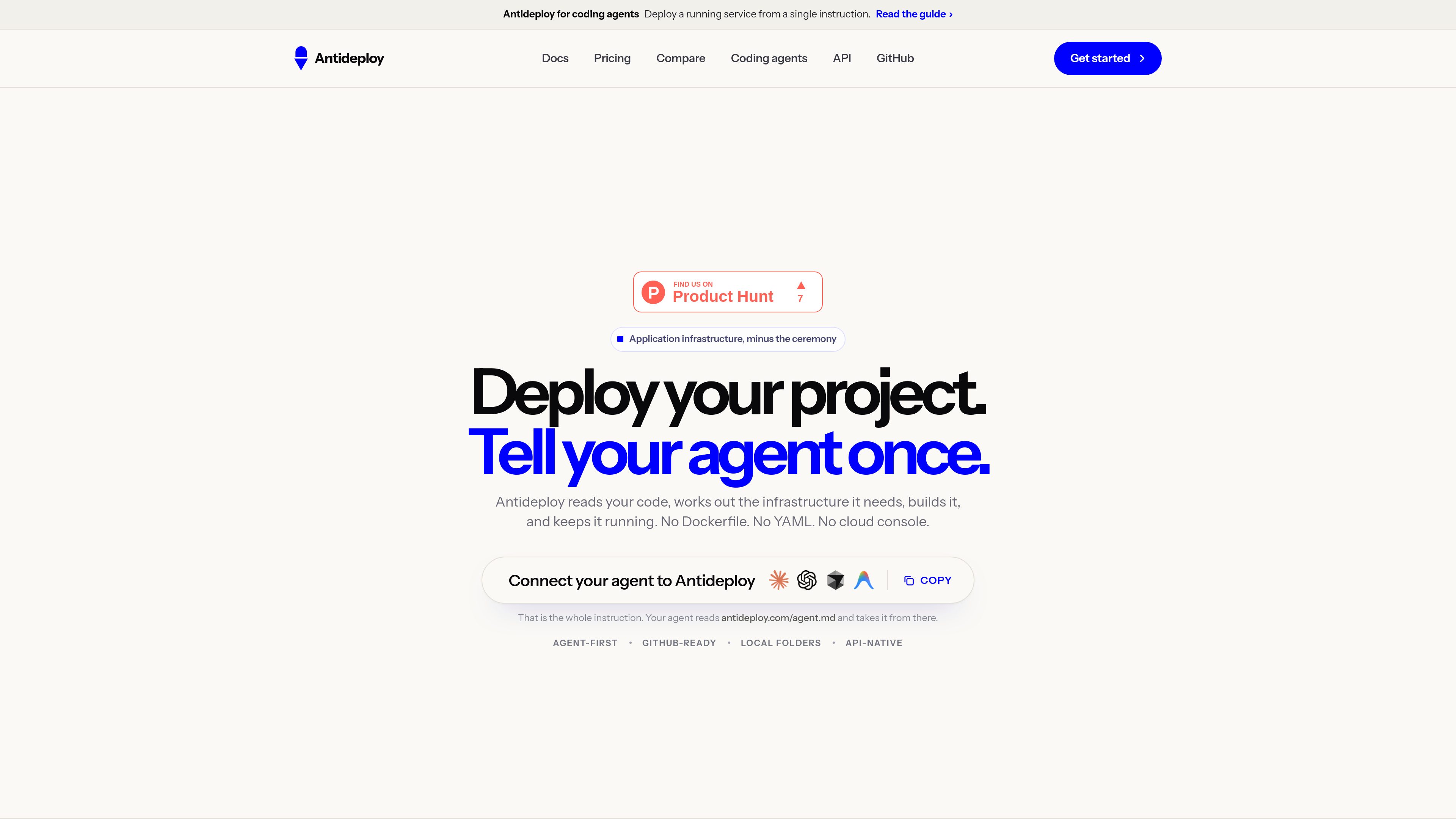

Antideploy
AI DevOps Assistant
Antideploy is a deployment platform that analyzes application code, determines the required runtime and infrastructure, builds it, and serves it over HTTPS. Deploy from GitHub, a local folder, an API, or coding agents without writing a Dockerfile or YAML configuration.
Freemium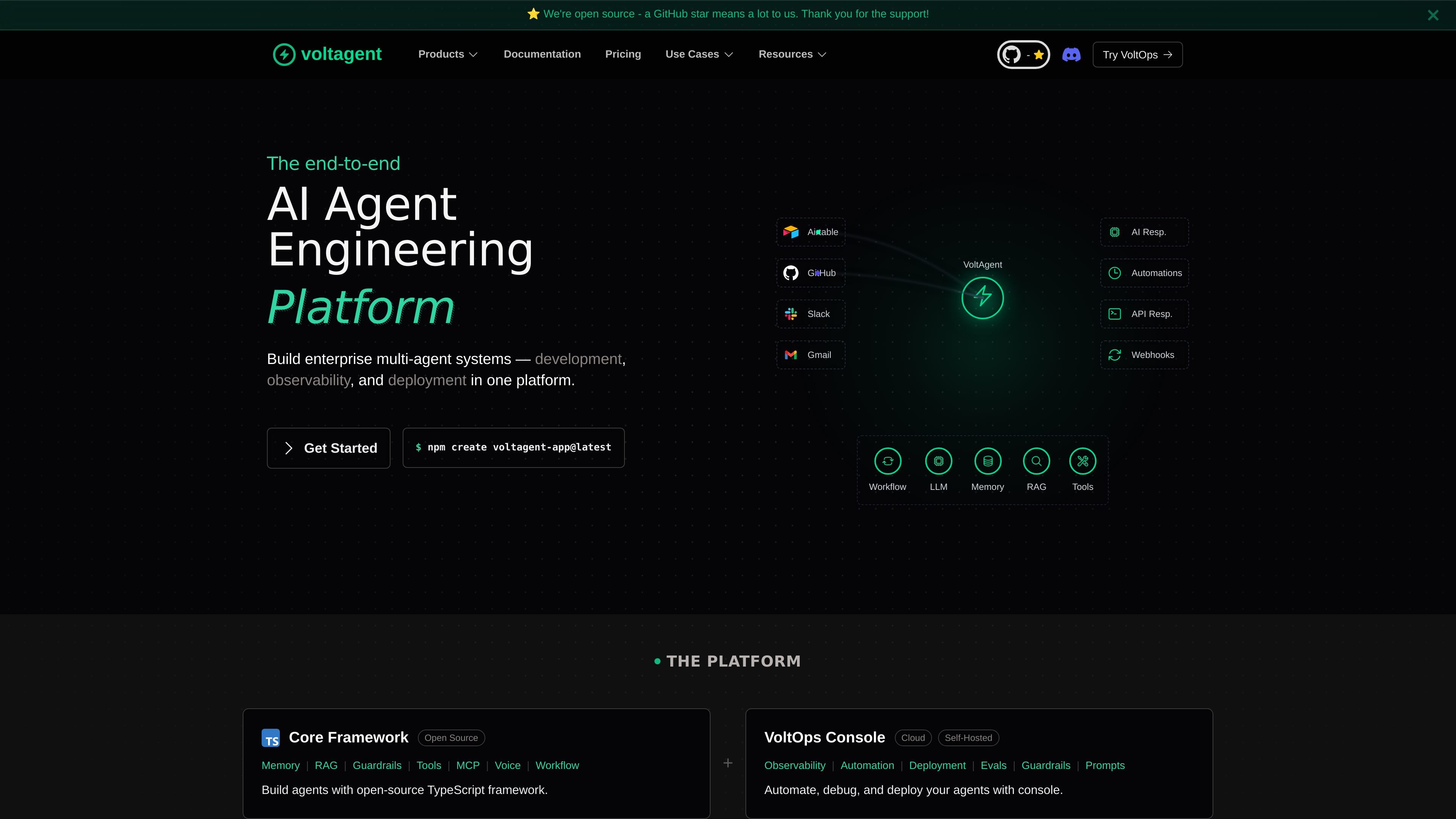

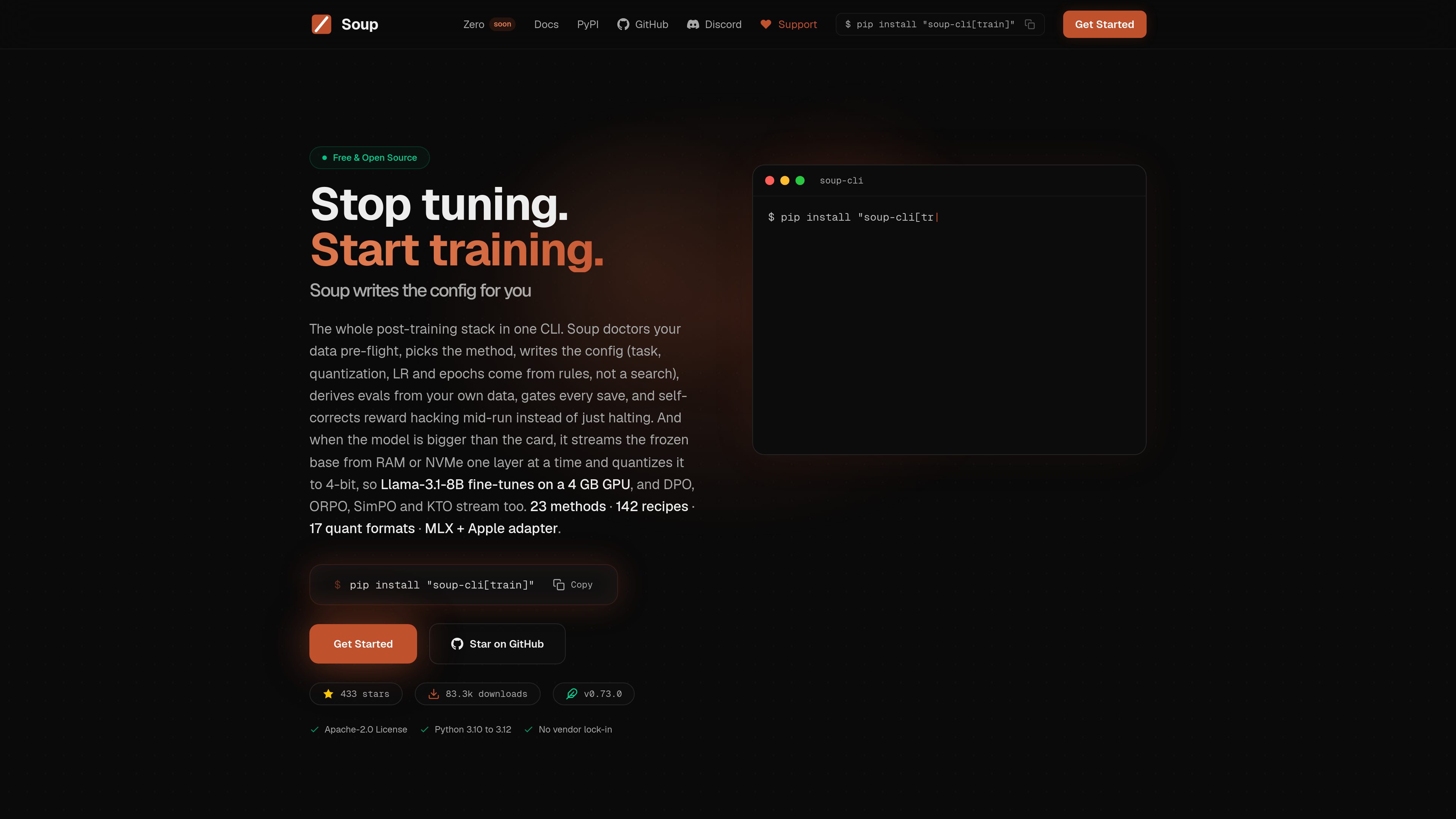

Soup CLI
AI DevOps Assistant
Soup CLI is an open-source command-line tool for post-training and related model workflows, including fine-tuning, preference training, evaluation, merging, deployment, and data preparation. It is aimed at users who want a single offline CLI to manage model training and shipping on local or borrowed hardware.
Freemium

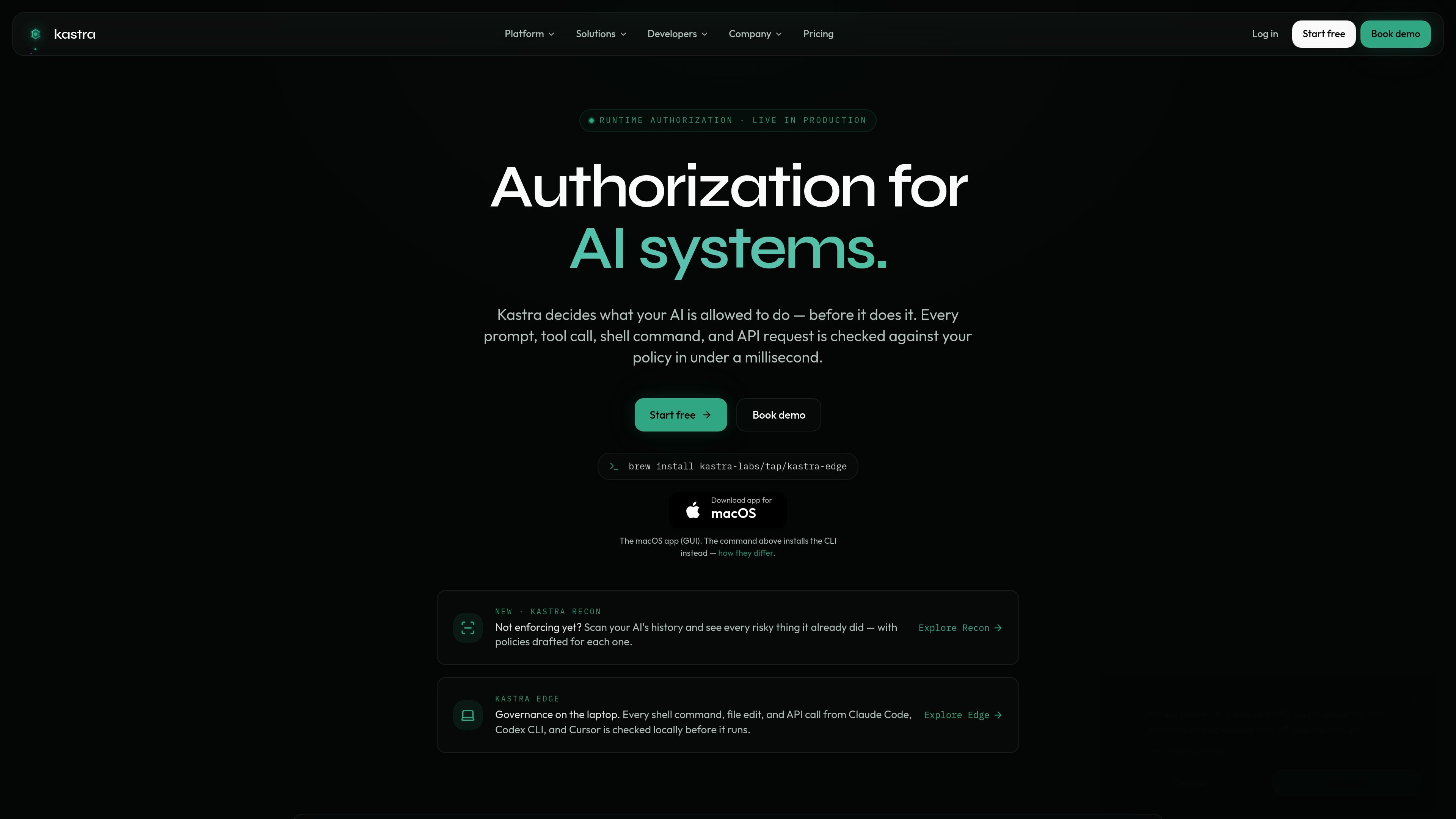


HyperProbe
AI DevOps Assistant
HyperProbe is an AI-assisted production debugging tool that places read-only probes in running application code to capture live variable state—without a redeploy or restart. It helps engineering and on-call teams investigate incidents that logs and traces can’t explain.
Freemium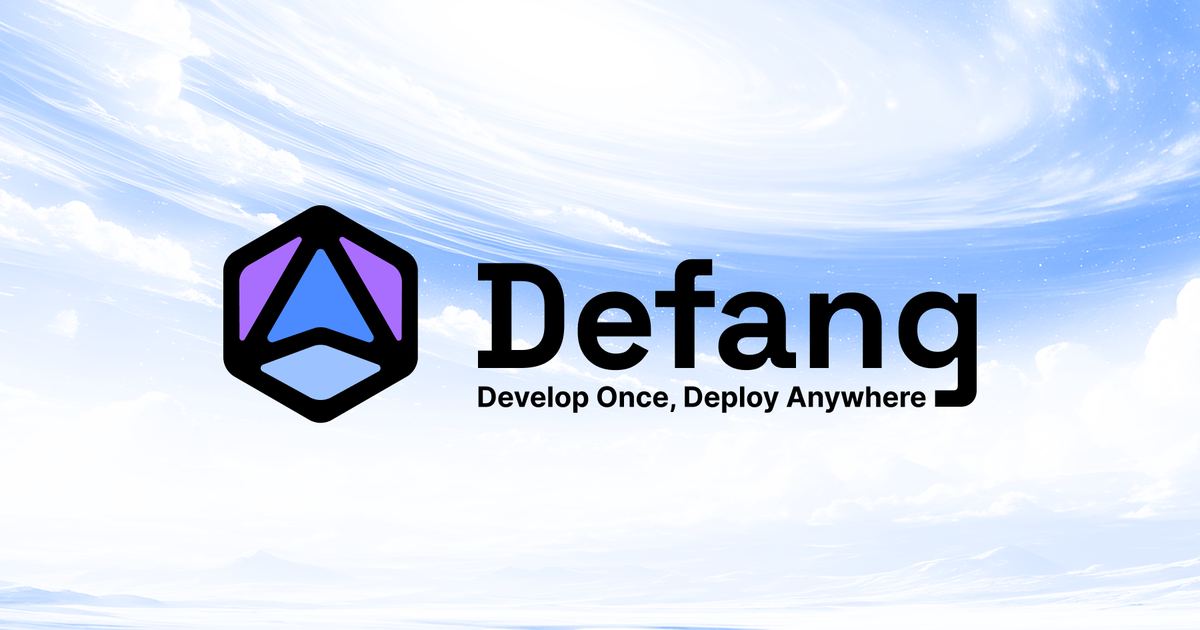



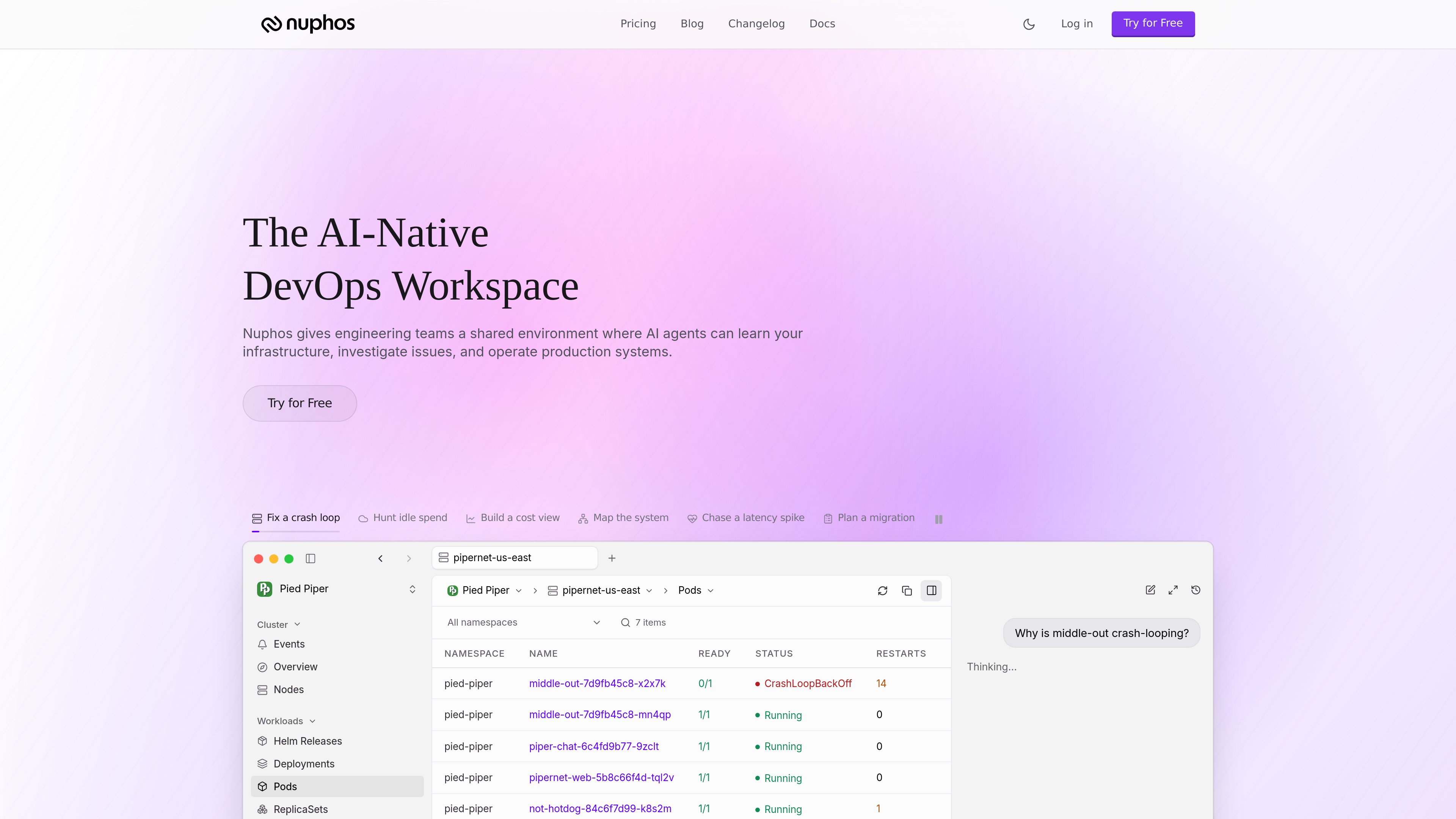






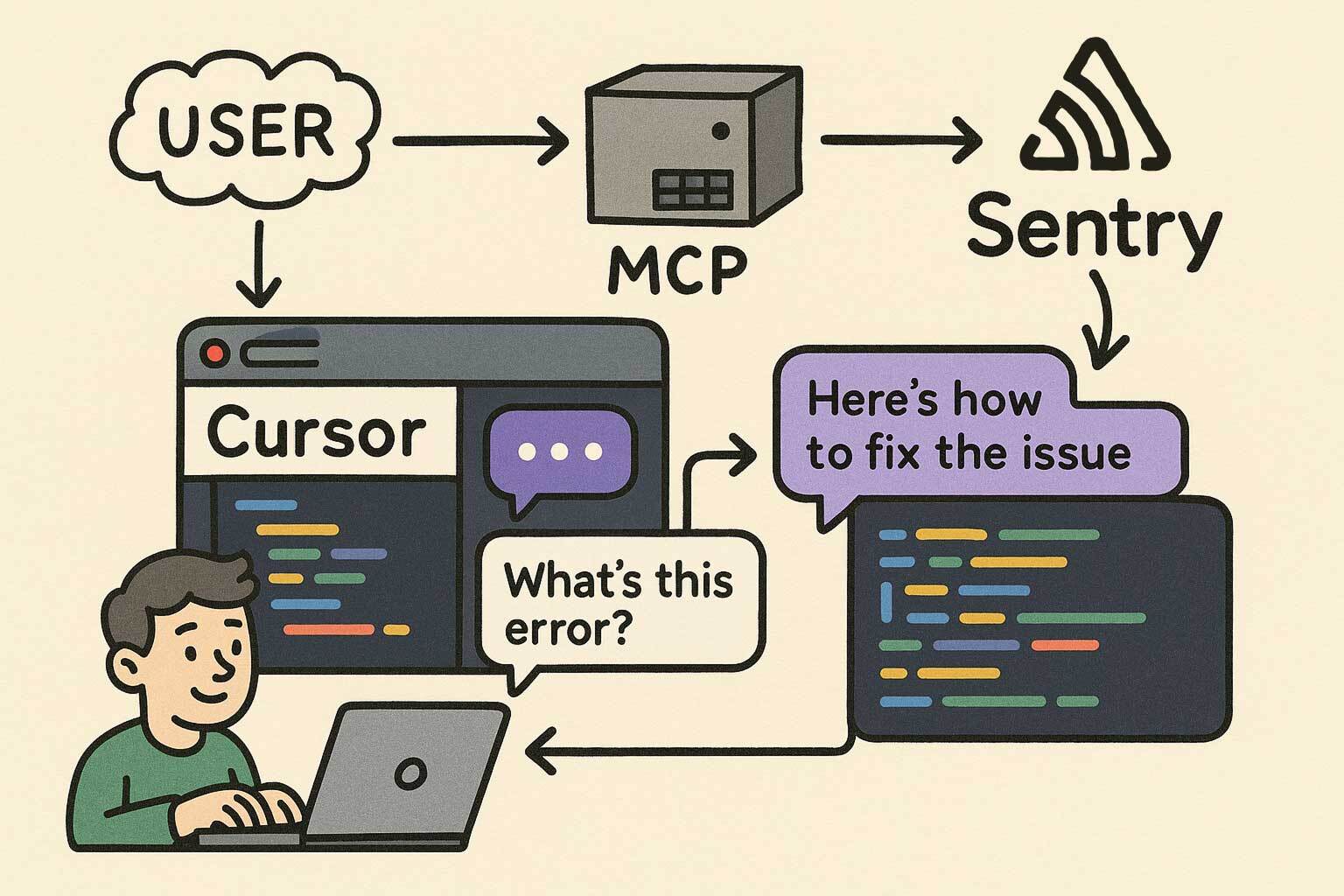

Sentry MCP Server
AI DevOps Assistant
Sentry MCP Server connects MCP-compatible AI assistants to Sentry for searching errors, analyzing performance, triaging issues, reading documentation, and managing projects. It uses OAuth and HTTP endpoints that can be scoped to an organization or project.
Freemium





Frequently asked questions
What problems do AI DevOps Assistant tools address?
AI DevOps assistants help developers automate workflows, monitor systems, troubleshoot incidents, and manage cloud infrastructure more efficiently.
Does generating code mean a tool can finish a project?
A snippet is different from a maintainable system. Test a cross-file change in a real repository, including dependencies, conventions, tests and a successful build. A blank-project demo does not establish suitability for an existing codebase.
What should I check before connecting a private repository?
Review upload scope, retention, training policies and team permissions. Exclude secrets and customer data. Check read-only modes, command restrictions and change logs, especially when the tool can execute tasks without manual steps.
Should I choose an AI builder or a coding assistant?
For a small presentation site, editing and publishing convenience may matter most. For custom logic and long-term development, examine source export, database ownership and migration options. Establish what you can take with you before committing core workflows.