

2026 Best AI Code Review tools
AI code review tools help developers detect bugs, security issues, and style problems, suggest improvements, and streamline pull request feedback.
Coding & Development
Explore this collectionTools










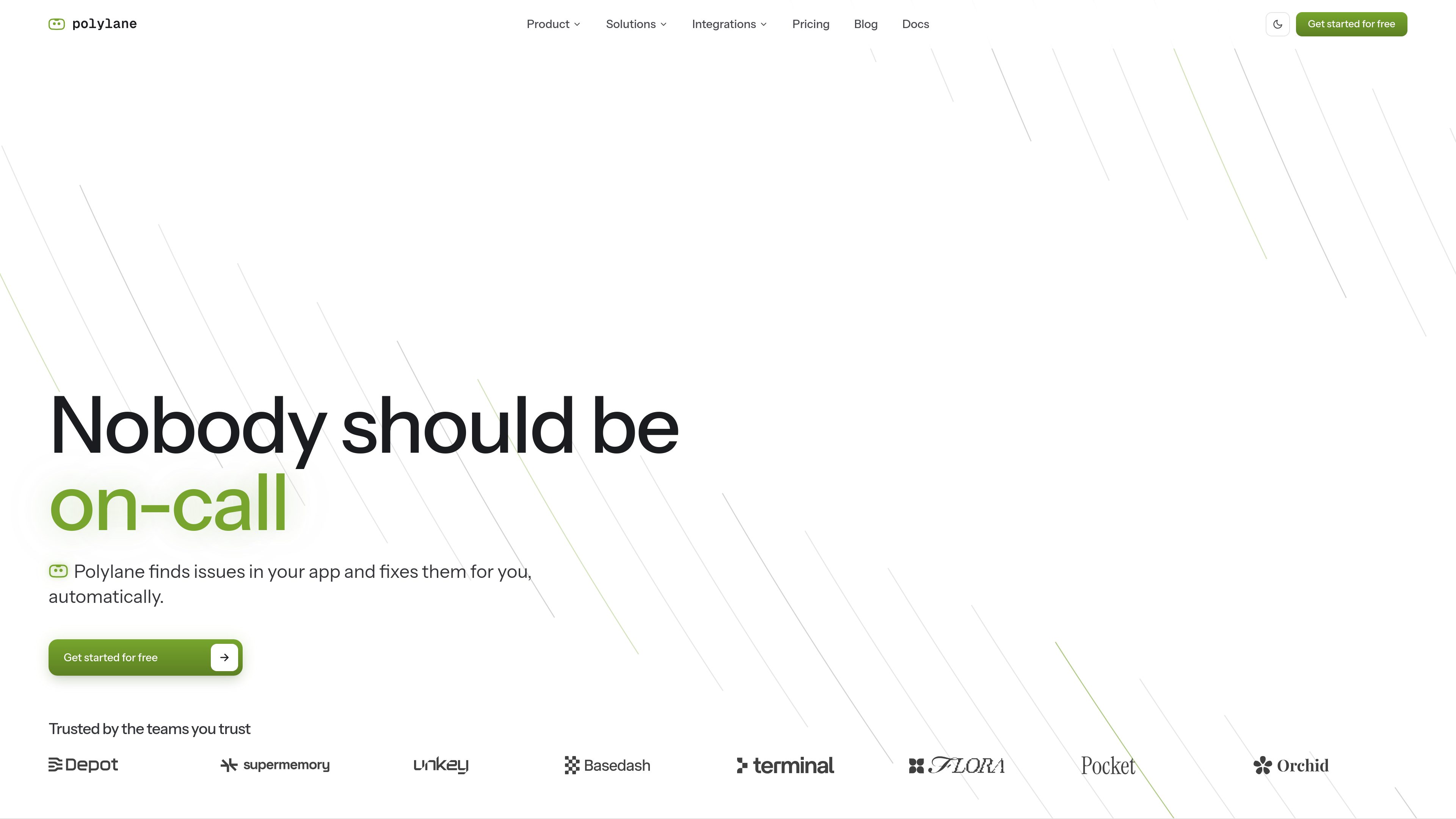

Polylane
AI DevOps Assistant
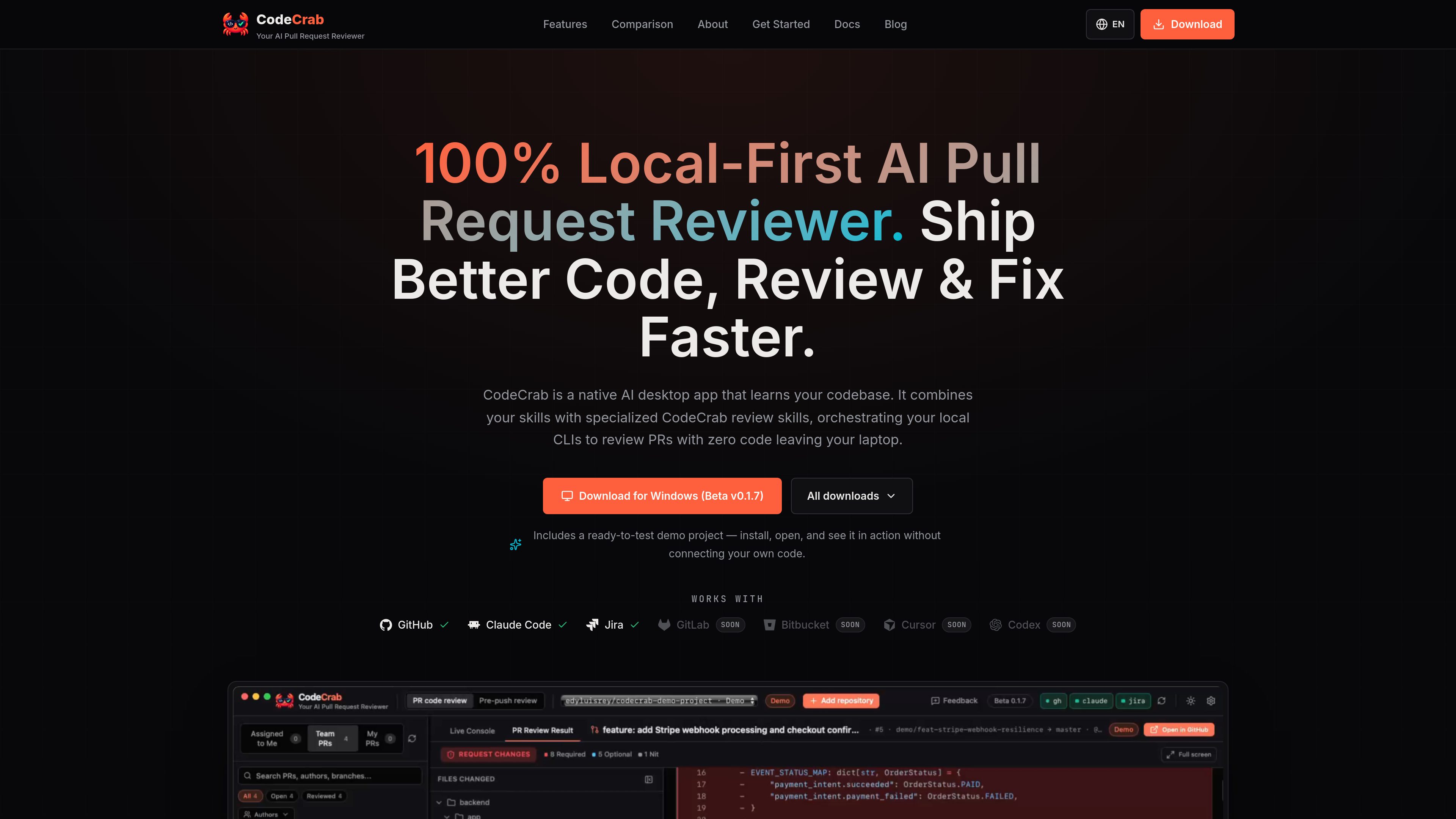
Polylane is an AI operations platform that connects cloud resources, code, and observability data to detect incidents, investigate causes, review production impact, and prepare fixes. It is designed for engineering and DevOps teams that want automated incident response and production change analysis.
Freemium






GitWarren
AI Code Review
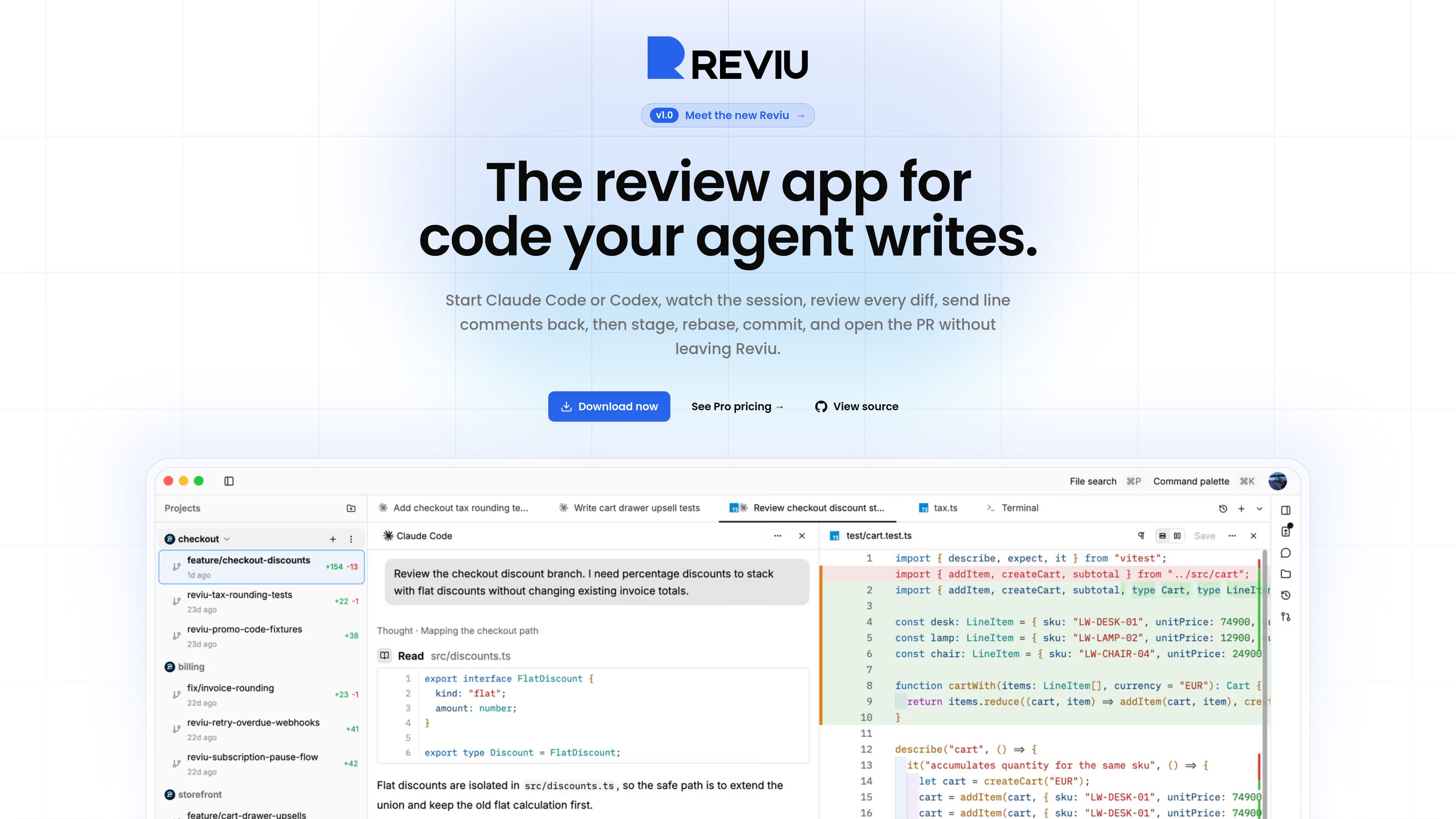
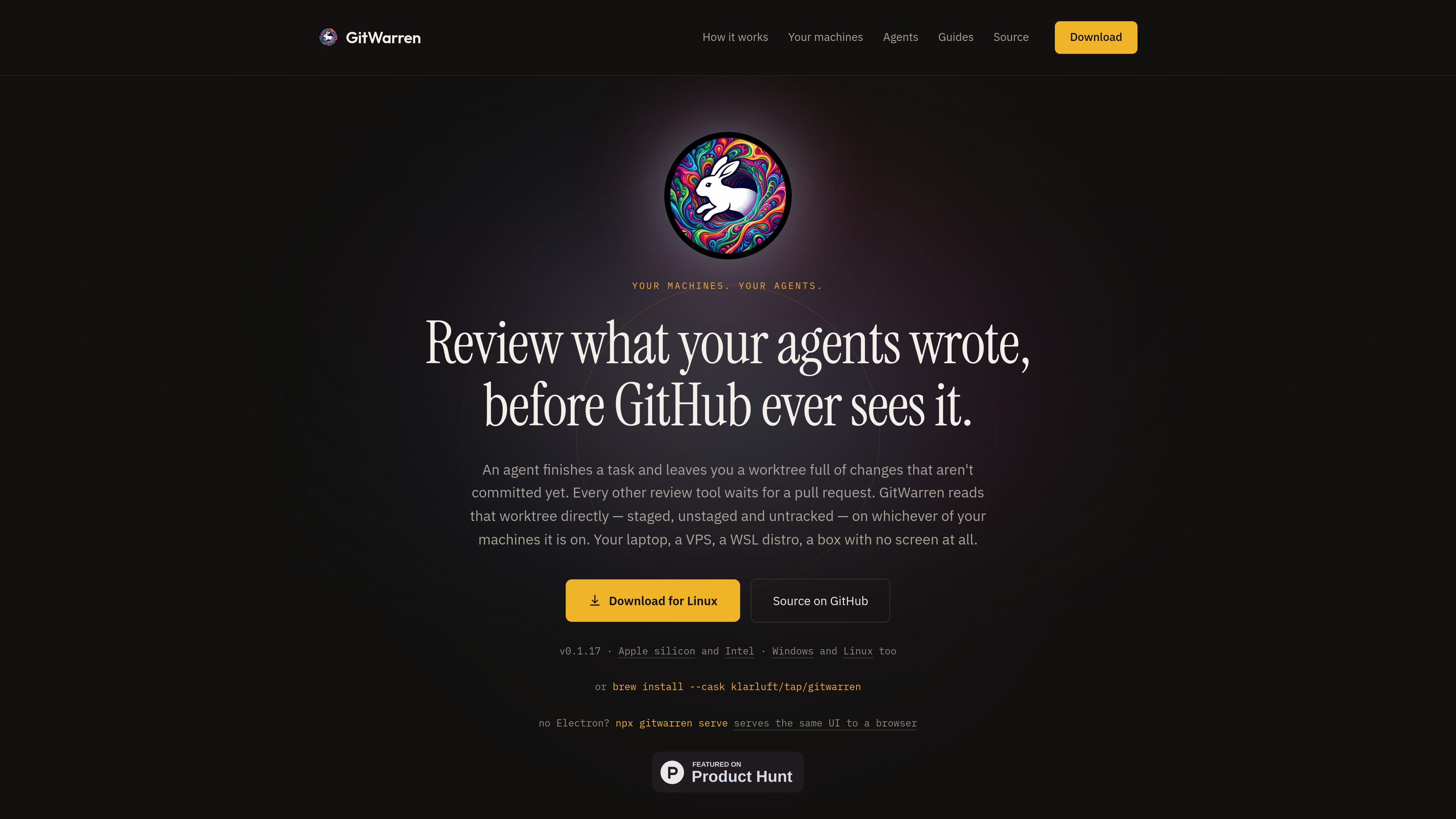
GitWarren is a local code-review tool for inspecting and commenting on the staged, unstaged, and untracked changes in an agent’s Git worktree before they are committed or pushed. It runs on the machine containing the repository and can be used through a desktop app, a browser, or an MCP server connected to coding agents.
Freemium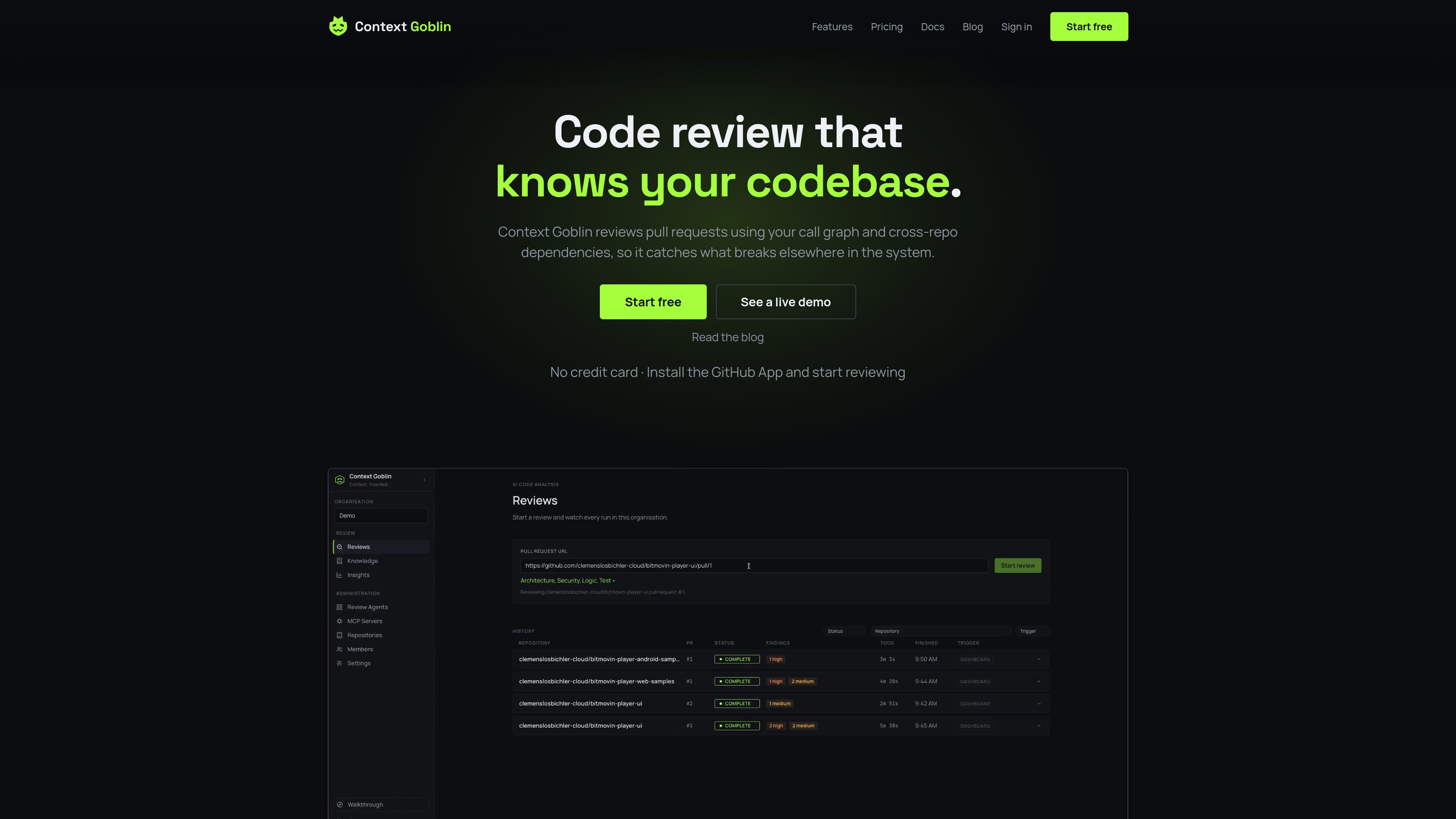



Amazon Q Developer
AI Code Assistant
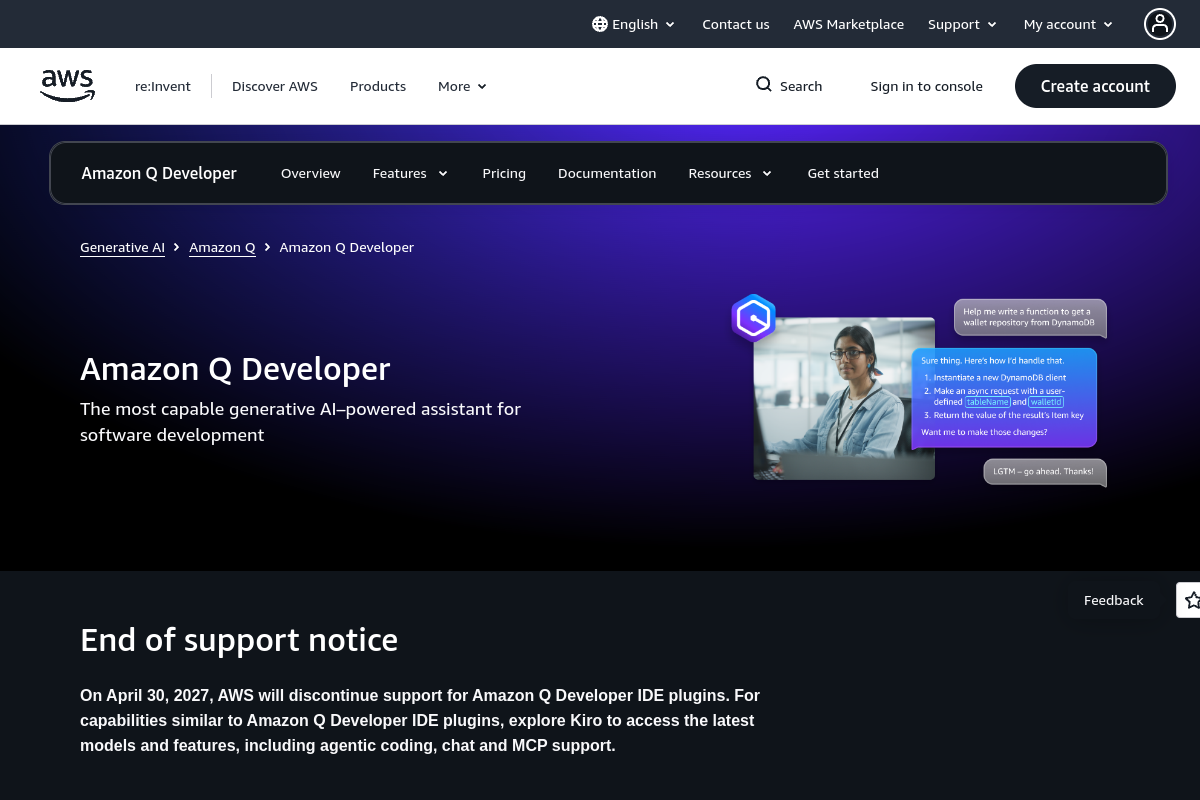
Amazon Q Developer is an AI-powered coding assistant for software developers. It provides code suggestions, chat, testing, security scanning, refactoring, and agentic help across supported IDEs, the command line, AWS tools, and selected collaboration workflows.
Freemium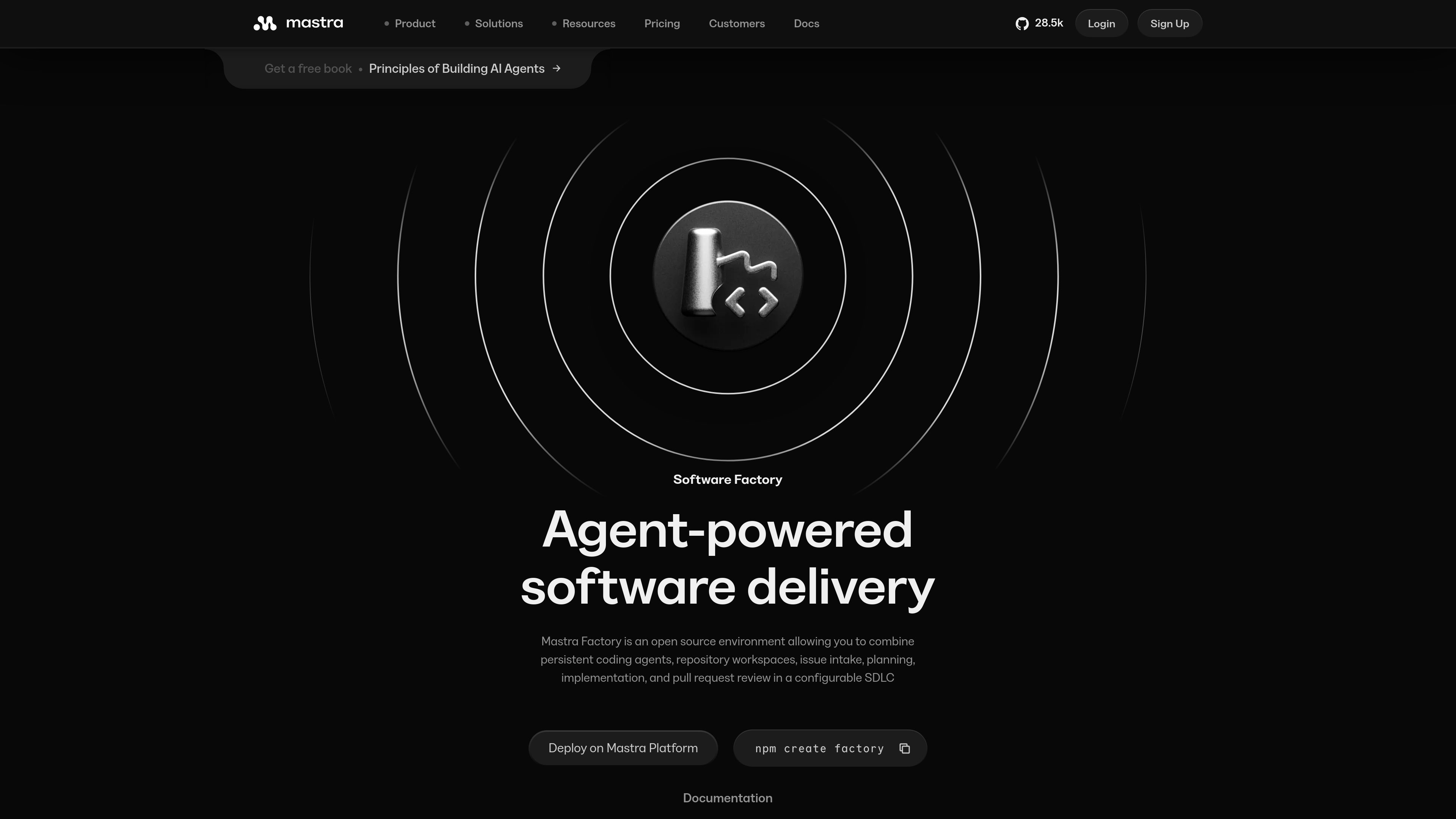

Mastra Factory
AI Code Assistant
Mastra Factory is an open-source, agent-powered software delivery environment for taking software work from issue intake through planning, implementation, and pull-request review. It provides persistent coding agents, repository workspaces, and configurable lifecycle stages in a web application you can deploy on the Mastra Platform or your own infrastructure.
FreemiumFrequently asked questions
What problems do AI Code Review tools address?
AI code review tools help developers detect bugs, security issues, and style problems, suggest improvements, and streamline pull request feedback.
Does generating code mean a tool can finish a project?
A snippet is different from a maintainable system. Test a cross-file change in a real repository, including dependencies, conventions, tests and a successful build. A blank-project demo does not establish suitability for an existing codebase.
What should I check before connecting a private repository?
Review upload scope, retention, training policies and team permissions. Exclude secrets and customer data. Check read-only modes, command restrictions and change logs, especially when the tool can execute tasks without manual steps.
Should I choose an AI builder or a coding assistant?
For a small presentation site, editing and publishing convenience may matter most. For custom logic and long-term development, examine source export, database ownership and migration options. Establish what you can take with you before committing core workflows.