
2026 Best Productivity tools

Chat, assistants, meetings, documents, workflows, projects, and knowledge tools.

Productivity

Explore this collection

Tools

ChatGPT preview
ChatGPT logo

ChatGPT

AI Chatbot

A conversational AI assistant for writing, research, learning, planning, coding, and file-based tasks.

Freemium
Google Gemini preview
Google Gemini logo

Google Gemini

AI Chatbot

Write, research, analyze files and talk through ideas with Google’s AI assistant

Freemium
Claude preview
Claude logo

Claude

AI Chatbot

Anthropic’s AI assistant for writing, coding, document analysis and cited research.

Freemium
DeepSeek preview
DeepSeek logo

DeepSeek

AI Chatbot

Chat, search for information, and build AI applications with reasoning and image-capable models.

Freemium
Grok preview
Grok logo

Grok

AI Chatbot

Chat, search web and X sources, analyze files and create visual drafts

Freemium
Notion preview
Notion logo

Notion

AI Knowledge Base

An AI workspace for organizing knowledge, managing projects, and automating team work.

Freemium
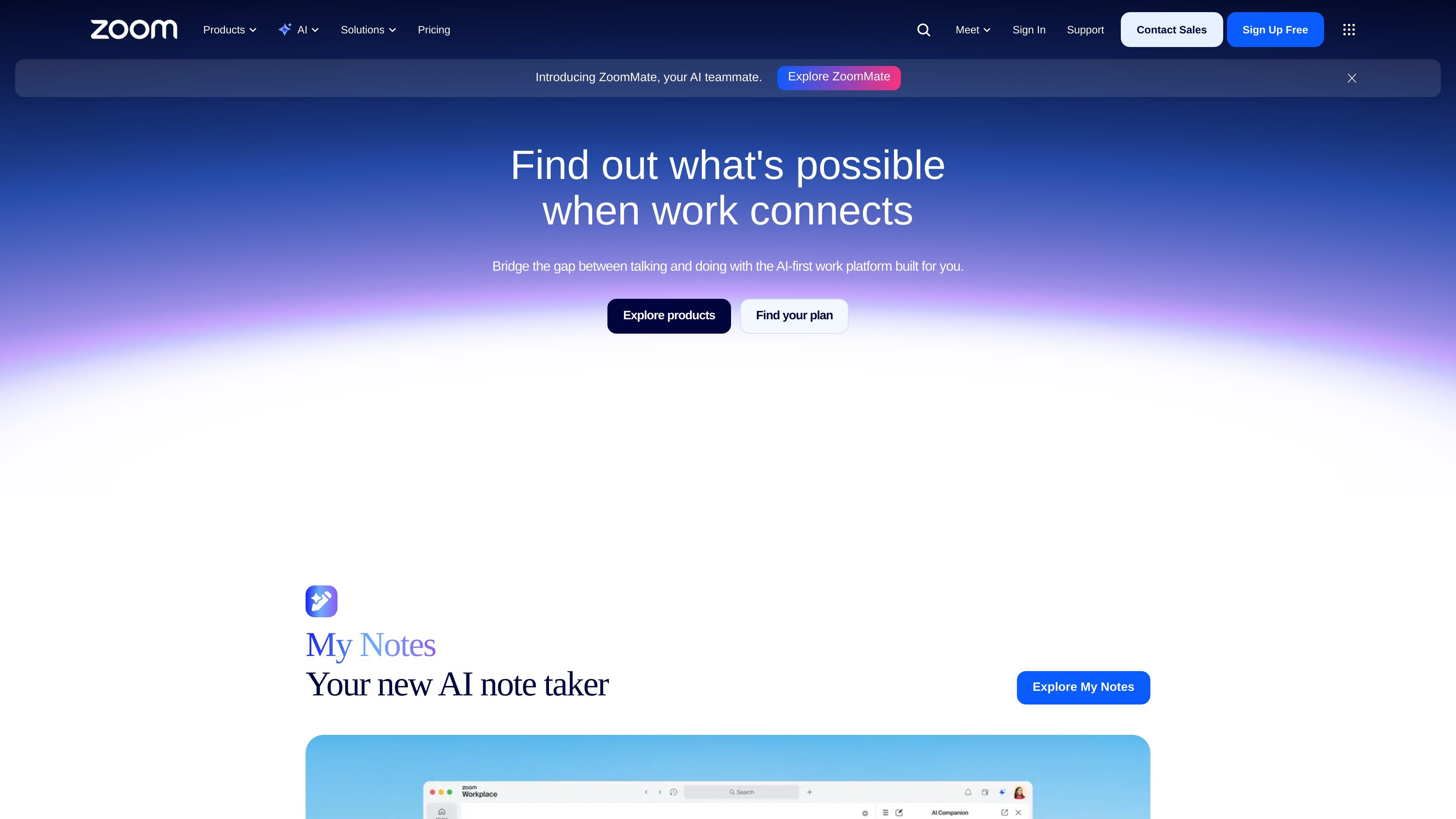
Zoom preview
Zoom logo

Zoom

AI Meeting Assistant

Zoom is an AI-first collaboration platform for meetings, chat, phone, webinars, contact center, events, and automated workflows.

Freemium
Slack preview
Slack logo

Slack

AI Search Engine

Slack is an AI work platform for team communication, workflow automation, and collaboration, bringing conversations, shared context, and partners together in one place.

Freemium
Doubao preview
Doubao logo

Doubao

AI Chatbot

An AI assistant for questions, writing, voice conversations and visual creation, with a desktop work mode.

Freemium
Quark preview
Quark logo

Quark

AI Search Engine

AI browser and productivity tool for search, cloud storage, PDF processing, video translation, and education planning on PC and mobile.

Freemium
SpicyChat preview
SpicyChat logo

SpicyChat

AI Chatbot

Adult-only AI character chats with custom personalities, response controls and saved story branches.

Freemium
ERNIE preview
ERNIE logo

ERNIE

AI Chatbot

ERNIE, also known as 文心一言, is Baidu’s web AI assistant for chat, Q&A, images, writing, documents, and translation.

Freemium
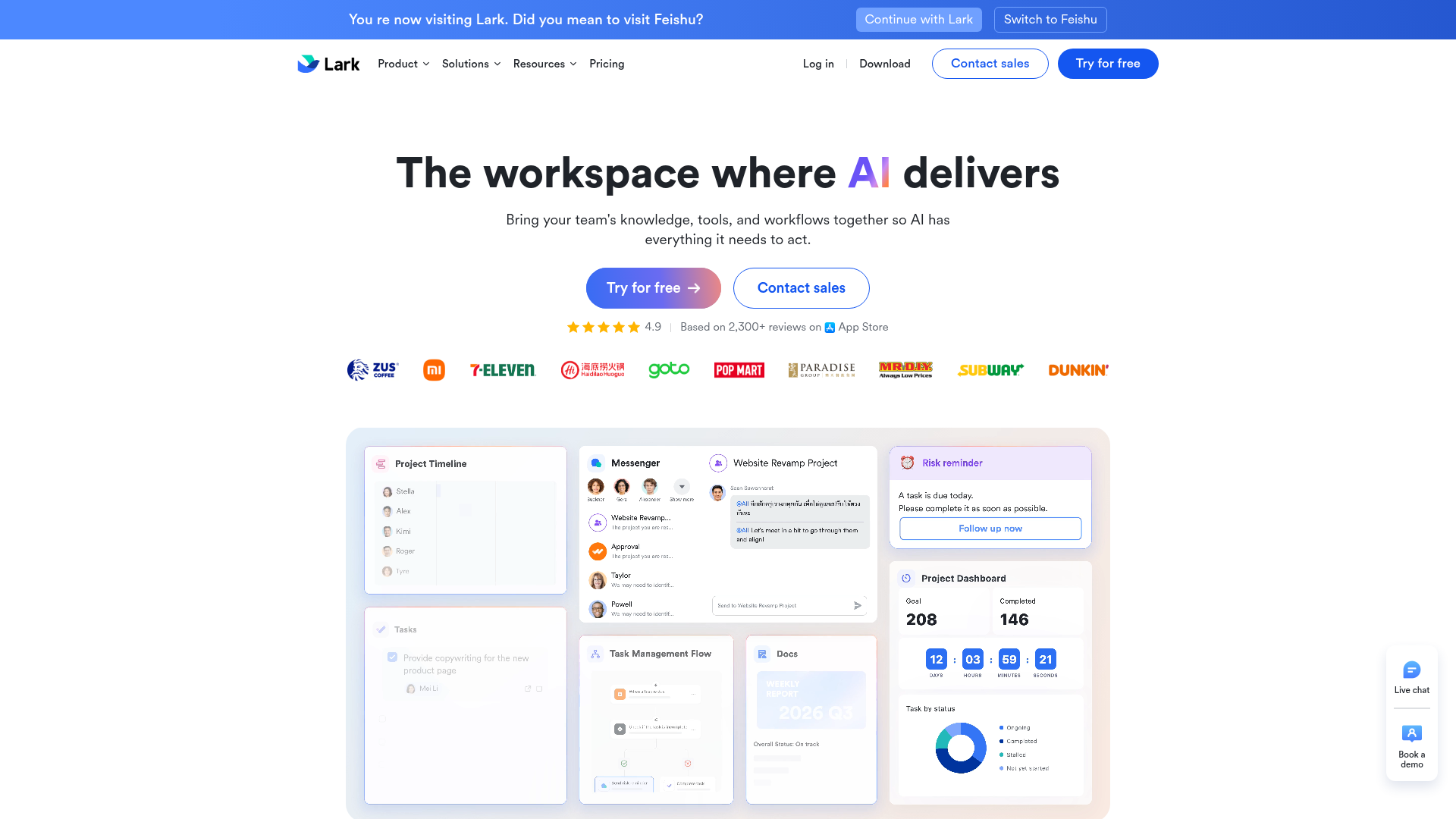
Lark preview
Lark logo

Lark

AI Workflow Automation

Lark is a team productivity superapp combining chat, docs, meetings, workflows, and AI.

Freemium
Grammarly preview
Grammarly logo

Grammarly

AI Content Creator

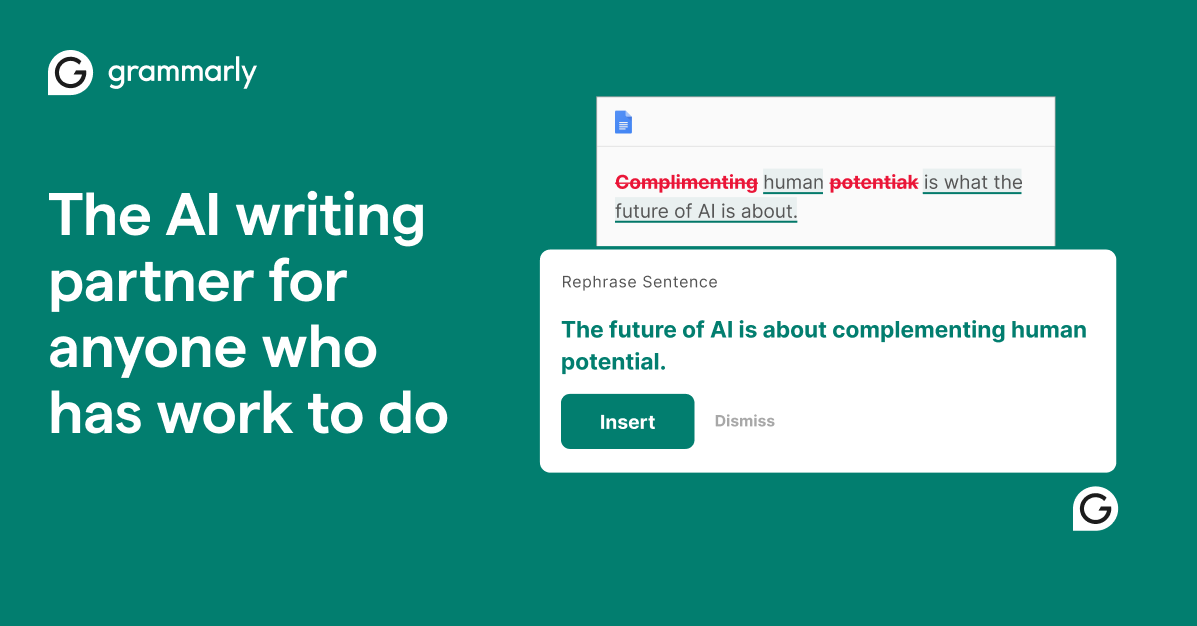
Grammarly is an AI writing assistant that helps individuals, teams, and organizations proofread, rewrite, and generate text across apps and websites.

Freemium
Skiv preview
Skiv logo

Skiv

AI Search Engine

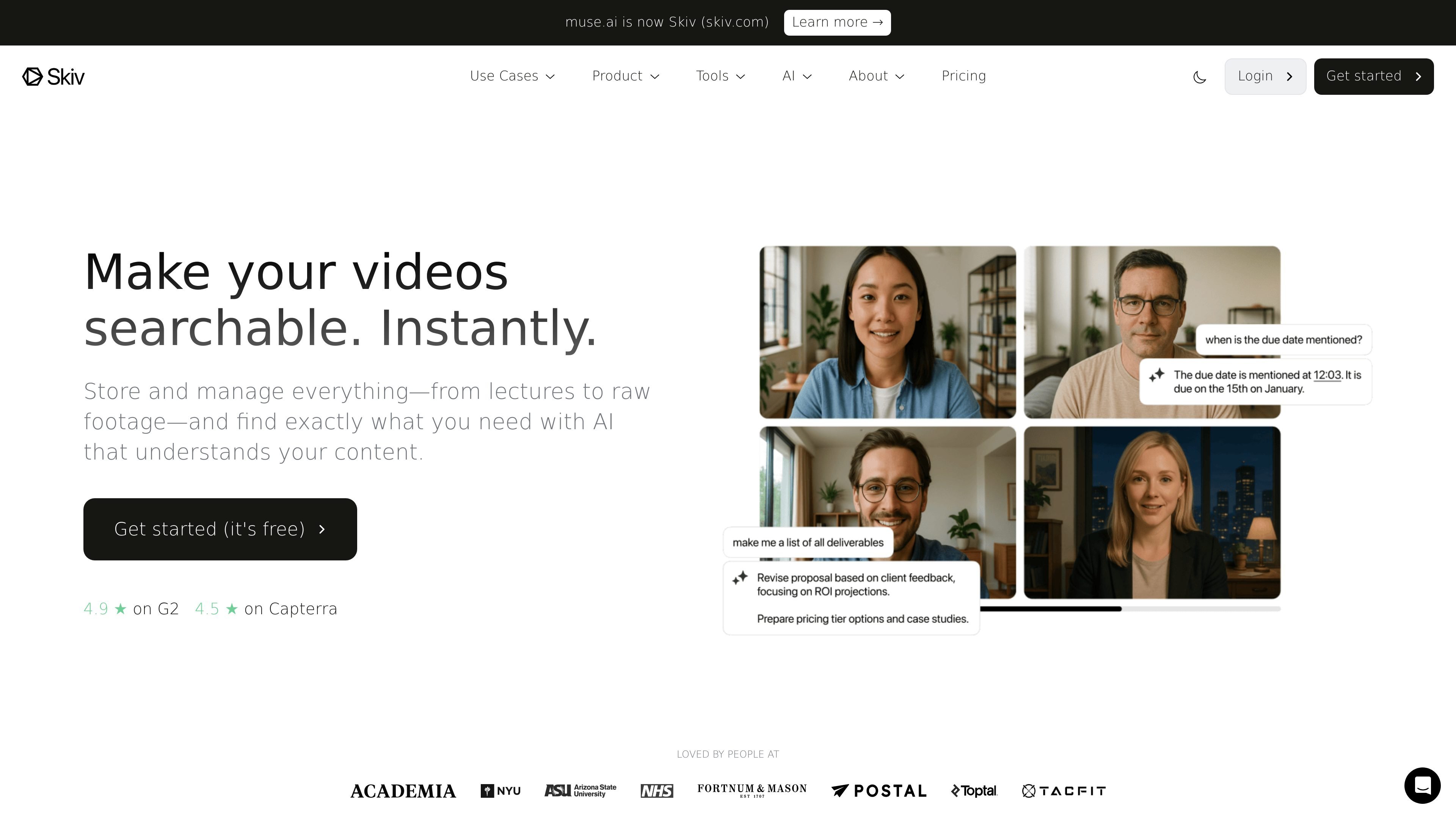
Skiv is a web-based video platform for searchable libraries, embeds, and AI-assisted discovery.

Freemium
HubSpot preview
HubSpot logo

HubSpot

AI Marketing Analytics

HubSpot combines CRM, marketing, sales, service, content, data, and AI tools in one customer platform for teams to share data, automate work, report, and connect apps.

Freemium
Calendly preview
Calendly logo

Calendly

AI Calendar Assistant

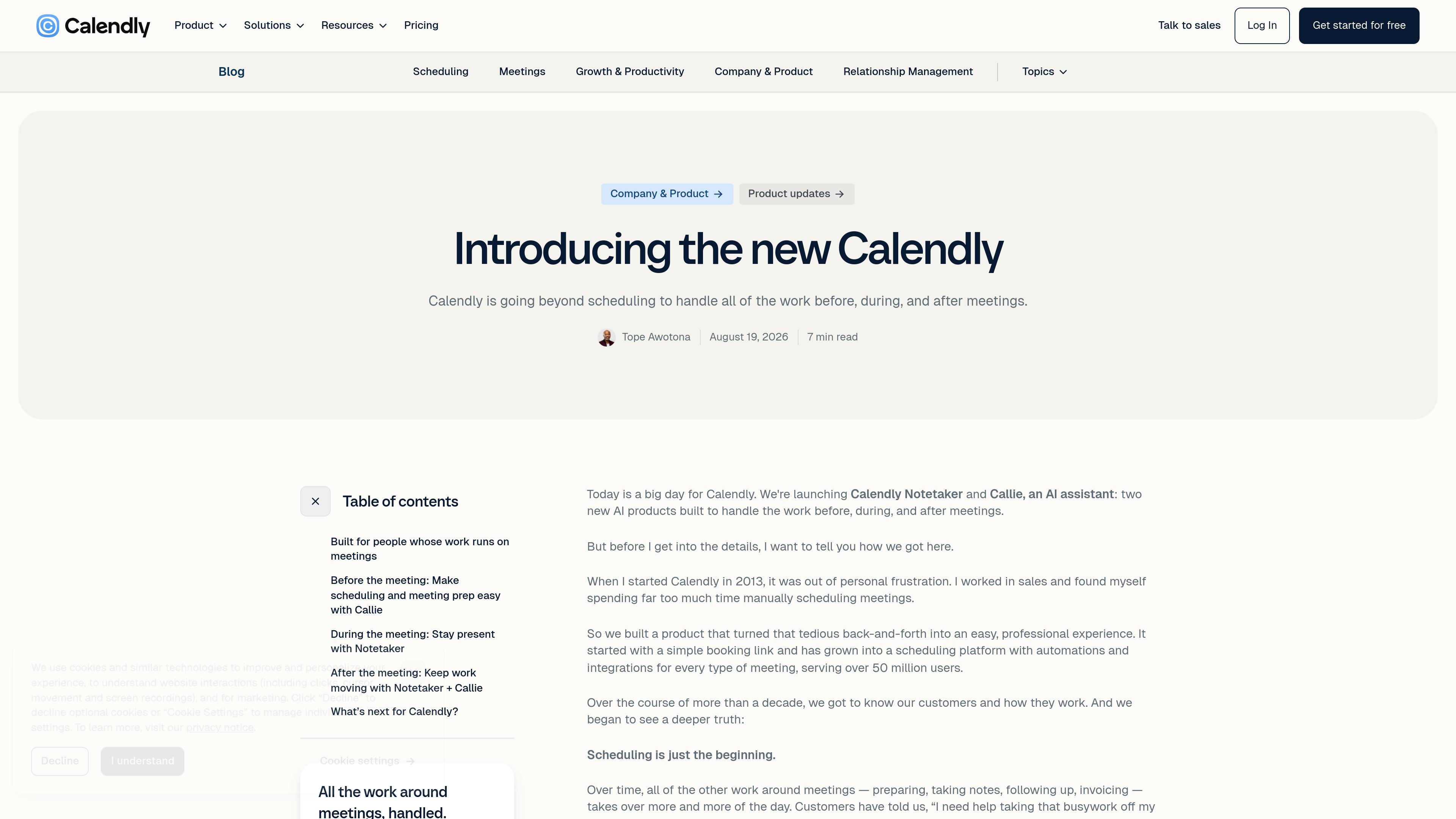
Calendly is a scheduling platform that helps people book meetings, collect payments, and coordinate meeting work before and after calls. Its newer AI products, Callie and Notetaker, add inbox-based scheduling, meeting recaps, transcripts, and follow-up support.

Freemium
Atlassian preview
Atlassian logo

Atlassian

Productivity Tools
Atlassian provides connected collaboration tools for software, IT, product, and business teams to plan work, share knowledge, deliver service, and coordinate communication.

Freemium
Asana preview
Asana logo

Asana

AI Project Management

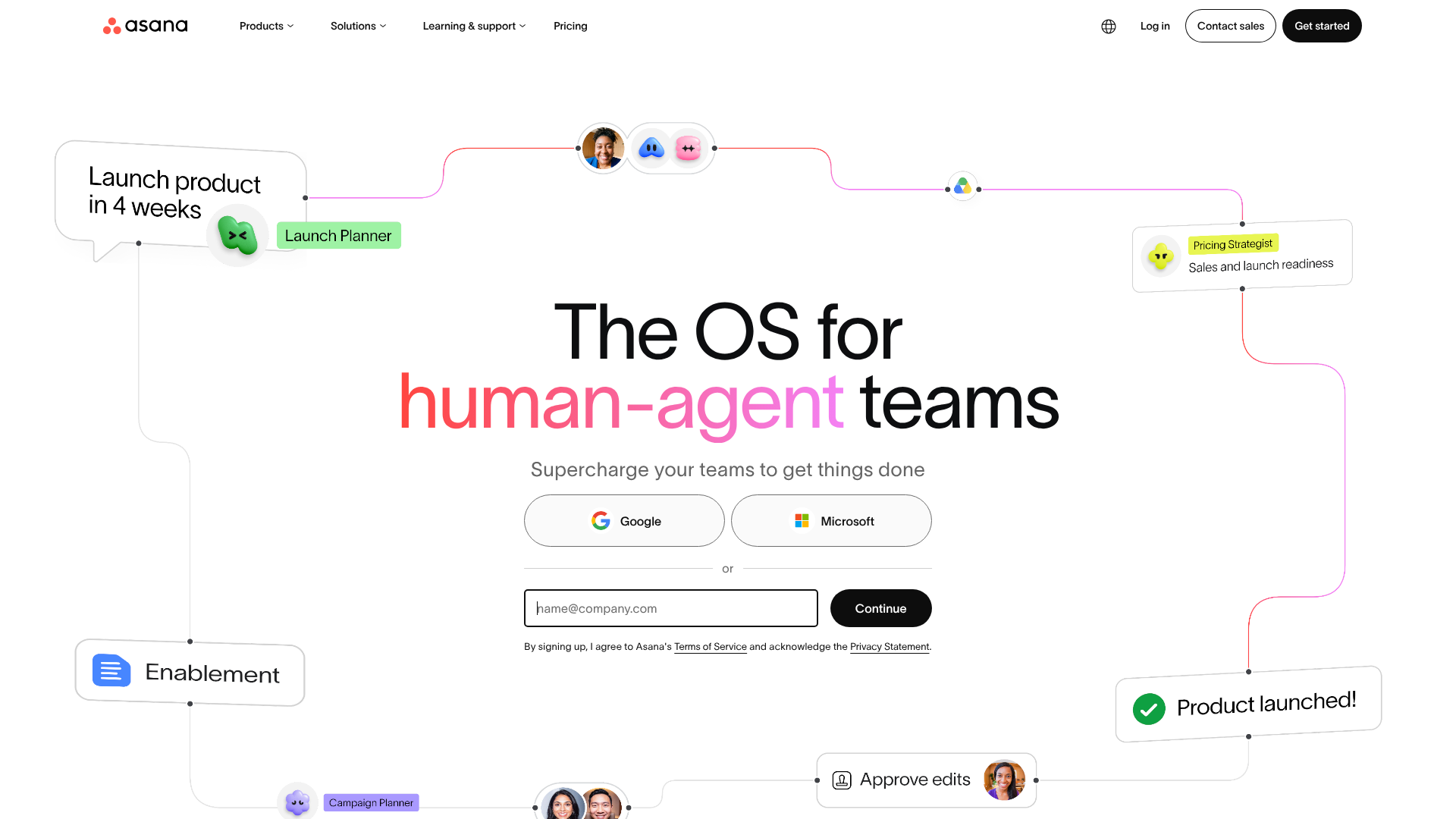
Work management for teams coordinating projects, goals, and AI agents.

Freemium
monday.com preview
monday.com logo

monday.com

AI Project Management

Organize team workflows and put AI assistants, agents, and custom apps to work in one platform.

Freemium

Frequently asked questions

What problems do Productivity tools address?

Chat, assistants, meetings, documents, workflows, projects, and knowledge tools.

When is a general chatbot enough for office work?

A chatbot can help with questions, ideas and one-off drafts. For ongoing meetings, mail, documents or projects, examine whether a specialist tool reads the right sources and returns results to the place your team already works.

Does connecting company documents make every answer reliable?

Access alone is not enough. Check version selection, source references and how the tool handles missing evidence. Test questions with known answers and questions the documents cannot answer. A useful assistant should acknowledge that limit.

What permissions matter for meeting notes and automated tasks?

Confirm participant awareness and organizational rules before recording. Limit workspace access. For sending mail, changing calendars or editing files, begin with approval before execution and verify the action history and undo options.