
2026 Best Video tools

Video generation, editing, repurposing, animation, and creator workflows.

Video

Explore this collection

Tools
Vimeo preview
Vimeo logo

Vimeo

Video Tools

An ad-free video platform for hosting, managing, collaborating on, streaming, and sharing video.

Freemium
CapCut preview
CapCut logo

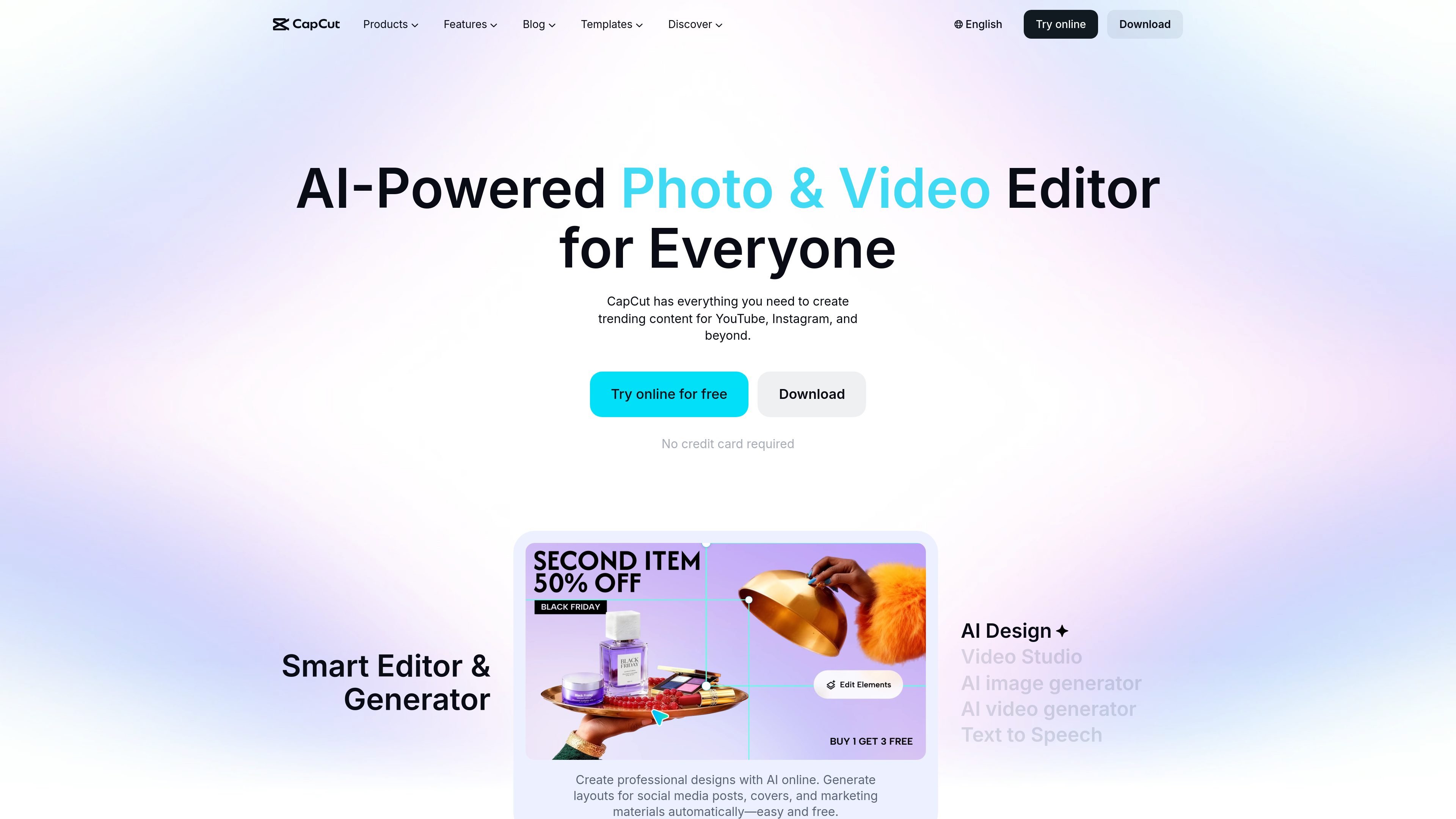
CapCut

AI Video Generator

A cross-platform video and image editor for creators, marketers, and teams.

Freemium
Manus preview
Manus logo

Manus

AI App Builder

An AI agent for teams and creators to build web apps and produce editable videos.

Freemium
Kling AI preview
Kling AI logo

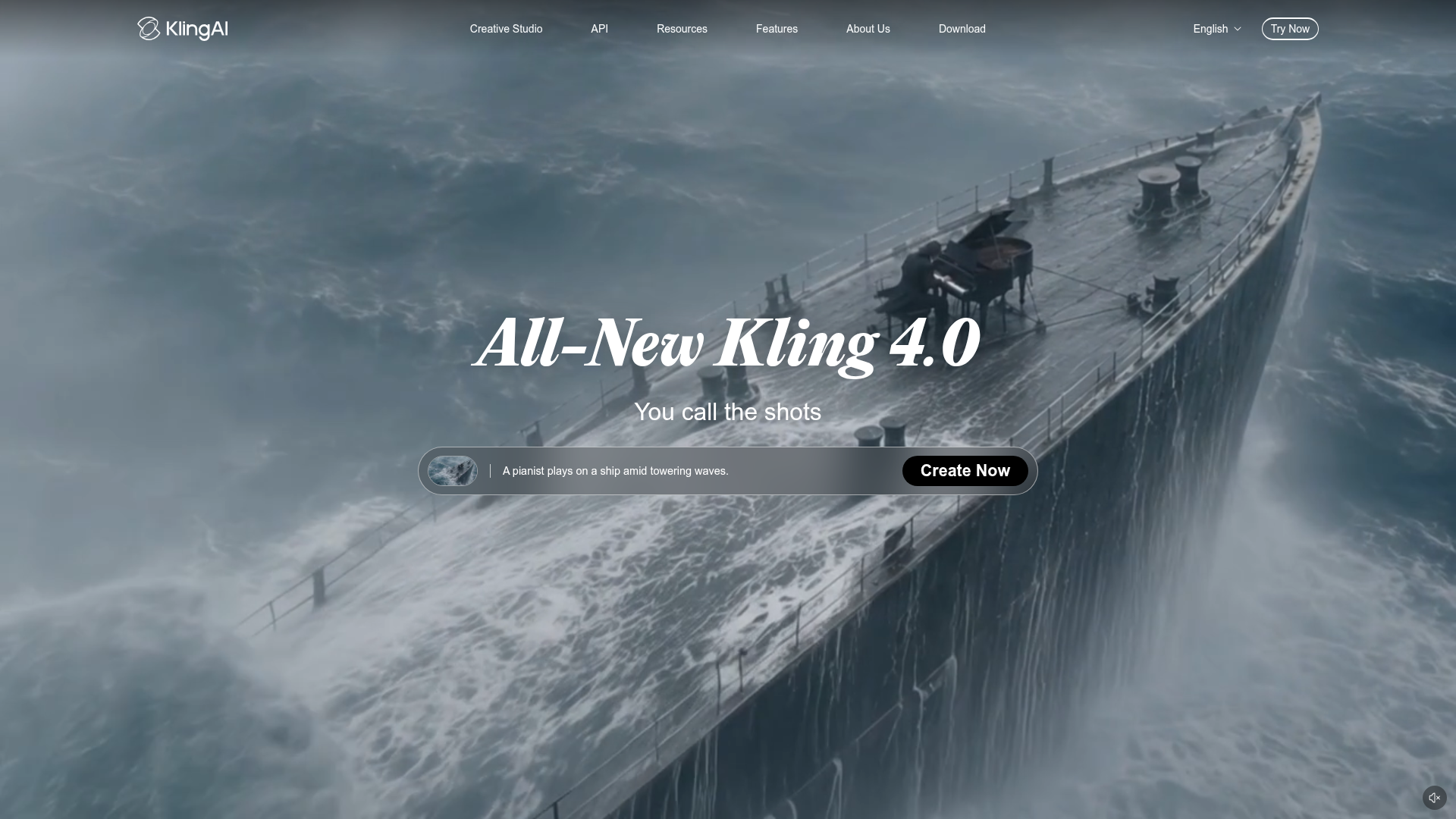
Kling AI

AI Video Generator

Kling AI is a multimodal creative studio for generating images and videos from text, images, and reference inputs. It also provides APIs for developers and enterprises that need image and video generation in products or workflows.

Freemium
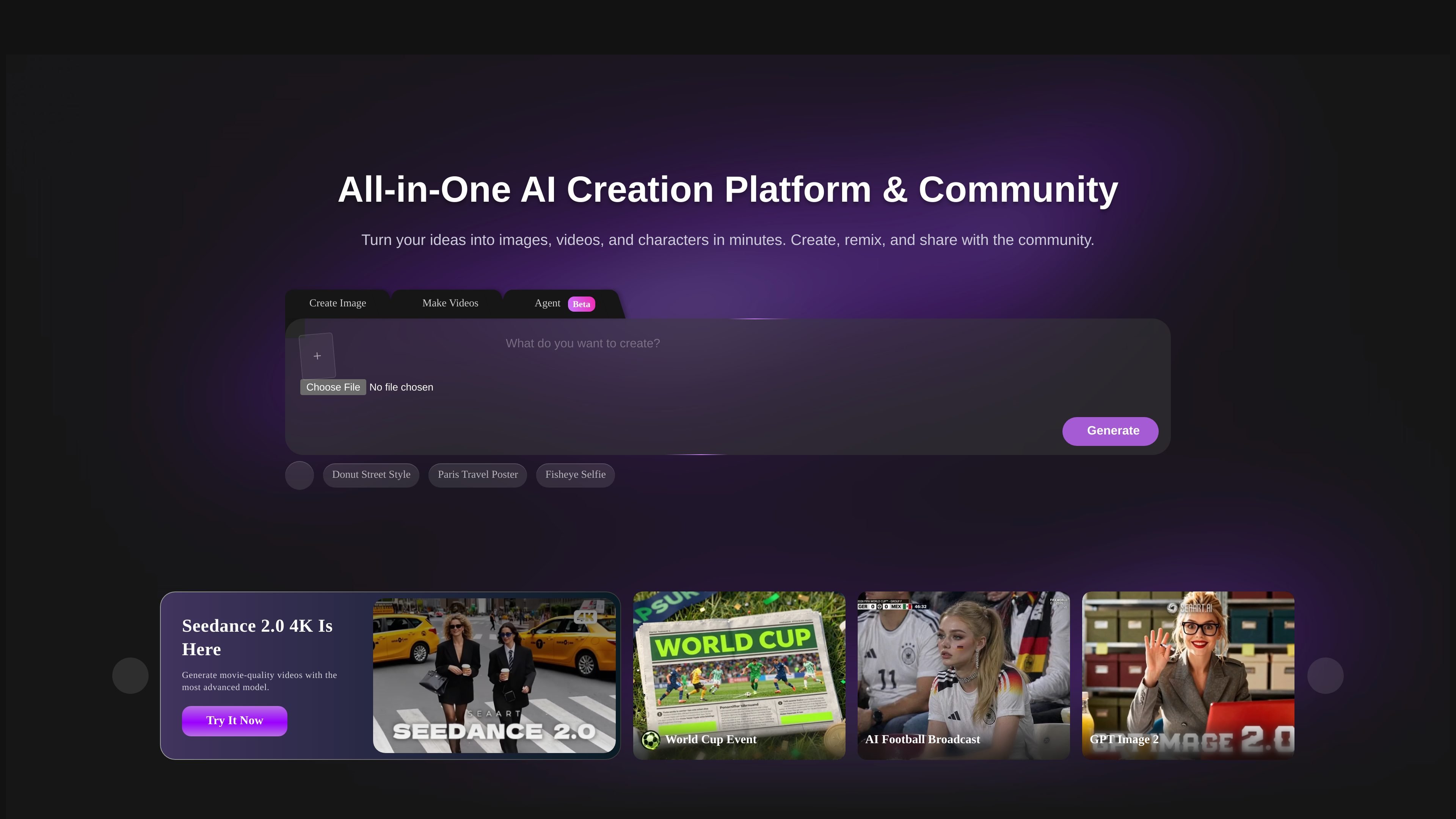
SeaArt AI preview
SeaArt AI logo

SeaArt AI

AI Video Generator

Create and edit images or videos with AI models, templates and effects, then remix work from SeaArt’s creator community.

Freemium
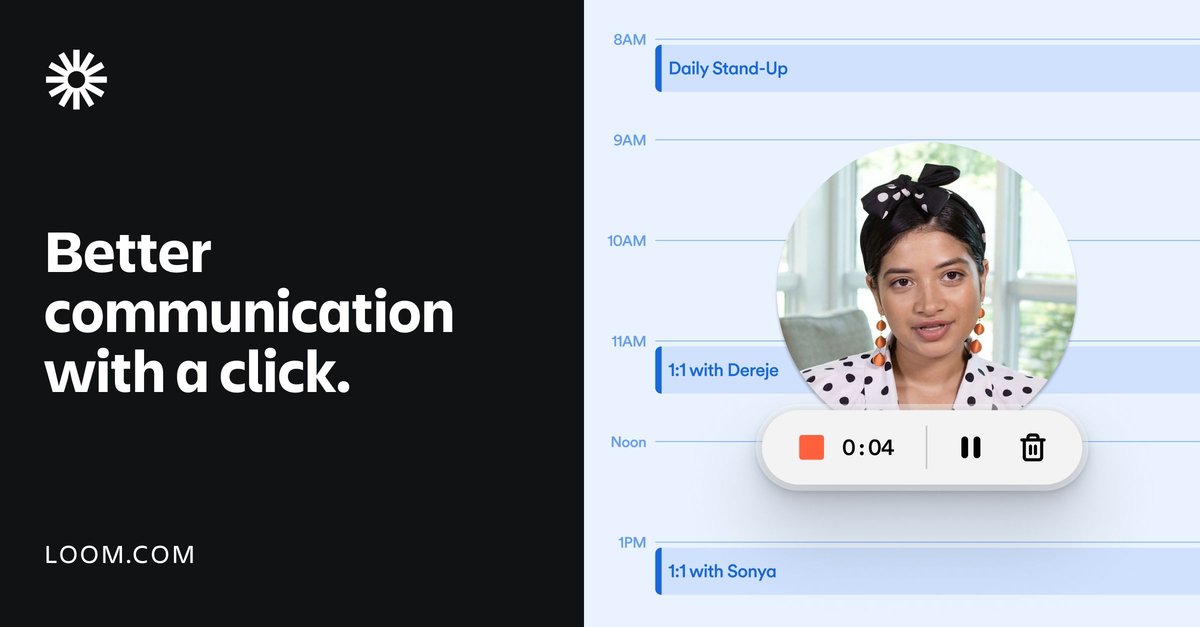
Loom preview
Loom logo

Loom

AI Video Editor

Loom helps individuals and teams record screens or cameras, share videos asynchronously, and add transcription, editing, and collaboration features.

Freemium
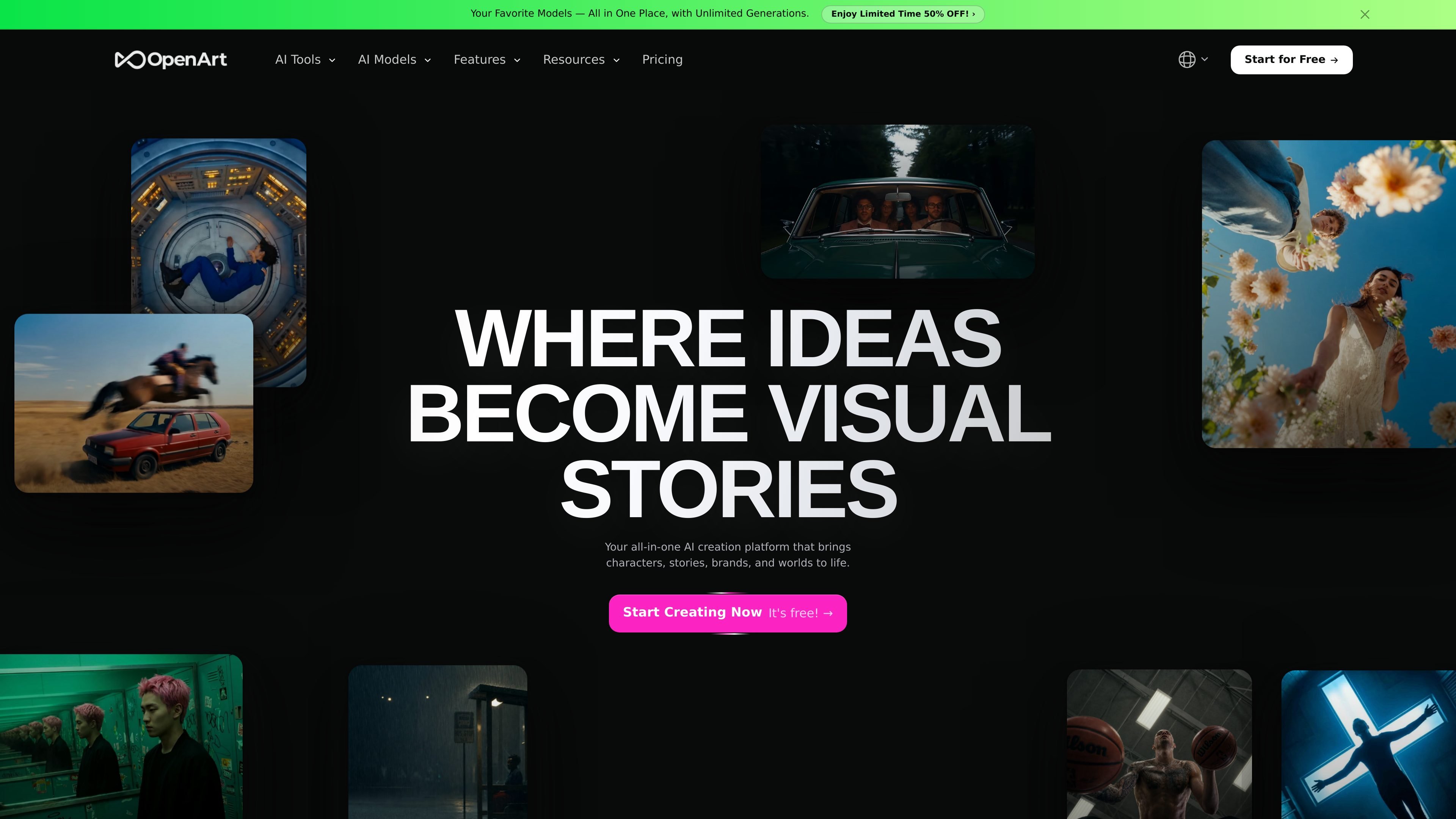
OpenArt preview
OpenArt logo

OpenArt

AI Video Generator

An AI creation studio for generating and editing images, video, characters, worlds, music, and audio.

Freemium
HeyGen preview
HeyGen logo

HeyGen

AI Video Generator

HeyGen turns text, images, audio, presentations, and PDFs into narrated videos with avatars, captions, and visuals for creators, marketers, teams, and developers.

Freemium
A2E preview
A2E logo

A2E

AI Avatar Generator

AI video and image creation with image-to-video, face swaps, voice cloning, avatars, editing, and API plans.

Freemium
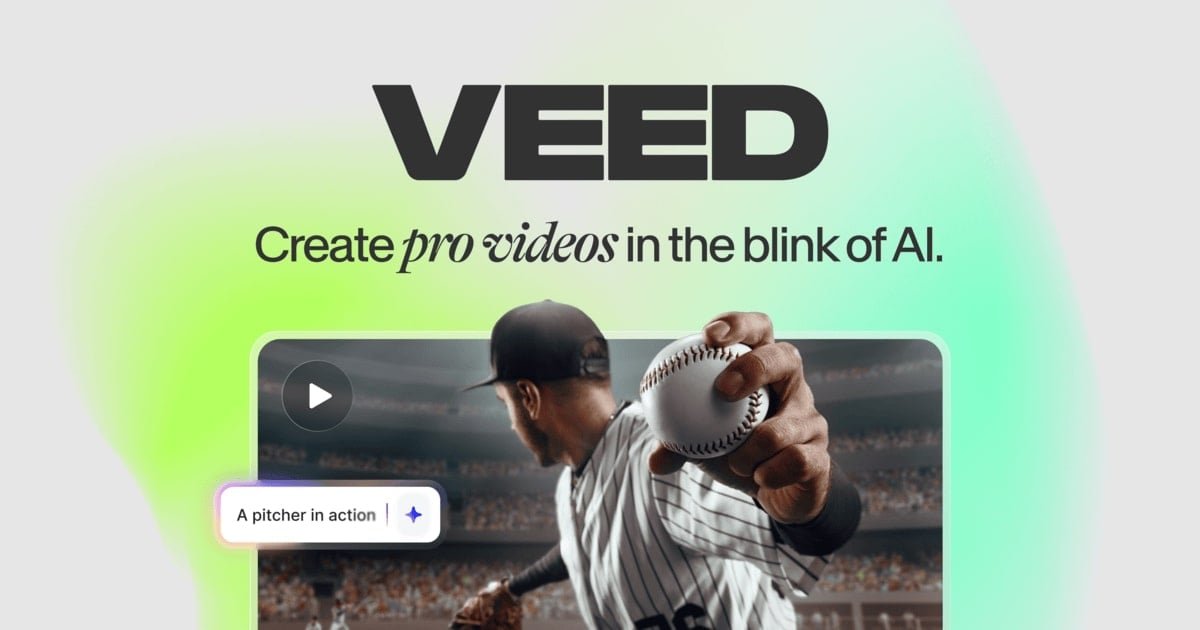
VEED preview
VEED logo

VEED

AI Video Generator

VEED is an AI video platform for generating, editing, subtitling, branding, and dubbing publishable videos in one workflow.

Freemium
Leonardo.Ai preview
Leonardo.Ai logo

Leonardo.Ai

AI Background Remover

Generative AI tools for creating, editing, and upscaling images and video.
Freemium
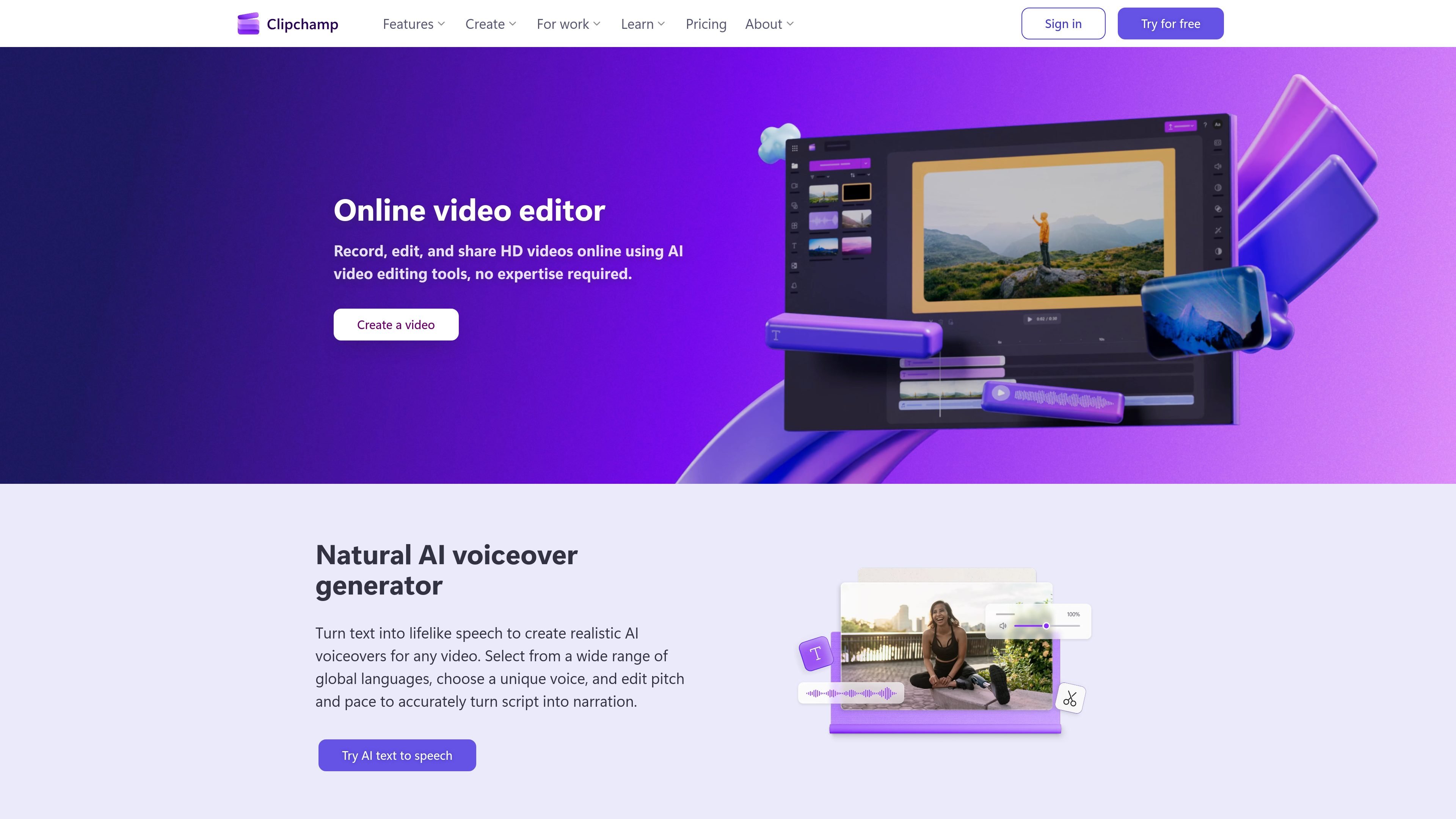
Microsoft Clipchamp preview
Microsoft Clipchamp logo

Microsoft Clipchamp

AI Video Editor

A browser-based video editor for recording, editing, and sharing videos, with a Windows app option.

Freemium
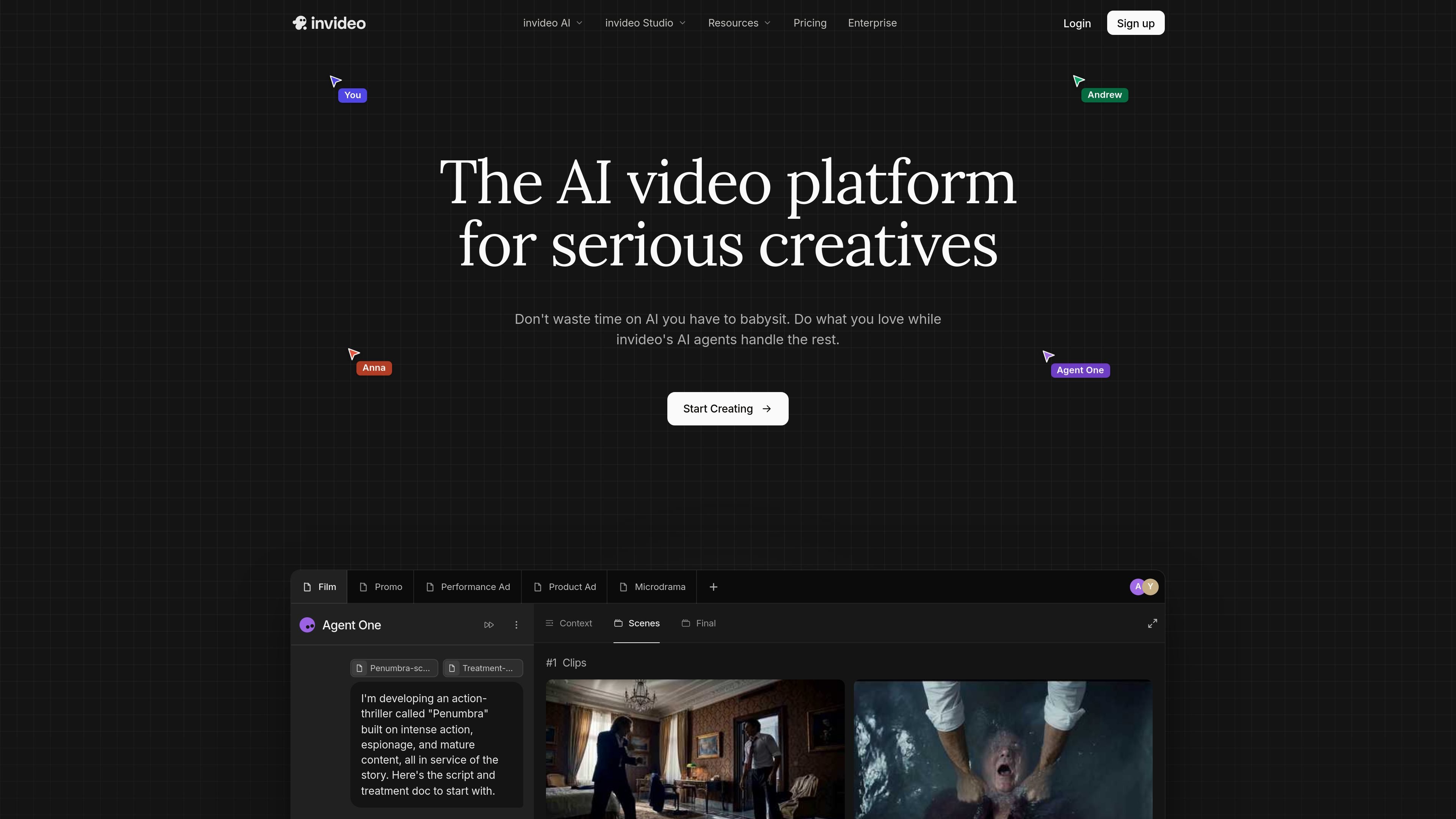
Invideo preview
Invideo logo

Invideo

AI Video Generator

Edit footage on a browser timeline, with optional AI agents and media generation

Freemium
Pollo AI preview
Pollo AI logo

Pollo AI

AI Video Generator

AI creative suite for generating and editing images, videos, audio, avatars, ads, and product visuals

Freemium
OpusClip preview
OpusClip logo

OpusClip

AI Subtitle Generator

AI video clipping and editing platform for turning long videos into social clips
Freemium
Veo Cam 3 preview
Veo Cam 3 logo

Veo Cam 3

AI Fitness Coach

Veo Cam 3 is an AI-powered sports camera that records, livestreams, and helps teams analyse matches, with automated full-pitch coverage and a Veo workflow.

Freemium
PixVerse preview
PixVerse logo

PixVerse

AI Video Generator

Generate videos from prompts and images, with multi-shot direction, native audio, and production tools.

Freemium
Krea preview
Krea logo

Krea

AI Video Generator

AI creative suite for generating, editing, enhancing, and managing images, video, and 3D assets

Freemium
Kapwing preview
Kapwing logo

Kapwing

AI Video Generator

Browser-based video creation and editing with AI, subtitles, translation, dubbing, and collaboration.

Freemium
HappyScribe preview
HappyScribe logo

HappyScribe

Speech-to-Text

HappyScribe turns audio and video into searchable text, subtitles, and translations in 150+ languages, with AI meeting notes and human-made workflows.

Freemium

Frequently asked questions

What problems do Video tools address?

Video generation, editing, repurposing, animation, and creator workflows.

Can a script become a finished video in one step?

Distinguish short-clip generation from full production. A finished video also needs character continuity, transitions, voice, captions and editing. Test a sequence of shots from one script rather than judging a single demo clip.

Will characters and products stay consistent across shots?

Test this explicitly. References, character controls and start or end frames can constrain a result, but feature names do not prove continuity. Change the angle, movement and lighting, then inspect faces, product geometry and logos.

What matters beyond the number of video minutes in a plan?

Check resolution, watermarks, audio, failed-generation charges and the cost of replacing a shot. If you edit elsewhere, confirm that clips, captions and other required assets can be exported.