
2026 Best AI Video Editor tools

AI video editors help you create, cut, enhance, and caption videos with smart automation, templates, effects, and tools for faster content production.

Maintained by

Video

Explore this collection

Products

Vimeo preview
Vimeo logo

Vimeo

Video Tools

An ad-free video platform for hosting, managing, collaborating on, streaming, and sharing video.

Freemium
Media.io preview
Media.io logo

Media.io

AI Video Generator

Online AI platform for creating and editing video, images, and audio

Freemium
DomoAI preview
DomoAI logo

DomoAI

AI Video Generator

DomoAI is a web-based AI video tool for creating animated and stylized content from videos, images, frames, and text prompts.

Freemium
Pika preview
Pika logo

Pika

AI Video Generator

Pika is an AI video platform for creating and editing short videos from prompts, images, and footage, with plan-based commercial use and watermark-free downloads on higher tiers.

Freemium
Morphic preview
Morphic logo

Morphic

AI Video Generator

Morphic is a browser-based AI platform for creating, animating, and editing visual stories.

Freemium
AI Video Editor preview
AI Video Editor logo

AI Video Editor

AI Video Editor

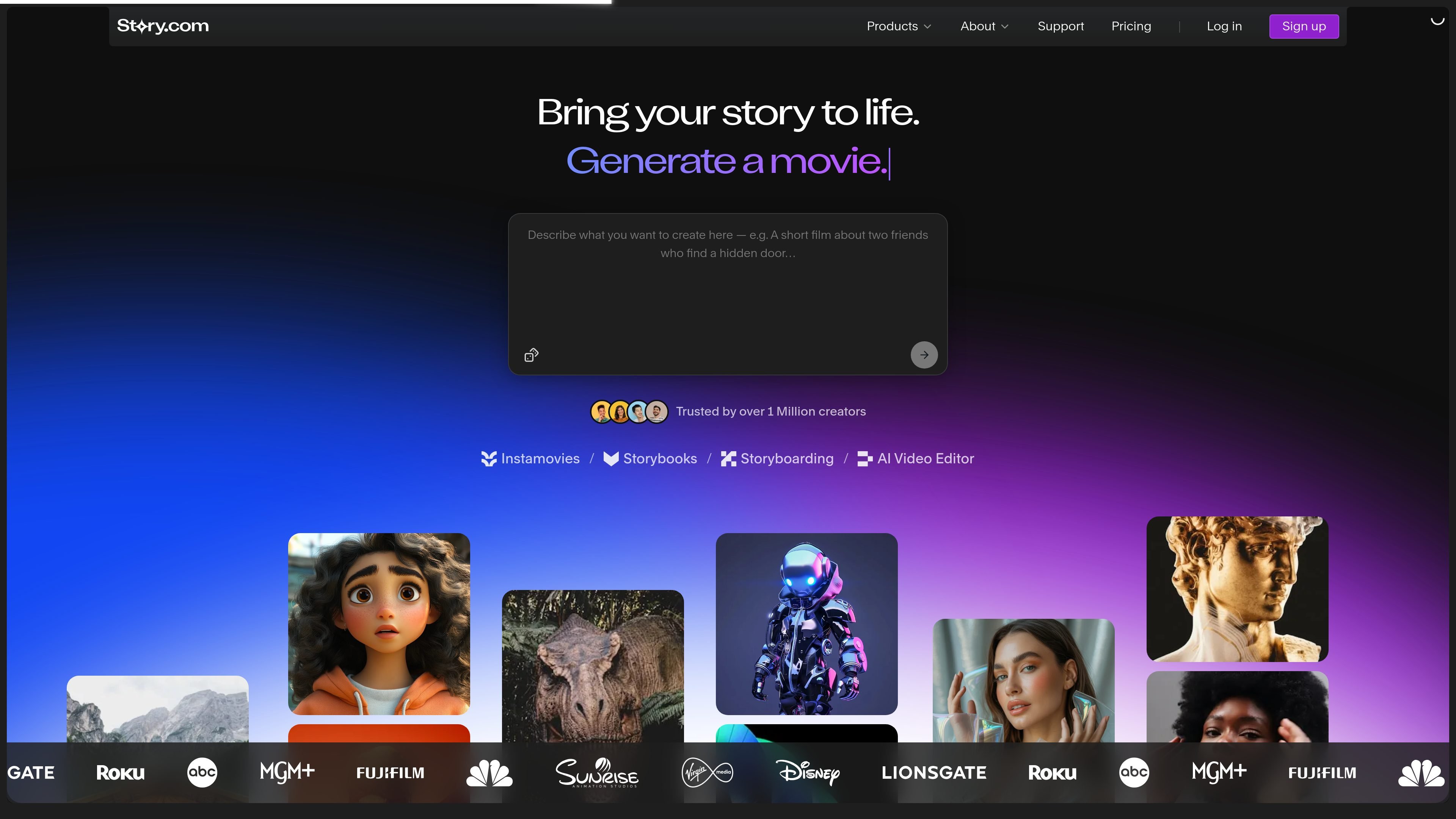
Story’s timeline-based video editor for combining uploaded footage, generated scenes and AI editing suggestions.

Paid
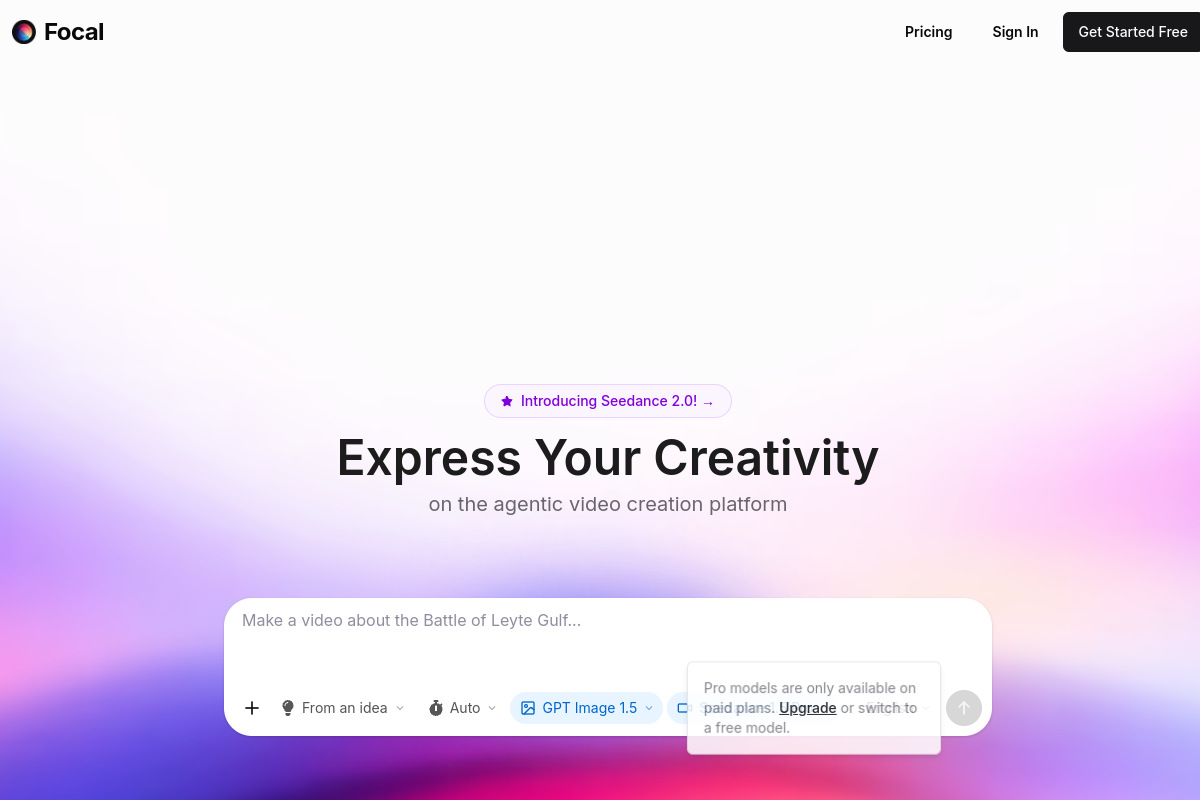
Focal preview
Focal logo

Focal

AI Video Generator

Focal is an AI video creation platform that turns ideas or scripts into finished videos, shows, and cinematic scenes, with visuals, voiceovers, and editing in one workflow.

Freemium
Fakeface preview
Fakeface logo

Fakeface

AI Video Generator

Browser-based AI face swaps for photos, videos, and GIFs, plus image-to-video tools.

Freemium
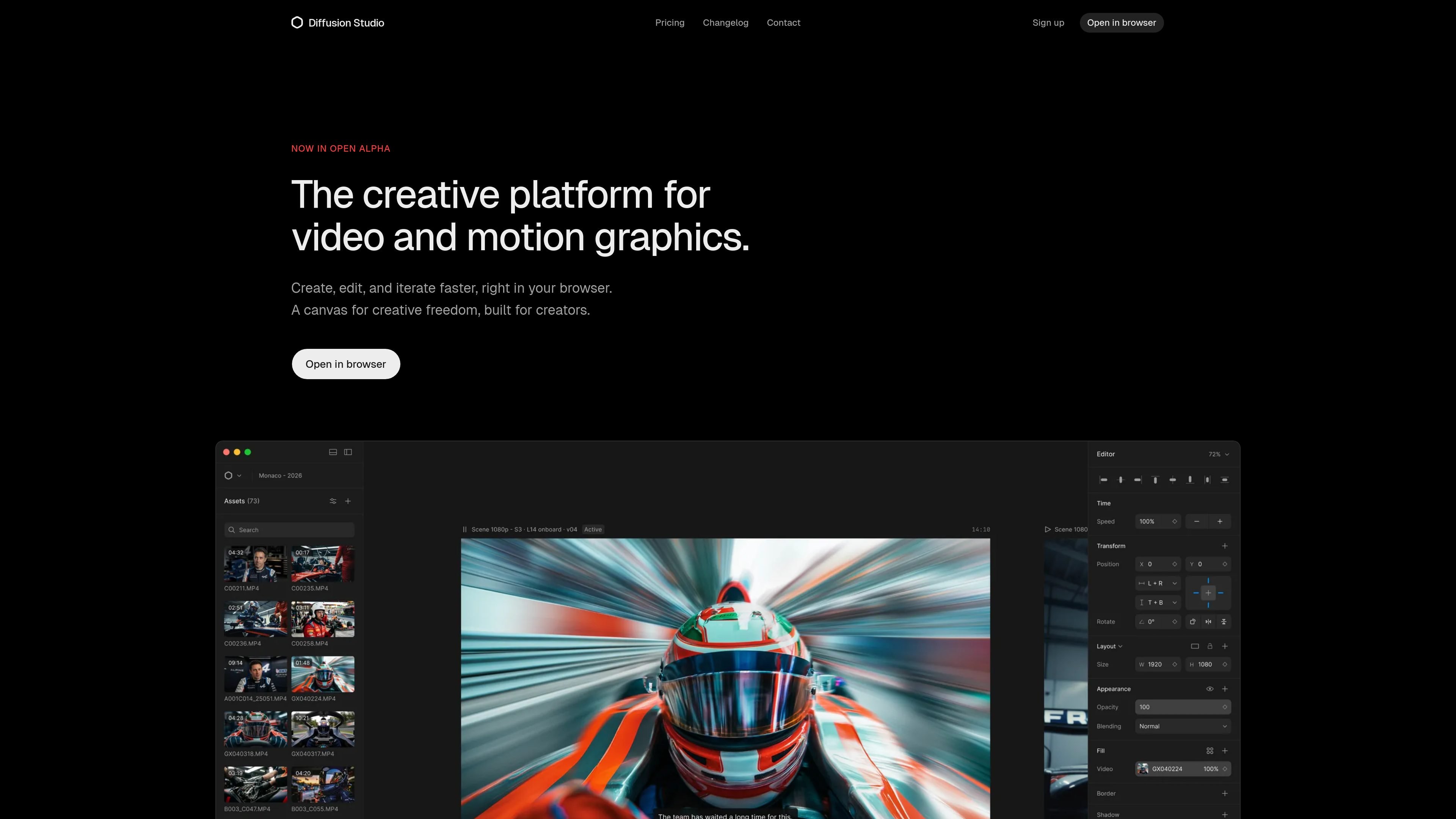
Diffusion Studio preview
Diffusion Studio logo

Diffusion Studio

AI Video Editor

Diffusion Studio is a browser-based video editor with an infinite canvas, timeline editing, AI-assisted workflows, and 4K exports. Its free plan offers unlimited projects, no watermark, and commercial use.

Freemium
Wefaceswap preview
Wefaceswap logo

Wefaceswap

AI Image Editor

Browser-based AI face swapping for photos, videos, and GIFs.

Freemium
fylm.ai preview
fylm.ai logo

fylm.ai

AI Image Editor

Browser-based color grading and collaboration for video and stills, with AI looks and Premiere Pro sync

Freemium
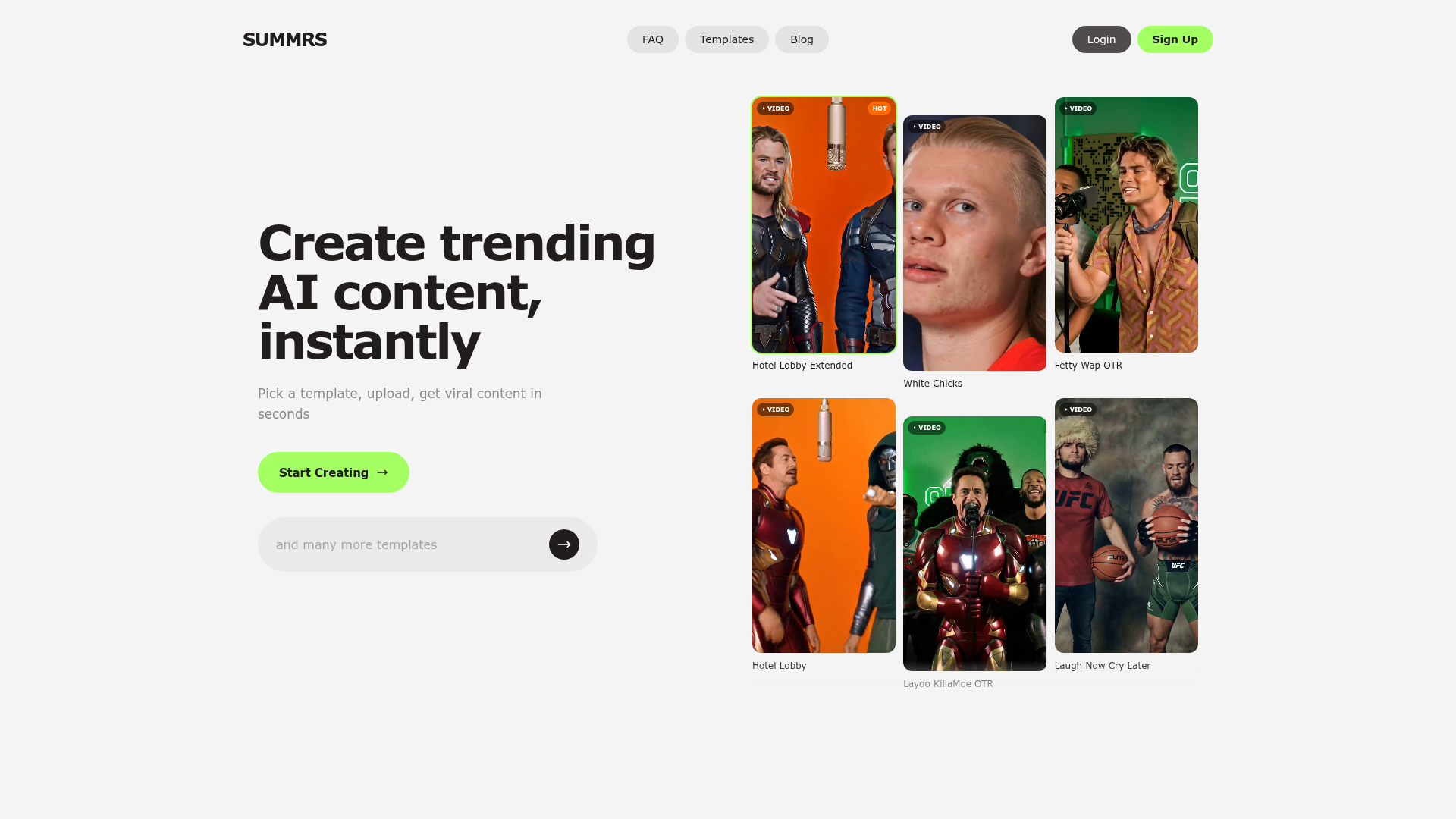
Summrs preview
Summrs logo

Summrs

AI Image Editor

AI content creation for social edits, portraits, and effects

Freemium
Capte preview
Capte logo

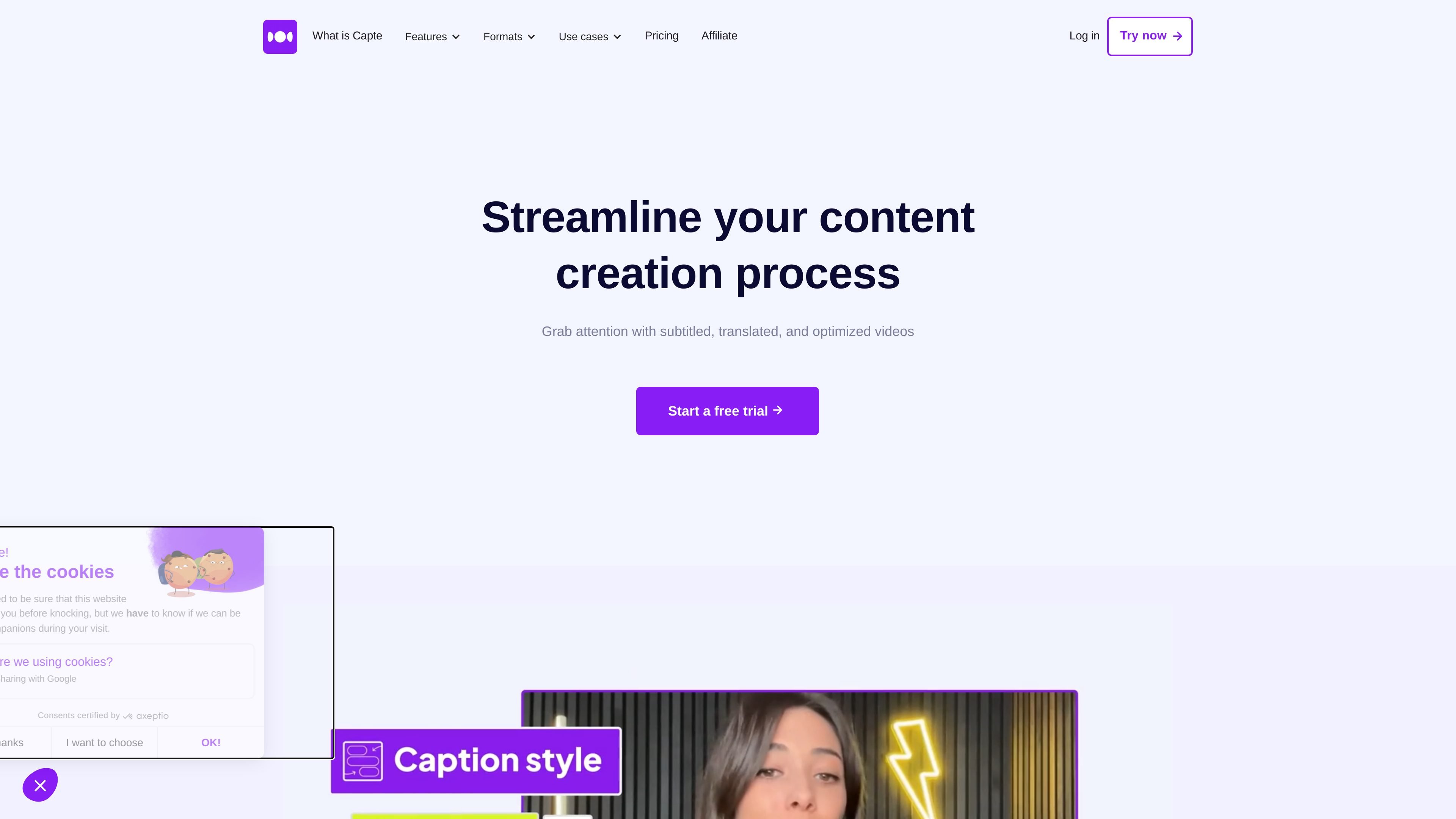
Capte

AI Subtitle Generator

Online video editing for creators, with AI subtitles, translation, and short clips.

Paid
Minvo preview
Minvo logo

Minvo

AI Subtitle Generator

AI video repurposing for clips, captions, images, and text

Freemium
Velo preview
Velo logo

Velo

AI Voice Cloning

Velo turns recordings, decks, PDFs, and URLs into polished shareable videos with AI editing, voice cloning, and avatar options for every team.

Freemium
TheFluxTrain preview
TheFluxTrain logo

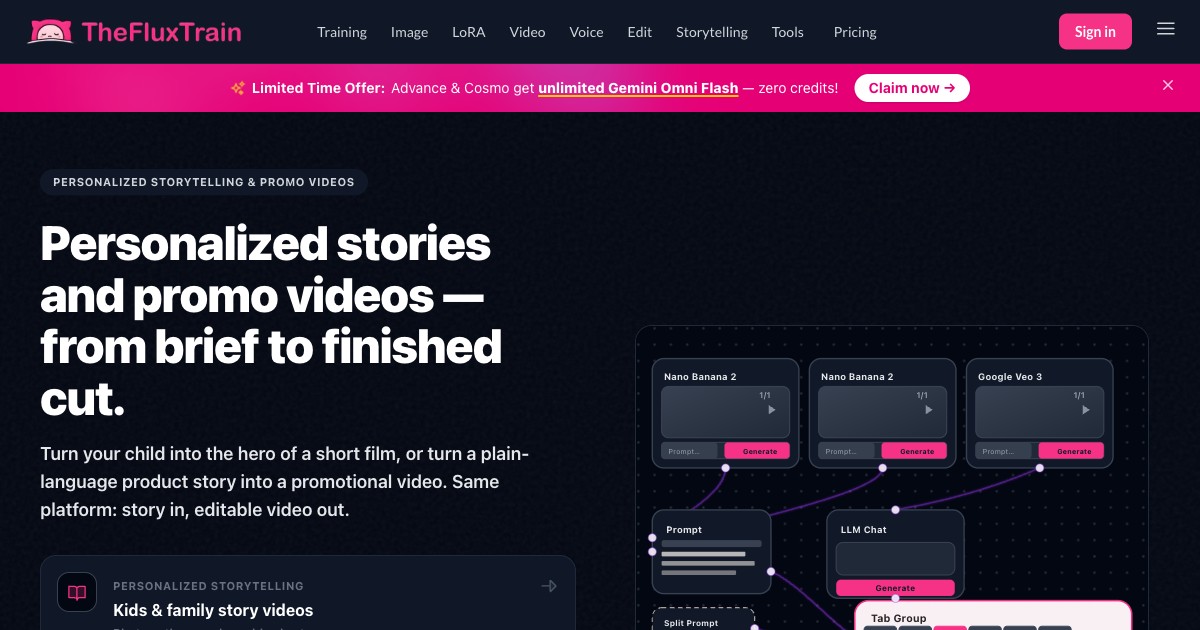
TheFluxTrain

AI Code Assistant

Web-based AI workflows for reusable visual content pipelines

Freemium
Vouch preview
Vouch logo

Vouch

AI Content Creator

Vouch is an AI content platform for employer brand, recruiting, people, and internal communications teams to collect employee stories, organize approved assets, and distribute content across hiring and advocacy workflows.

Freemium
Drama.Land preview
Drama.Land logo

Drama.Land

AI Video Generator

AI music video and storytelling studio for musicians, creators, and filmmakers

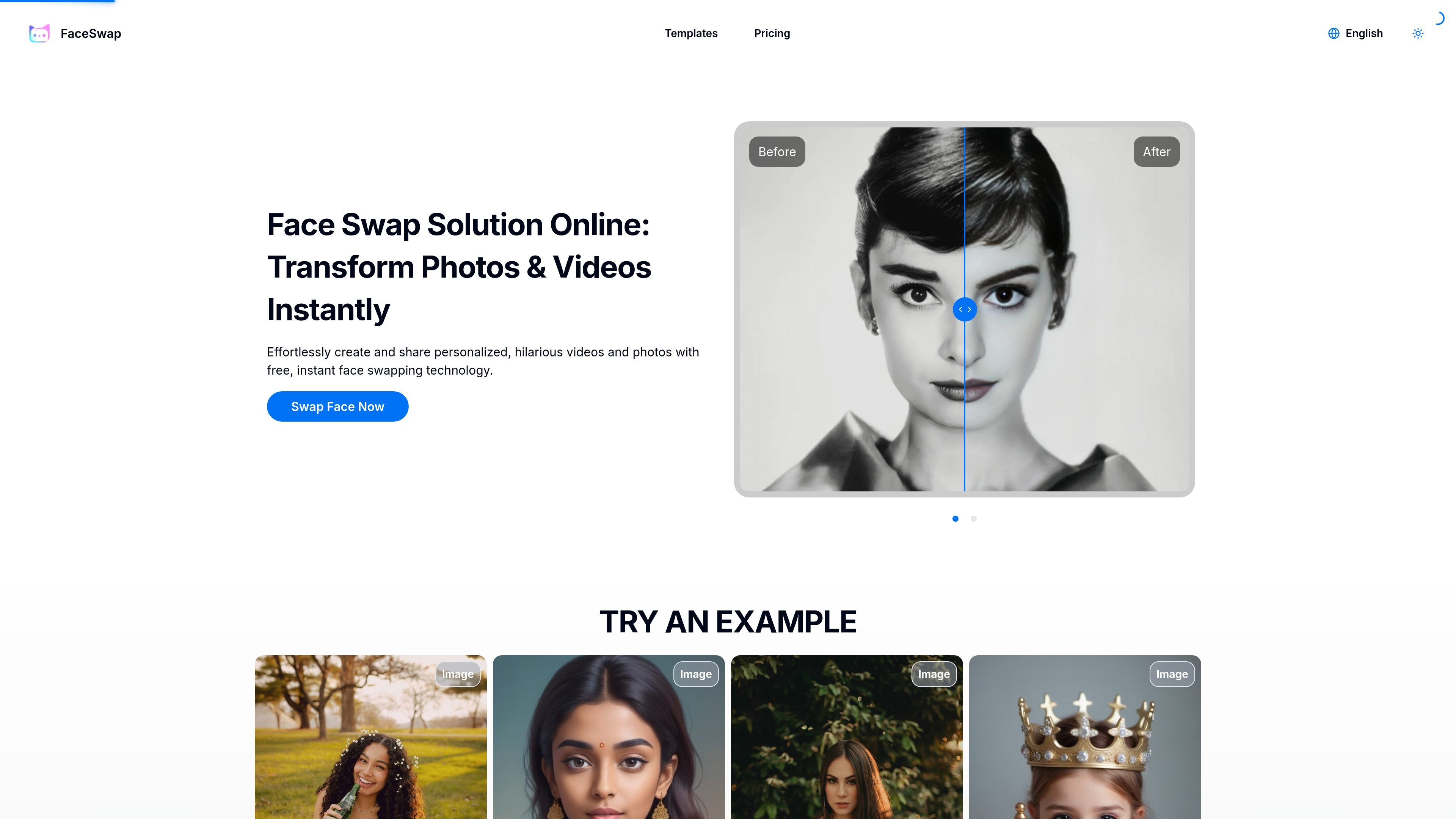
Face Swap Online Free preview
Face Swap Online Free logo

Face Swap Online Free

AI Image Editor

A web-based AI tool for swapping faces in photos and videos, with free and paid plans.

Freemium
CoCoClip.AI preview
CoCoClip.AI logo

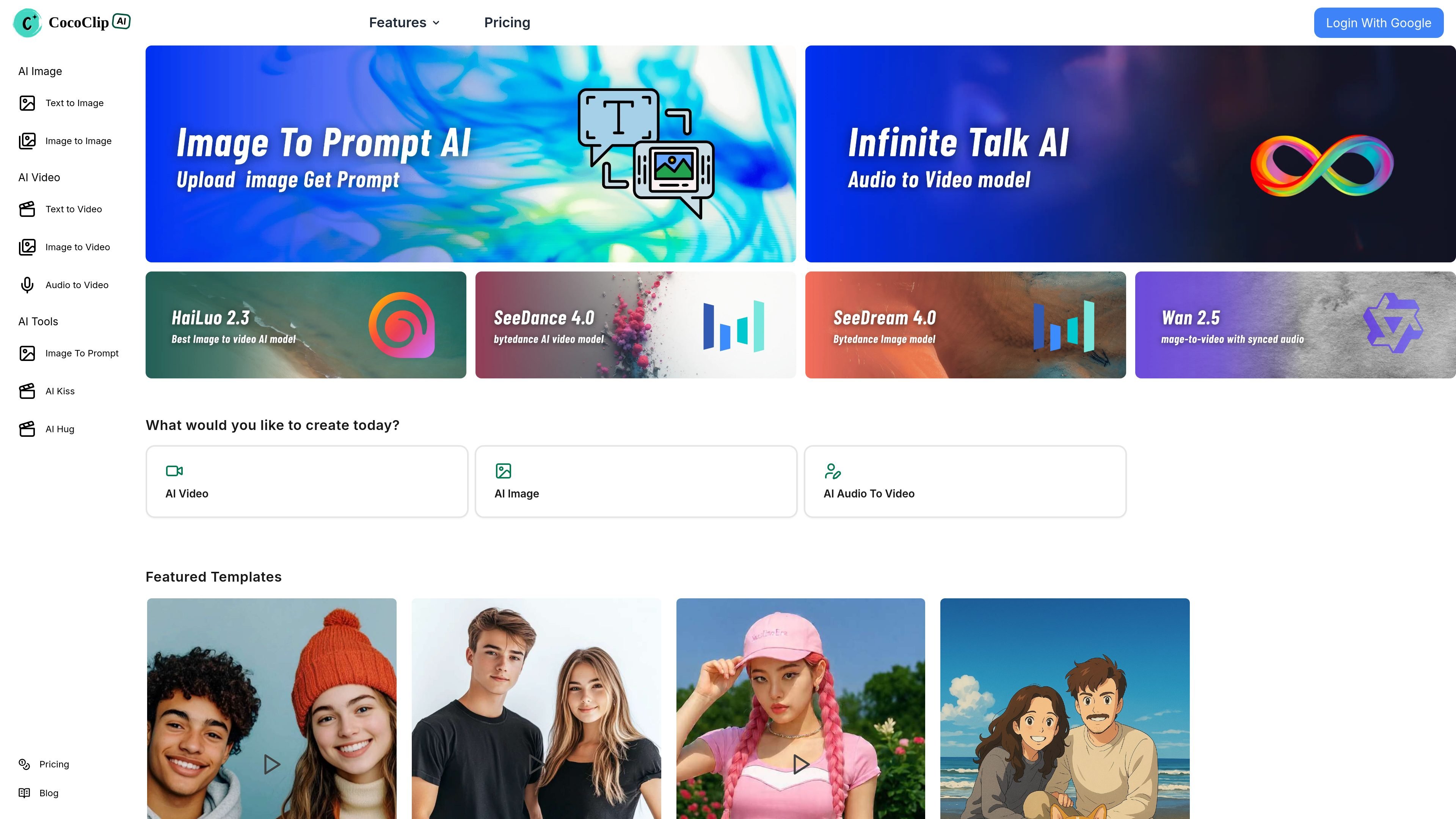
CoCoClip.AI

AI Video Generator

AI video editor for creating short-form social content

Freemium

Frequently asked questions

What problems do AI Video Editor tools address?

AI video editors help you create, cut, enhance, and caption videos with smart automation, templates, effects, and tools for faster content production.

Can a script become a finished video in one step?

Distinguish short-clip generation from full production. A finished video also needs character continuity, transitions, voice, captions and editing. Test a sequence of shots from one script rather than judging a single demo clip.

Will characters and products stay consistent across shots?

Test this explicitly. References, character controls and start or end frames can constrain a result, but feature names do not prove continuity. Change the angle, movement and lighting, then inspect faces, product geometry and logos.

What matters beyond the number of video minutes in a plan?

Check resolution, watermarks, audio, failed-generation charges and the cost of replacing a shot. If you edit elsewhere, confirm that clips, captions and other required assets can be exported.