
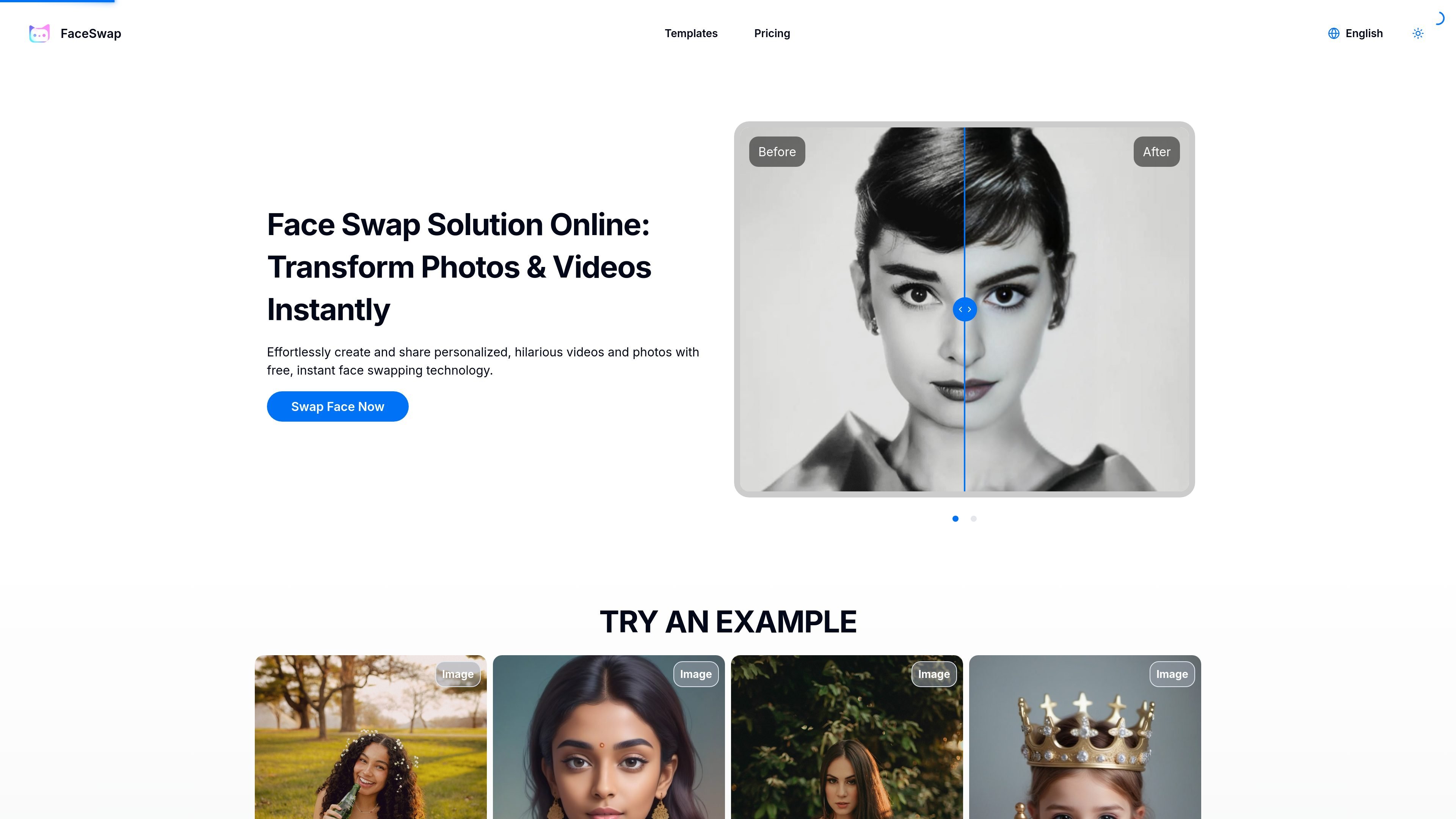
Photo and video face swapping
Swap faces in uploaded photos or videos through the main editor flow, with separate options shown for image and video work.

A web-based AI tool for swapping faces in photos and videos, with free and paid plans.
Face Swap Online Free is a web-based AI face swapping tool for photos and videos. It lets users upload their own media, try template-driven swaps, and generate results from a simple editor flow.
The site positions the product for casual personal use and creative projects such as group photos, short videos, and playful transformations. Pricing information shows a free tier plus paid plans with higher monthly limits and longer video support.
Swap faces in uploaded photos or videos through the main editor flow, with separate options shown for image and video work.
Use the templates area to start from prebuilt looks instead of only uploading custom media.
Handle group photos and multi-person scenes, with the site describing support for multiple faces in a single image or video.
Process video clips up to 60 seconds on the Premium plan, with shorter limits on lower tiers.
Choose output settings that vary by plan, including 720P on Free and Starter and 1080P on Premium.
Create outputs without watermarks or ads, according to the pricing page.
Replace faces in personal photos when you want a quick edit for sharing or private use.
Work with short clips when you need face swaps in video rather than still images, with longer clips available on paid plans.
Use group-photo support to place multiple faces into a shared scene or composite image.
Start from a template when you want a guided setup instead of building the edit from scratch.
Use the free tier for occasional projects, then move to a paid plan if you need more monthly swaps or longer videos.
It is an online face swapping tool that lets you upload photos or videos and replace faces with AI-generated results. The site also offers template-based swapping and a demo flow.
The page says users upload a photo or video, choose faces or a template, and let the AI process the swap. The editor also shows options for image and video swapping.
The pricing page shows a free plan, a Starter plan, and a Premium plan. The free plan includes a limited number of image and video swaps per month, while paid plans increase monthly quotas and video length limits.
The pricing page lists output limits by plan, including 720P on Free and Starter, and 1080P on Premium. The page also states that outputs have no watermarks and no ads.
The site says uploaded content is not stored on its servers and processing happens in real time, with results available for immediate download or sharing.
Traffic data is for reference only.

unwatermark.ai
Unwatermark AI removes watermarks, logos, text, and unwanted objects from photos and videos with automatic detection, manual cleanup, preview, free credits, and paid plans.

faceswap.tech
Browser-based AI face swapping for photos, videos, and GIFs, with free credits and paid packs.

pixlr.com
Pixlr is a browser-based AI photo editor and image generator for editing photos, creating images and videos, and handling everyday cleanup such as background removal, with free and paid plans.

aiease.ai
AI Ease is a browser-based AI platform for creating images and videos, enhancing photos, and generating visuals from text, images, or effects. Free features are available, with paid plans for more capabilities.

anyoneswap.com
Browser-based AI face swap for photos, videos, and GIFs, with free and paid plans.

cartoonize.net
Colorcinch is an online photo editor and cartoonizer that turns photos into cartoons, sketches, and stylized images, with free and paid plans.