
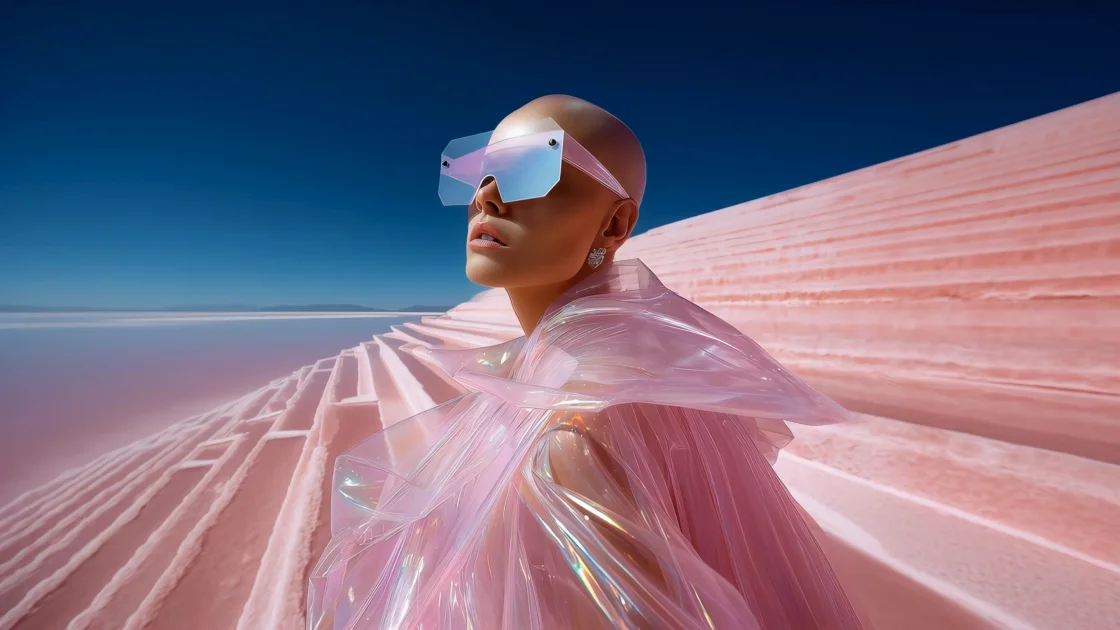
Text-to-image and image-to-image generation
Generate images from text prompts or a reference image, with support for multiple models and adjustable ratio settings.

AI Ease is a browser-based AI platform for creating images and videos, enhancing photos, and generating visuals from text, images, or effects. Free features are available, with paid plans for more capabilities.
AI Ease is an online AI creation platform for generating and editing images and videos in the browser. The site presents it as a single place to work with multiple AI models, covering text-to-image generation, image enhancement, and AI video creation.
The product is positioned for creators, teams, and other users who want to produce visual content quickly without moving between separate tools. Source pages show workflows for turning prompts or reference images into visuals, improving existing photos, and creating videos from text, images, or effects.
Generate images from text prompts or a reference image, with support for multiple models and adjustable ratio settings.
Create videos from text, images, or effects, aimed at turning ideas into short-form visual content without manual editing.
Improve resolution, sharpness, brightness, and clarity for uploaded photos, with model choices for general photos, art, and colorization.
Apply AI editing tasks such as background changes, object removal, and visual refinement to generated or uploaded images.
Access multiple named models and generation styles in one interface, including Nano Banana, Nano Banana Pro, Flux Kontext, Seedream 4.0, and others mentioned on the site.
Browse sample prompts, history, and inspiration examples to repeat or adapt outputs from the browser-based workflow.
Create social posts, thumbnails, profile visuals, and campaign graphics from a prompt or a reference image when you need fast visual output for online channels.
Produce banners, posters, product visuals, and ad creatives for promotional work where quick iteration matters more than hand-built design.
Generate product shots, lifestyle compositions, and white-background images for marketplace listings and brand catalogs.
Enhance blurry or low-resolution photos by improving sharpness, brightness, and clarity before sharing or publishing them.
Turn text, images, or effects into AI videos for storytelling, concept testing, or short-form visual experiments.
Yes. The pricing page says AI Ease provides several basic features for free, and the image generator page describes free image generation without watermarks. Some premium features are available through paid plans.
The pricing page says you can cancel your subscription at any time in “My Subscription.” It also says trial subscriptions can be canceled before the trial ends without charges.
The image generator page says users can create images from text prompts or reference images, then download the result for social media, marketing, e-commerce, or personal projects.
The pricing page says members can use all image-related features without limitation, except for watermark removal (advanced model), Headshot Pro, and video features.
The source does not list integrations or platform apps. The product is presented as an online AI studio that runs in the browser.
Traffic data is for reference only.

pixlr.com
Pixlr is a browser-based AI photo editor and image generator for editing photos, creating images and videos, and handling everyday cleanup such as background removal, with free and paid plans.

anyoneswap.com
Browser-based AI face swap for photos, videos, and GIFs, with free and paid plans.

unwatermark.ai
Unwatermark AI removes watermarks, logos, text, and unwanted objects from photos and videos with automatic detection, manual cleanup, preview, free credits, and paid plans.

vivago.ai
vivago.ai is a web-based AI platform for creating images and videos, with generation, enhancement, and editing tools. New accounts get 30 free credits, plus text-to-image, image-to-image, image-to-video, and 4K upscaling workflows.

z-image-ai.run
Z-Image AI is a web-based image generator and editor for creating and restyling images from text prompts or uploaded photos, with multiple models, free credits, and watermark-free commercial use.

fluxai.studio
FLUX AI is a web-based image generation platform for creating and editing visuals with the Flux model family from Black Forest Labs. It offers a free credit tier plus paid plans with private generations and commercial usage rights.