
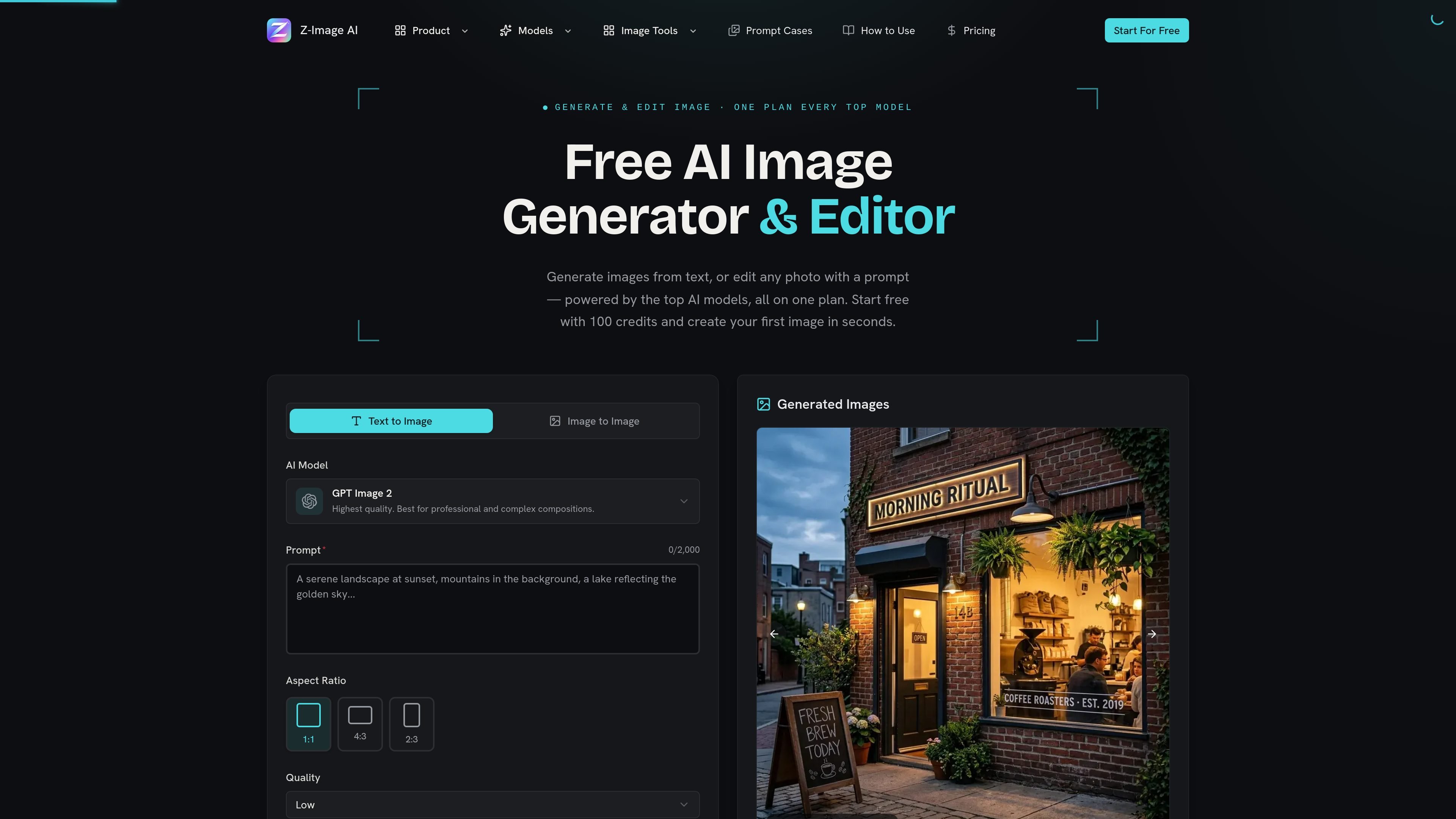
Text-to-Image and Image-to-Image
Create images from a text prompt or upload a reference photo to restyle, edit, or reimagine an existing image.

Z-Image AI is a web-based image generator and editor for creating and restyling images from text prompts or uploaded photos, with multiple models, free credits, and watermark-free commercial use.
Z-Image AI is a web-based image generator and editor for creating and restyling images from text prompts or uploaded photos, with multiple models, free credits, and watermark-free commercial use.
The product centers on a credit-based workflow with a free starting tier, followed by paid plans for heavier use. The homepage emphasizes quick generation, while the pricing page shows separate model costs and plan tiers for users who need more credits, faster queues, or higher-end output.
Create images from a text prompt or upload a reference photo to restyle, edit, or reimagine an existing image.
Choose from models positioned for different jobs, including fast drafts, precise edits, text rendering, and photorealistic output.
Pick from square, portrait, and landscape presets to fit social posts, banners, thumbnails, and print layouts without manual cropping.
Select JPEG, PNG, or WebP output depending on whether you want a small file, a lossless image, or a format for further editing.
Use the faster models for rapid iteration; the site highlights short generation times for Z-Image Turbo and refunds credits if a generation fails.
Generate images for commercial use with no watermark, and keep prompts or uploads out of model training according to the site’s stated policy.
Write a prompt to generate a new concept image, illustration, or scene when you need to go from an idea to a visual quickly.
Upload a photo and request a restyle, background change, object swap, or broader transformation when you want to revise an existing image.
Use the faster model for iterative testing when you want to compare several variations before committing to a final direction.
Choose the more photorealistic or text-accurate models when the output needs to serve as a product shot, marketing visual, or image with legible text.
You can start from either a text prompt or an uploaded reference image. The generator supports both text-to-image and image-to-image workflows, so you can create from scratch or restyle an existing photo.
The site shows JPEG, PNG, and WebP output options, and Z-Image Turbo specifically lists JPEG, PNG, and WebP as available formats.
The pricing page shows free access to start, with paid plans available for heavier use. Generated images are described as commercially usable with no watermark, though plan details and credit usage vary by model.
The site presents multiple models on one plan, including Z-Image Turbo, GPT Image 2, Nano Banana 2, and Seedream 4.5. Each model is positioned for different needs such as speed, text rendering, precise edits, or photorealism.
The homepage describes a simple workflow: write a prompt or upload a photo, choose a model and settings, then generate and download the image. The process is designed to work in seconds without additional design software.
Traffic data is for reference only.
| Apr | 0 |
|---|---|
| May | 0 |
| Jun | 0 |
Traffic analytics are not available yet.
Traffic analytics are not available yet.

pixlr.com
Pixlr is a browser-based AI photo editor and image generator for editing photos, creating images and videos, and handling everyday cleanup such as background removal, with free and paid plans.

ai-img-gen.com
AI Image Generator is a web-based tool for creating AI-generated images from prompts and browsing example outputs. It also includes an embedded photo editor for basic post-generation adjustments.

vivago.ai
vivago.ai is a web-based AI platform for creating images and videos, with generation, enhancement, and editing tools. New accounts get 30 free credits, plus text-to-image, image-to-image, image-to-video, and 4K upscaling workflows.

imageditor.net
ImageEditor is a web-based AI image editor for creating and refining images online, with text-to-image, image editing, background removal, upscaling, and commercial use.

aiease.ai
AI Ease is a browser-based AI platform for creating images and videos, enhancing photos, and generating visuals from text, images, or effects. Free features are available, with paid plans for more capabilities.

spellai.art
Spellai is a web-based AI art generator for creating and editing images and generating videos from text or uploaded images.