2026 Best AI Image Generator tools
AI image generators help you create illustrations, product visuals, concept art, and marketing graphics from text prompts or reference images.
Maintained by Findings24
Image & Design
Explore this collectionChoose an image generator for the work you need to finish
Start with one real brief and test the same prompt in a few tools. Compare the usable result after editing, not just the first impressive image. These starting points are selected for different workflows, not ranked by popularity.
Illustration and visual exploration
Compare prompt adherence, style and reference-image controls. Test several variations to see whether characters, colours and composition stay consistent.
Editing photos and product images
Look for selective editing, background removal and canvas expansion. Check whether edits preserve the product shape, logos and text before using the image in marketing.
Budget and delivery
Compare credits per usable output, export resolution, watermarks and queue time. A free allowance is useful for testing; repeated revisions and upscaling can change the effective cost.
Commercial and automated work
Check the chosen model and plan’s usage terms, privacy settings and permitted inputs. For an API workflow, compare edit support, output formats, rate limits and per-image costs separately from the web subscription.
Three starting points to compare
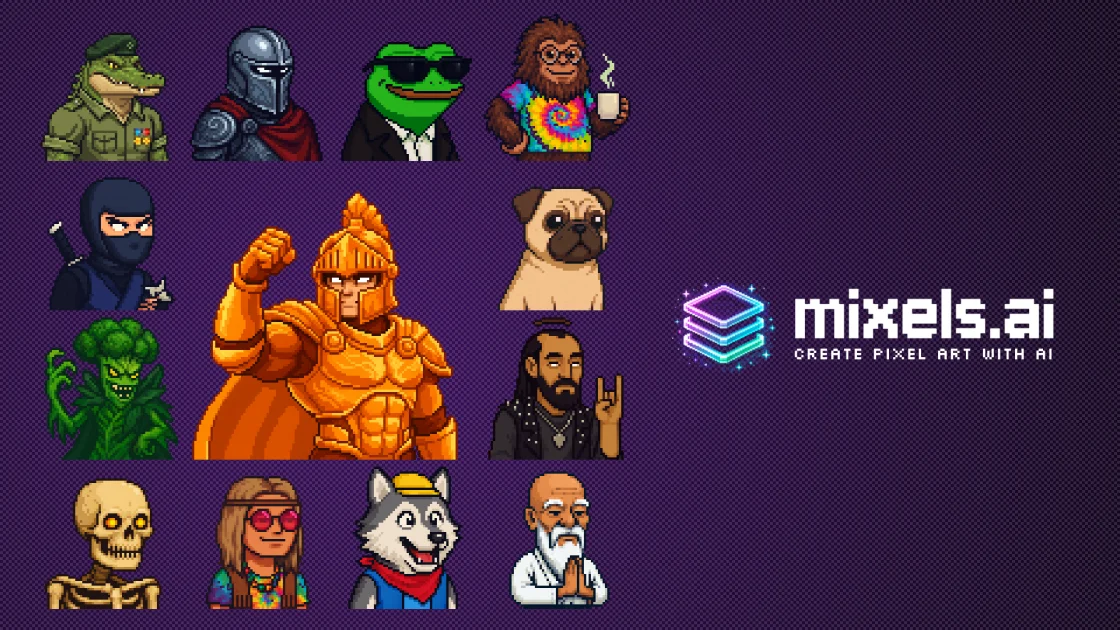
Start here for vector graphics, illustrations and a consistent visual style across design assets.
Official featuresCompare it for image generation and selective edits in an Adobe creative workflow.
Official featuresCompare it for image variations, reference-guided creation and creative asset exploration.
Official featuresProducts

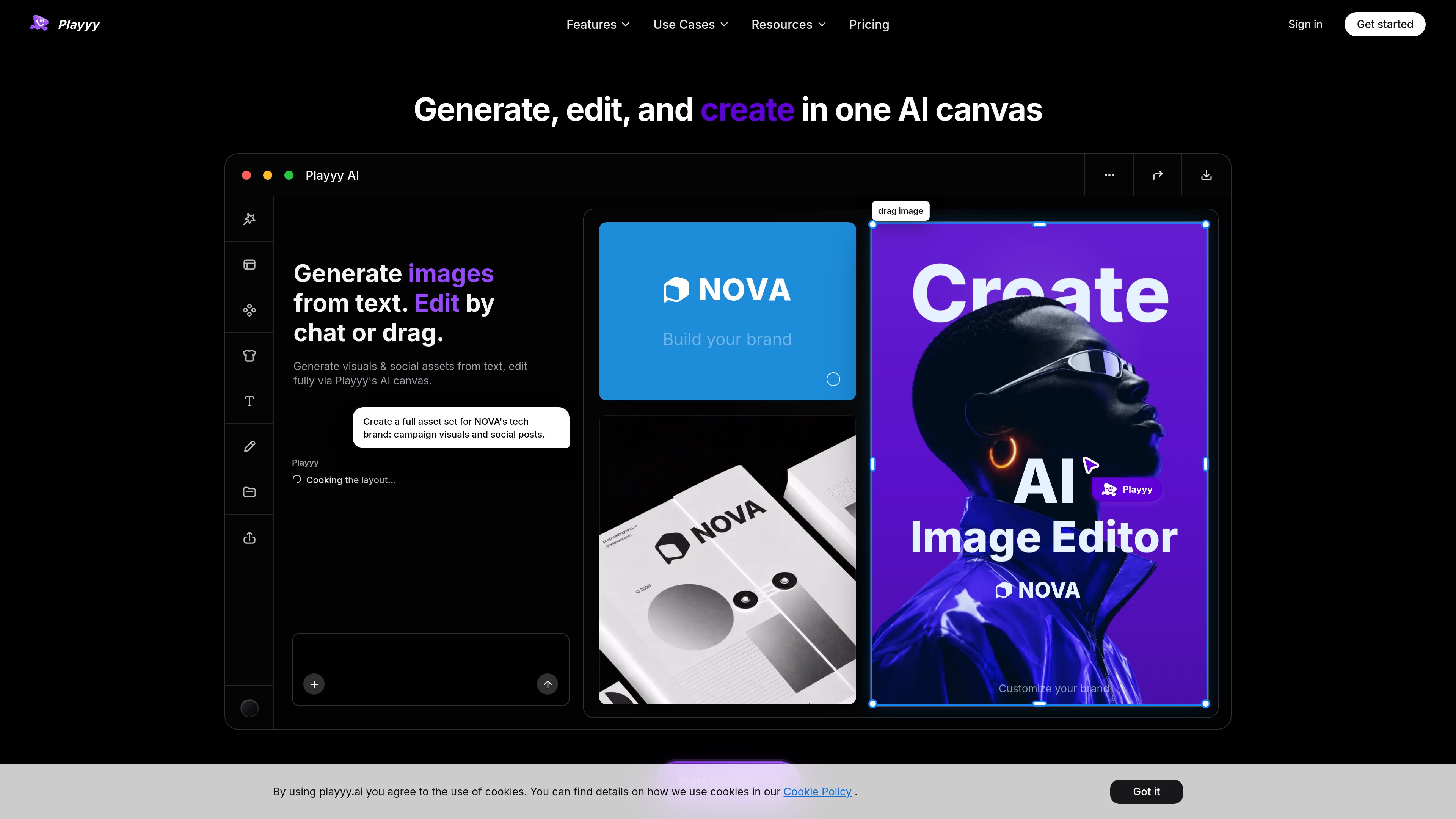
Playyy
AI Background Remover
Playyy is an AI image editor and image generator that lets users create visuals from text, edit them on a fully editable canvas, remove backgrounds, and produce on-brand marketing assets. It is designed for creators, marketers, and ecommerce teams that want to generate and revise images in one workflow.
FreemiumFrequently asked questions
How do AI image generators work?
They use trained models to produce images from instructions such as text prompts or reference images. Text-to-image creates a new composition; image editing transforms an existing image. The model and available controls affect how closely the result follows your brief.
Which tool should I try first?
For a new illustration, test style and composition controls. For an existing product photo, test selective editing and preservation of the original object. For a set of brand assets, test consistency across several outputs. Use one representative brief and compare the time needed to reach a usable final image.
What should I compare in a free plan?
Check the number and reset period of credits, which models are included, export resolution, watermarks and whether outputs are public. Test an edit and an upscale as well as a new generation, because they may consume different amounts of credit.
Does a web subscription include API access?
Do not assume it does. Check whether the API is billed separately, supports the same models and editing controls, and provides the formats and request limits your application needs.