2026 Best Design tools

Discover AI tools for Design Tools.

Maintained by

Image & Design

Explore this collection

Products

DepositPhotos preview
DepositPhotos logo

DepositPhotos

AI Image Generator

Stock-media licensing and visual creation tools for designers, marketers, and creative teams.

Freemium
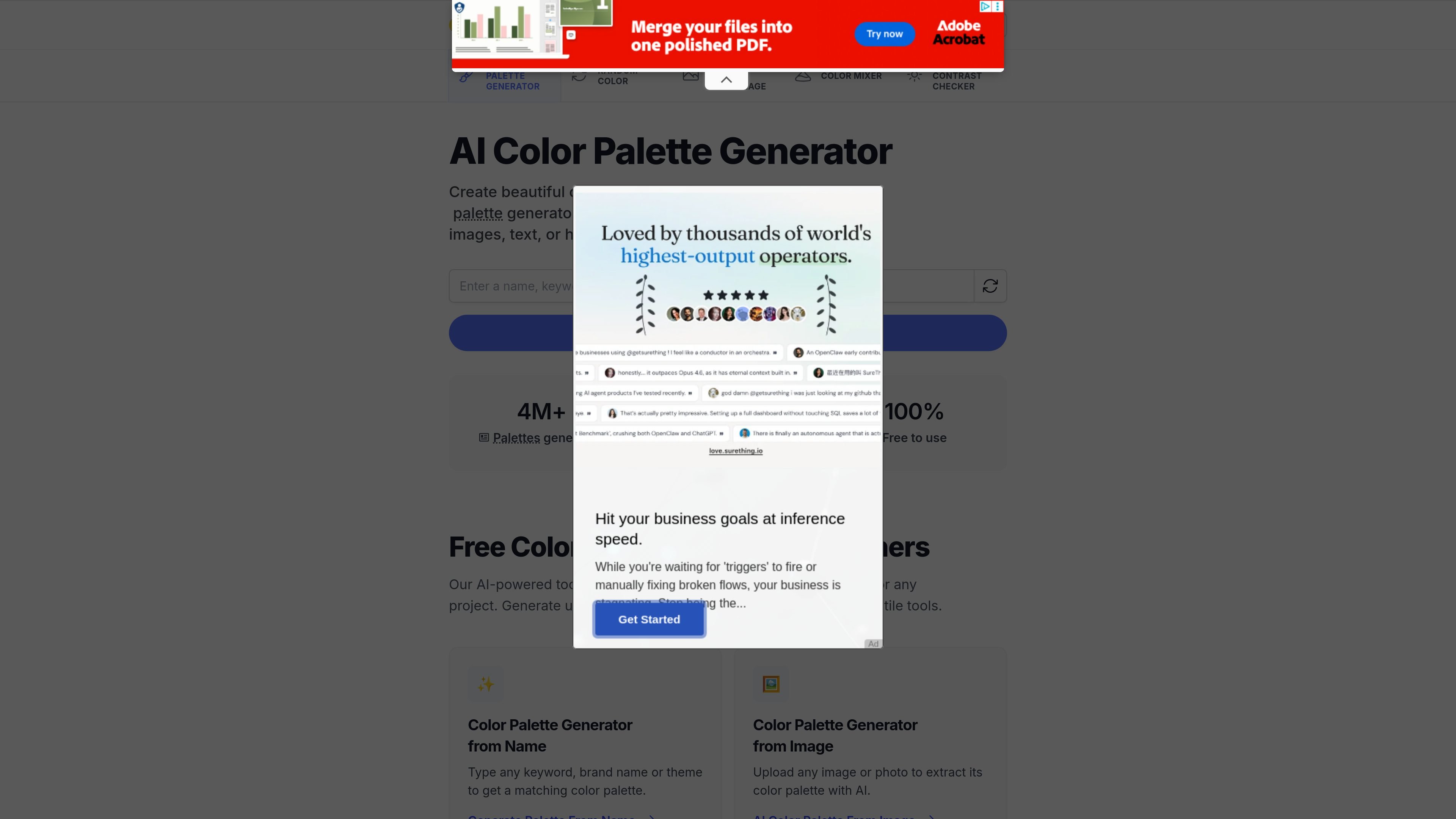
ColorMagic preview
ColorMagic logo

ColorMagic

AI Design Assistant

Free AI color palette generator for designers, with text, hex code and image inputs.

Freemium
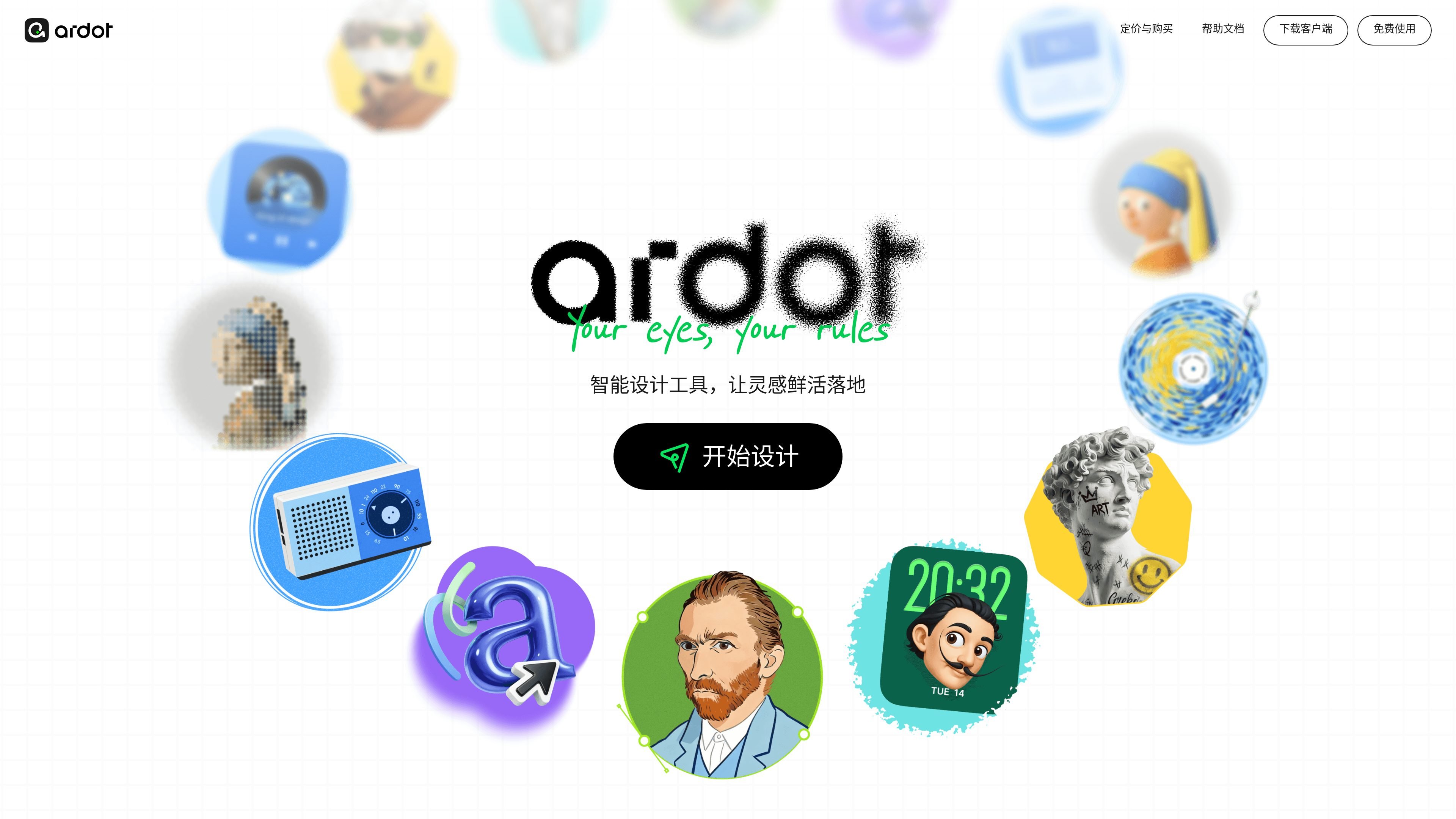
Tencent Design Ardot preview
Tencent Design Ardot logo

Tencent Design Ardot

AI Design Assistant

An AI-assisted design tool for creating interfaces and delivering design work to development teams.

Free
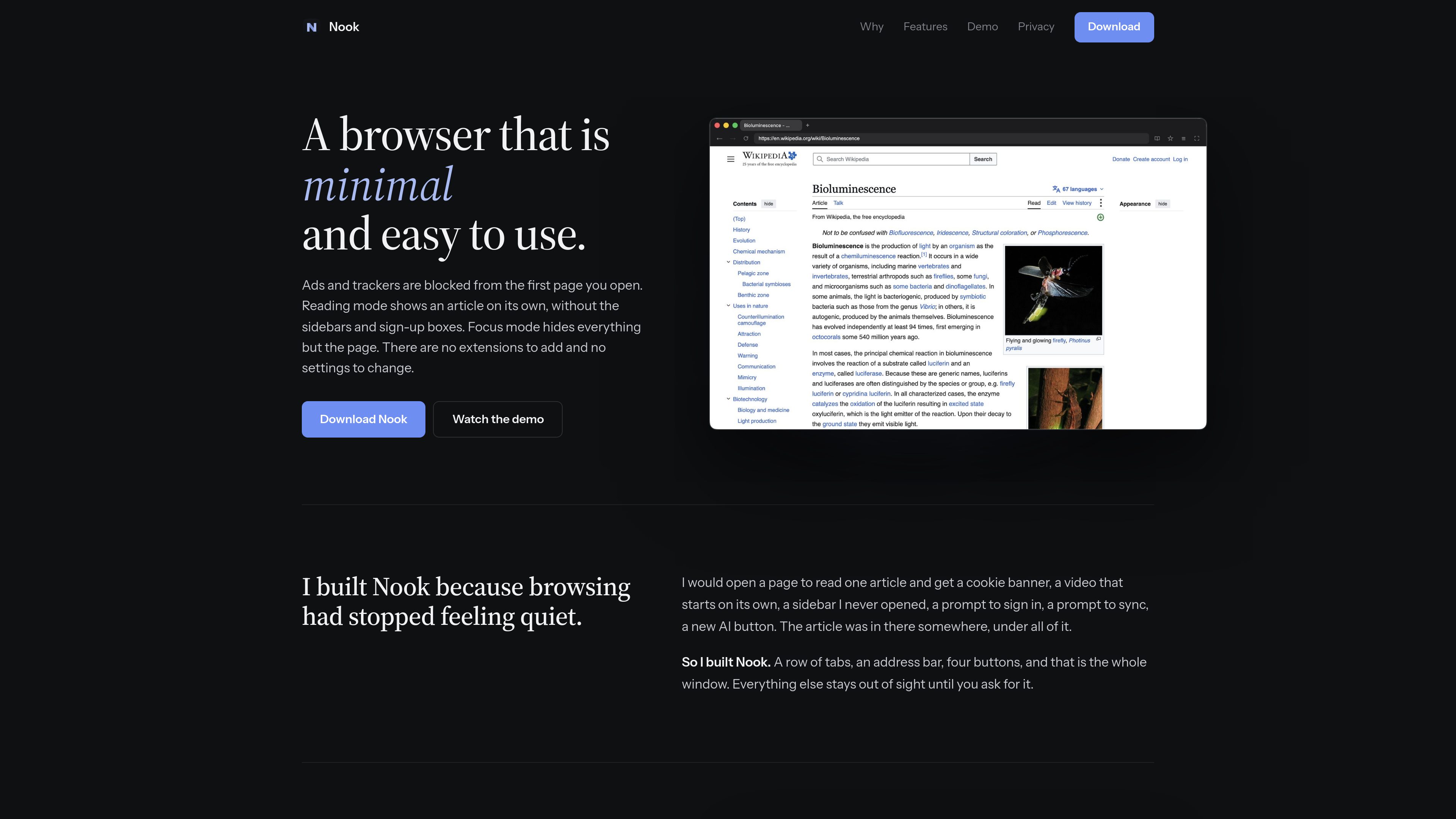
Nook preview
Nook logo

Nook

Design Tools

Nook is a minimalist web browser for macOS that blocks ads and trackers, with reading and focus modes and browsing data stored locally by default. It’s made for a quieter reading experience, without extensions, accounts, or sync.

Freemium
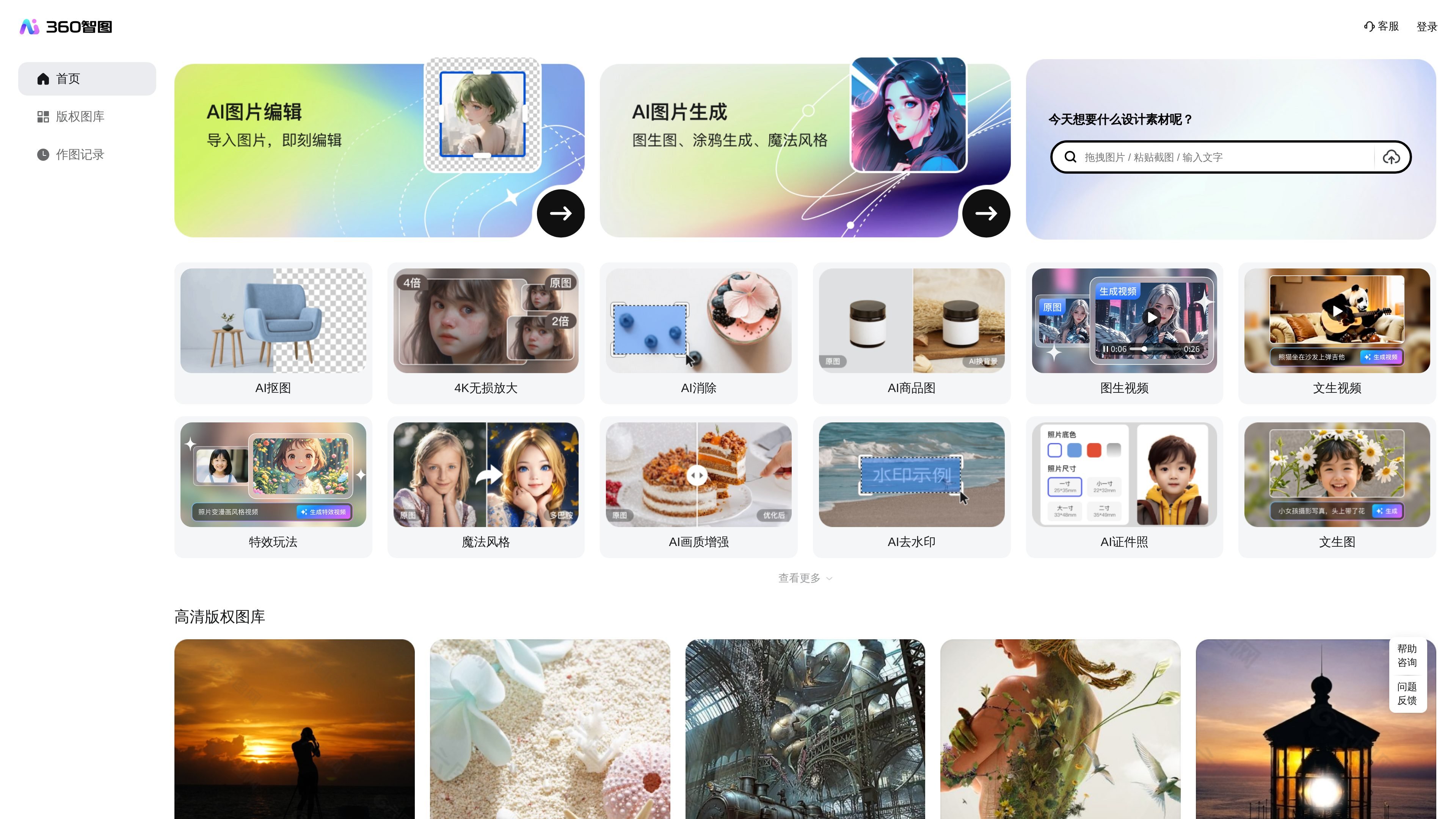
360智图 preview
360智图 logo

360智图

Design Tools

360智图 is an image copyright search platform for marketing, advertising, operations, and design professionals, offering one-click checks, image search, similar-image recommendations, and free licensed images.

Freemium
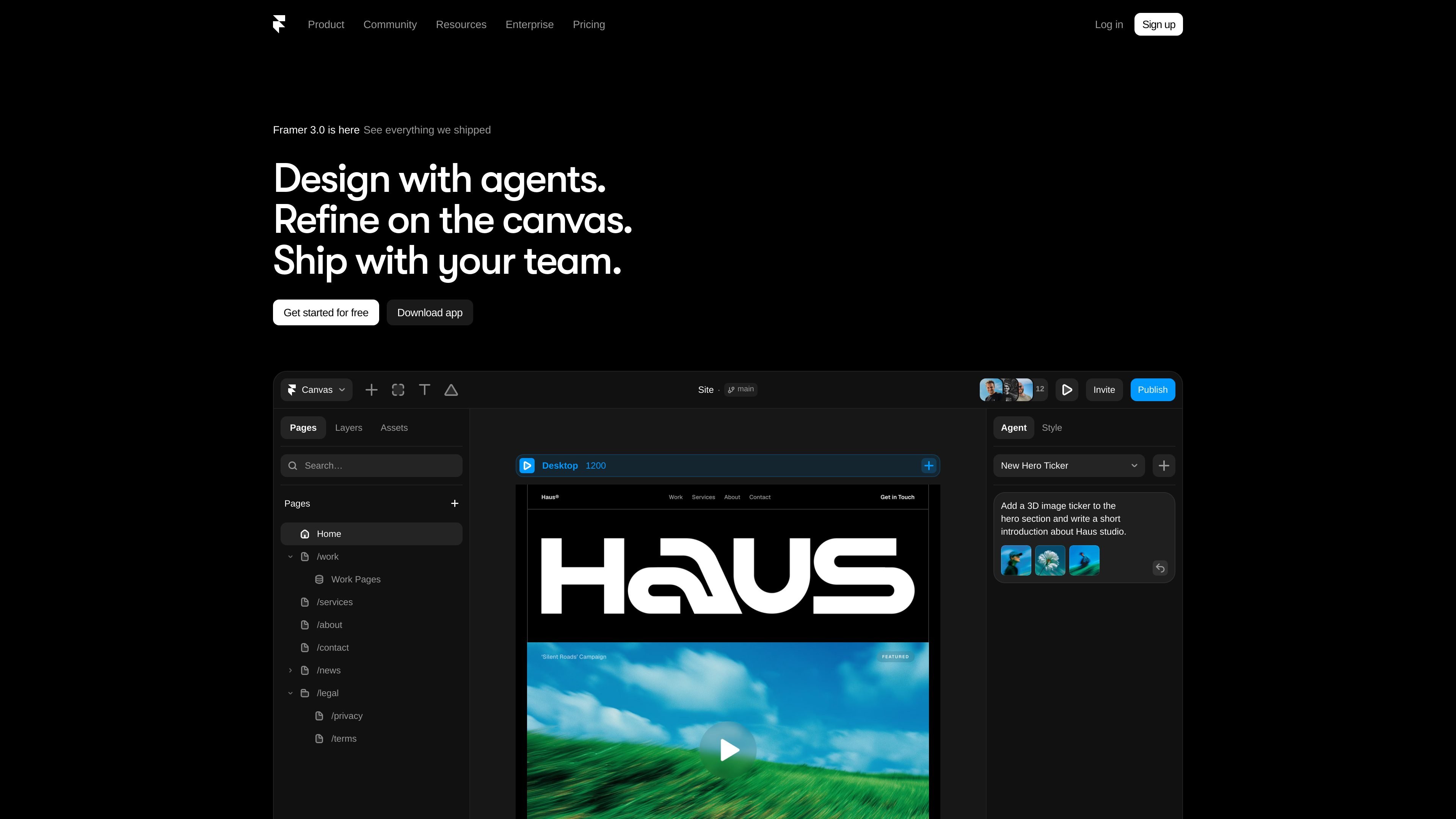
Framer preview
Framer logo

Framer

AI Website Builder

AI-assisted website design and publishing for designers, agencies, and teams.

Freemium
123RF preview
123RF logo

123RF

AI Image Generator

Find licensed stock media and create or adapt visuals with integrated AI generation and image-editing tools.

Freemium
Featurebase preview
Featurebase logo

Featurebase

Design Tools

Featurebase combines shared inbox, help center, feedback, roadmaps, and changelogs for support and product teams.

Freemium
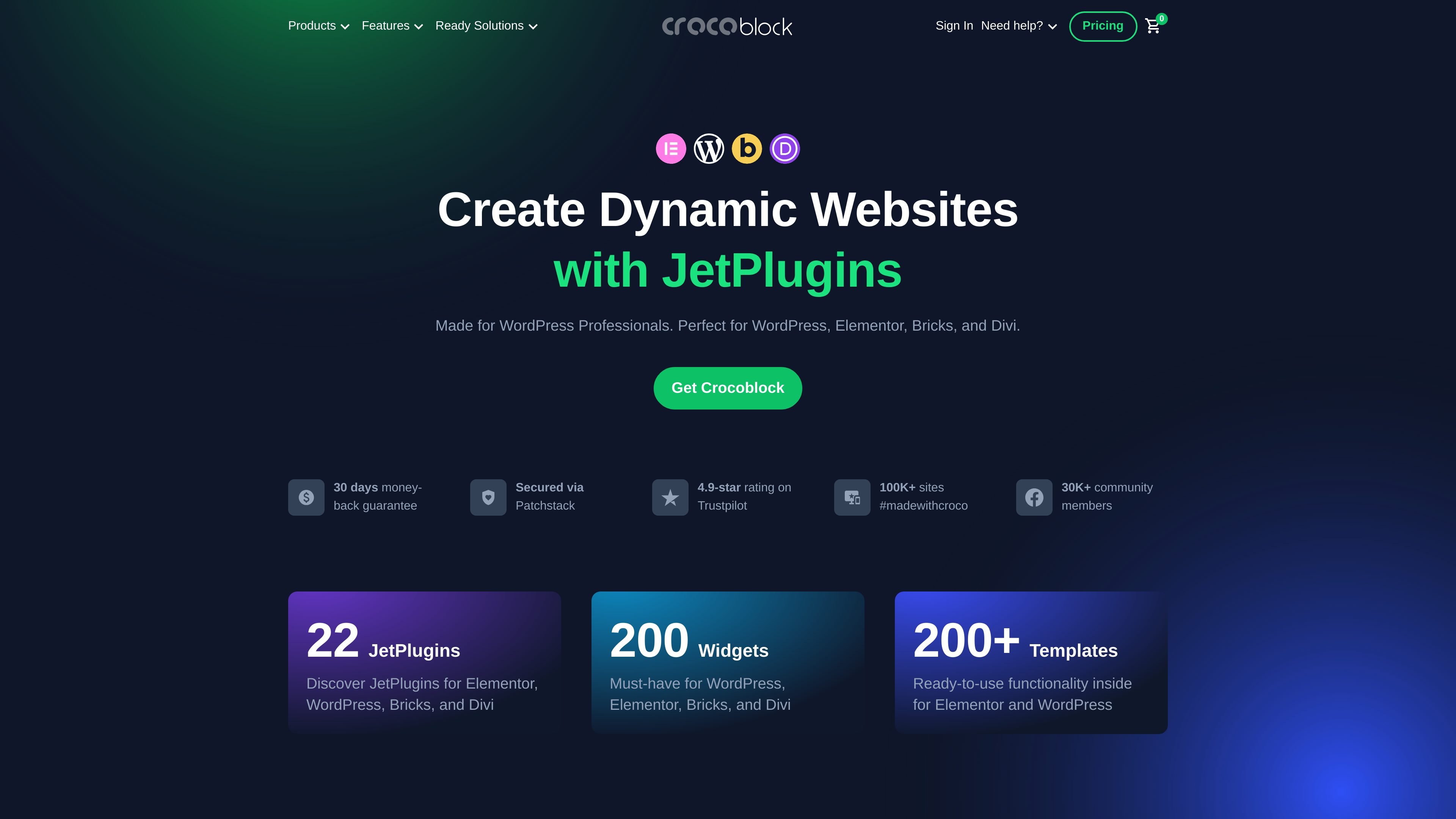
Crocoblock preview
Crocoblock logo

Crocoblock

Design Tools

WordPress JetPlugins for dynamic sites in Elementor, Gutenberg, Bricks, and Divi

Freemium
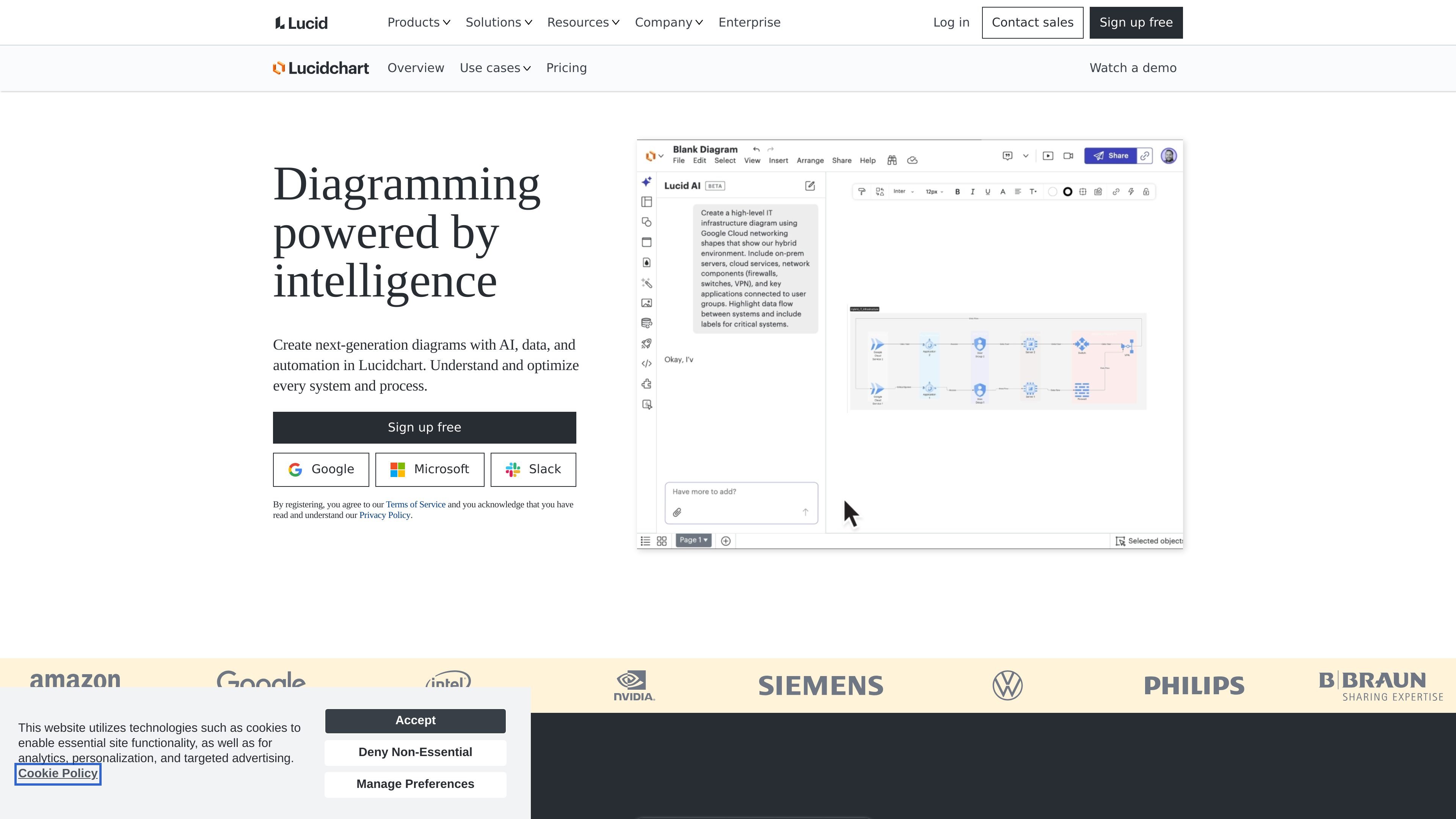
Lucidchart preview
Lucidchart logo

Lucidchart

Design Tools

Build process maps, org charts and technical diagrams from templates, text prompts or data, then edit and collaborate on a shared canvas.
Freemium
Spline preview
Spline logo

Spline

Design Tools

Browser-based platform for interactive 2D/3D design and real-time collaboration

Freemium
LOGO.com preview
LOGO.com logo

LOGO.com

AI Logo Generator

Create and edit logos, then build brand assets with plan-specific exports

Freemium
Playbook preview
Playbook logo

Playbook

Design Tools

Playbook is a visual asset management platform for creatives and teams, helping them store, organize, search, review, and share files with AI assistance.

Freemium
Ketch preview
Ketch logo

Ketch

Design Tools

Ketch is enterprise data privacy software for consent, DSRs, data mapping, risk assessments, and marketing preferences, connecting choices and automating workflows.

Freemium
Coohom preview
Coohom logo

Coohom

Design Tools

Browser-based home design for 2D plans, furniture layouts, and 3D room previews.

Freemium
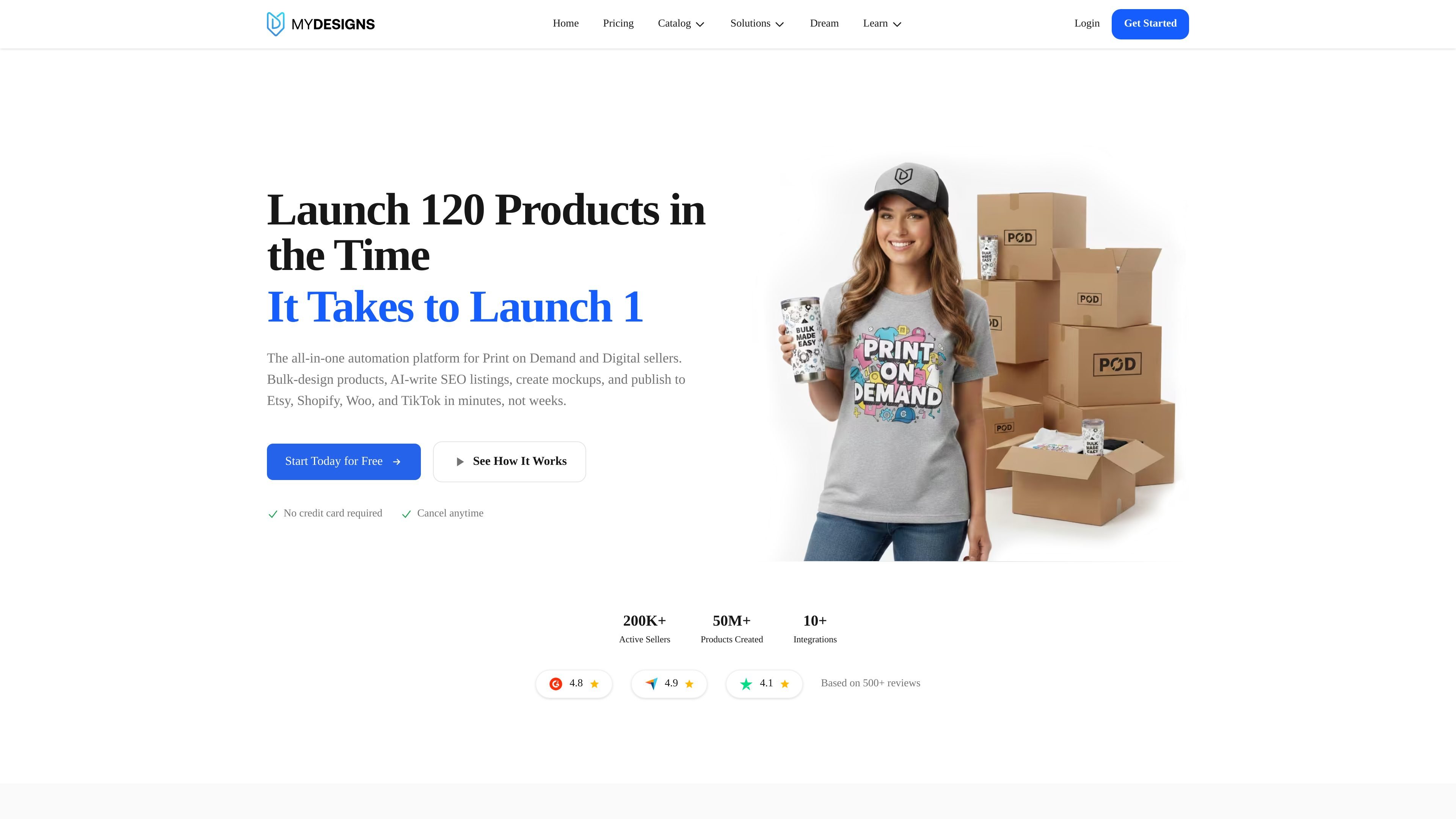
MyDesigns preview
MyDesigns logo

MyDesigns

Design Tools

MyDesigns automates product creation, listings, publishing, delivery, and orders for print-on-demand and digital sellers.

Freemium
Vexels preview
Vexels logo

Vexels

AI Graphic Design

Design tools, AI image generation, and graphics for print-on-demand sellers.

Freemium
Designrr preview
Designrr logo

Designrr

Design Tools

Designrr repurposes web, document, audio, video, podcast, and YouTube content into ebooks and formatted assets.

Freemium
Mappedin preview
Mappedin logo

Mappedin

Design Tools

Mappedin is an indoor mapping and wayfinding platform that helps venue teams create, publish, and manage digital maps from floor plans.

Freemium
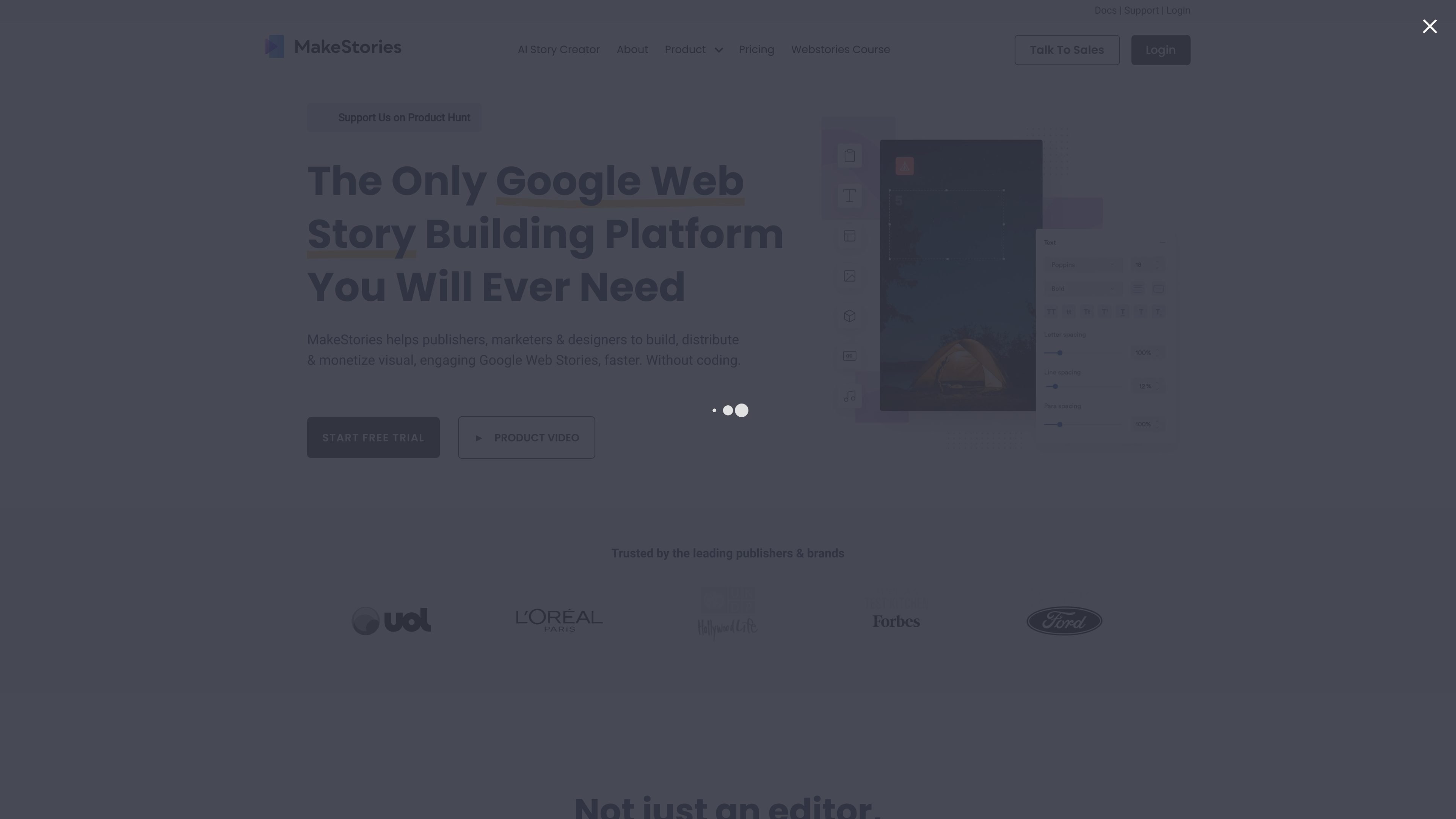
MakeStories preview
MakeStories logo

MakeStories

AI Content Creator

A visual editor for creating, animating, and publishing Google Web Stories without coding.

Paid

Frequently asked questions

How can I compare tools in Design Tools?

Compare each product’s description and pricing model, then check its official website for the features, limits and current plans you need.

Where can I check features and pricing?

Open a tool’s detail page for more product information. Use its official website link to confirm current features, prices and usage limits.