

2026 Best AI Photo Restoration tools
AI photo restoration tools repair scratches, remove blemishes, enhance details, and bring old or damaged images back to life.
Image & Design
Explore this collectionTools
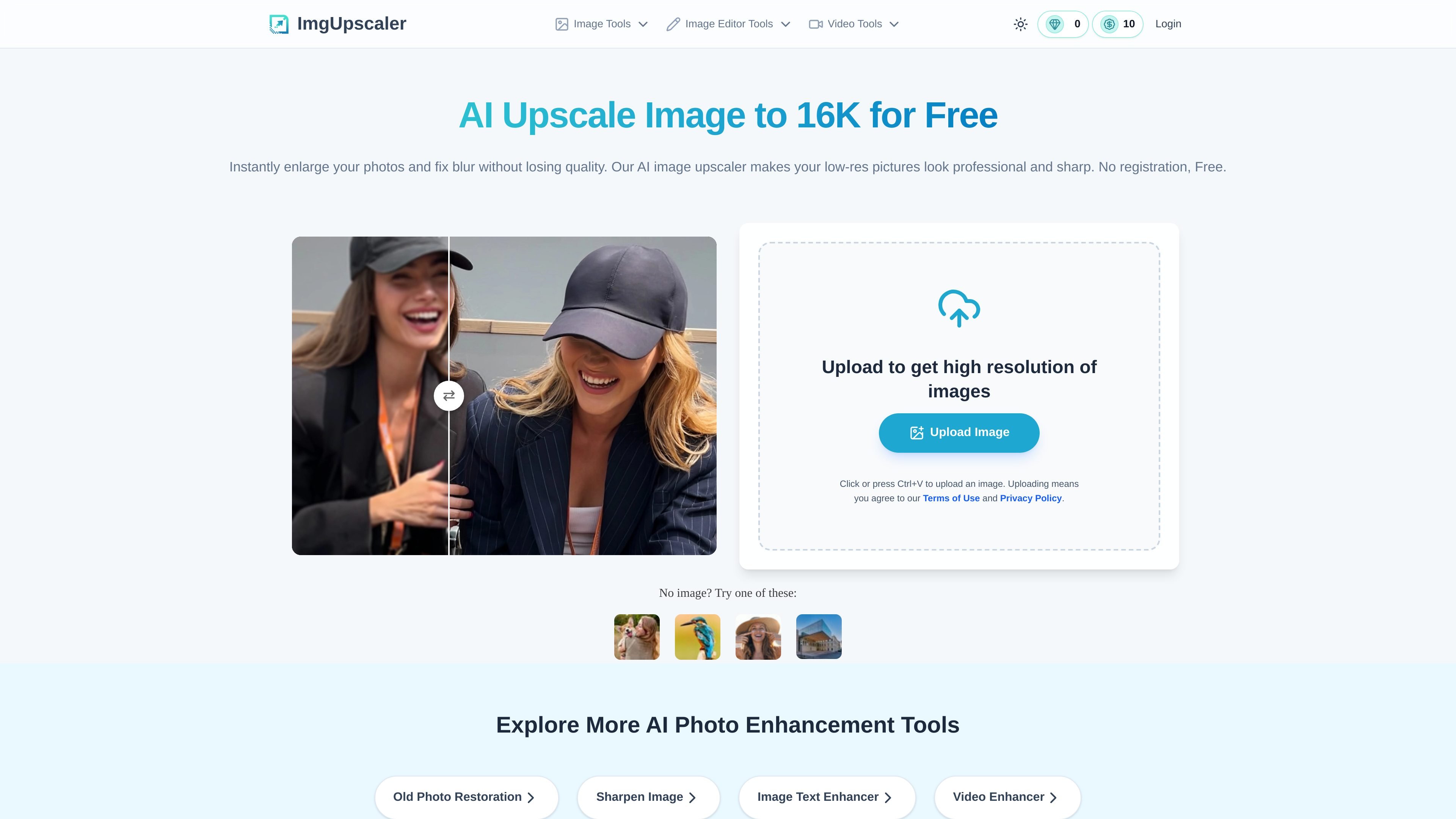

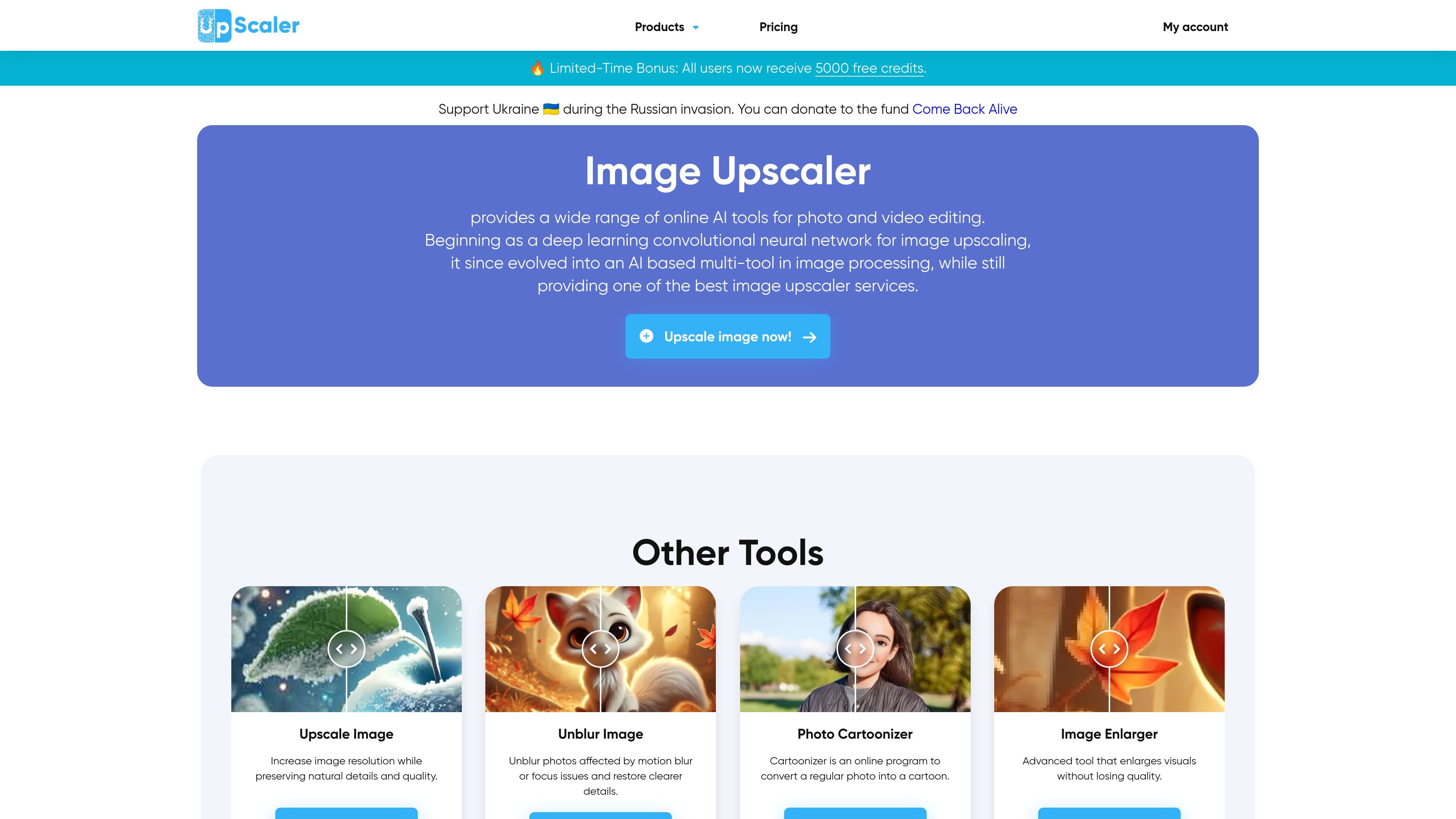



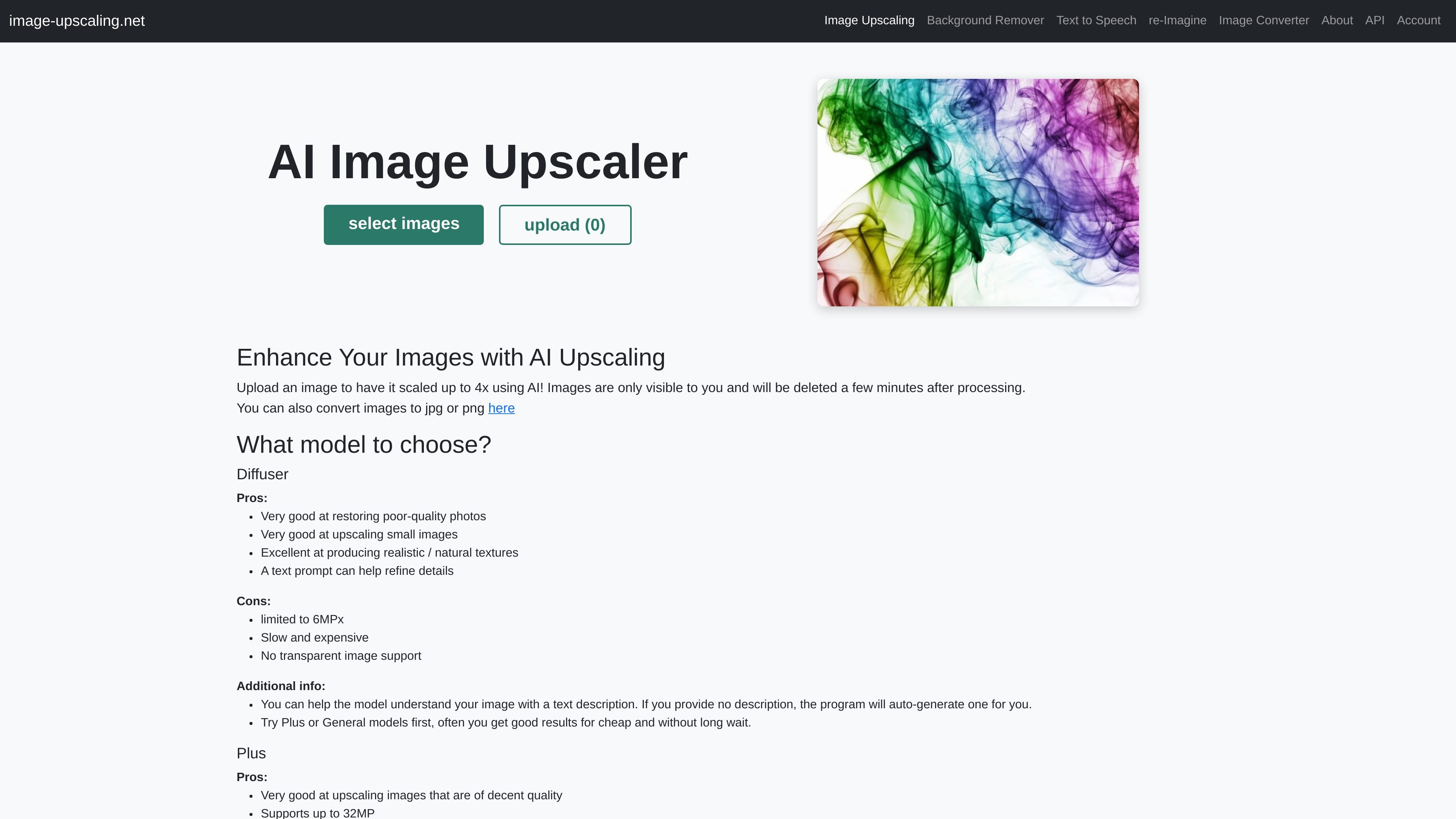

Image UpScaler
AI Image Enhancer
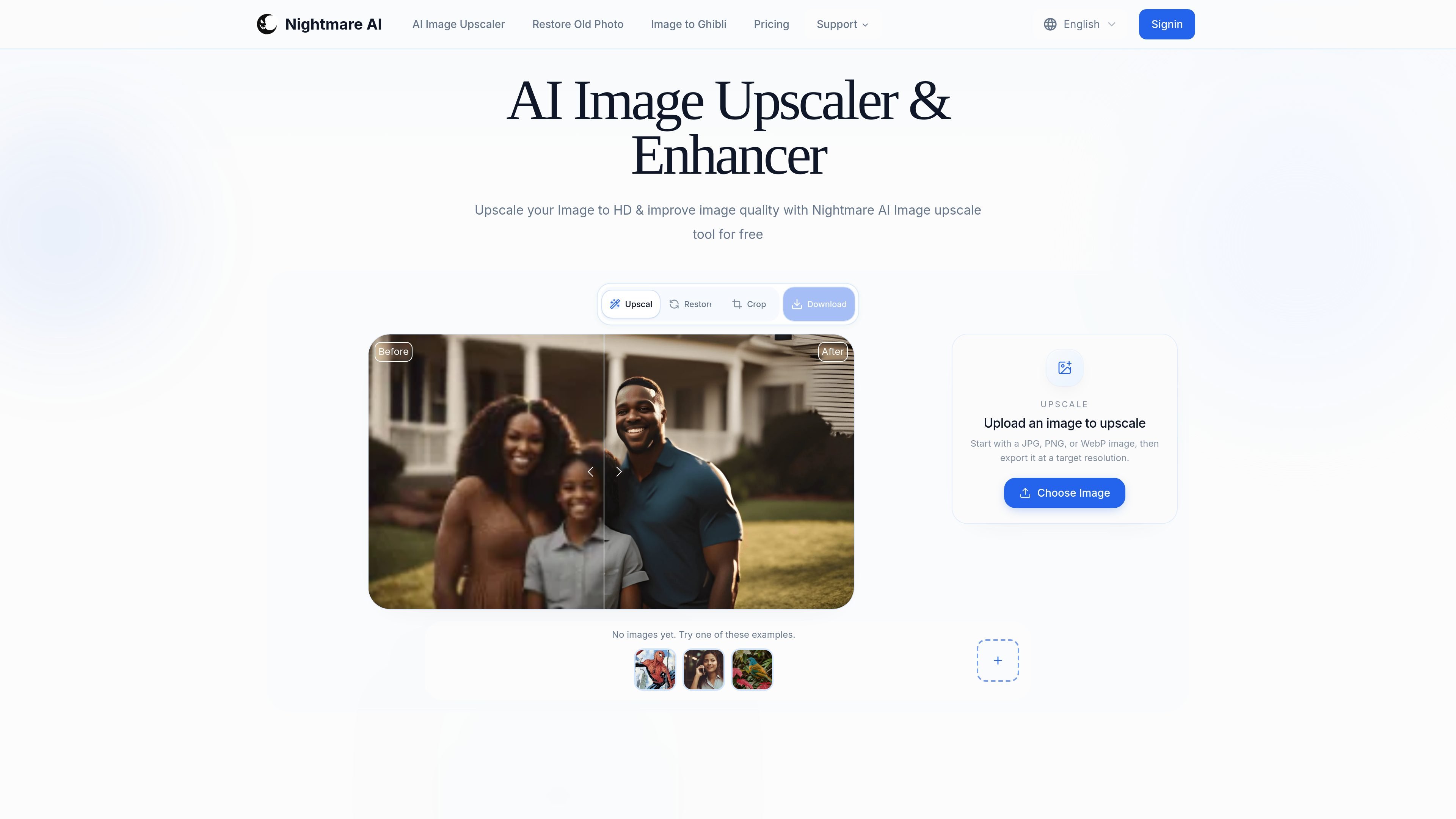
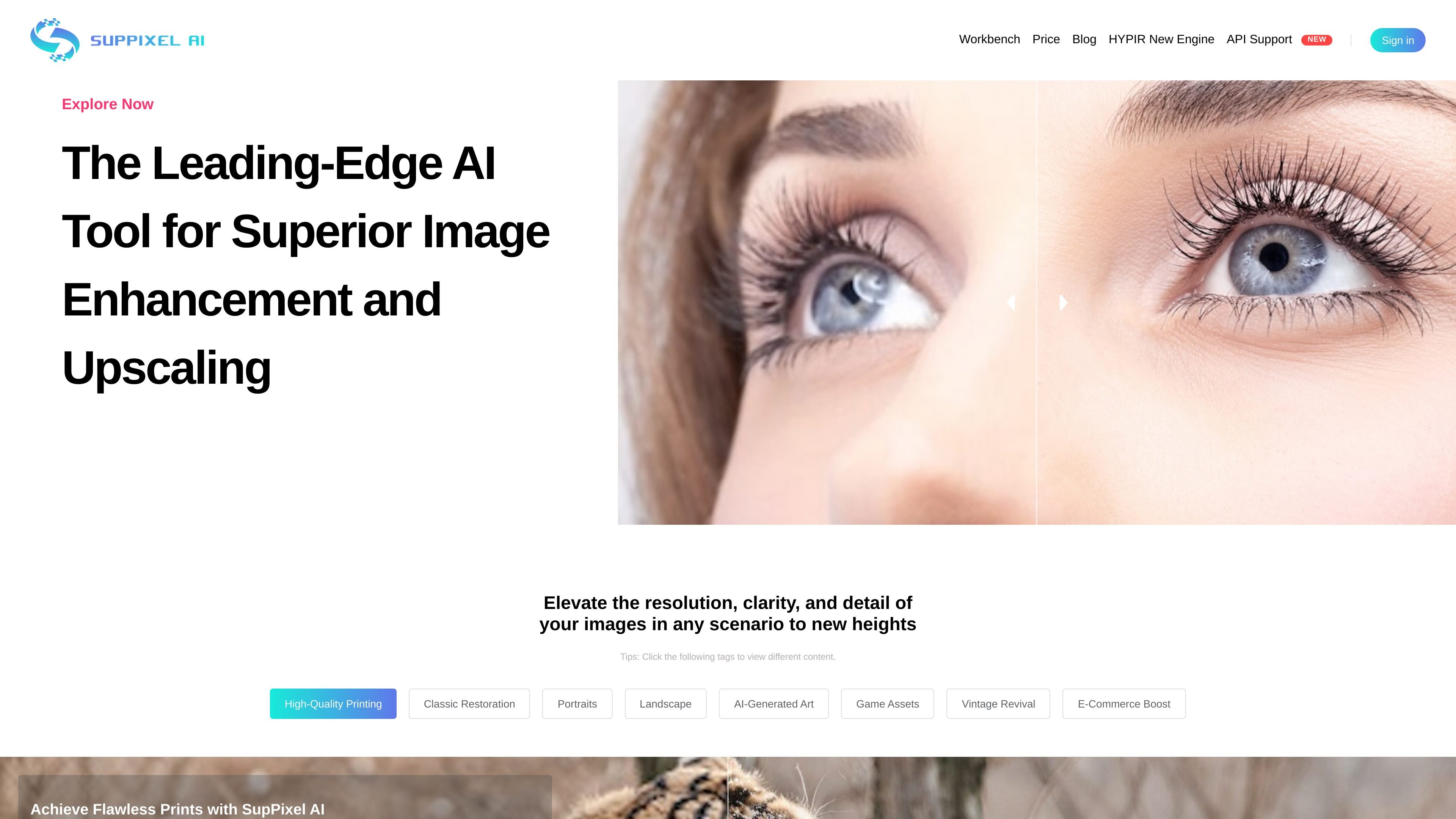
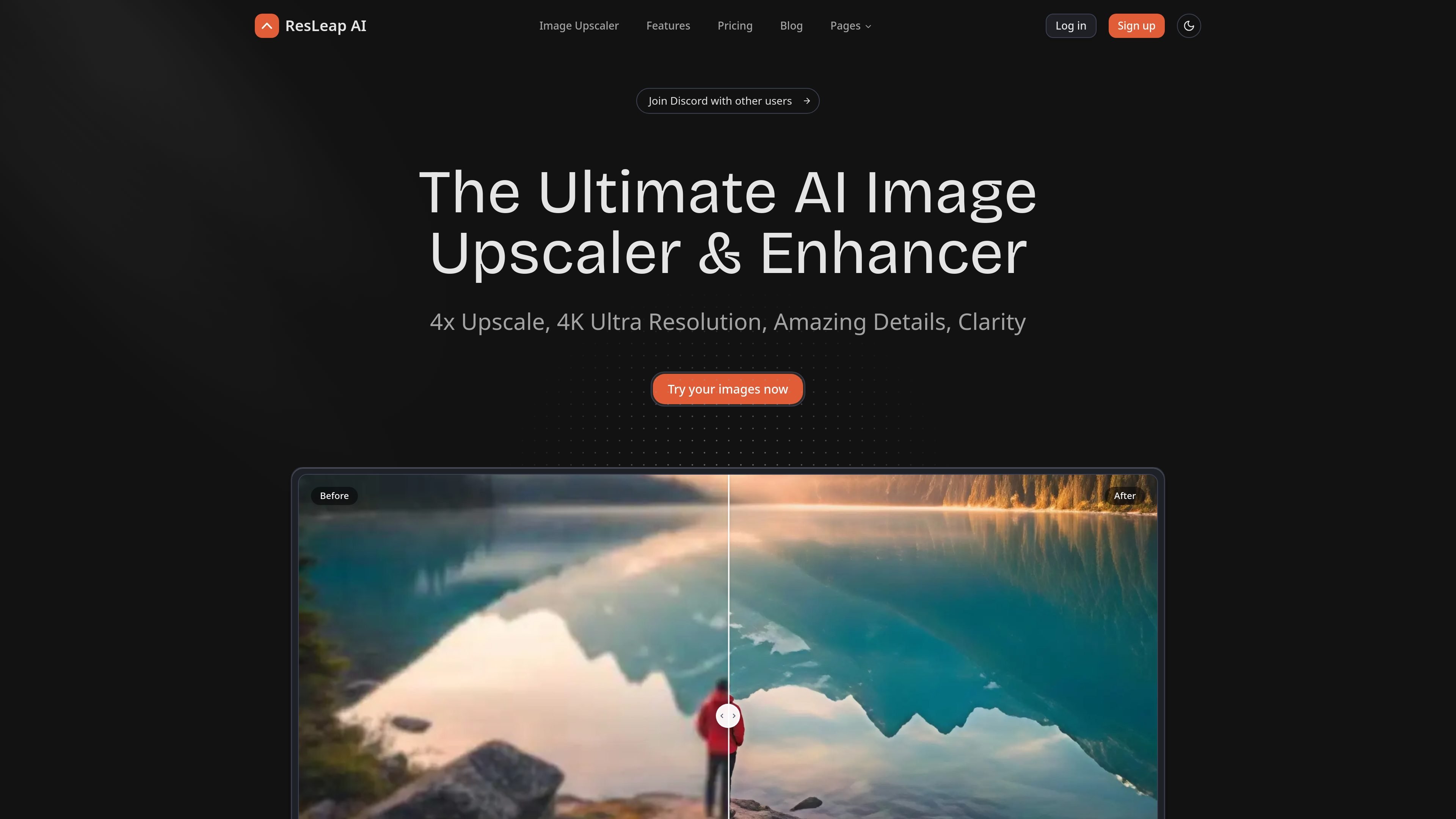
Image UpScaler is a web-based AI tool for enlarging images, offering models for general upscaling, face restoration, and transparent-image support in selected modes. It includes a free daily quota, no sign-up for small-scale use, and a separate browser-based format converter.
Freemium















Frequently asked questions
What problems do AI Photo Restoration tools address?
AI photo restoration tools repair scratches, remove blemishes, enhance details, and bring old or damaged images back to life.
Should I use the same tool to generate images and edit photos?
For a new composition, examine style, layout and reference-image controls. For an existing photo, test whether a local edit preserves the subject, product shape and text. A set of brand assets also needs consistency across several outputs, not just one attractive image.
Can I use images from a free plan commercially?
A free allowance does not establish commercial rights. Check the selected model and plan, publication settings and rights to your input images. Inspect generated logos and product details before using an image in marketing.
Why can a cheap subscription still be expensive per finished image?
Revisions, retries, upscaling and high-resolution exports may consume additional credits. Queue time matters for deadlines too. Run a real brief through the whole workflow and compare the credits and time needed for one usable image.