
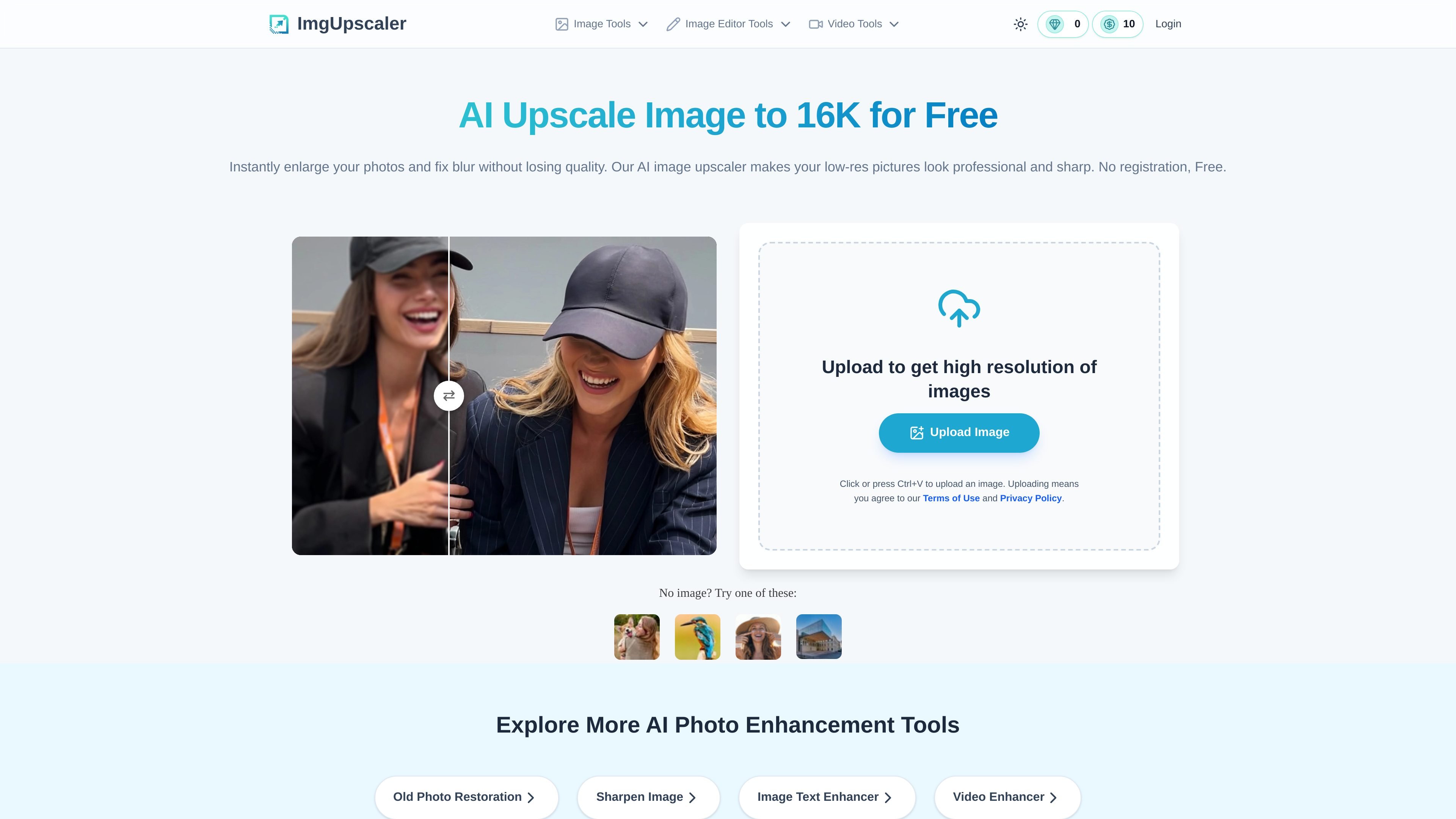
AI image upscaling to 16K
Upscales photos to higher resolution, with the homepage stating support up to 16K for users who need large, detailed outputs.

Imgupscaler AI enlarges photos, reduces blur, restores old images, and enhances text in your browser. Start free or use paid credits.
Imgupscaler.ai is an AI image upscaling and enhancement tool that runs in the browser. Its main job is to increase image resolution, reduce blur, and keep photos looking natural rather than stretched or overprocessed.
The homepage positions the product for people who need clearer images for printing, presentations, e-commerce listings, social posts, wallpapers, family photos, and screenshots. It also offers related workflows for old photo restoration, sharpening, and image text enhancement, with pricing that includes a free plan and paid credit options.
Upscales photos to higher resolution, with the homepage stating support up to 16K for users who need large, detailed outputs.
Targets blur, grain, and pixelation by using AI processing to recover clarity instead of simply stretching pixels.
Supports sharper faces, fine textures, and edges, which is useful for portraits and detail-sensitive images.
Processes JPG, PNG, and WebP uploads in the browser, with drag-and-drop and clipboard paste supported on the homepage.
Offers related enhancement workflows on separate pages, including old photo restoration, image sharpening, and image text enhancement.
Provides a free entry flow plus paid credit options, including subscriptions and one-time credit packs on the pricing page.
Increase resolution for prints that need clean edges and more detail, such as posters, posters-sized graphics, or other large-format output.
Improve product photos so small details are easier to see in online storefronts and marketplace listings.
Restore clarity in old, faded, scratched, or blurry family photos while keeping the image close to the original look.
Sharpen low-quality screenshots, scans, or text-heavy images so words and interface details are easier to read.
Enlarge AI-generated art or wallpapers for higher-resolution display use without relying on simple resizing.
Yes. The homepage states that Imgupscaler.ai is free to use and does not require a login, and the pricing page includes a free plan with periodically refreshing credits.
The homepage says you can upload an image and choose 16K output for ultra-high-resolution results. The tool automatically processes the image and then lets you download the enhanced file.
Yes. The site says the upscaler can fix blurry, pixelated, and grainy images, and the sharpening page describes AI sharpening for soft or out-of-focus photos.
The homepage says the tool is designed to preserve natural colors and textures, while the sharpening page emphasizes avoiding over-sharpening and distortion.
The homepage says the tool works in the browser on Windows, Mac, and mobile devices. The site also provides separate pages for old photo restoration, sharpening, and image text enhancement.
Traffic data is for reference only.

image-upscaling.net
Image UpScaler is a web-based AI tool for enlarging images, offering models for general upscaling, face restoration, and transparent-image support in selected modes. It includes a free daily quota, no sign-up for small-scale use, and a separate browser-based format converter.

letsenhance.io
Improve soft, compressed, or damaged images in your browser with AI enhancement, sharpening, upscaling, and an Old Photo restoration workflow.

imageupscaler.com
AI photo editor for enlarging images, reducing blur, and cleaning backgrounds.

face26.com
Browser-based AI photo enhancement for sharpening, restoring, colorizing, and upscaling images.

resleap.com
Online AI image enhancer and upscaler for sharper photos, portraits, anime, and product images.

artguru.ai
Create AI images or turn photos into art, then enhance photos, videos, and scanned documents.