
Sharpen and reduce blur
Enhancement tools aim to improve clarity in blurred images and sharpen faces, including in older family photos.

Browser-based AI photo enhancement for sharpening, restoring, colorizing, and upscaling images.
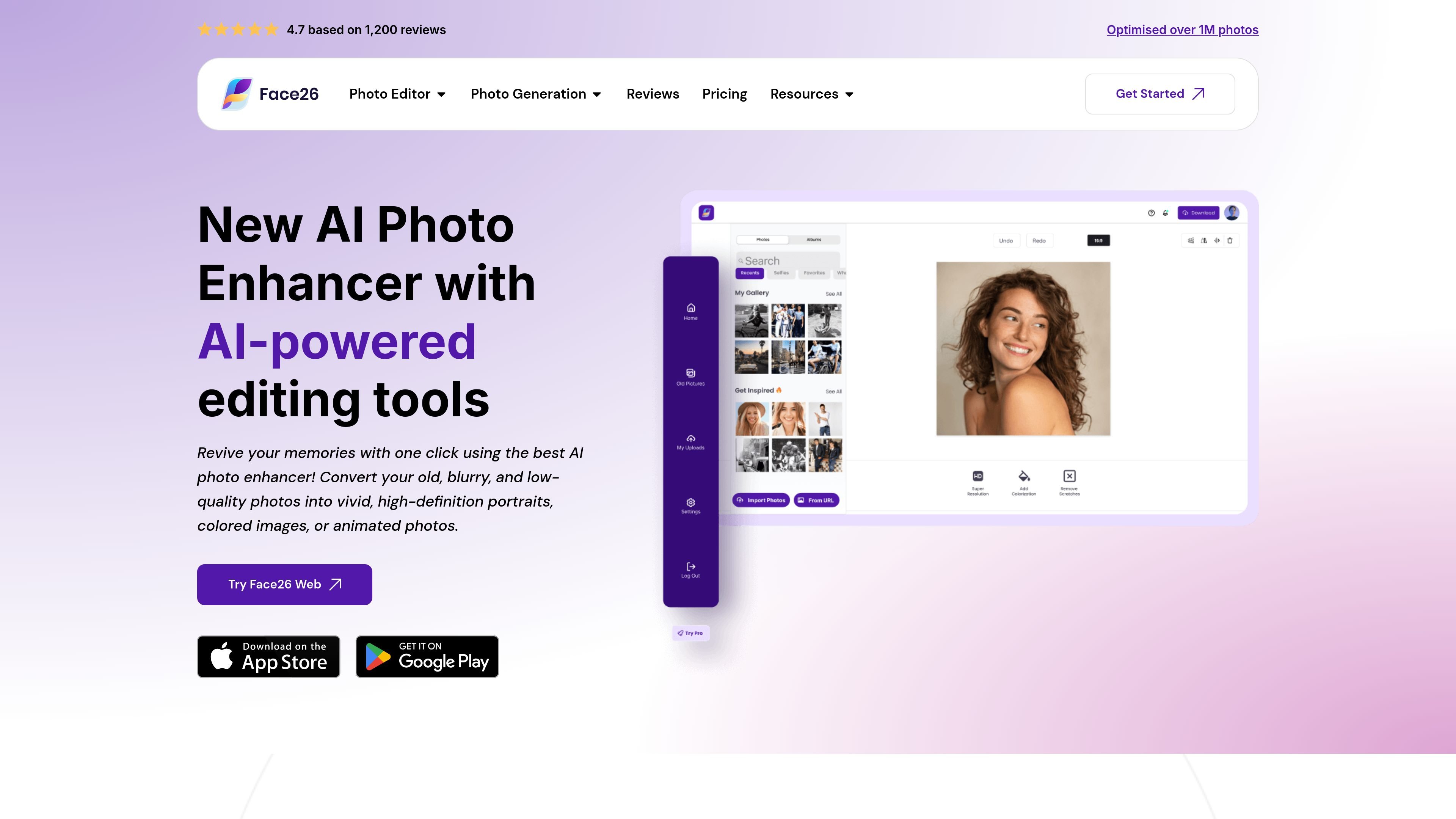
Face26 is a browser-based AI photo enhancement service for improving image clarity and appearance. Its tools address common photo problems such as blur, noise, low resolution, faded color, and aging. Users upload an image, apply an enhancement, then save the result to a computer or smartphone. The service also includes creative and portrait-oriented tools, including face retouching, background removal, photo animation, and image generation.
Enhancement tools aim to improve clarity in blurred images and sharpen faces, including in older family photos.
Reduce image noise and increase the resolution of small or low-definition pictures; the site describes upscaling to 4K Pixel HD.
Add color to black-and-white or yellowed photos, and adjust colors or underexposed images while retaining detail.
Restore old images and apply face retouching, including smoothing skin and removing wrinkles or spots.
Remove the background from images containing people, objects, pets, or other elements.
The site also lists photo-realistic art transformation, photo animation, portrait generation, and custom ecommerce product-photo generation.
Improve faded, damaged-looking, blurry, or black-and-white family pictures for clearer viewing and sharing.
Upscale low-resolution photos, text, objects, or logos when a larger output is needed.
Sharpen faces in group photographs or use face retouching and portrait-generation tools for profile and professional imagery.
Use the listed ecommerce photo tool to generate product photos from a basic white-background product shot in different settings.
Upload a photo in the Face26 editor, apply the automatic one-click enhancement, then save or download the result.
The browser application is described as usable on a desktop or smartphone, and finished images can be saved to either device.
The site lists blur, noise, low resolution, faded or monochrome color, underexposure, and aging among the image issues its tools target.
The site describes its enhancement workflow as one-click and says no photo-editing skills are required.
Traffic data is for reference only.

letsenhance.io
Improve soft, compressed, or damaged images in your browser with AI enhancement, sharpening, upscaling, and an Old Photo restoration workflow.

vanceai.com
AI photo and video enhancement for upscaling, denoising, restoration, and more

image-upscaling.net
Image UpScaler is a web-based AI tool for enlarging images, offering models for general upscaling, face restoration, and transparent-image support in selected modes. It includes a free daily quota, no sign-up for small-scale use, and a separate browser-based format converter.

tensorpix.ai
TensorPix is a browser-based AI tool for enhancing and upscaling videos and images, with flexible payment options and an API.

remini.ai
AI photo and video enhancement for clearer portraits, restored photos, and larger visuals.

imageupscaler.com
AI photo editor for enlarging images, reducing blur, and cleaning backgrounds.