
AI video enhancement and upscaling
Upscale videos through the browser and enhance them up to 4K, with support for multiple input resolutions and export codecs.

TensorPix is a browser-based AI tool for enhancing and upscaling videos and images, with flexible payment options and an API.
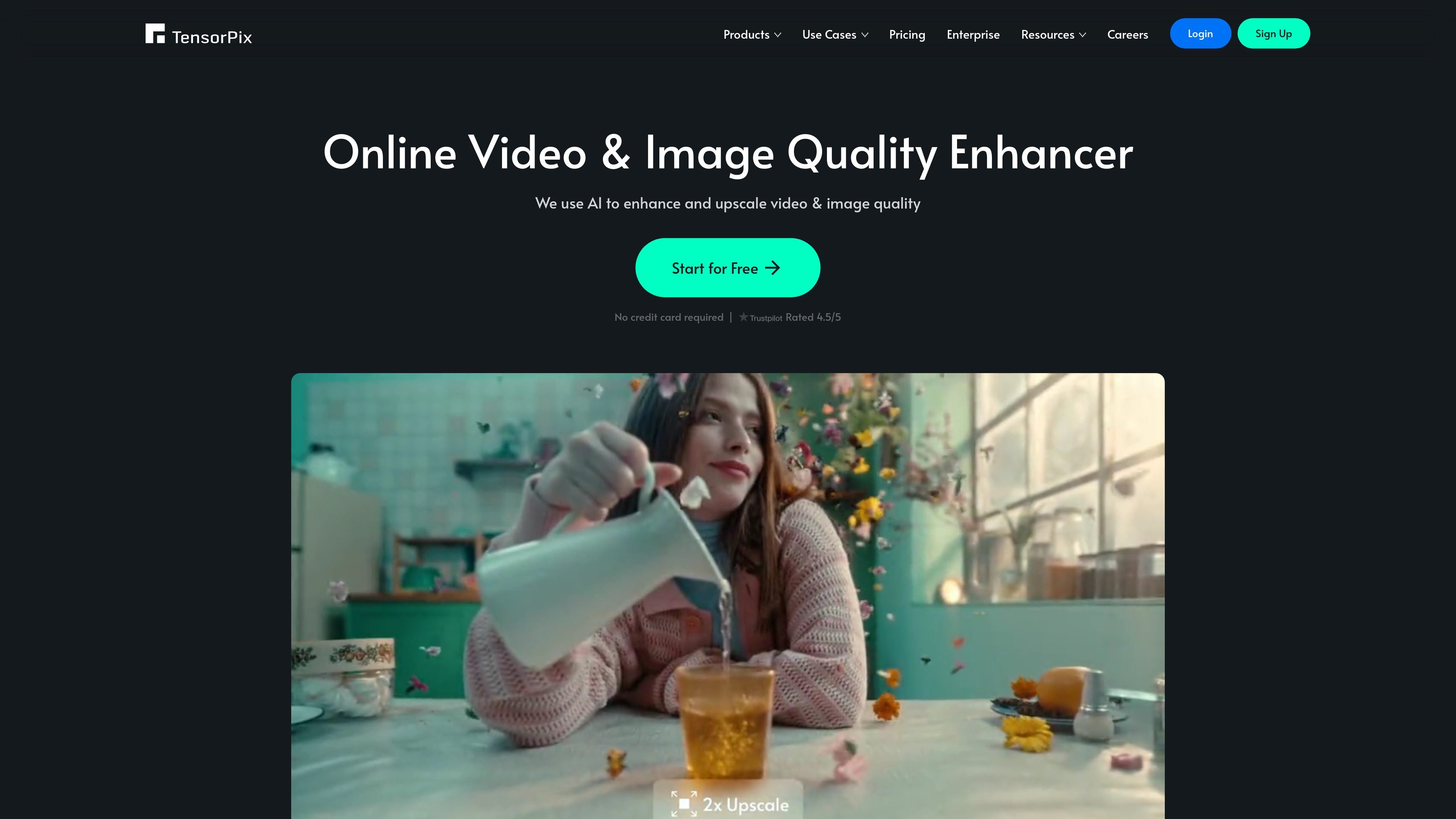
TensorPix is an online AI media enhancement platform for videos and images. It focuses on upscaling and improving visual quality in the browser, with the homepage stating that users can enhance videos or images online in less than 3 minutes and without installing software.
The product line includes video enhancement, image generation, video compression, TensorShots for short-form social content, and an API for integrating video enhancing and upscaling into other apps. Pricing is offered through a free pay-as-you-go option and paid subscription tiers, with enterprise plans also available.
Upscale videos through the browser and enhance them up to 4K, with support for multiple input resolutions and export codecs.
Process older or lower-quality footage such as VHS, 8mm, flip-phone, and early digital camera videos to improve clarity and detail.
Generate social-media-ready short videos from photos, clips, listings, and brand assets with TensorShots.
Compress videos online to reduce file size while preserving quality, which helps with storage and uploading.
Expose enhancing and upscaling through a REST API with OpenAPI support for app integration and scripted workflows.
Create 4K images from text prompts and edit images with simple prompts, then upscale the result for higher output quality.
Enhance clips for publishing when you want to improve sharpness, resolution, or overall visual quality without installing desktop software.
Restore older footage from VHS, 8mm, flip-phone, or early digital camera sources so it can meet modern viewing standards.
Create short social videos from product photos, listing images, clips, or brand assets for faster editing workflows.
Use the API to add enhancement and upscaling into another application or internal workflow, including higher-volume processing.
Compress and process videos online when you need smaller files for storage, sharing, or faster uploads.
No. TensorPix currently says it does not support on-premise software installation for the web app. Its FAQ explains that the framework relies on heavy deep neural networks and is designed to run in the cloud rather than on a local machine.
TensorPix says it is a browser-based service, while Topaz Labs is an offline application you install on your computer. TensorPix emphasizes cloud processing, which avoids relying on the user's hardware for speed.
The site says enhancement speed depends on the input file, but gives two reference points: a minute of SD video can take 5-10 minutes to enhance, and a 2000x2000 image can process within a few seconds.
TensorPix says the result depends on the source. Moderately damaged or low-artifact media is easier to improve than footage with severe compression artifacts, so the best way to judge output is to try a sample preview.
The API page says you can start as many jobs as you want, but only a limited number are actively processed at once based on your subscription plan. It also says on-premise deployment is available only for enterprise customers.
Traffic data is for reference only.

gigapixelai.com
Gigapixel AI is a web-based platform for creating, editing, and upscaling images and videos.

letsenhance.io
Improve soft, compressed, or damaged images in your browser with AI enhancement, sharpening, upscaling, and an Old Photo restoration workflow.

face26.com
Browser-based AI photo enhancement for sharpening, restoring, colorizing, and upscaling images.

image-upscaling.net
Image UpScaler is a web-based AI tool for enlarging images, offering models for general upscaling, face restoration, and transparent-image support in selected modes. It includes a free daily quota, no sign-up for small-scale use, and a separate browser-based format converter.

avclabs.com
AI software and browser tools for enhancing, editing, and creating video and photo content.

artguru.ai
Create AI images or turn photos into art, then enhance photos, videos, and scanned documents.