2026 Best AI Video Enhancer tools
AI video enhancers help sharpen footage, reduce noise, upscale resolution, and improve color so your clips look clearer and more polished.
Maintained by Findings24
Video
Explore this collectionProducts


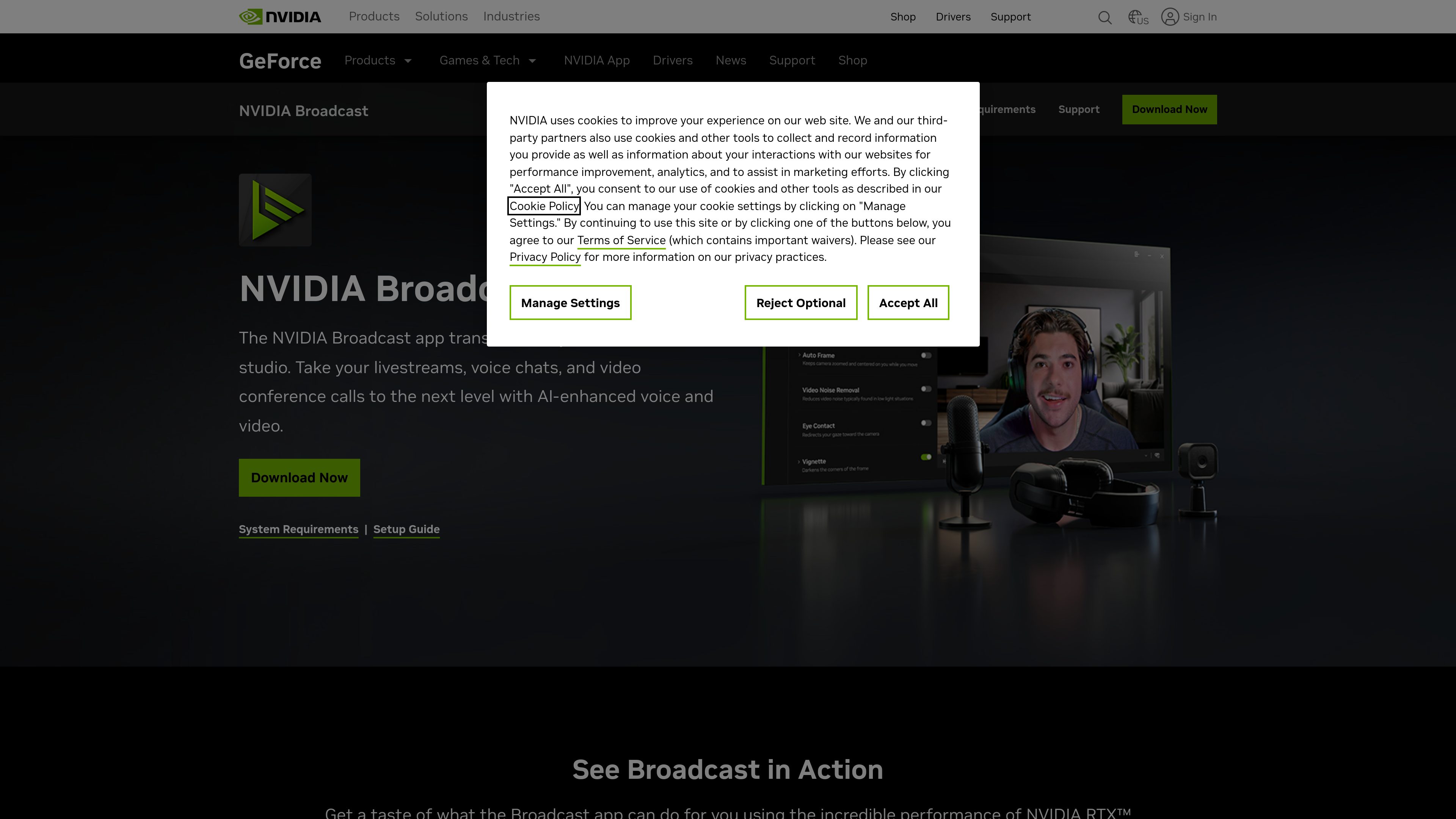

NVIDIA Broadcast
AI Video Enhancer
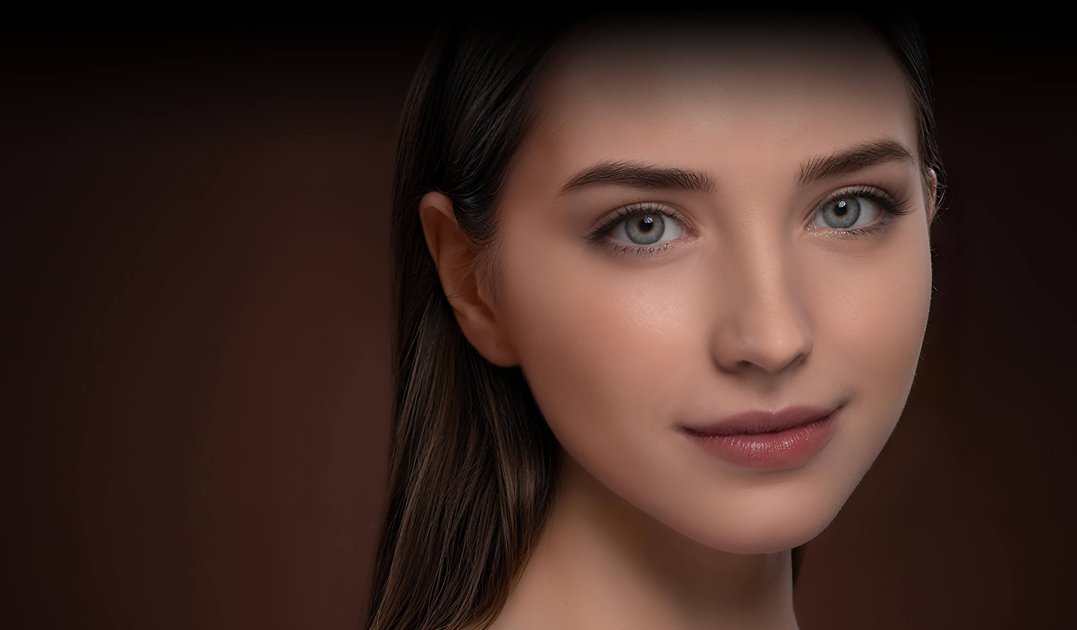
NVIDIA Broadcast is a Windows app that uses AI to enhance microphone audio and webcam video for livestreams, voice chats, video conferences, and remote work. It provides selectable audio and video effects, with NVIDIA Broadcast chosen as the camera and microphone in a supported app.
Freemium




















Frequently asked questions
What problems do AI Video Enhancer tools address?
AI video enhancers help sharpen footage, reduce noise, upscale resolution, and improve color so your clips look clearer and more polished.
Can a script become a finished video in one step?
Distinguish short-clip generation from full production. A finished video also needs character continuity, transitions, voice, captions and editing. Test a sequence of shots from one script rather than judging a single demo clip.
Will characters and products stay consistent across shots?
Test this explicitly. References, character controls and start or end frames can constrain a result, but feature names do not prove continuity. Change the angle, movement and lighting, then inspect faces, product geometry and logos.
What matters beyond the number of video minutes in a plan?
Check resolution, watermarks, audio, failed-generation charges and the cost of replacing a shot. If you edit elsewhere, confirm that clips, captions and other required assets can be exported.