
Photo enhancement
Improve portraits, pets, landscapes, and other existing images with one-tap AI enhancement.

AI photo enhancement and restoration for blurred, old, or damaged pictures.
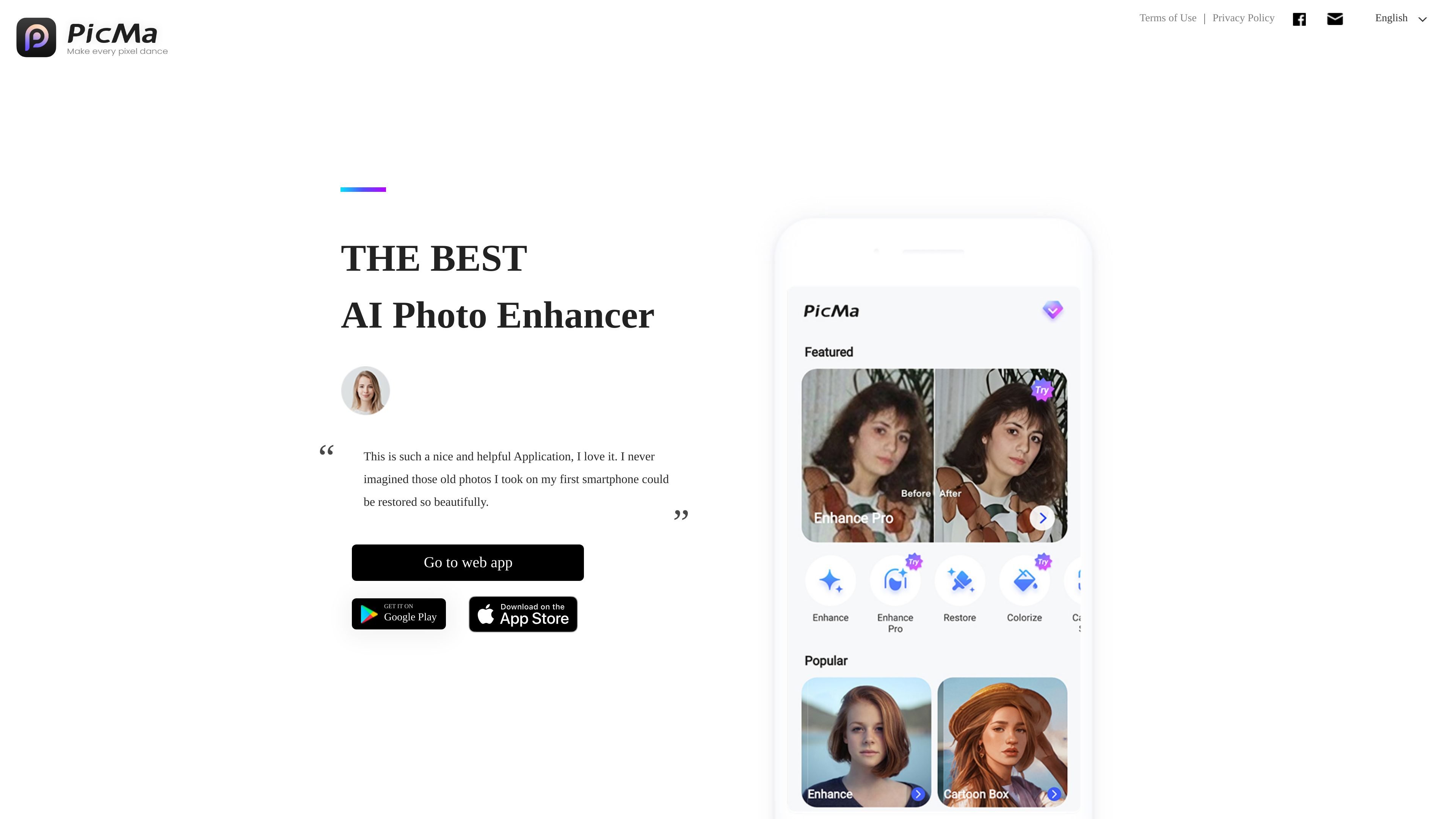
PicMa is an AI photo-editing app for enhancing existing images and restoring faded, blurred, or damaged photos. Its Android app includes one-tap enhancement, scratch cleanup, black-and-white colorization, and object removal. Photo tools are also available in PicMa Studio, a related web service.
Choose the enhancement or repair task, supply a photo you are entitled to use, and compare the edited result with the original before sharing. Reconstructed detail and color are edits, not verified evidence of exactly how the original scene looked. Feature access and purchases depend on the app or web service you use.
Improve portraits, pets, landscapes, and other existing images with one-tap AI enhancement.
Use AI repair to reduce scratches and blurriness and sharpen details in faded or damaged photos.
Add generated color to a black-and-white photo. Review the colors as an interpretation rather than historically verified information.
Remove distracting objects and refine an image with editing tools. Check the result for unwanted changes.
Use the PicMa Android app, or follow the website to the photo tools in PicMa Studio. The web service has a broader tool set and its own access and plan conditions.
Enhance a faded or scratched picture for viewing and sharing while keeping the original file for comparison.
Try enhancement on a portrait or selfie and inspect whether the edited details remain appropriate for your intended use.
Create a colorized interpretation of a black-and-white photo without treating the generated colors as a factual reconstruction.
Remove an unwanted object or adjust an image before sharing, then check for visible editing artifacts.
Use the Android app from Google Play. The product website also links to PicMa Studio for browser photo tools. Check the applicable storefront and web-service conditions for your location and device.
The Android app includes enhancement, old-photo repair, colorization, and object removal. Choose the task for your image and inspect the result; heavily damaged content may not be faithfully reconstructed.
The Android app contains ads and offers premium subscriptions billed weekly, monthly, or yearly. Review the selected feature and current in-app offer before purchasing. The linked PicMa Studio web service has its own plan conditions.
Treat enhanced detail and generated color as edited output. Keep the original and review the result before using it to identify a person or establish a historical fact.
Traffic data is for reference only.

letsenhance.io
Improve soft, compressed, or damaged images in your browser with AI enhancement, sharpening, upscaling, and an Old Photo restoration workflow.

vanceai.com
AI photo and video enhancement for upscaling, denoising, restoration, and more

remini.ai
AI photo and video enhancement for clearer portraits, restored photos, and larger visuals.

face26.com
Browser-based AI photo enhancement for sharpening, restoring, colorizing, and upscaling images.

magickimg.com
Web-based AI image enhancement, generation, upscaling, and restoration