
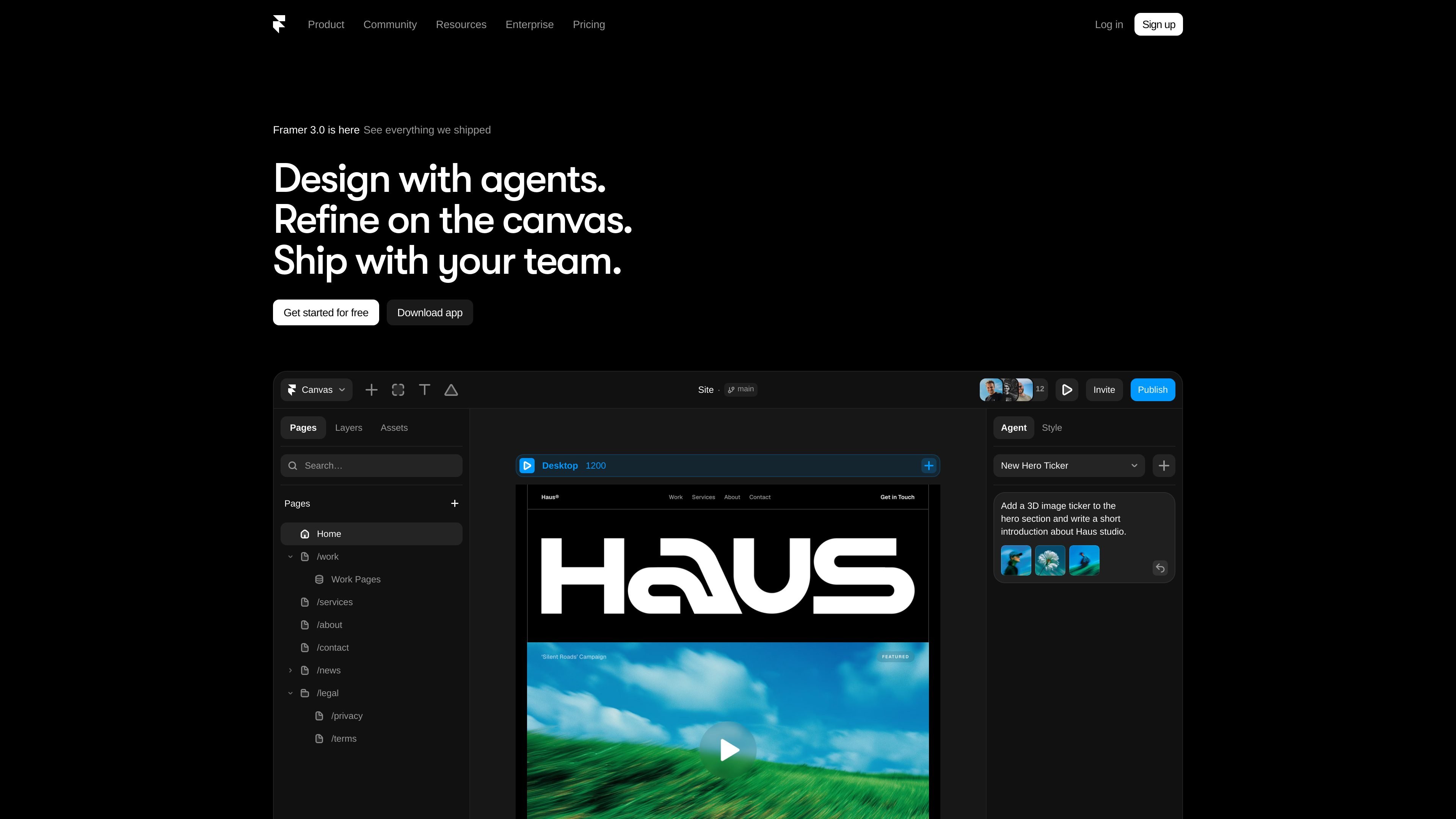
Visual site design with AI assistance
Create and edit professional websites on a visual canvas, with AI-generated and in-place refinements that stay editable in the layout.

Framer is a no-code AI website builder for professional sites, helping individuals and teams design, manage content, optimize SEO, collaborate, and publish in one platform.
Framer is an AI website builder for creating professional sites without coding. It combines visual design, content management, SEO controls, collaboration tools, and publishing in one platform.
The product is aimed at individuals and teams that want to build and manage sites faster, while keeping design and content in sync. The source shows plans for free, Basic, Pro, and Enterprise use, with features that scale from small personal sites to larger team workflows.
Create and edit professional websites on a visual canvas, with AI-generated and in-place refinements that stay editable in the layout.
Manage dynamic content in CMS collections, including collection setup, organization, updates, and content that stays aligned with the canvas.
Use built-in SEO controls for titles, meta descriptions, Open Graph data, URL slugs, sitemap generation, robots files, and indexing settings.
Work with branches, staging, previews, and comments so changes can be reviewed before they go live.
Use add-ons and plan features for localization, A/B testing, advanced hosting, and custom domain setup.
Build a marketing site or portfolio with visual editing, AI help, and direct publishing without moving between separate design and CMS tools.
Set up dynamic pages and update structured content through CMS collections, then keep that content aligned with the live design.
Prepare changes in branches, review them in staging, and coordinate comments and permissions across a team before publishing.
Tune site metadata, URLs, Open Graph details, sitemaps, and indexing settings to support search visibility and clean site structure.
Add localization, A/B testing, or advanced hosting as site needs grow beyond the core plan.
Framer includes a free plan, and paid plans are available for Basic, Pro, and Enterprise use cases. The pricing page also shows that credits are shared across a workspace and reset monthly.
The source describes Framer as a no-code AI website builder for professional sites. It combines design, CMS management, SEO tools, collaboration, and publishing in one product.
Framer’s pricing and product pages indicate support for team collaboration, including editors, viewers, comments, branching, and staging before publishing.
The source shows built-in SEO features such as meta titles and descriptions, automatic sitemaps and robots files, indexing controls, URL and slug customization, and image optimization through a CDN.
The source supports dynamic content workflows through CMS collections and AI-assisted CMS setup and updates, but it does not provide a full integration catalog in the collected material.
Traffic data is for reference only.

toplinepro.com
AI-powered platform for home service businesses with websites, marketing, lead response, and operations tools
musavir.ai
AI website builder that creates sites from a prompt or brief description

pixelesq.com
Pixelesq is an AI-native no-code website builder and WebOps platform for marketing teams, combining creation, forms, hosting, SEO, analytics, and optimization in one place.

sitejourney.ai
AI website builder that creates, edits, and publishes sites from a prompt

aura.build
Aura is a web-based AI website builder for creating landing pages and small marketing sites. It combines template browsing, visual editing, CMS tools, and export options on paid plans.

ploy.ai
AI website platform for marketing teams to build, optimize, identify visitors, and connect site activity to outreach and analytics.