
AI auto-detection
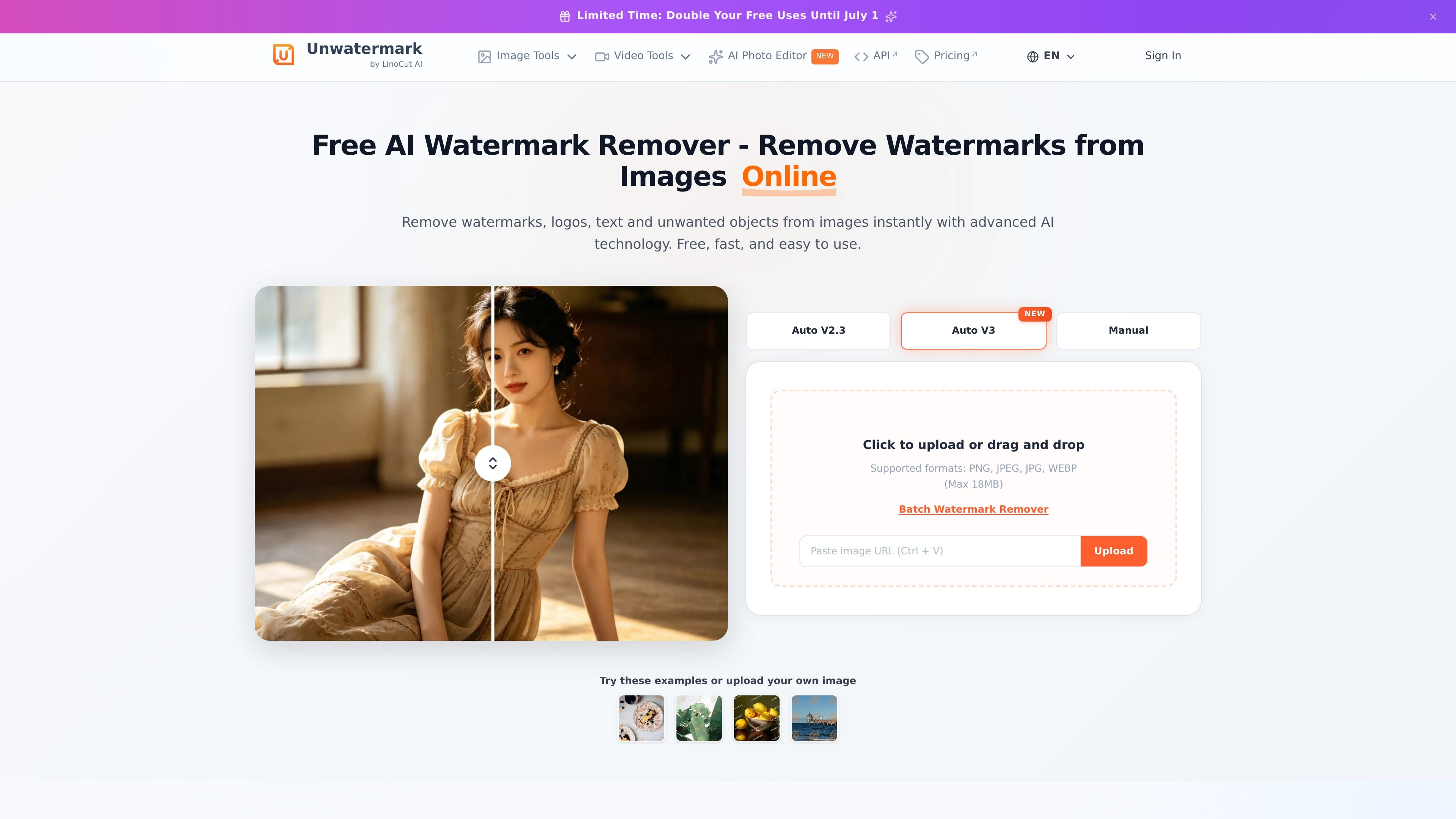
The tool automatically detects logos, stamps, and full-screen watermarks, reducing the need to mark areas by hand before processing.

Unwatermark AI removes watermarks, logos, text, and unwanted objects from photos and videos with automatic detection, manual cleanup, preview, free credits, and paid plans.
Unwatermark AI is an online watermark removal tool for photos and videos. It uses AI to remove watermarks, logos, text, stamps, and other unwanted objects from visual content while trying to preserve the original appearance.
The homepage presents it as a free, fast, browser-based workflow with automatic detection, a manual brush for difficult edits, and a preview step before download. The pricing page shows free credits, subscription plans, one-time credit packs, and a business option for higher-volume usage.
The tool automatically detects logos, stamps, and full-screen watermarks, reducing the need to mark areas by hand before processing.
Unwatermark can remove logos, text, captions, date stamps, and other unwanted elements while reconstructing the background texture.
Video processing uses frame-by-frame AI analysis to remove watermarks from clips without requiring editing software.
For difficult areas or faint marks, the manual brush gives users direct control over what gets repaired.
The site says users can preview the result before downloading and does not require login for the core removal flow.
The homepage lists support for common formats such as JPG, PNG, WEBP, MP4, M4V, and MOV.
Remove watermarks, logos, text overlays, and stamps from images when you need a cleaner version for review or presentation.
Process short or long-form clips by removing watermarks from uploaded video files with frame-by-frame analysis.
Repair awkward or stubborn areas by using the manual brush instead of relying only on automatic detection.
Preview the processed result before downloading so you can confirm whether the cleanup is acceptable for your workflow.
Use the free plan or free credits to test the workflow before choosing a subscription, credit pack, or business option.
Unwatermark is an online AI tool for removing watermarks, logos, text, and unwanted objects from photos and videos. The source pages describe automatic detection, a manual brush option, and a preview before download.
The site says it supports common image and video formats, including JPG, PNG, WEBP, MP4, M4V, and MOV.
Yes, the homepage says there is no need to log in to use the watermark removal feature, and the pricing page offers a free plan with free credits that refresh periodically.
The pricing page offers recurring subscription plans, one-time credit packs, and a business option for higher-volume processing and commercial arrangements.
The source includes a FAQ entry about Android and iOS support, but it does not provide a clear answer on those pages. Based on the available evidence, mobile support should be verified directly in the product.
Traffic data is for reference only.

pixlr.com
Pixlr is a browser-based AI photo editor and image generator for editing photos, creating images and videos, and handling everyday cleanup such as background removal, with free and paid plans.

aiease.ai
AI Ease is a browser-based AI platform for creating images and videos, enhancing photos, and generating visuals from text, images, or effects. Free features are available, with paid plans for more capabilities.

faceswap.so
A web-based AI tool for swapping faces in photos and videos, with free and paid plans.

faceswap.tech
Browser-based AI face swapping for photos, videos, and GIFs, with free credits and paid packs.

anyoneswap.com
Browser-based AI face swap for photos, videos, and GIFs, with free and paid plans.

faceswapper.ai
Web-based AI face swap tool for photos, videos, GIFs, and group images—free to use with no sign-up or credits.