
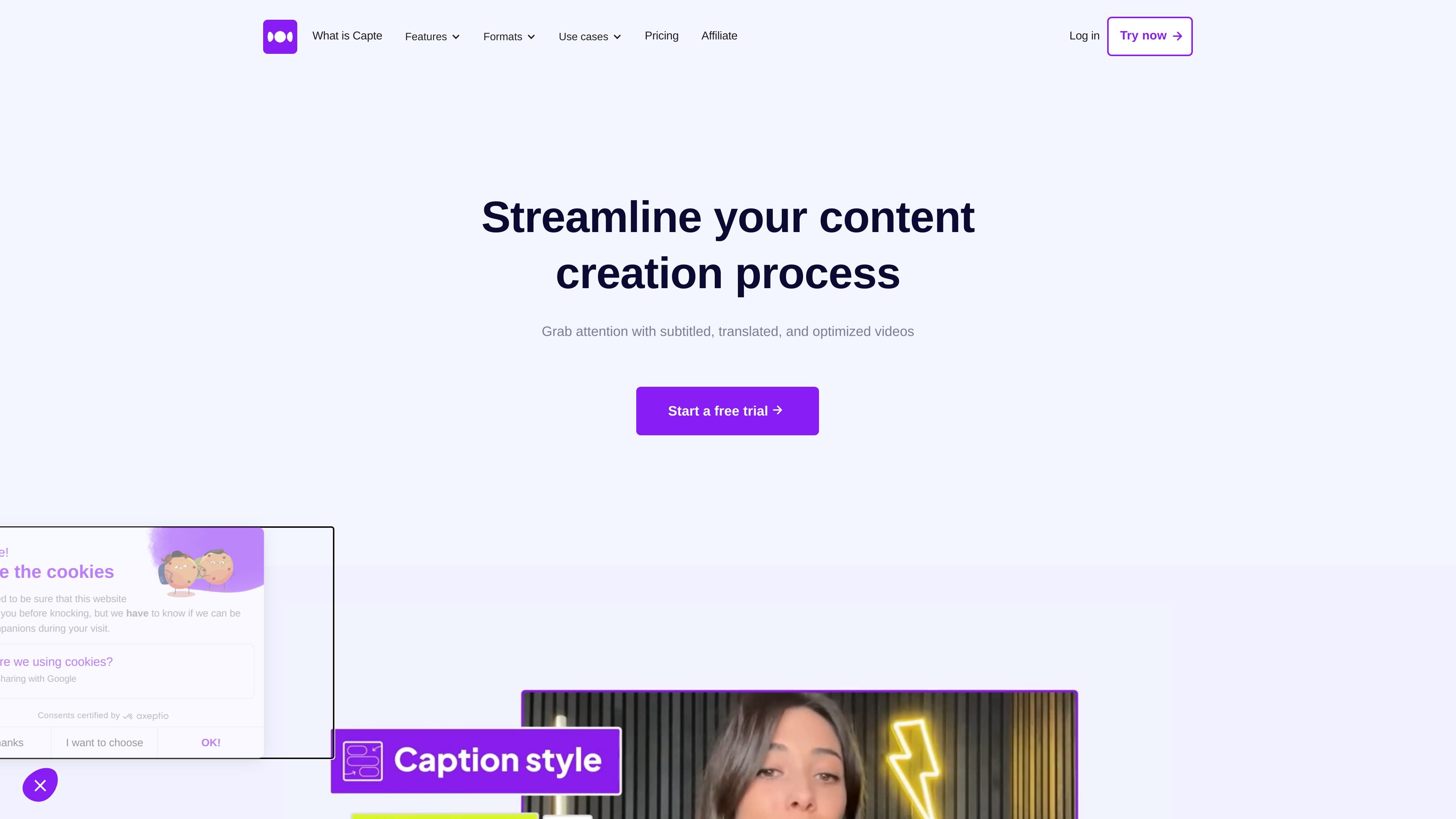
Automatic subtitles and text editing
Generate synchronized subtitles from speech, then correct recognition errors in the online editor before exporting a video with captions embedded.

Online video editing for creators, with AI subtitles, translation, and short clips.
Capte is an online video editing tool for creators and freelancers who want to turn existing footage into captioned, shareable content. Upload a video, let AI transcribe it, then edit the text and presentation before exporting. The workflow combines subtitling, translation, and clip creation, helping users prepare several social media assets from one recording.
Choose a plan that covers your source video’s size and duration, then upload footage you are allowed to use. Review names, timing, and translated captions before exporting; automatic transcription and translation still need an editorial check.
Generate synchronized subtitles from speech, then correct recognition errors in the online editor before exporting a video with captions embedded.
Translate subtitles into dozens of languages. Automatic translation is included in Standard, Premium, and Expert; Starter excludes it.
Customize captions with fonts, colors, effects, emojis, and themes. Standard and higher plans include social media templates and hundreds of subtitle themes; Premium and Expert include a brand kit.
Generate multiple short clips from an original video, then edit and export excerpts for social media.
Use safe zones to position elements for different social networks. Magic Emojis adds emojis to captions automatically, while Magic Posts helps generate accompanying social post text.
Export videos in Full HD on Starter and Standard, or 4K on Premium. SRT subtitle import and export are also available; feature access depends on the selected plan.
Turn a podcast episode, interview, or other long video into several short excerpts for a continuing social media publishing schedule.
Apply a client's visual identity to captions and deliver styled videos for their communication campaigns.
Caption presentations and explanatory videos so viewers who are deaf or hard of hearing can follow the speech, and viewers can watch without sound.
Create translated captions for an existing recording to help audiences who do not speak the video's original language.
Capte supports MP4, MOV, and MKV video uploads. Upload size and video duration limits depend on your plan.
Starter allows videos up to 10 minutes and 200 MB; Standard allows 35 minutes and 1 GB; Premium allows 120 minutes and 5 GB; Expert allows 240 minutes and 10 GB.
Euro monthly subscriptions are €7 for Starter, €20 for Standard, €50 for Premium, and €110 for Expert. An annual billing option is also available. Billing period and currency affect the displayed rate, so check the chosen subscription before paying.
Yes. The paid plans offer a three-day free trial. Subscriptions can be canceled at any time.
Traffic data is for reference only.
| May | 59682 |
|---|---|
| Jun | 49656 |
| Jul | 40604 |
Traffic analytics are not available yet.

wisecut.ai
Wisecut is an AI video editor that turns long-form videos into short clips, with tools for captions, silence removal, and storyboard-based editing. Built for creators repurposing content for Reels, YouTube Shorts, TikTok, and similar formats.

rendercut.io
Browser-based tool for turning video or audio into captioned short clips with styled subtitles, B-rolls, GIFs, and exports for TikTok, Reels, and YouTube.

snapvid.ai
SNAPVID is a web-based AI video editor for creating short videos from uploaded footage, with subtitles, stock video, and AI-assisted editing for Instagram, TikTok, and YouTube Shorts.

short.ai
AI short-video generator for faceless videos, subtitles, and social clips

submagic.co
AI video editor for turning long videos into captioned short-form clips

aico.tv
Turn YouTube content into short videos with AI editing and subtitles; service ends April 1, 2026.