
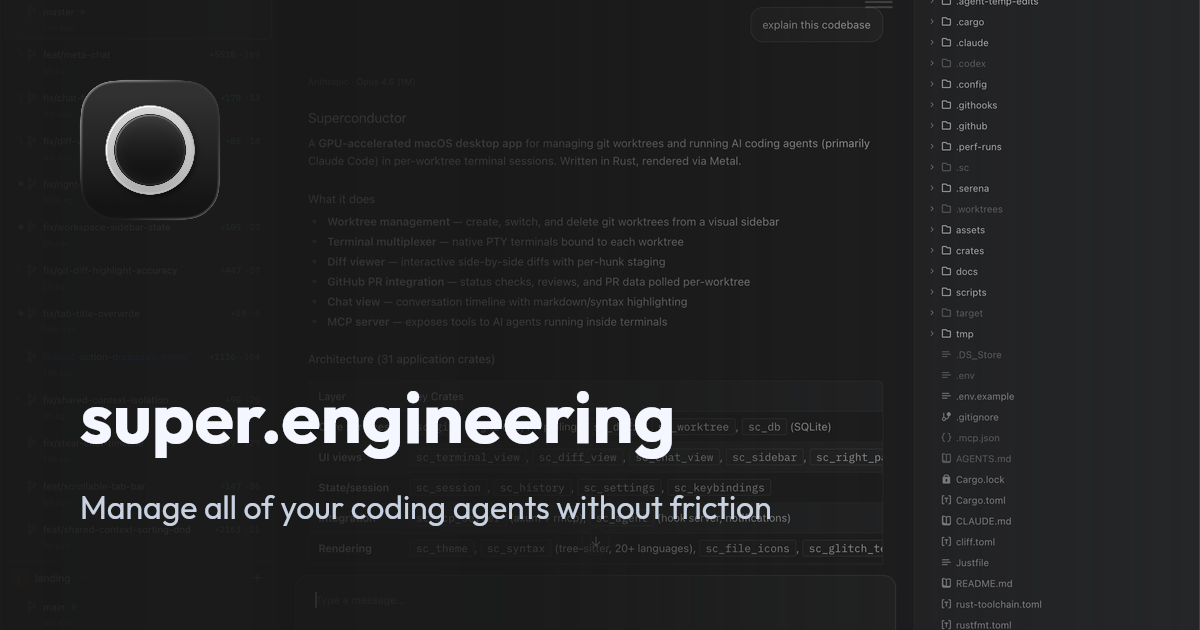
Native macOS workspace
Built in Rust and rendered with Metal, with macOS WebKit used for browser and HTML-preview tabs instead of an Electron runtime.

A native macOS control plane for running, reviewing, and coordinating coding agents.
super.engineering is a native macOS workspace for agentic software engineering. It brings coding-agent sessions, terminals, Git worktrees, diffs, checks, and pull-request or merge-request workflows into one interface. Each task can run in an isolated worktree with its own files, branch state, session history, and review context, allowing multiple tasks to proceed in parallel.\n\nThe app supports provider-native chat interfaces and CLI terminals, while letting users bring their own coding-agent CLIs, accounts, and subscriptions. It also provides workspace organization for one or more related repositories, cross-provider agent orchestration, and local-first operation. Teams can launch labeled agent roles, share coordination state, and keep handoffs visible before a human reviews and ships the result.
Built in Rust and rendered with Metal, with macOS WebKit used for browser and HTML-preview tabs instead of an Electron runtime.
Create separate worktrees for concurrent tasks, each with its own checked-out branch, terminal state, chat history, diff, and pull-request context.
Use rendered chat interfaces or provider-native CLIs, and bring existing coding-agent accounts, subscriptions, and model access.
Follow the current worktree through commits, pushes, checks, reviews, pull requests or merge requests, merges, and cleanup using context-aware Git actions.
Launch a lead and specialized agents from the app or CLI, with labeled roles, direct messages, shared coordination state, and visible handoffs.
Restore tabs, split views, terminal sessions, browser tabs, sidebars, and picture-in-picture windows, while grouping related repositories under shared feature context.
Create isolated task worktrees so multiple agents or developers can work on separate branches without sharing files or terminal state.
Assign lead, implementation, testing, research, or review roles across providers and keep their messages, decisions, and handoffs in one workspace.
Inspect changed files, diffs, checks, comments, and pull-request or merge-request state before choosing the next Git action.
Group repositories that contribute to one feature, share instructions through feature context, and materialize child worktrees as needed.
Resume restored workspace layouts and sessions, or run repository and provider work on a selected Linux or Mac host through SSH.
The application is a native macOS workspace. It can also run repository and provider work on a selected Linux or Mac host through an SSH workspace.
No. super.engineering is agent agnostic: users can bring coding-agent CLIs, accounts, and subscriptions, and can coordinate agents across providers.
According to the documentation, provider traffic goes directly from the local provider process to that provider, and the app does not proxy prompts or hold provider credentials.
Each branch-backed task receives a separate Git worktree, working directory, terminal state, chat history, diff, and pull-request context.
Yes. The workflow includes changed-file and diff inspection, checks, comments, pull-request or merge-request state, and Git actions for committing, pushing, merging, and cleanup.
Traffic data is for reference only.
| Jun | 5814 |
|---|---|
| Jul | 5720 |
| Aug | 5445 |
Traffic analytics are not available yet.

apps.mergeable.io
Diffsmith is a native macOS app for reviewing local git changes made by AI coding agents such as Claude Code, Cursor, Codex, and Copilot. Add inline comments and send them back to the agent as a prompt or via a local MCP server.

cladlabs.ai
Clad Labs is an intelligent development environment for coordinating AI coding agents in one place. Downloads are available for macOS and Windows, with Linux coming soon.

lunen.ai
Lunen is a governed control plane for building and running AI agents across existing business systems. Teams can approve agent actions, manage permissions, and maintain a shared audit record in production.

jackalope.dev
Jackalope is a desktop workspace for running AI coding agents in parallel across separate Git worktrees. It helps developers carry project context between tasks, use supported agent tools, and review related changes together.

coder.com
Coder runs AI coding agents and developer workspaces on infrastructure you control.

tessl.io
Tessl is an agent enablement platform that provides coding agents with structured, versioned context and a governed skills layer, helping teams build and manage AI-native software across Free, Team, and Enterprise plans.