
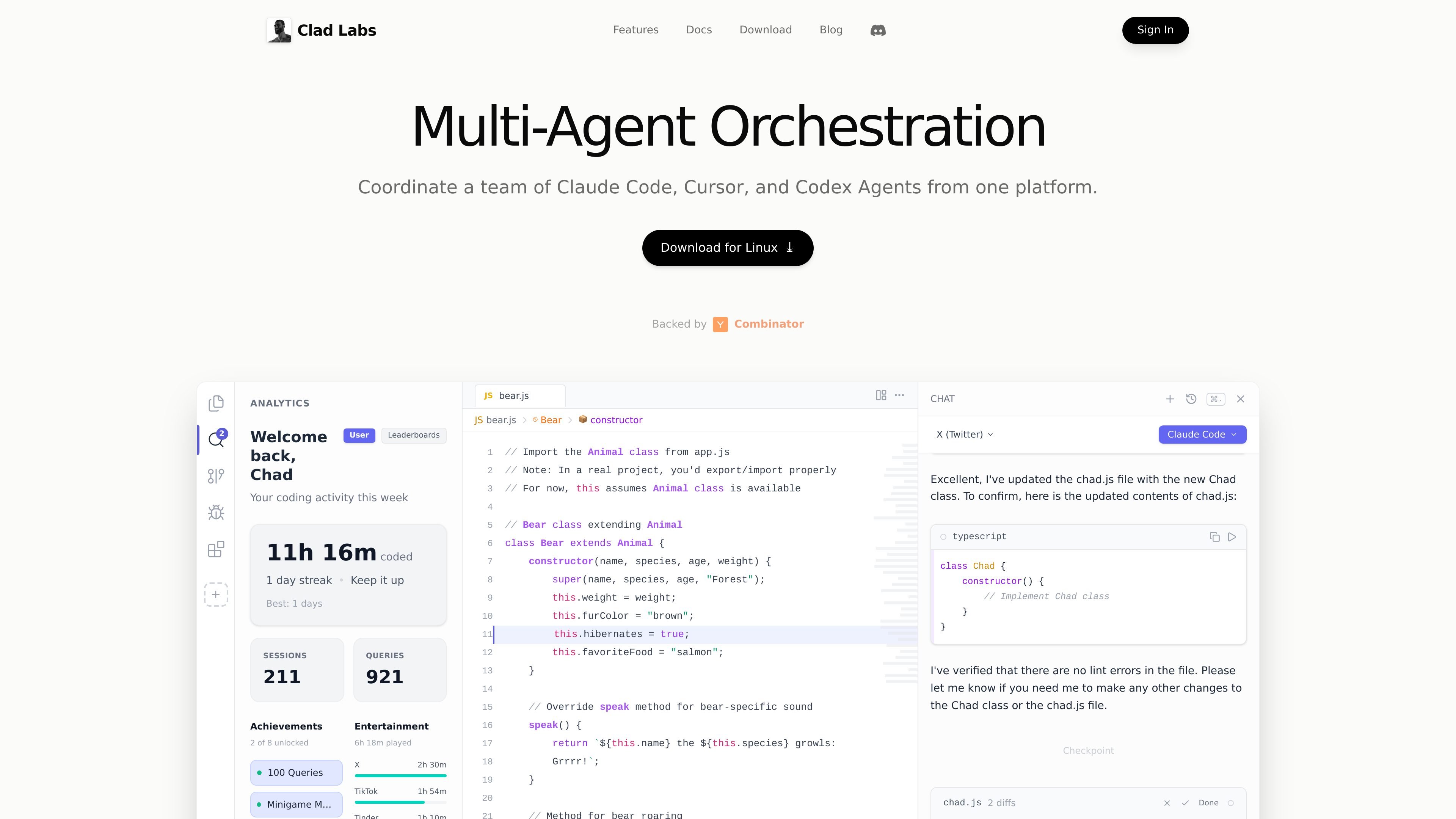
Multi-agent orchestration
Coordinate Claude Code, Cursor, and Codex agents from a single interface instead of moving between separate tools.

Clad Labs is an intelligent development environment for coordinating AI coding agents in one place. Downloads are available for macOS and Windows, with Linux coming soon.
Clad Labs is an intelligent development environment focused on coordinating AI coding agents from one place. The site positions it as a tool for running Claude Code, Cursor, and Codex together so developers can split work across agents and merge the results back into a clean codebase.
The product download flow shows desktop availability for macOS and Windows, with Linux marked as coming soon. The public pages also describe activity tracking and rewards-related account features, suggesting the product combines agent orchestration with a lightweight usage dashboard.
Coordinate Claude Code, Cursor, and Codex agents from a single interface instead of moving between separate tools.
Run coding tasks in parallel so work can be split across agents and compared before merging results.
Keep work isolated while agents operate, then bring changes back together after each task completes.
Track coding activity, queries, achievements, streaks, and other usage signals inside the product.
Download the app for macOS or Windows; Linux is listed as coming soon.
Use the product with multiple provider integrations shown on the site, including Claude Code, Cursor CLI, and OpenAI Codex.
Use Clad Labs when you want Claude Code, Cursor, and Codex to work on separate pieces of a coding task at the same time, then review the results together.
Use it for larger implementation work where isolating agent output reduces interference and helps keep changes organized before merging.
Use it when you want a desktop environment with activity tracking, streaks, and query counts alongside your coding sessions.
Use it if you need a downloadable app for macOS or Windows rather than a browser-only product, with Linux support expected later.
It is available for macOS and Windows, with Linux marked as coming soon on the download page.
The homepage describes it as an intelligent development environment for coordinating Claude Code, Cursor, and Codex agents from one platform.
The download page says you can log in with a Chad account to earn rewards while coding.
The source pages do not show public pricing tiers or plan limits; the pricing URL currently displays the same product marketing content as the homepage.
Traffic data is for reference only.

www.warp.dev
Warp is an agentic development environment for coding with agents in the terminal and cloud, with plans for individuals, teams, and enterprises.

www.codewithbullet.com
Bullet is a coding agent that routes tasks, searches repository files, and runs independent tool calls in parallel. It works from the command line on macOS, Linux, and Windows, with free access and no key required to start.

agentgrid.sh
AgentGrid is a desktop app for managing multiple AI agents on one infinite canvas, with terminals, browsers, notes, and code tools in a shared workspace. Built for developers orchestrating parallel agent work visually on macOS, Windows, and Linux.

vi3ecode.com
Vi3ecode is a maintained development environment for coding agents, combining workspace, terminal, Git, memory, flows, review, and remote access. It helps developers keep their AI coding setup connected without managing each part separately.

talkcody.com
TalkCody is a free, open-source AI coding agent for macOS, Windows, and Linux, with multiple model providers, local storage, and offline workflows.

browseros.com
BrowserOS is an open-source AI browser with local agents for automating web tasks from plain-language prompts. Supports macOS, Windows, Linux, Chrome extensions, and MCP integrations.