
Coding & Development
Explore this collectionProducts




Borne
Developer Tools
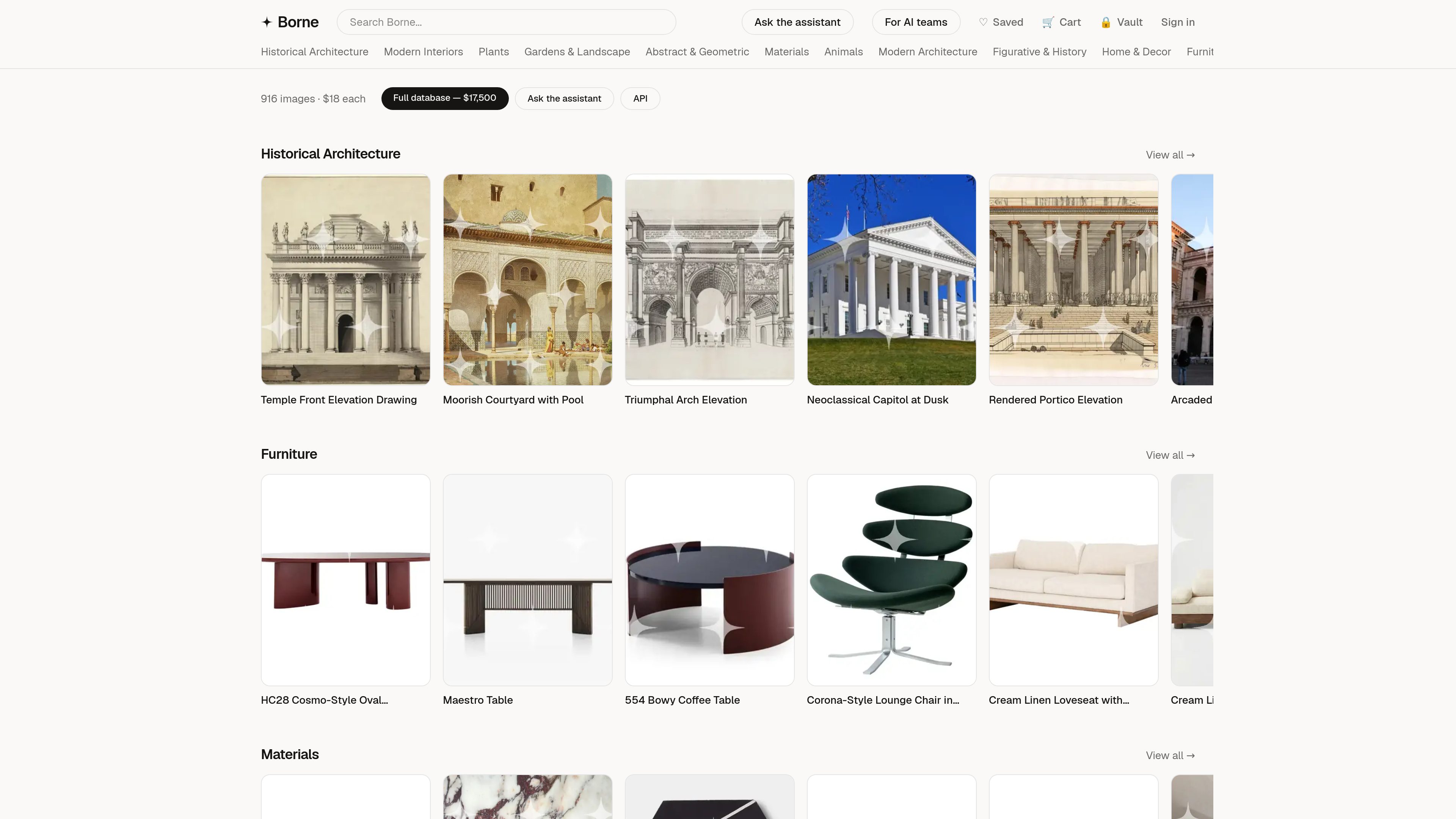
Borne is a hand-curated visual database of public-domain imagery across architecture, interiors, landscapes, art, materials, and design objects. It supports visual research, individual image licensing, and bulk dataset licensing for AI training and related machine-learning work.
Freemium



Jango
Developer Tools
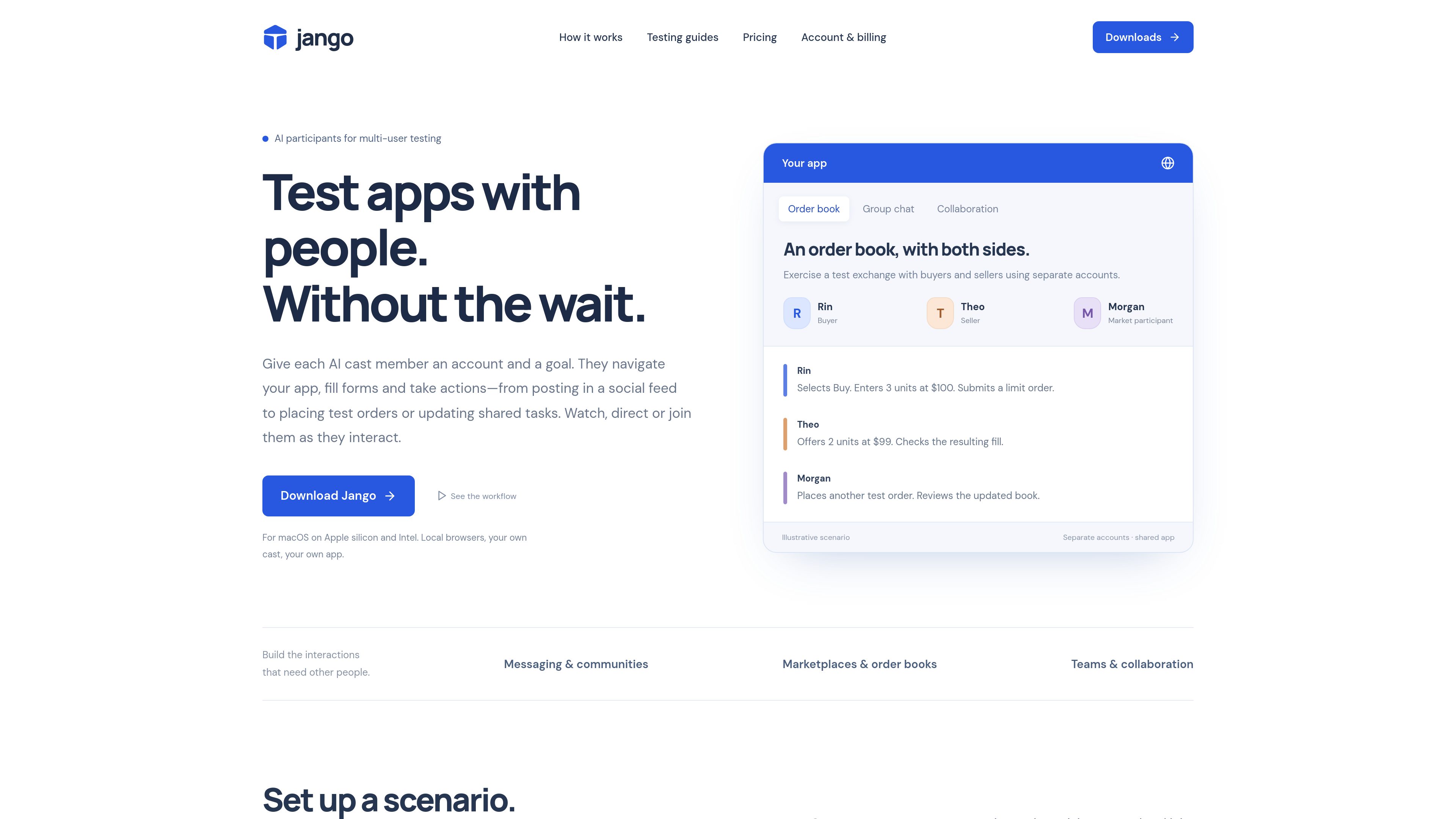
Jango is a macOS desktop tool for testing multi-user web applications with AI participants in separate browser sessions. Developers can assign test accounts and goals to participants, observe or direct their actions, and exercise workflows such as social interactions, messaging, collaboration, marketplaces, and sandbox order books.
Freemium






Sell to State
Developer Tools
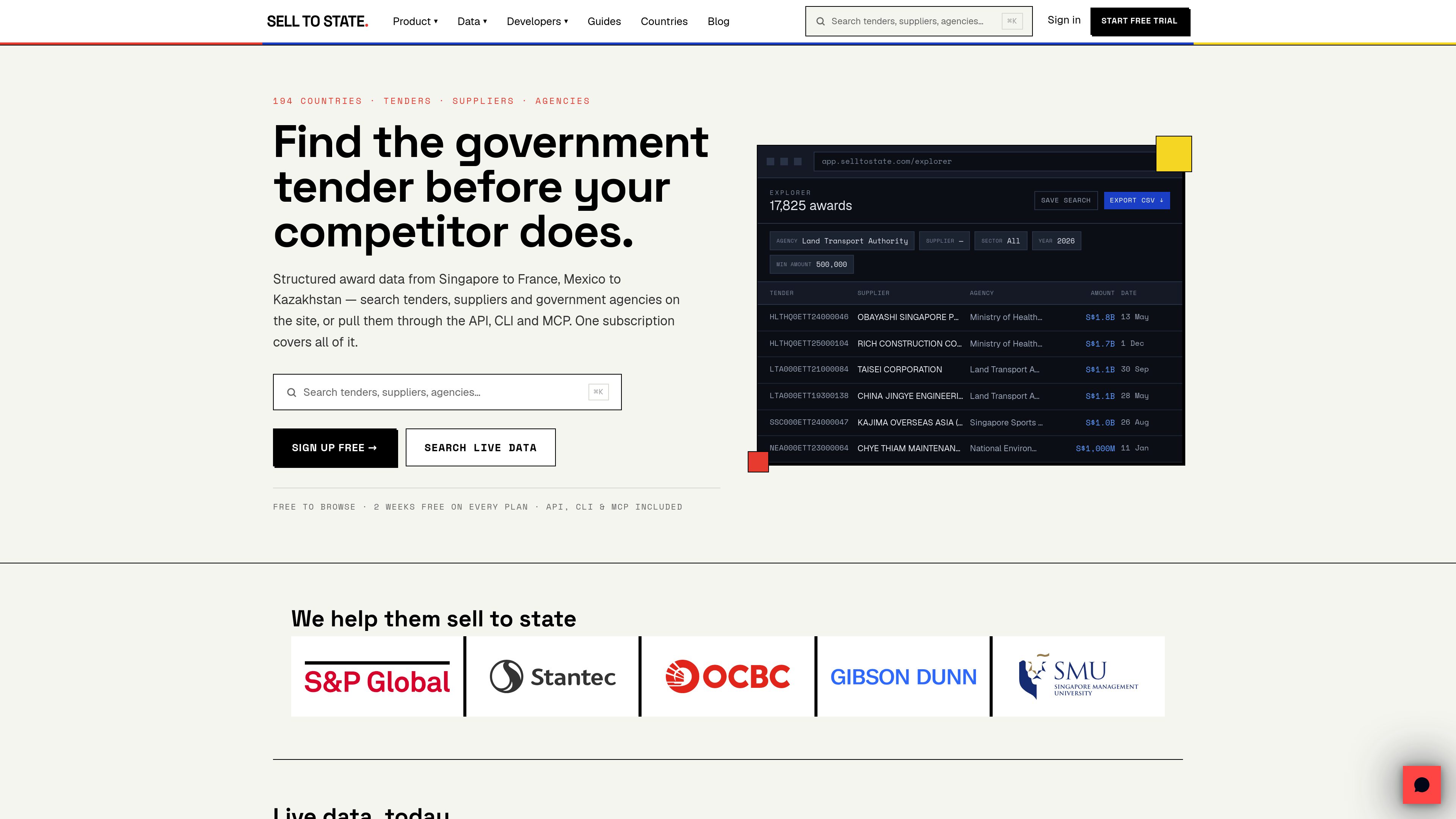
Sell to State is a government procurement data platform for finding tenders, awarded contracts, suppliers, and buying agencies across indexed markets. It supports plain-English search, structured exports, and programmatic access through a REST API, CLI, and MCP server.
Freemium


Embedful
Developer Tools
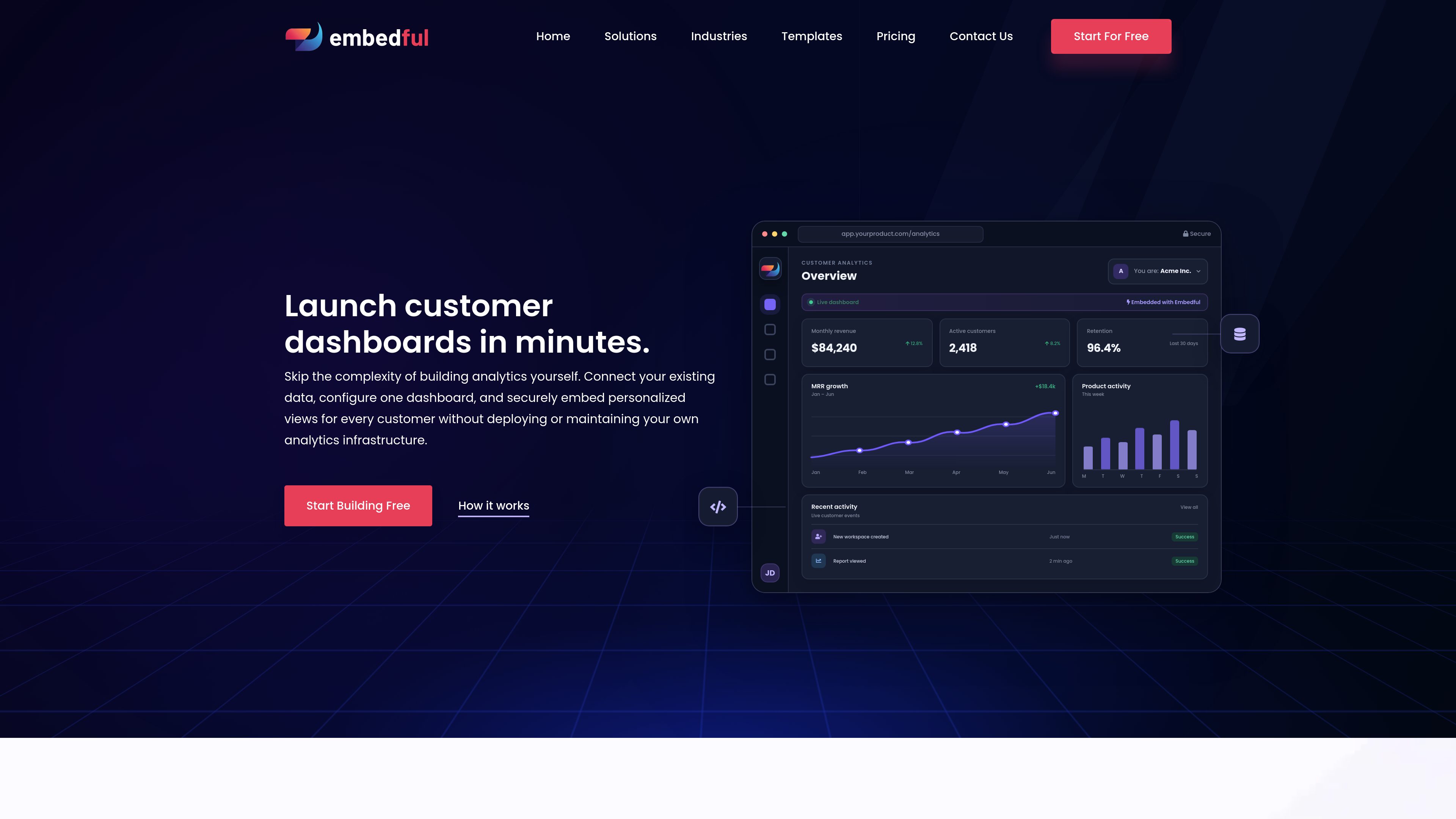
Embedful is a hosted platform for creating customer-facing dashboards from databases, spreadsheets, APIs, and analytics data. SaaS teams, agencies, consultants, and other organizations can configure one dashboard and provide account-specific views through links or embedded experiences.
Freemium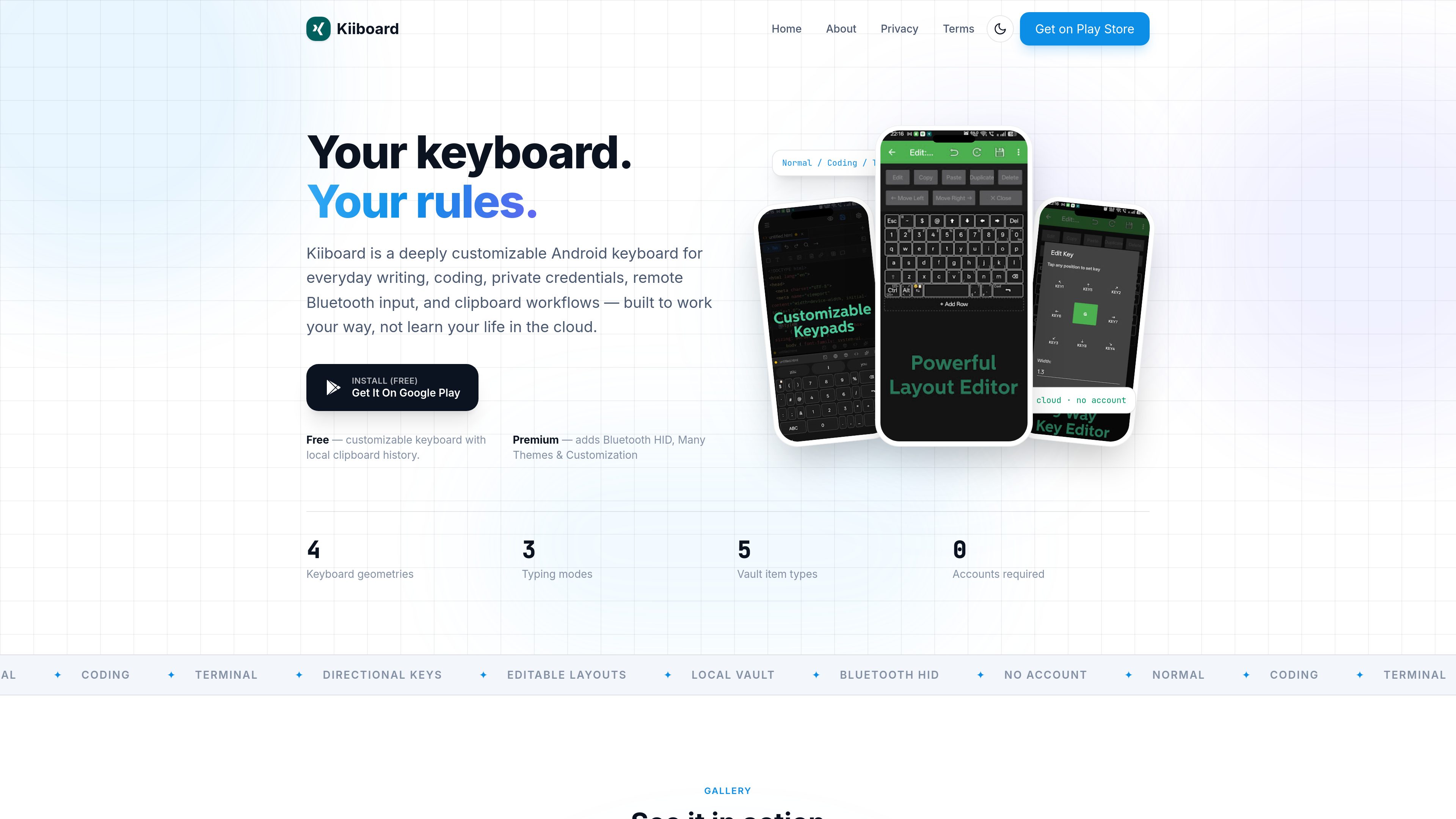



Openship
Developer Tools
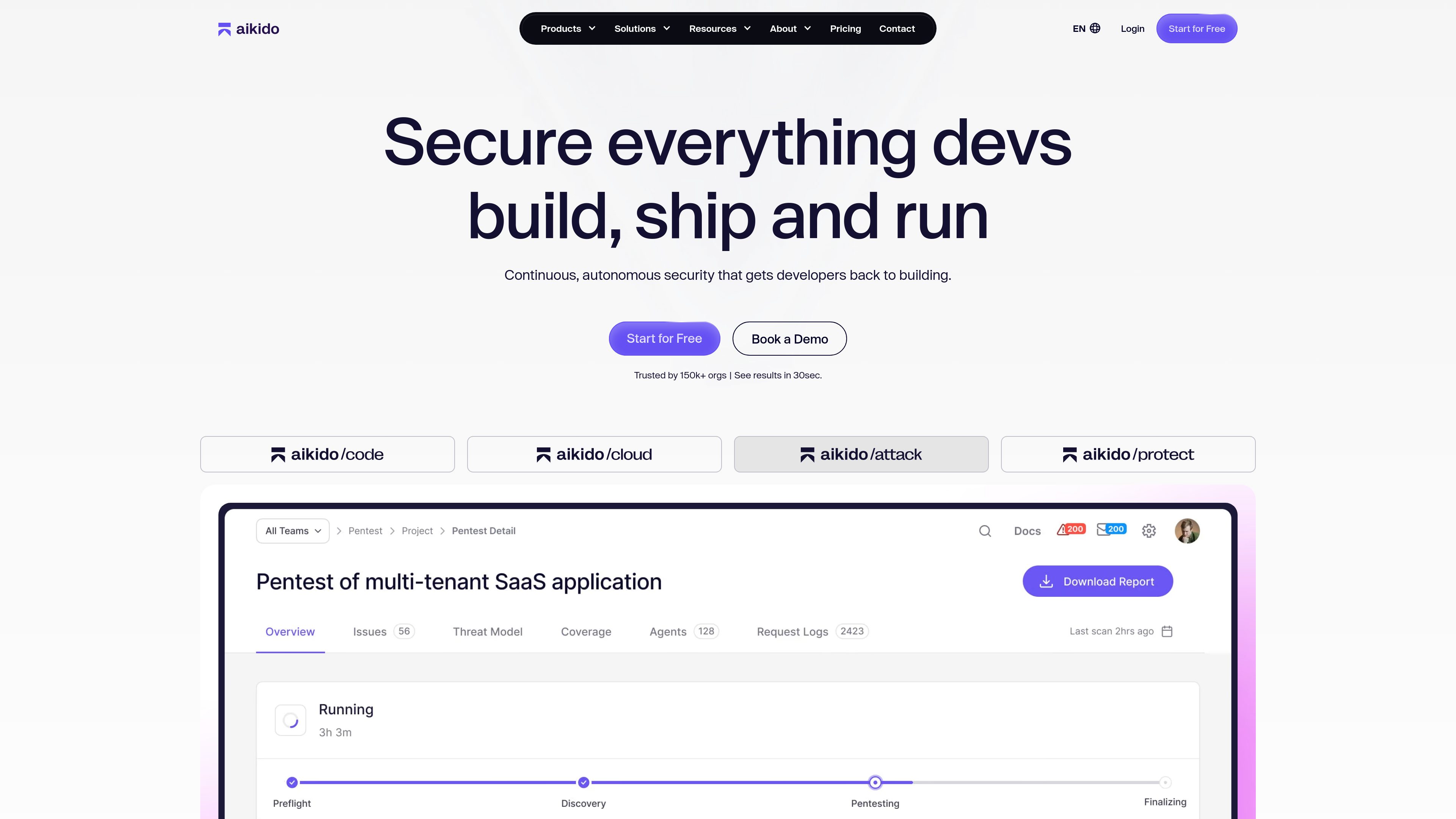
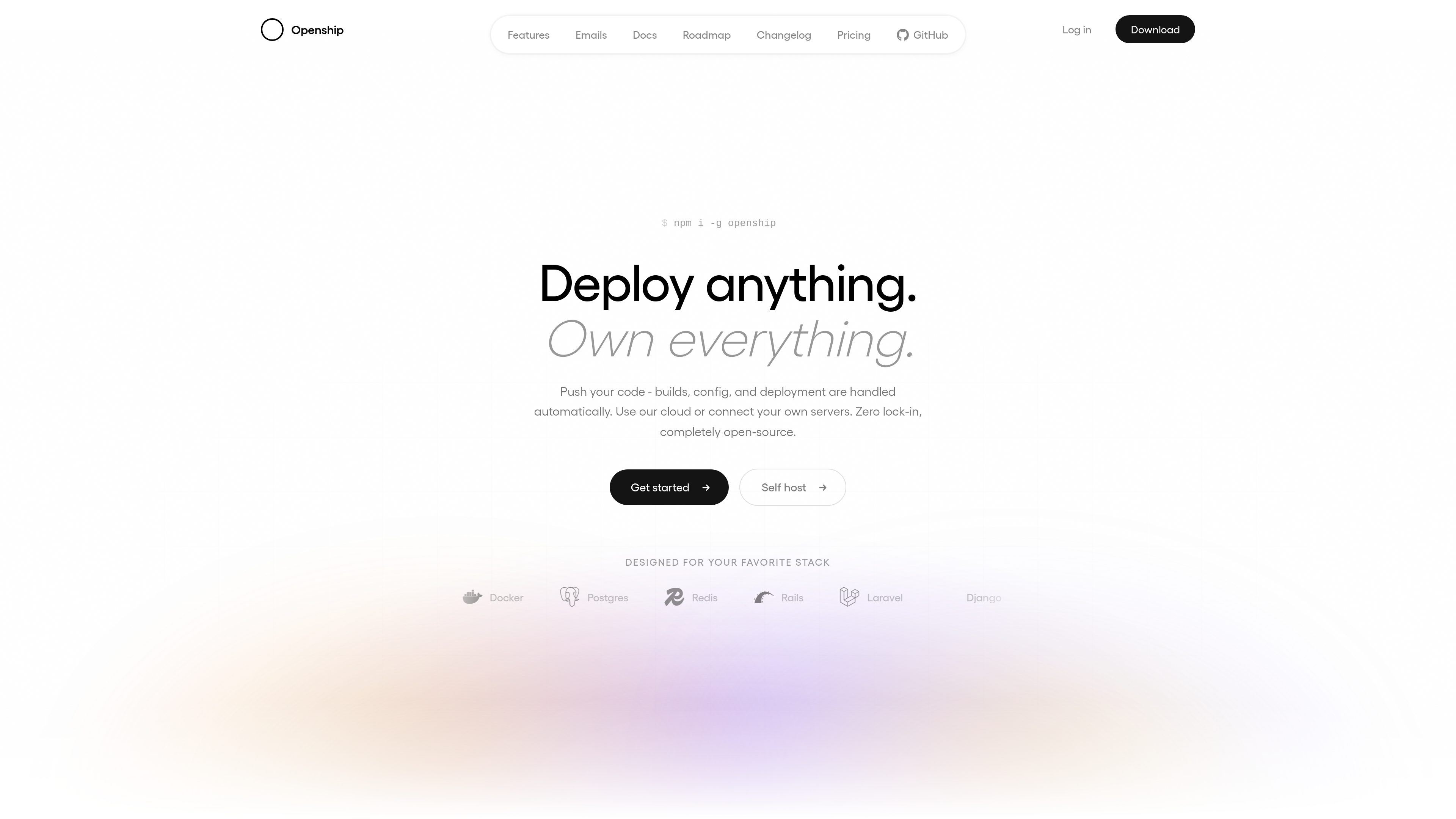
Openship is an open-source deployment platform for building and running applications from Git repositories, local folders, or templates. Teams can use its dashboard, CLI, desktop app, or MCP interface to deploy on Openship Cloud, connected servers, or their own infrastructure.
Freemium

Accessibility Checker by WebYes
Developer Tools
Accessibility Checker by WebYes is a free Chrome extension that audits webpages for WCAG issues, contrast problems, structural concerns, and selected best-practice issues. It helps developers, designers, QA teams, auditors, website owners, and content editors run quick accessibility checks in the browser.
FreemiumFrequently asked questions
How can I compare tools in Developer Tools?
Compare each product’s description and pricing model, then check its official website for the features, limits and current plans you need.
Where can I check features and pricing?
Open a tool’s detail page for more product information. Use its official website link to confirm current features, prices and usage limits.