
Robot design and program testing
Select or edit a robot, choose a program, and run the exact setup in the simulator before moving toward a prototype.
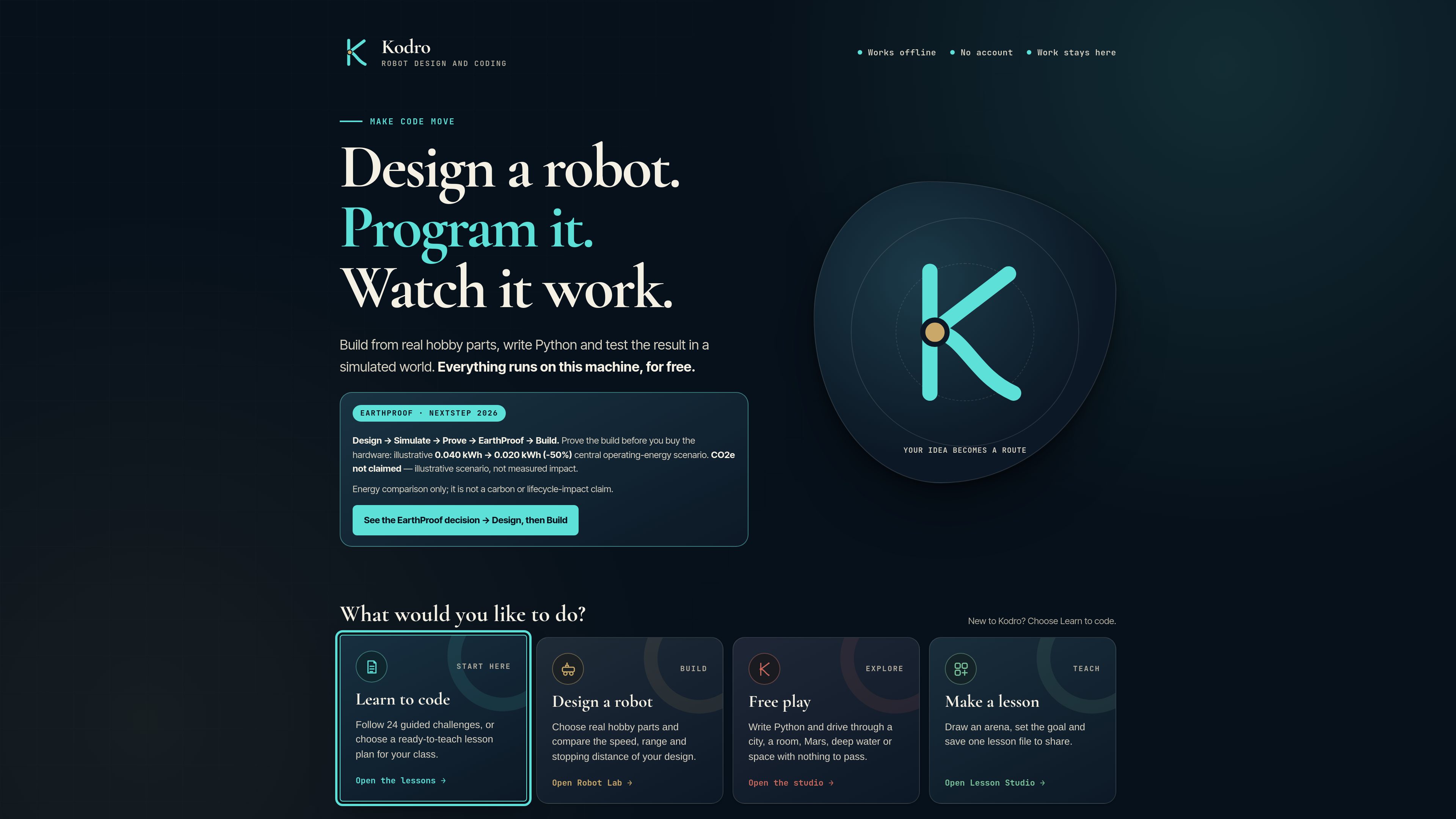
Kodro is an offline robot design, coding, and testing studio for UK Computing education from Key Stage 1 to Key Stage 4. It lets learners configure a robot, run programs in simulated environments, and inspect the results before moving toward a prototype.
Kodro is an offline robot design and coding studio for UK Computing education from Key Stage 1 to Key Stage 4. It brings together robot configuration, program testing, and simulated environments so learners can run a chosen routine, inspect what happened, and refine the design or code.
The product is centered on a test loop rather than a static design screen. Users select or edit a robot, choose a world and test conditions, run a program, and review runtime evidence such as movement, power, proximity, battery, grip, and distance. The available worlds range from everyday settings to Earth, underwater, space, and named geographic or planetary locations.
Kodro also includes repeated runs with controlled variations in physical and environmental factors. This can help users investigate whether a program works consistently, while the product clearly distinguishes simulation results from the behavior of a real robot.
Select or edit a robot, choose a program, and run the exact setup in the simulator before moving toward a prototype.
Test in city, room, Earth, Mars, underwater, and space environments, with additional locations including the Amazon Rainforest, Great Barrier Reef, and Olympus Mons.
Run defined activities such as avoiding obstacles, exploring, checking fitted systems, driving a square, drawing a spiral, sensing hazards, searching an area, or completing an obstacle course.
Adjust simulation speed, rendering quality, time of day, weather, and 2D or 3D presentation to examine the robot in different conditions.
Repeat the same program five times with changes to grip, weight, sensor accuracy, obstacle placement, and battery to assess how consistently the setup performs.
Inspect robot and environment readings during a run, and use the described Companion workflow to explain failures, alter the environment, and preview safer code on-device.
Students can start with a robot configuration, run a routine, examine the result, and make a targeted design or code change instead of treating the first attempt as final.
Obstacle avoidance, hazard sensing, navigation, precise movement, and search routines provide concrete contexts for exploring how a program responds to its environment.
Learners can move a program between different worlds or environmental conditions and consider how weather, lighting, terrain context, and obstacles affect the test.
The five-variation run gives a structured way to discuss repeatability by changing grip, weight, sensor accuracy, obstacle placement, and battery between runs.
A team can test an exact robot, world, and program setup in simulation and use the recorded context to identify issues before attempting a physical prototype.
Kodro is an offline robot design, coding, and testing studio intended for UK Computing education from Key Stage 1 to Key Stage 4.
Users choose or edit a robot, select a world and test routine, set conditions if needed, and run the program. The result can then be used to improve the design or code.
The site lists routines for obstacle avoidance, exploration, system checks, precise squares, expanding spirals, hazard sensing, searching, surveying, and obstacle-course completion.
No. Kodro explicitly identifies the result as a simulation and states that it cannot promise the same behavior from a real robot.
Pricing information is not available in the supplied product sources. The referenced pricing page is a GitHub Pages 404 page.