
Zero-shot voice cloning
Create a synthetic version of a voice from a short sample. The home page says Voicv can clone a voice in minutes, and the voice-cloning page says the workflow can start from 10-30 seconds of audio.

Voicv is an AI audio platform for voice cloning, text-to-speech, speech-to-text, and talking-avatar creation across multiple languages.
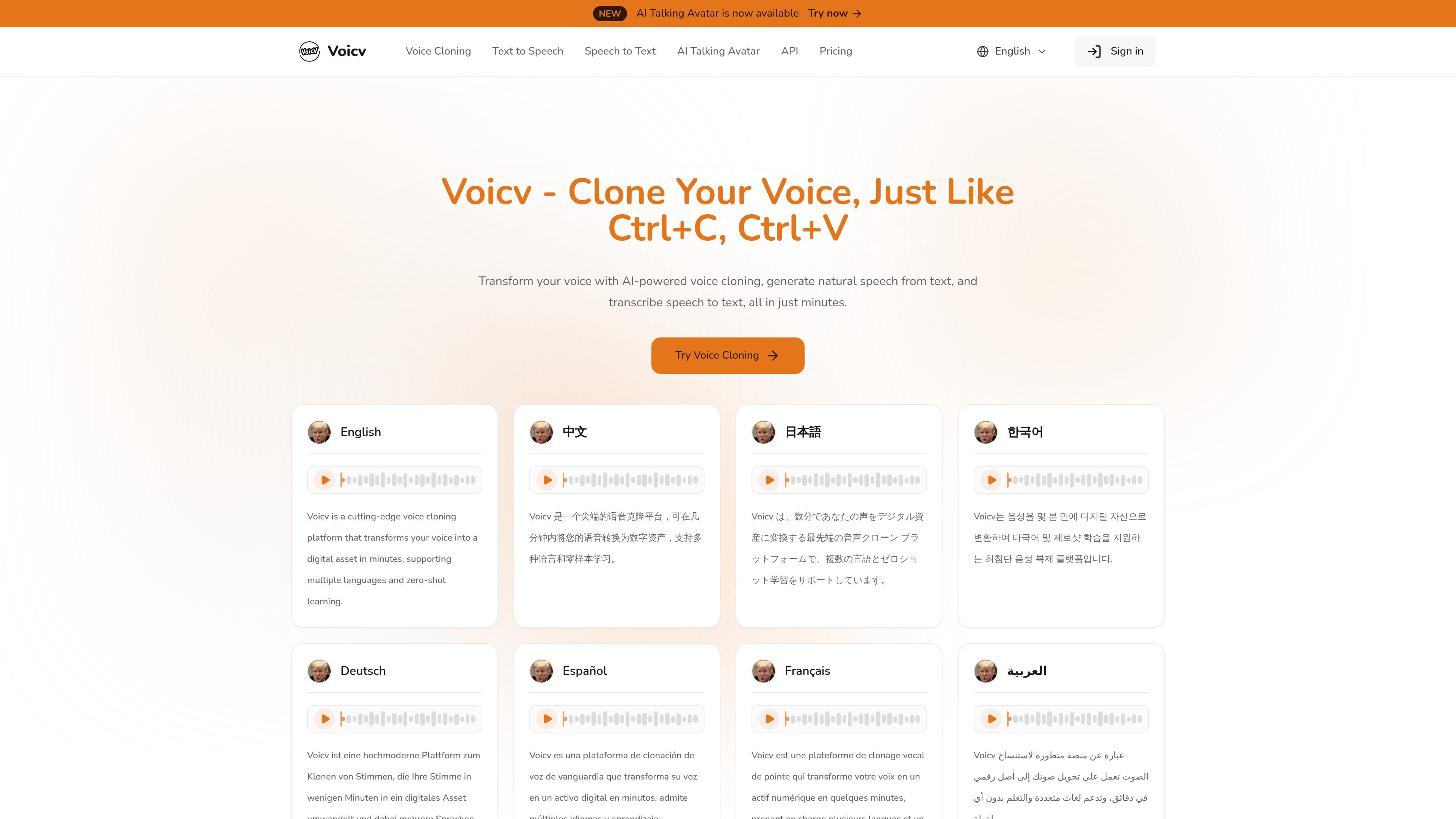
Voicv is an AI audio platform for voice cloning, text-to-speech, speech-to-text, and talking-avatar creation. The site positions it as a tool for turning voice into a digital asset, generating speech from text, and transcribing spoken audio.
Across the public pages, Voicv emphasizes short-input voice cloning, multilingual speech generation, expressive speech controls, and both subscription and credit-based pricing. It also presents an API option for teams that want to integrate the service into their own workflows.
Create a synthetic version of a voice from a short sample. The home page says Voicv can clone a voice in minutes, and the voice-cloning page says the workflow can start from 10-30 seconds of audio.
Generate spoken audio from written text with controls for voice selection, version, format, speed, and volume. The text-to-speech page also supports markup for pauses, breaths, and laughter.
Convert recorded speech into text for notes, archives, and repurposing. The home page presents speech-to-text as a core tool alongside voice cloning and TTS.
Work across multiple languages, including English, Japanese, Korean, Chinese, French, German, Arabic, and Spanish. The site emphasizes maintaining voice characteristics across languages.
Adjust expressive delivery with emotion-related controls such as pauses, breaths, and laughter. The site describes these as part of making generated speech sound more natural.
Use the service through an API and production-ready documentation. The pricing page describes Voicv as enterprise-ready and mentions a comprehensive API surface.
Creators can generate new spoken versions of content in their own voice, then adapt it for different languages without recording each version from scratch.
Educators, accessibility teams, and publishers can turn written material into audio using TTS with adjustable voice and delivery settings.
Teams can transcribe recorded meetings, interviews, or other spoken audio into searchable text with the ASR tool.
Users can upload an avatar image and pair it with TTS audio or their own audio to create a talking-avatar video.
Businesses and technical teams can connect Voicv through the API for production use cases that need automated voice generation or transcription.
Voicv uses AI voice cloning, text-to-speech, and speech-to-text workflows. The source pages show that voice cloning can start from a 10-30 second sample, then generate speech in supported languages and with expressive elements such as pauses or laughter where available.
The voice cloning page says cloning typically uses a 10-30 second audio sample and can take only a few minutes. The text-to-speech page also describes generating audio in seconds after text and voice settings are selected.
Voicv supports English, Japanese, Korean, Chinese, French, German, Arabic, and Spanish on the public pages reviewed. The text-to-speech page also mentions selecting different voices, accents, genders, and age ranges.
The pricing page says paid plans and Flex credits include commercial usage rights, while the Free plan does not. It also states that NSFW or adult content is prohibited.
The pricing page lists subscriptions, one-time Flex credits, and API Credits. It also says API Credits are only for API requests and cannot be used for website features, subscriptions, or in-app credit usage.