
Text to video generation
Turn a prompt, script, blog post, or slide deck into a complete video. Fliki can generate a script, choose visuals, add voiceover, music, and subtitles, then export a publish-ready result.

Fliki is a web-based AI video generator that turns text, scripts, blog posts, slides and recordings into narrated videos with text-to-speech, voice cloning, translation and avatars.
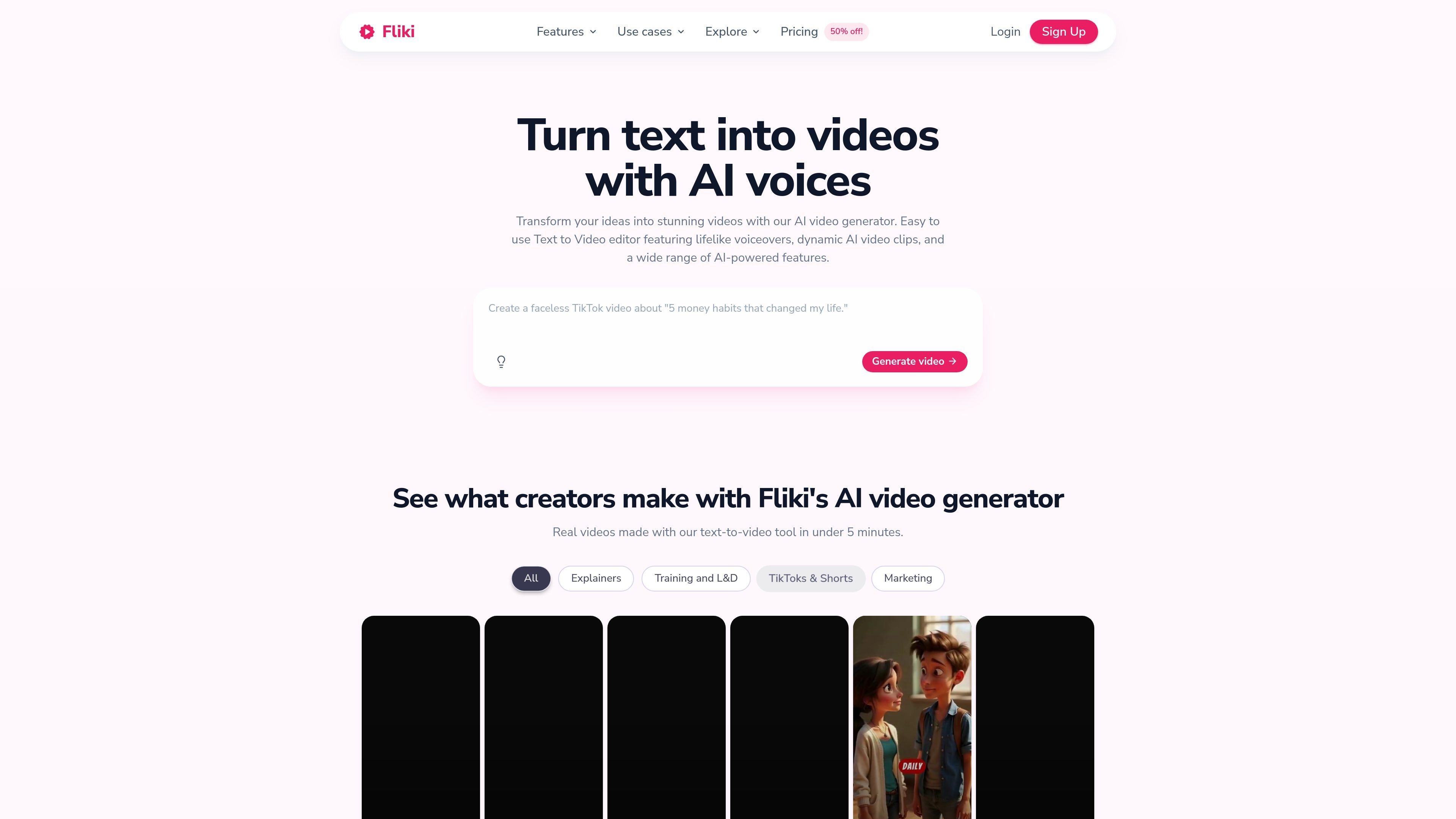
Fliki is an AI video creation platform that turns text, scripts, blog posts, slides, and other source material into finished videos. Its core workflow combines script generation, visuals, voiceover, music, subtitles, and export inside a web-based editor.
The product is positioned for creators, professionals, and teams that need to produce narrated video content without filming or traditional editing. It also includes related tools for text-to-speech, voice cloning, translation, avatars, and repurposing existing content into new formats.
Turn a prompt, script, blog post, or slide deck into a complete video. Fliki can generate a script, choose visuals, add voiceover, music, and subtitles, then export a publish-ready result.
Create voiceovers with 2,000+ AI voices in 80+ languages and dialects. The tool also supports voice cloning for users who want to reuse a familiar voice across content.
Translate and dub videos into 80+ languages with native-sounding voices and translated captions. The translator feature also supports lip-synced mouth movement and voice cloning across languages.
Record a short sample to create a digital twin or AI avatar. Fliki’s avatar tools can present content with a consistent face and voice, including support for multiple languages.
Repurpose existing materials such as blog posts, PowerPoint decks, and screen recordings. Fliki also offers an auto-edit workflow that removes silences and filler words from raw footage.
Create supporting assets such as thumbnails, images, social carousels, and presentations from ideas or prompts. These adjacent tools keep the work inside the same workspace.
Turn blog posts, scripts, or one-line prompts into narrated videos for YouTube, Shorts, Reels, or similar channels. The value is speed: Fliki can assemble script, visuals, voiceover, and captions in one flow.
Convert slide decks into video lessons or narrated presentations. This is useful when the source material already exists in PowerPoint or Google Slides and needs voiceover and motion added without re-recording.
Translate an existing video into another language with dubbed audio and translated captions. This supports localization work for teams that want to reach new audiences without rebuilding the original production.
Create talking-head videos with an AI avatar or digital twin for explainers, teaching content, and brand-led communication. The source shows this workflow can be done without filming every session.
Polish screen recordings or raw footage by removing pauses, filler words, and other rough edges, then add captions and audio. This is suited to demos, tutorials, and internal recordings that need a cleaner final cut.
Yes. Fliki offers a free tier that lets you try text-to-voice and text-to-video features without a credit card. The pricing page says the free plan includes 5 minutes of free audio and video content per month, while some advanced features require a paid subscription.
No. Fliki is fully web-based, so you only need a browser and an internet connection. The pricing FAQ says Chrome is preferred.
Fliki combines text-to-video and text-to-speech in one workspace. The workflow can start from a prompt, script, blog post, PowerPoint, or existing video, then add voiceover, visuals, captions, music, and other edits depending on the tool you choose.
The pricing page says the standard plan supports videos up to 15 minutes and the premium plan supports videos up to 40 minutes. Short free-tier generation is also available, but advanced capabilities are more limited.
Fliki’s pricing page says subscription plans include commercial rights for the content you create, which can be published on YouTube and other social platforms as long as the original text content does not conflict with copyright.