
Schema-driven extraction
You define the shape of the output as a JSON Schema or a simpler schema sketch, and Fovea fills it with matching data instead of returning an unstructured summary.

Fovea turns uploaded video into structured JSON that matches a schema you supply, through a web app, REST API, or MCP server. It is aimed at workflows where teams or agents need video-derived data that is validated before use.
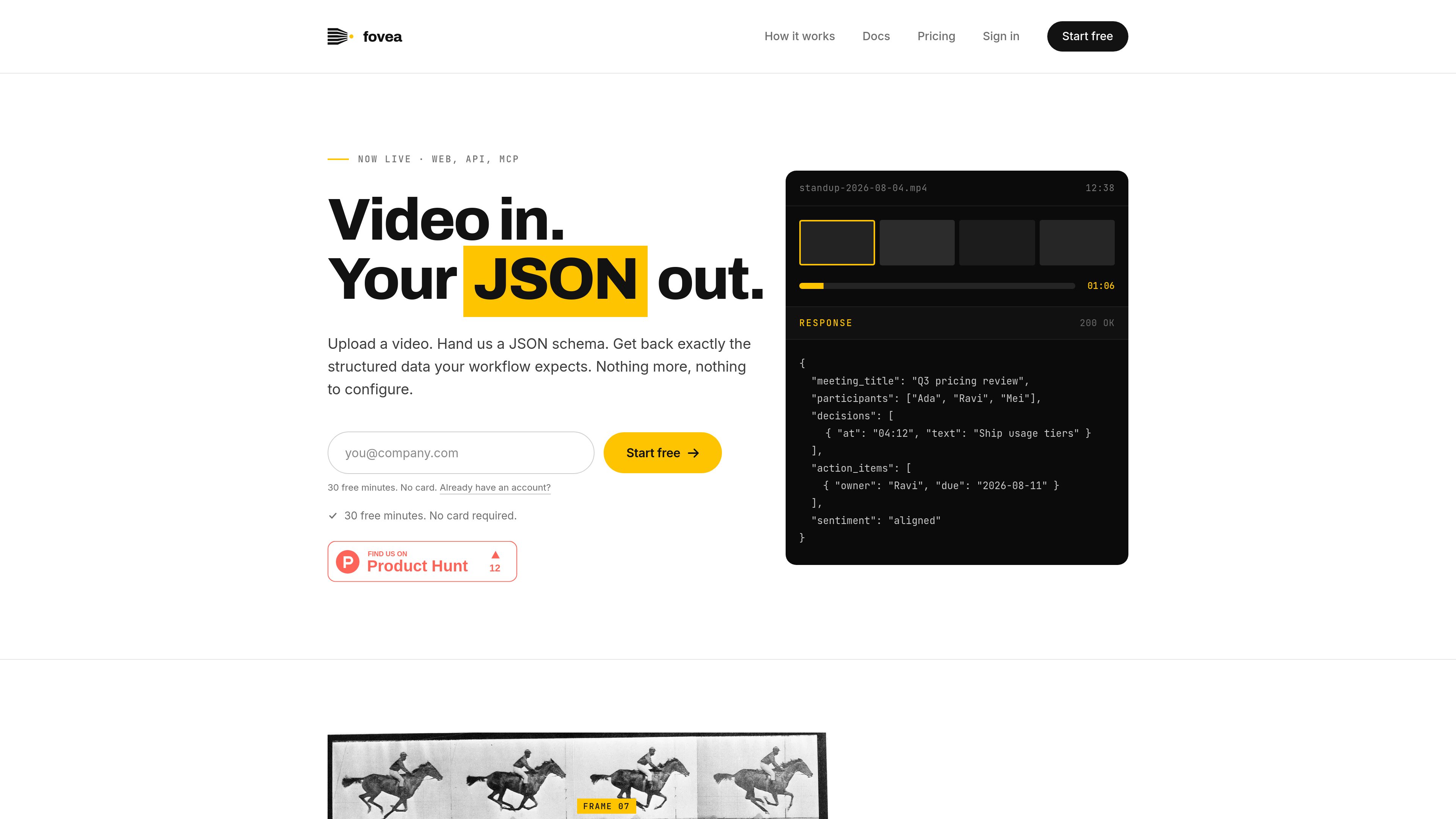
Fovea is a video-to-JSON API and companion web app that accepts a video plus a schema and returns JSON matching that schema. The product is positioned for teams and agents that need structured data from video without building an extraction pipeline themselves.
The service can be used through the web interface, a REST endpoint, or an MCP server. Fovea says responses are validated against the supplied schema before they are returned, and that any field in the schema can carry a timestamp when the use case needs direct reference back to the source video.
You define the shape of the output as a JSON Schema or a simpler schema sketch, and Fovea fills it with matching data instead of returning an unstructured summary.
The service validates each response against the supplied schema before returning it, so the output is meant to be consumed by code without a separate conformance step.
Fovea can be used in a browser, via a single POST to the REST endpoint, or through an MCP server for supported clients such as Claude Code and Codex.
Any field in the schema can carry a timestamp, allowing extracted items to point back to specific moments in the source video.
The documentation says the extraction comes back on the same request, so there is no polling loop or webhook setup for the standard workflow.
The site states that videos are deleted after the job finishes and that uploaded content is not used to train a model.
Extract decisions, action items, participants, or a meeting summary from recorded meetings so the result can flow into notes, task systems, or internal tooling.
Give an MCP client access to the extract tool so an agent can choose the schema it needs and pull structured facts from video on its own.
Send an uploaded file and a schema to the REST API when you want a lightweight integration path without an SDK or separate processing infrastructure.
Use timestamp fields when the output needs to support spot-checking or jumping directly to relevant moments in the video.
Try a shape in the web app before wiring it into code, which is useful when you are still deciding which fields the workflow should collect.
No. The site says you can provide either a full JSON Schema or a looser sketch of the shape you want back.
Fovea exposes an MCP server that can be added in one line to supported clients such as Claude Code or Codex, and the agent then uses the extract tool with its own schema.
Yes. The documentation says the extraction comes back on the same request, so there is no polling flow in the normal API path.
The docs state that Fovea accepts videos up to ten minutes at launch.
The site says videos are deleted once the job finishes, and that uploaded content is not used to train a model.
Traffic data is for reference only.
| May | 0 |
|---|---|
| Jun | 0 |
| Jul | 0 |
Traffic analytics are not available yet.
Traffic analytics are not available yet.