
Real-time multilingual translation
Translate live speech in real time across 60+ languages, with automatic language detection and support for voice or text output depending on the workflow.

Palabra.ai is an AI real-time translator for live voice, audio, and captions. Power multilingual meetings, webinars, events, streams, or API integration.
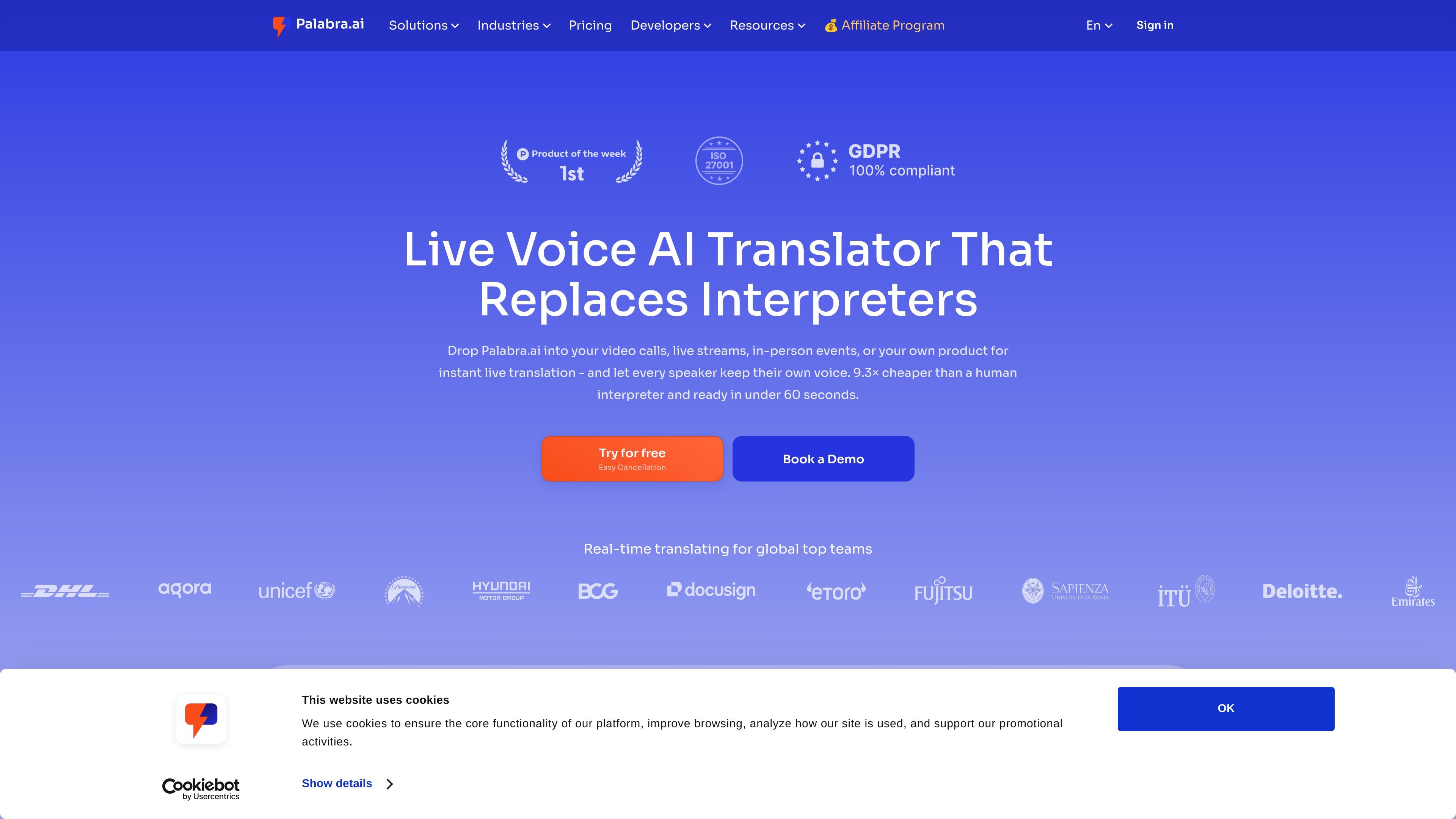
Palabra.ai is an AI-powered real-time speech translator for live voice and audio. It is built for online meetings, webinars, live streams, in-person events, and platform integrations that need multilingual communication without a traditional interpreter workflow.
The product is available as both ready-to-use tools and an API. The site describes a single low-latency engine that handles ASR, translation, and natural TTS with voice cloning, while also offering ready-made tools for teams that want to translate live audio without code or plugins.
Translate live speech in real time across 60+ languages, with automatic language detection and support for voice or text output depending on the workflow.
Use either two-way conversation mode for interactive calls or presentation mode for one-to-many events and webinars.
Clone a voice or choose from the available voice library so translated audio sounds more natural than robotic synthesis.
Apply custom glossaries and context-aware delivery to keep business terms, names, and domain vocabulary consistent.
Reduce noise from live environments with noise suppression, music isolation, and audio ducking or mixing in event workflows.
Support live captions and transcripts, plus streaming integrations such as RTMP, SRT, and HLS for broadcast use cases.
Translate live meetings across platforms such as Zoom, Google Meet, and Microsoft Teams without building a custom speech stack.
Deliver simultaneous speech translation and captions for webinars, including speaker Q&A and audience follow-along in their own language.
Add translated audio and captions to live streams and broadcasts using streaming workflows such as RTMP, SRT, HLS, OBS, or vMix.
Run in-person conferences or panels where attendees listen on their own devices and access the translated feed through QR-based audience access.
Embed real-time speech-to-speech translation, captions, and voice cloning into a product or workflow through the API.
Palabra is an AI voice translator for real-time speech translation online. It is positioned for video calls, live events, streaming, webinars, and API-based integrations.
The site says Palabra works with major video conferencing tools such as Zoom, Google Meet, and Microsoft Teams. Its broadcaster tools also support streaming workflows like OBS, vMix, YouTube, Vimeo, Castr, and SRT/RTMP setups.
The pricing page shows self-serve plans for meetings, in-person events, and streams/broadcasting, plus business plans that add custom features, integration development, SLA support, and regional server deployment.
The product page says conversations are fully encrypted and that Palabra never stores your data. The pricing page also lists zero data retention on all plans.
The pricing page includes a Start free trial option on self-serve plans and a Talk to sales flow on Team and Business plans.