

2026 Best Speech-to-Text tools
Speech-to-text tools turn recordings, meetings, and live speech into searchable text. Compare transcription, dictation, and captioning options for your workflow.
Maintained by Findings24
Voice & Audio
Explore this collectionProducts



















Loqua
AI Rewriter
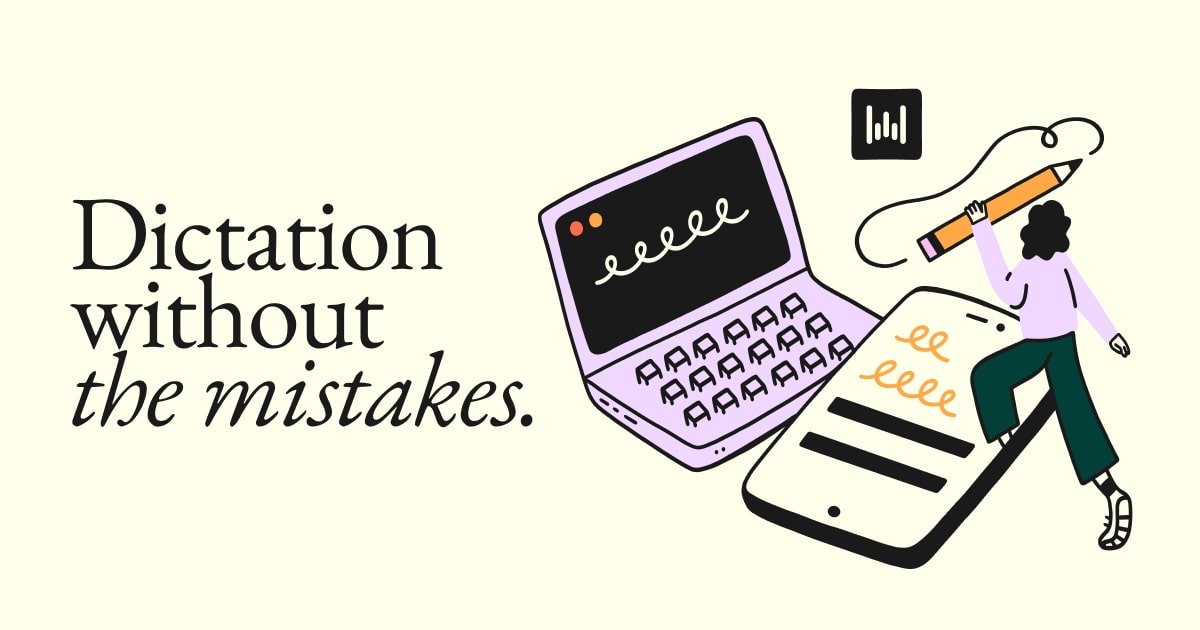
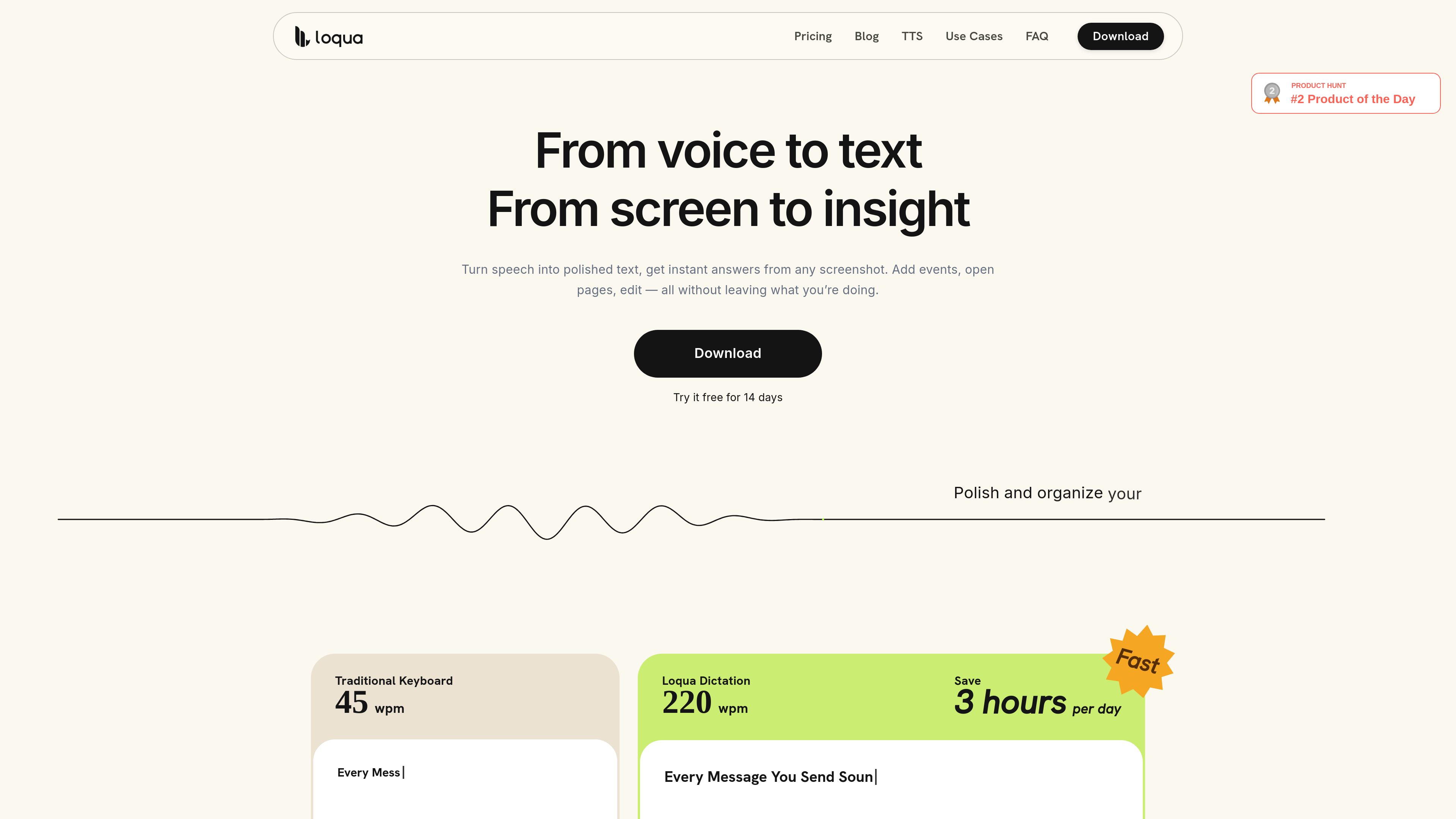
Loqua is a voice-first desktop productivity app for macOS and Windows that turns natural speech into polished text, edits selected content, translates dictation, and answers questions about user-selected screen content. It is designed for hands-free writing and supported voice workflows across desktop apps.
Freemium





Frequently asked questions
What problems do Speech-to-Text tools address?
Speech-to-text tools turn recordings, meetings, and live speech into searchable text. Compare transcription, dictation, and captioning options for your workflow.
Does a natural-sounding demo prove a tool is good for my audio task?
Voice generation needs accurate names, emphasis, pauses and stable delivery over long passages. Transcription needs tests for accents, noise, overlapping speech and speaker separation. Use your own recording rather than a clean studio sample.
What permission do I need before cloning a voice?
Obtain explicit permission from the speaker and check the service requirements for source recordings, verification and permitted uses. Being able to upload a recording does not grant the right to impersonate its speaker.
How do character-based and minute-based audio prices compare?
Price the same passage, including revisions, translated versions and required exports. For transcription, check whether billing uses uploaded duration or speech duration and whether speaker identification costs extra.