
Auto-resolve L1 support
Handle high-volume, low-complexity requests automatically, then route complex issues to the right human team or queue.

Thunai is an enterprise AI customer experience platform that automates customer support, assists live agents, and handles post-call workflows across voice, chat, email, and CRM. It is aimed at enterprise contact centers that want faster resolution and less manual work without replacing their existing stack.
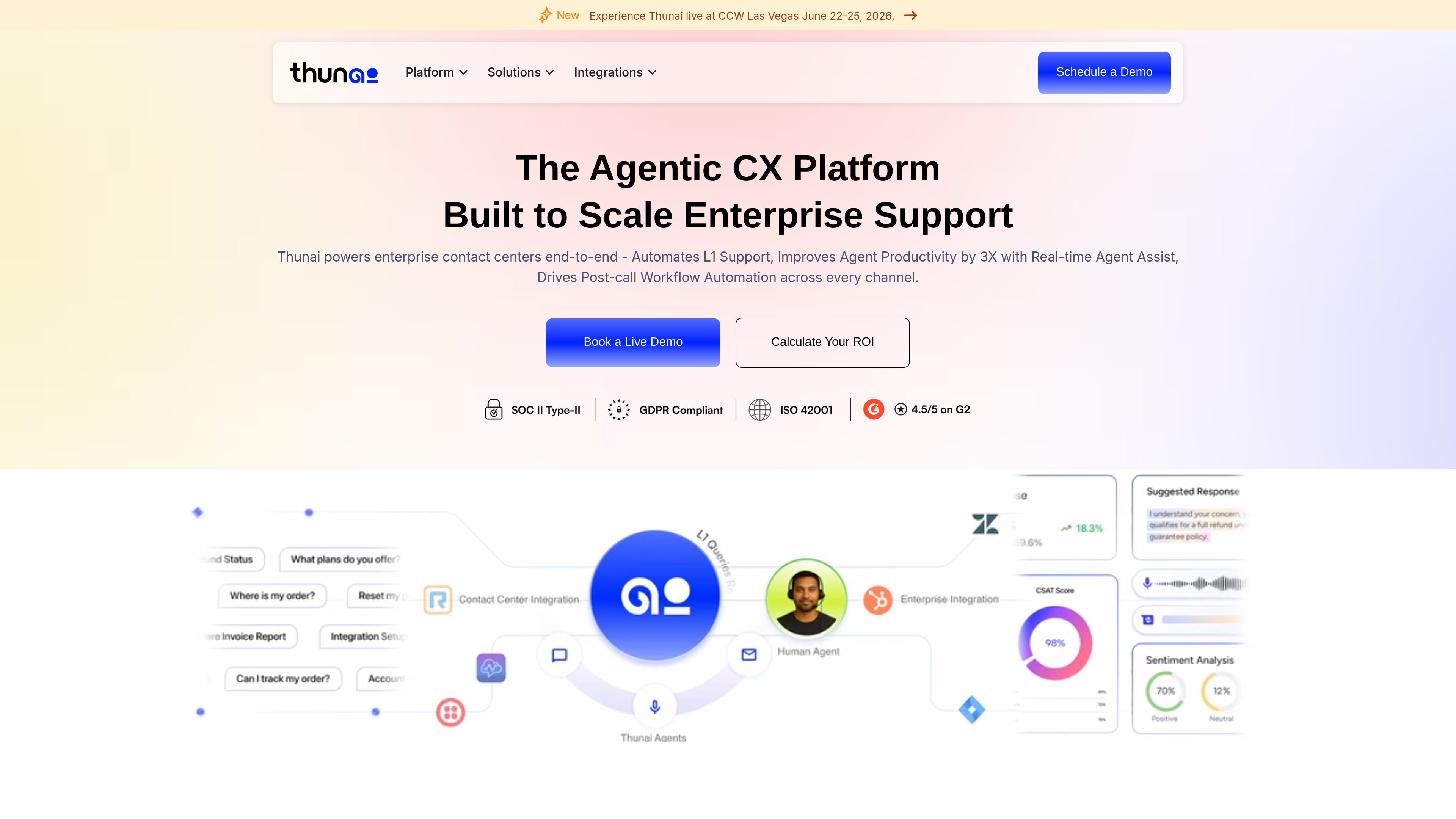
Thunai is an enterprise AI customer experience platform built to automate customer support and assist agents across voice, chat, email, and CRM workflows. It positions itself as an orchestration layer that can resolve low-complexity requests, guide agents in real time, and automate the work that follows each interaction.
The site describes Thunai as working on top of existing enterprise systems rather than replacing them. It connects to CCaaS, CRM, helpdesk, and knowledge tools, supports self-hosting and on-premise deployment options, and is presented as a fit for contact centers that want faster resolution, less manual work, and more consistent service quality.
Handle high-volume, low-complexity requests automatically, then route complex issues to the right human team or queue.
Provide live contextual guidance during calls and chats so agents can find answers without switching tools or searching manually.
Generate case summaries, CRM updates, and follow-up actions after interactions to remove repetitive back-office work.
Score calls against custom quality and compliance criteria, including SOP adherence, sentiment, resolution, and documentation.
Maintain a single, contradiction-free knowledge source for employees and AI agents to use during customer interactions.
Support existing CCaaS, CRM, helpdesk, and knowledge tools with native integrations and no rip-and-replace migration.
Use Thunai to deflect high-volume, low-complexity requests before they reach an agent, then route exceptions to the right L2 or L3 workflow with context intact.
Use the live agent assist layer to surface relevant answers, customer history, and guidance while a rep is on a call or chat.
Use the AI call scoring workflow to review every conversation against SOPs, sentiment, resolution, and documentation standards without sampling only a few calls.
Use post-call automation to create summaries, update CRM records, and trigger follow-ups so agents spend less time on admin.
Use the knowledge management layer to centralize fragmented documents and give employees and AI agents one verified source of truth.
Thunai is an agentic CX platform that unifies voice, chat, email, and CRM under one AI orchestration layer. It is designed to automate low-complexity support work, assist agents during live interactions, and automate post-call tasks.
The source says Thunai connects to existing CCaaS, CRM, helpdesk, and knowledge tools, with no migration or downtime required. It is described as going live in under 2 days in some enterprise deployments.
Thunai automates low-complexity requests, provides live agent assistance, and handles post-interaction work such as summaries, CRM updates, and follow-ups. The site says this reduces handle time and improves agent productivity.
Thunai’s pricing page is demo-led. The site invites visitors to schedule a live demo rather than publish plan prices.
The source states that Thunai supports on-premise deployment, regional data residency, enterprise permission sets, and isolated deployments. It also says the platform is ISO 27001 certified, SOC 2 Type II compliant, and GDPR ready.