
Multichannel survey collection
Send surveys through email, websites, apps, in-product placements, mobile SDKs, iframe embeds, kiosks, QR codes, and chat tools so feedback can be gathered at different touchpoints.
Survicate is a customer feedback platform for collecting surveys across channels and analyzing feedback in one place, with integrations for follow-up workflows.
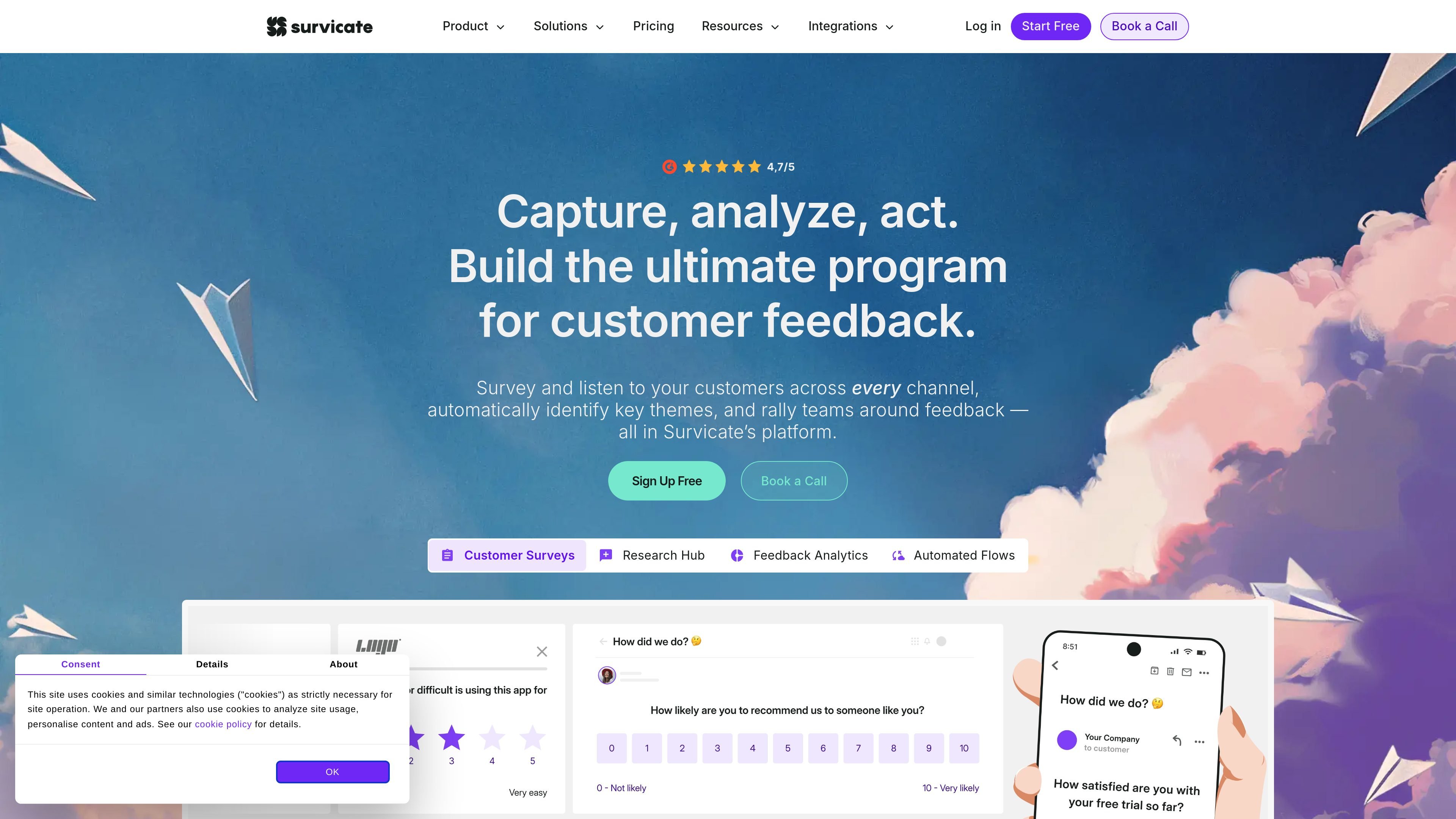
Survicate is a customer feedback platform for collecting survey responses and related feedback across multiple channels, then analyzing that input in one system. The site positions it as a way for CX, product, research, and marketing teams to capture feedback, identify themes, and act on what customers say.
It combines multichannel surveys with automated analysis, custom dashboards, and an AI research assistant. The product also connects to external tools so feedback can be routed into support, CRM, analytics, and collaboration workflows.
Send surveys through email, websites, apps, in-product placements, mobile SDKs, iframe embeds, kiosks, QR codes, and chat tools so feedback can be gathered at different touchpoints.
Bring survey responses together with support chats, reviews, calls, transcripts, emails, and other sources, then analyze them in one tool instead of separately.
Use dashboards, AI categorization, sentiment analysis, and an AI research assistant to surface themes, trends, and concise summaries from feedback data.
Add CRM and product attributes, target by events or respondent traits, and use logic such as branching, display rules, sampling, and response caps to shape who sees each survey.
Sync responses to tools such as Slack, Teams, Google Sheets, HubSpot, Segment, Zendesk, Productboard, and analytics platforms through native integrations, webhooks, and export APIs.
Manage access with teams, permissions, dashboards, folders, and custom branding so multiple groups can work from the same feedback system.
Capture survey feedback at different touchpoints such as websites, product surfaces, email, mobile apps, and chat to learn from users where the interaction happens.
Pull together survey responses, support conversations, reviews, calls, and transcripts, then use dashboards and AI analysis to spot recurring issues or trends.
Use targeting, logic, and respondent attributes to ask specific groups the right questions and collect more relevant responses for research or product decisions.
Send survey responses into Slack, Teams, HubSpot, Segment, Zendesk, Productboard, or other tools so teams can act on feedback without manual handoffs.
Use dashboards, sentiment analysis, and the AI research assistant to summarize large volumes of feedback and support faster decisions.
Survicate is built to collect feedback across channels and then analyze it in one place. The home page and feedback analytics page describe survey collection, automated analysis, dashboards, and AI-assisted summarization across surveys, support chats, calls, reviews, transcripts, and emails.
The source pages show Survicate working with surveys sent to emails, websites, in-product placements, mobile apps, iframe embeds, kiosks, QR codes, Intercom, and Braze, plus analysis of feedback from support chats, reviews, calls, transcripts, and emails.
Survicate includes integrations such as Slack, Microsoft Teams, Google Sheets, HubSpot, Intercom, Salesforce, Segment, Zapier, Zendesk, Amplitude, Mixpanel, Optimizely, Productboard, and several marketing and support tools. The pricing page also notes native integrations and data in/out features.
Yes. The pricing page says Survicate offers a 10-day trial with no card required. The home page also offers sign-up actions, and the pricing page includes a free trial alongside paid plans.
The site presents Survicate as useful for CX, product, research, and marketing teams. The home page specifically calls out CX teams, marketing teams, and product teams as common users.