
Email attachment organization
Link Gmail or Outlook so email attachments are imported and organized into the right folder structure automatically, with rules for naming and destination paths.

The Drive AI is an AI document management tool for organizing, searching, creating, and sharing files across web, mobile, and desktop.
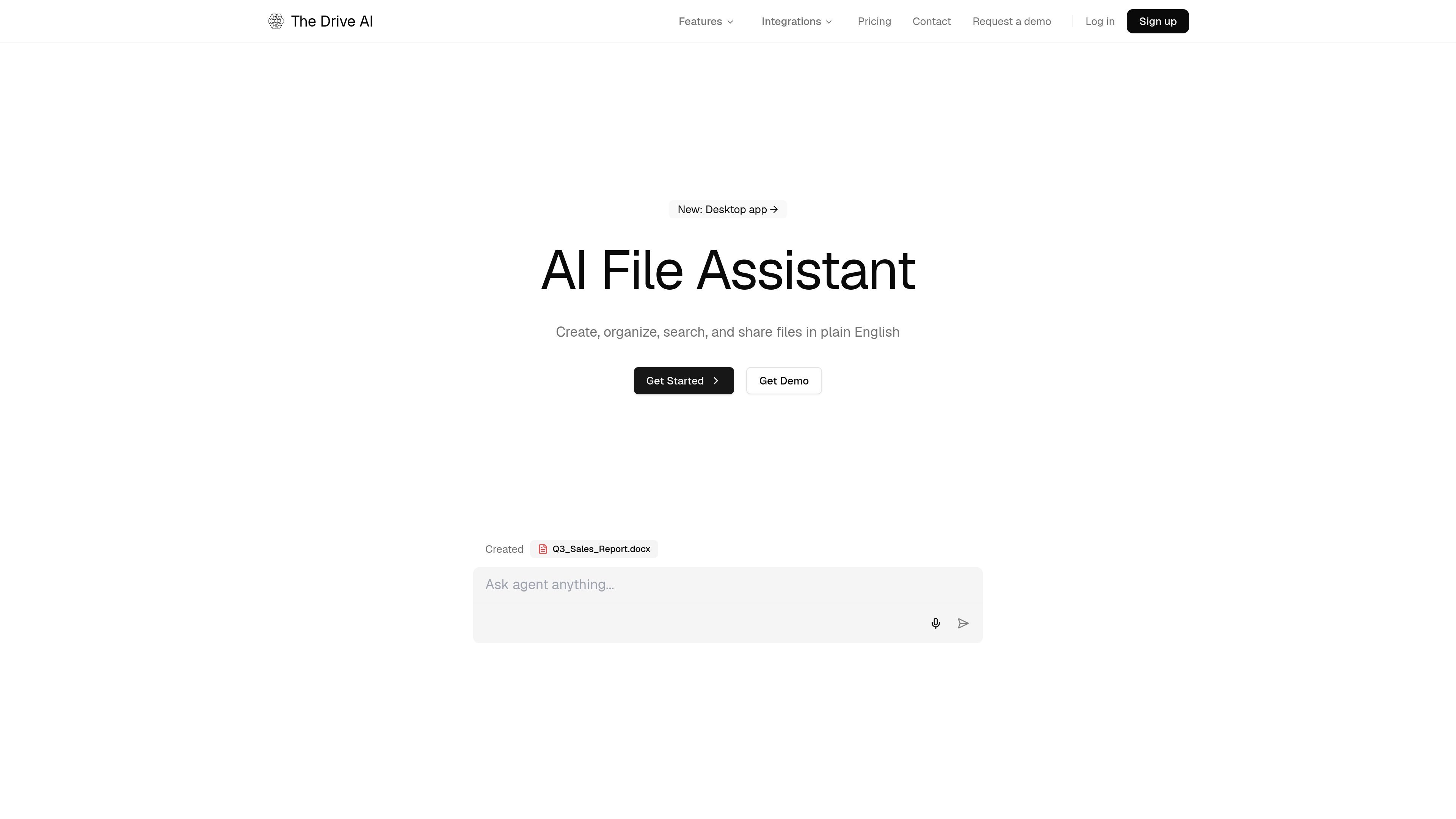
The Drive AI is an AI document management and file organization product for organizing, searching, and creating files from a workspace. It connects to email, cloud storage, and local folders, then uses an AI agent to rename, sort, and transform documents based on plain-English instructions.
The product is built around document-heavy workflows such as client file collection, shared team workspaces, and PDF handling. It also includes content-aware search, source-cited answers, file request workflows, e-signatures for PDFs, and a desktop app for browsing and syncing files outside the browser.
Link Gmail or Outlook so email attachments are imported and organized into the right folder structure automatically, with rules for naming and destination paths.
Create, share, and transform files by describing the task in plain English, from new documents to PDF operations such as merging, splitting, compressing, and adding watermarks.
Search by content across PDFs, docs, images, audio, and video, with answers that cite the source file and section they came from.
Share files, manage folder permissions, and control workspace access with scoped links, expiry, audit trails, and full version history.
Collect documents from clients through secure file requests with checklists, reminders, reusable templates, and automatic renaming.
Use the desktop app to browse workspace files, open them natively, work offline, and sync local folders both ways.
A legal, finance, or operations team can drop in documents and have the system sort them by content, rename them consistently, and build nested folders without relying on manual filing.
Teams can ask questions about internal files and get answers with file-and-section citations, which helps when reviewing contracts, agreements, reports, or scanned paperwork.
A client-facing team can send a secure request for required documents, let recipients upload by link or email reply, and receive files already organized into the right workspace location.
A team that works across desktop and mobile can keep a local folder and cloud workspace in sync, open files in native apps, and continue editing when offline.
Organizations that need signed PDFs can route a document through the e-sign flow, where recipients sign in the browser and the signed file returns to the workspace with an audit trail.
The Drive AI sends a request by email with a description of what you need, a checklist of required documents, and a secure upload link. Recipients can upload through the link or reply to the email with attachments.
No. For file requests, recipients do not need a The Drive AI account or any app install. They can upload through the browser link or respond by email with attachments.
The upload portal is designed to accept files larger than standard email attachments, and the product says it supports any file size supported by your plan.
Yes. The product says uploaded files are encrypted in transit with TLS and at rest with AES-256, and each request uses a unique, time-limited link.
The Drive AI offers a desktop app for macOS, with Windows coming soon. The app is free to download and use with any The Drive AI account.