
Enterprise-grounded answers
Search and assistant experiences are grounded in company knowledge so answers can reflect the business context behind a question, not just a generic model response.

Glean is an enterprise Work AI platform for search, assistants, and agents connected to company data, with permission-aware controls.
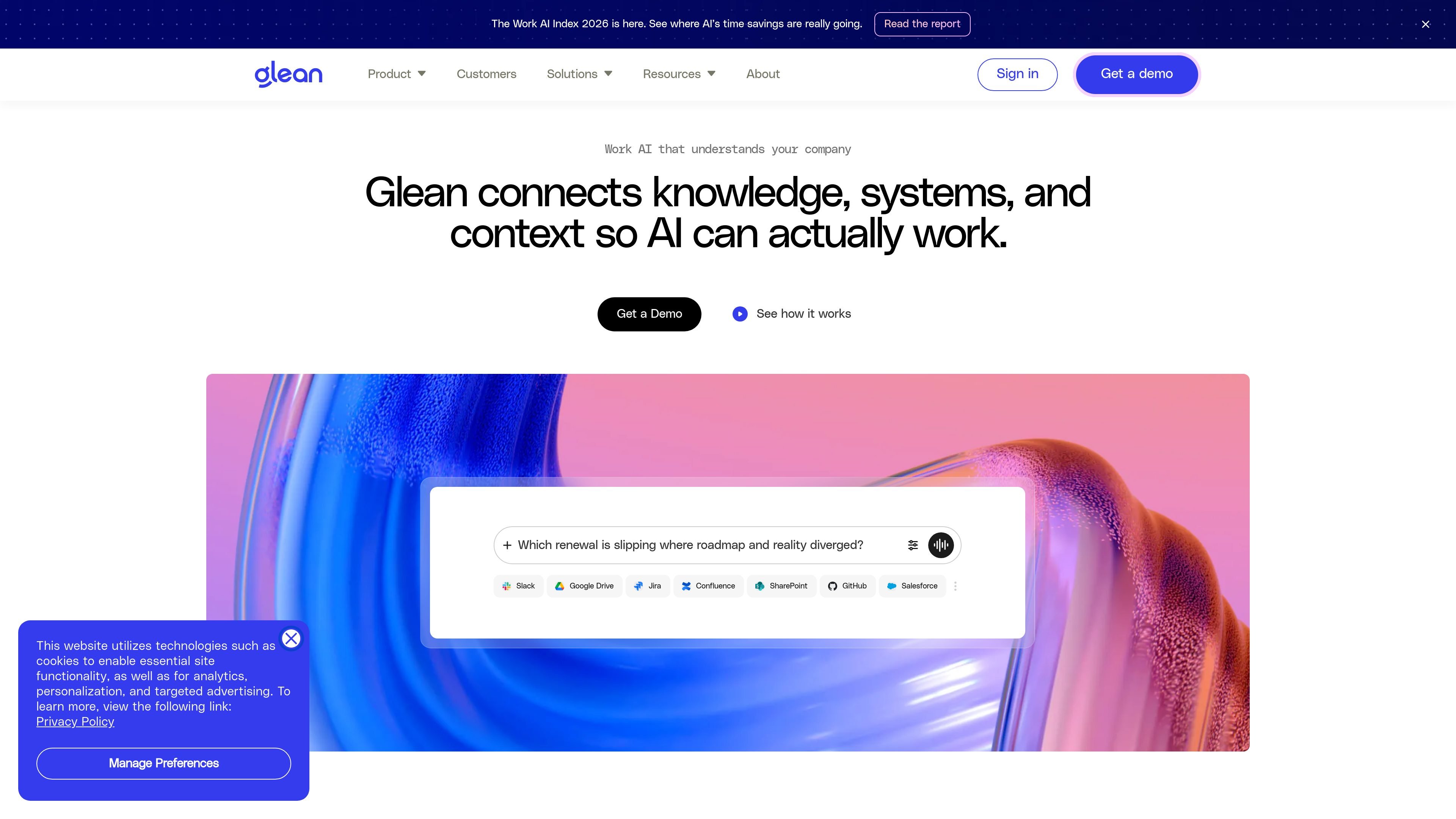
Glean is a Work AI platform for enterprises that connects company knowledge, systems, and context so people can search, ask questions, create content, and automate work with AI that reflects their organization’s data and permissions. The site positions it as a horizontal platform with agents, an assistant, and search working together rather than separate point tools.
The product is designed for enterprise environments where access control, observability, and compliance matter. The security page describes isolated single-tenant deployments, regional hosting options, permission-aware results, zero-retention agreements with model providers, and controls for sensitive data and agent actions.
Search and assistant experiences are grounded in company knowledge so answers can reflect the business context behind a question, not just a generic model response.
Glean connects knowledge across apps, systems, conversations, meetings, docs, and teams, and lists integrations such as Slack, Google Drive, Jira, Confluence, SharePoint, GitHub, and Salesforce on the homepage.
The platform supports automation and agents so users can move from finding information to taking action inside work workflows.
Security controls are built around permissions, isolated deployments, single-tenant connectors, and RAG architecture designed to minimize LLM data exposure.
The security page says Glean tracks queries, answers, and actions, giving teams visibility into how the system is used.
Glean says it supports 35+ unique LLMs and is built to work across models while keeping the enterprise workflow on one platform.
Employees can search across connected apps, docs, and team knowledge to find answers without switching between systems.
Teams can use the assistant and grounded context to draft, summarize, or create work outputs based on company information.
Organizations can build and deploy agents that automate repeatable steps while staying within defined access and policy controls.
Security and platform teams can use the governance controls to monitor activity, investigate sensitive findings, and manage data exposure.
Large enterprises can roll out the platform across departments that need shared context, such as engineering, sales, support, and HR.
Glean is an enterprise Work AI platform for finding information, generating answers, and taking action across company data and systems. The source pages describe it as connected to enterprise data, with agents, an assistant, and search in one platform.
The security page says Glean can run in a fully isolated, single-tenant environment, either hosted by Glean or in a customer’s AWS, Azure, or GCP cloud. It also supports regional deployment across AMER, EMEA, and APAC.
Glean connects knowledge, systems, and context from apps such as Slack, Google Drive, Jira, Confluence, SharePoint, GitHub, and Salesforce, then brings AI into the tools employees already use. The homepage also highlights automation and agents as part of the workflow.
The pricing page in the collected sources does not show actual pricing, plan names, or limits. It does show demo-oriented calls to action, so buyers should expect a sales-led evaluation flow rather than published pricing details.
The security page says Glean uses permission-aware access, full observability, data governance controls, isolated deployments, single-tenant connectors, and zero-retention agreements with model providers to reduce data exposure.