
Auto Recognition with Subtitles
Supports recognition from the original video audio and automatically converts speech into subtitles; the page states support for multiple languages including Chinese, English, Cantonese, Japanese, and Korean.

绘影字幕 is a video subtitle tool for auto-captioning, subtitle translation, timing alignment, and real-time subtitles on web, App, and API.
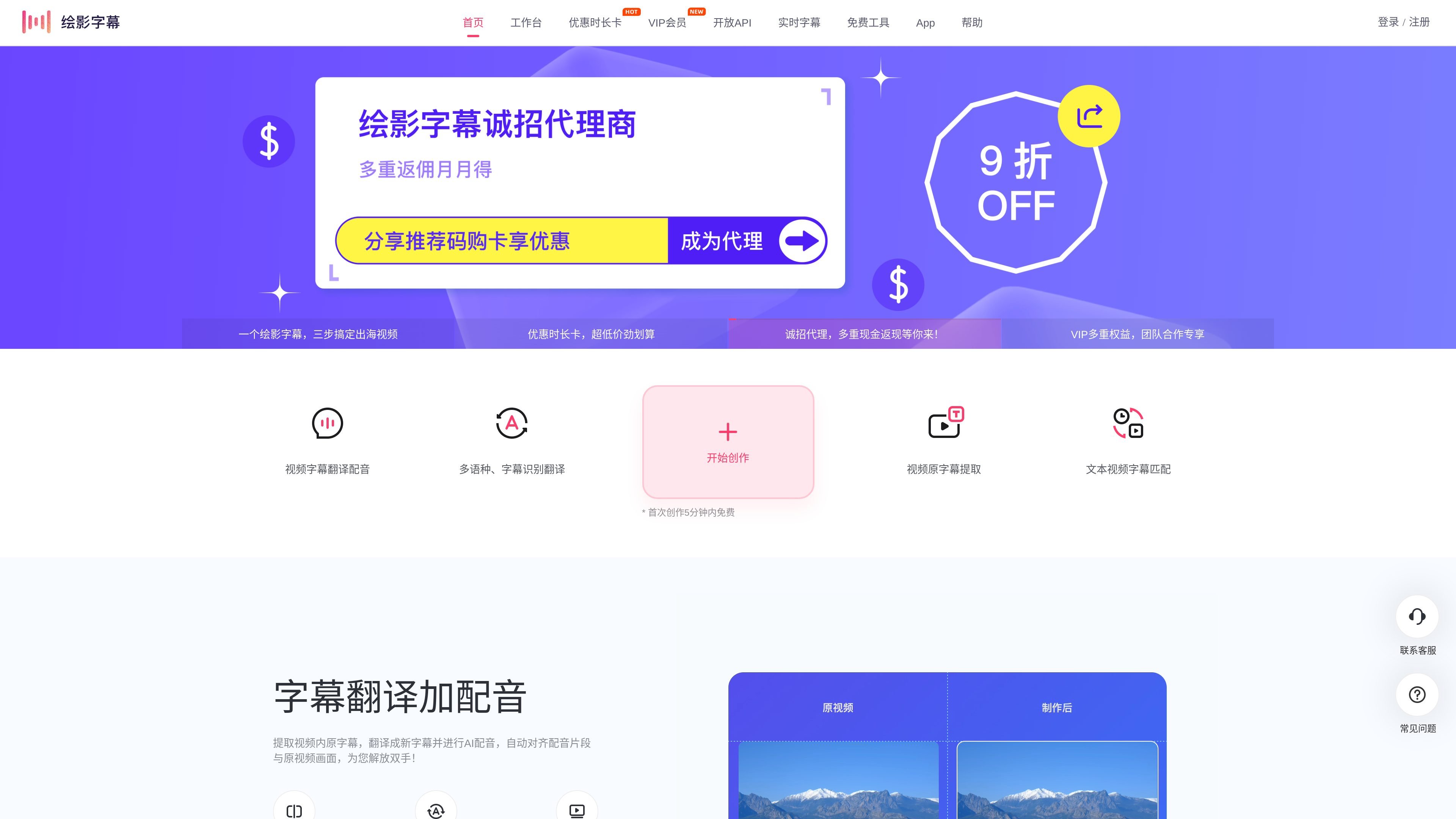
绘影字幕 is a video subtitle creation tool that provides auto recognition and captioning, subtitle translation, subtitle timeline matching, and real-time subtitles. Its main workflow is to recognize human speech in a video, convert the speech into subtitles, and then support online editing, style adjustments, and export.
According to the official website, the product can be used directly in the browser and also provides a mobile app; users can also integrate its subtitle recognition capabilities into existing business scenarios through an open API. It is designed for scenarios such as creators who need to process video subtitles in bulk, educational course production, live meeting captions, and overseas video production.
Supports recognition from the original video audio and automatically converts speech into subtitles; the page states support for multiple languages including Chinese, English, Cantonese, Japanese, and Korean.
After recognition, you can further translate subtitles to generate bilingual subtitles such as Chinese-English and Chinese-Japanese, as well as other language combinations.
Supports importing subtitle text and video, then automatically matching the timeline, which is suitable for existing scripts and quick timing alignment.
You can edit subtitle content and style online, adjust subtitle appearance and position, and export the finished video or download an SRT subtitle file.
Provides an open subtitle recognition API so you can integrate subtitle recognition into existing business systems or workflows.
Provides real-time subtitle capabilities, suitable for meetings, live streams, simultaneous interpretation, and other scenarios that require live subtitle display.
Upload a video without subtitles, automatically recognize the speech, create a first draft of the subtitles, then proofread and export the finished video in the browser.
Translate original-language videos in Chinese, English, and other languages into subtitles in another language to create bilingual content suitable for overseas distribution.
Automatically align a prepared subtitle script with the video to quickly generate a timeline and reduce manual timing work.
Integrate recognition capabilities into existing products or business workflows, and return subtitle data through the API, which is suitable for enterprises or platforms with development teams.
Use real-time subtitle display for meetings, live streams, or course training, and convert speech into subtitles instantly with the real-time subtitle product.
Yes. The page explains that you can create subtitles online in the browser by importing a video or audio file, selecting the recognition language, then editing, proofreading, and exporting the video or downloading subtitle files.
Yes. The page and help documentation both mention that you can first select the original video language; if you need bilingual subtitles, you can enable subtitle translation and choose the target language.
Yes. The Open API page explains that you can call the subtitle recognition API to return subtitle data, and it also provides API documentation and a management console.
Yes. The FAQ states that new registered users can get a free trial for videos up to 5 minutes on their first creation, excluding email registration.
Yes. The FAQ says recognition is generally billed by video duration, while editing and exporting are free to use afterward; the pricing page also offers packages purchased by duration.