
Transcribe to subtitles or text
Automatically generates subtitles from uploaded video or audio and can also output plain text.

CaptionCreator is a web-based AI subtitle generator for video and audio. It transcribes or translates recordings into subtitles or text, with support for 50+ languages.
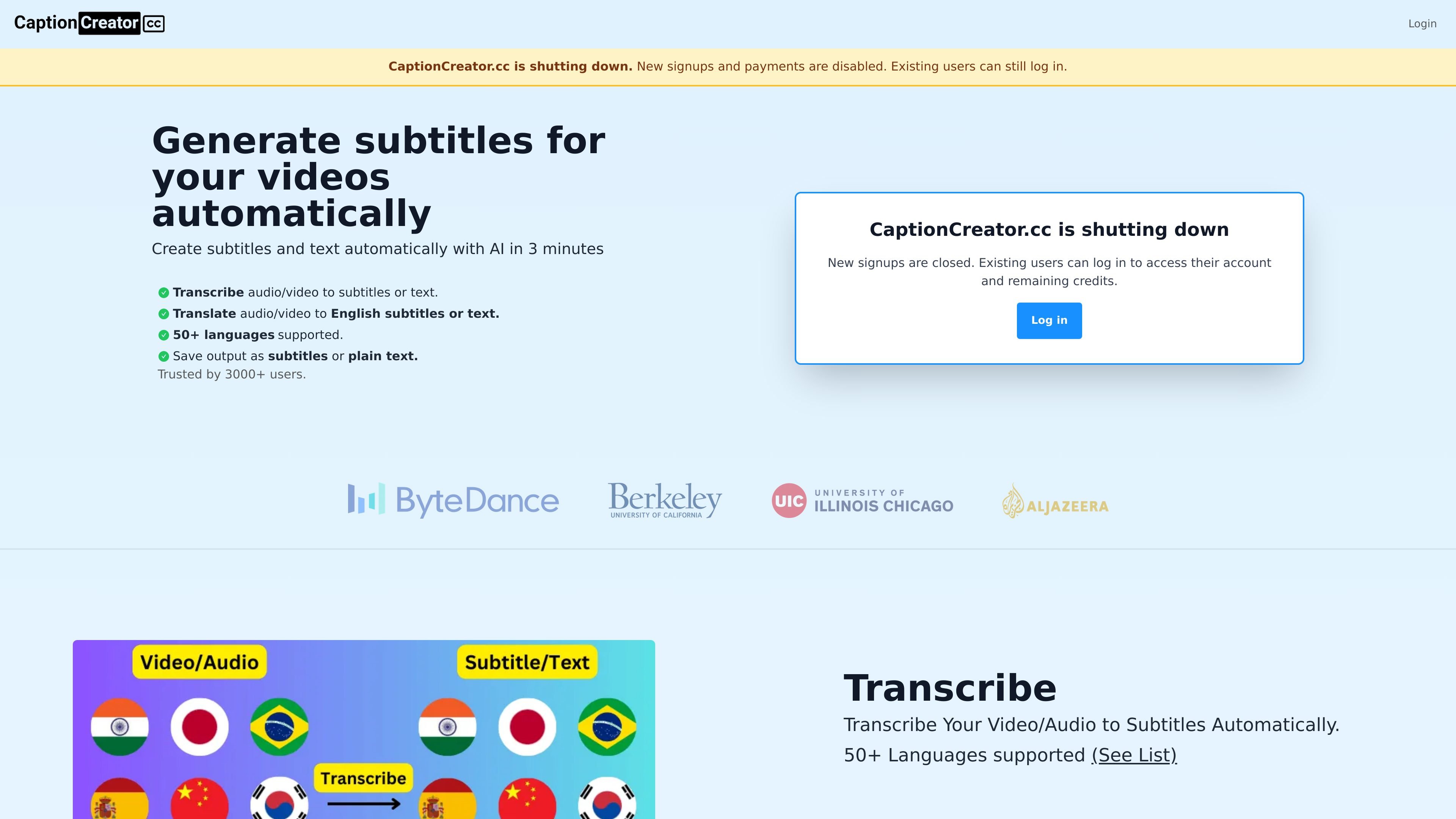
CaptionCreator is an online AI subtitle generator for video and audio. It turns recordings into subtitles or plain text, and it also offers translation to English subtitles or text.
The product is positioned as a fast transcription tool, with the homepage stating that videos can be processed in about three minutes. The site also says it supports more than 50 languages and can handle noisy audio, multilingual recordings, and diverse accents.
Automatically generates subtitles from uploaded video or audio and can also output plain text.
Converts audio or video into English subtitles or text for translation workflows.
Supports more than 50 languages, with a published list that includes widely used and regional languages.
The homepage says it can handle noisy recordings and multilingual audio, including audio where speakers use different languages.
The site says the model works through diverse accents, which is relevant for speech from different regions.
The pricing page says subtitles can be edited before use.
Creators can turn long-form or short-form video into subtitles without manual typing, then edit the subtitle output before publishing.
Users working with non-English recordings can translate video or audio into English subtitles or text for review or reuse.
Projects with noisy audio, multiple speakers, or varied accents can use the service as a first-pass transcription tool when clarity is an issue.
Teams or creators handling many short files can process multiple uploads over time without a subscription, using credits as needed.
CaptionCreator accepts video or audio and can generate subtitles or text automatically. The site says it can transcribe audio/video to subtitles or text, and translate audio/video to English subtitles or text.
The pricing page describes a pay-as-you-need model with no subscription. Users buy credits, and one credit equals one minute of transcription or translation.
The site says new signups and payments are disabled because CaptionCreator is shutting down. Existing users can still log in and access their account and remaining credits.
The homepage says output can be saved as subtitles or plain text, and the pricing page says subtitles can be edited.
CaptionCreator says each credit does one minute of video or audio, but the FAQ also says any length videos can be done in under 3 minutes. The site states credits do not expire as long as the service is used at least once a year.