
Pinglish to Persian transliteration
Convert Pinglish or Finglish typed with Latin letters into Persian script, with support for direct correction by clicking on converted words.

Behnevis is a Persian text entry tool for converting Pinglish/Finglish and speech into Persian script, with a web editor and Windows Microsoft Word add-on.
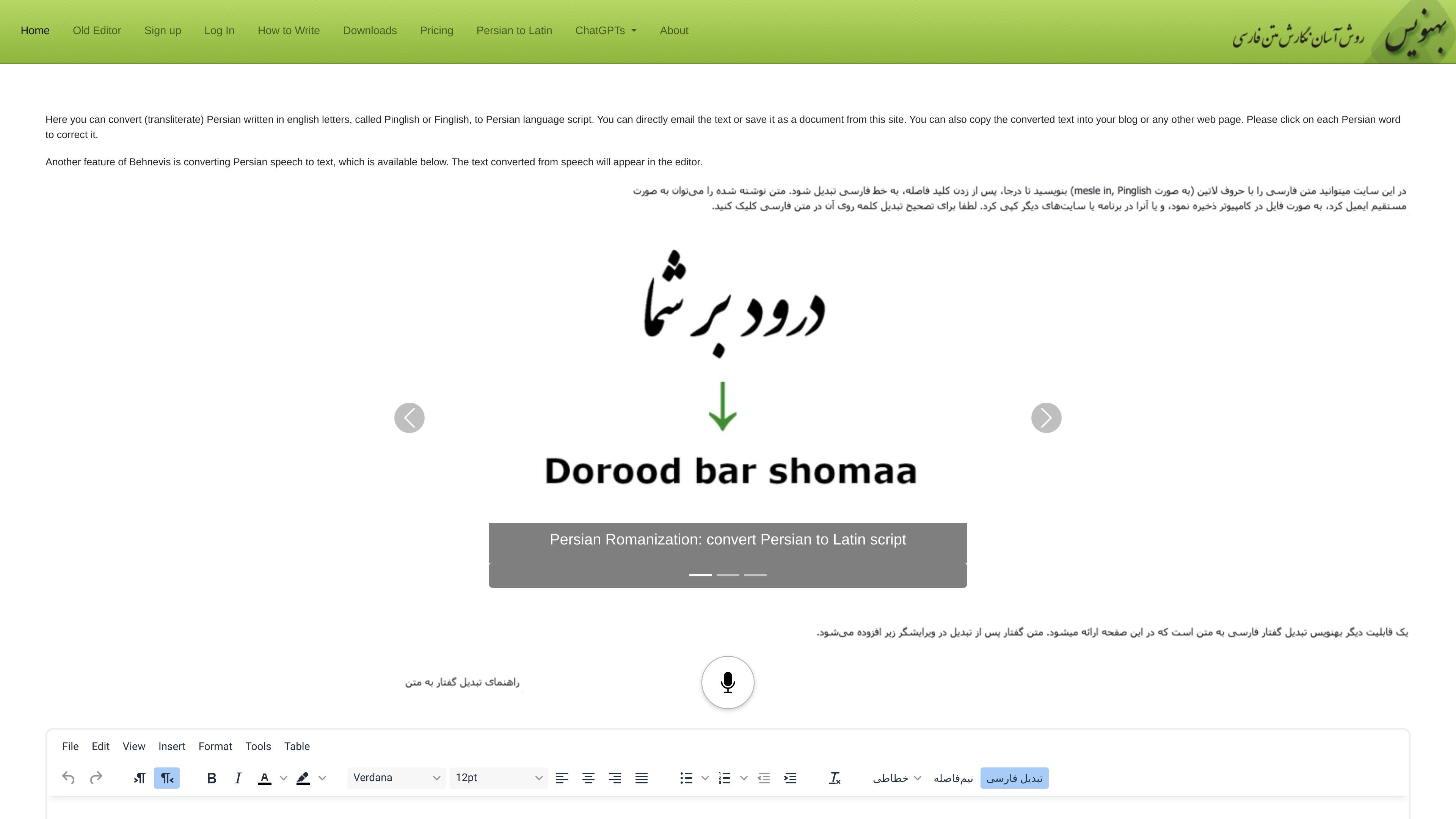
Behnevis is a Persian text entry tool that helps people write Persian script from Latin transliteration and from speech. The site presents it as a Persian (Farsi) keyboard, editor, and speech-to-text product, with a browser-based editor and a separate Microsoft Word add-on for Windows.
Its main workflow is to type Persian words in Pinglish or Finglish, click to correct converted words when needed, and use speech input when writing by voice. The home page also notes that the legacy two-part editor remains available for free, while the newer in-place editor and speech-to-text features are part of paid plans.
Convert Pinglish or Finglish typed with Latin letters into Persian script, with support for direct correction by clicking on converted words.
Dictate Persian text and other supported languages into the editor, then let the converted text appear at the cursor after transcription.
Use the legacy two-part editor at no cost, while the newer in-place editor is included in paid plans.
Work inside Microsoft Word on Windows with the Behnevis add-on, including automatic conversion and selected-text conversion.
Insert a half-space from the editor toolbar for compound Persian words such as کلمهها and similar forms.
Copy or save converted text for use in email, blogs, and other web pages, and direct email is also mentioned in the homepage copy.
Write Persian text in a browser by typing Latin letters, converting the result, and clicking any word to fix transliteration errors.
Dictate short Persian passages when typing is slower or inconvenient, then review the text that appears in the editor after transcription.
Work on Persian documents in Microsoft Word on Windows, using the add-on to convert continuously or convert selected Pinglish text.
Prepare mixed-language text for blogs, web pages, or email by switching text direction and using the editor’s half-space control where needed.
Use the free legacy interface for basic transliteration when you do not need the newer in-place editor or speech features.
Yes. The free plan includes the legacy two-part Pinglish-to-Persian editor, but the homepage says the newer in-place editor and speech-to-text features are included in paid plans. A 45-day Premium trial is available.
Behnevis supports Pinglish/Finglish transliteration into Persian script. The help page also describes typing Persian by using English-letter equivalents, then correcting converted words by clicking them.
The help page explains that speech-to-text works by selecting an input language, clicking the microphone, speaking for up to about one minute, and then clicking again so the transcription appears at the cursor.
The downloads page says the MS Word add-on is for Windows only. It runs in Microsoft Word and supports Word 2007, 2010, or newer, with some features available only in newer versions.
The site states that Behnevis does not store written or sent text. It does store account and payment information, and card details are processed directly by Stripe.