
WhatsApp Catalog
Sync a Shopify catalog into WhatsApp so customers can discover and buy products without leaving the chat.

Zoko is a WhatsApp commerce platform for Shopify merchants, combining product discovery, broadcasts, support, and workflow automation in one shared number.
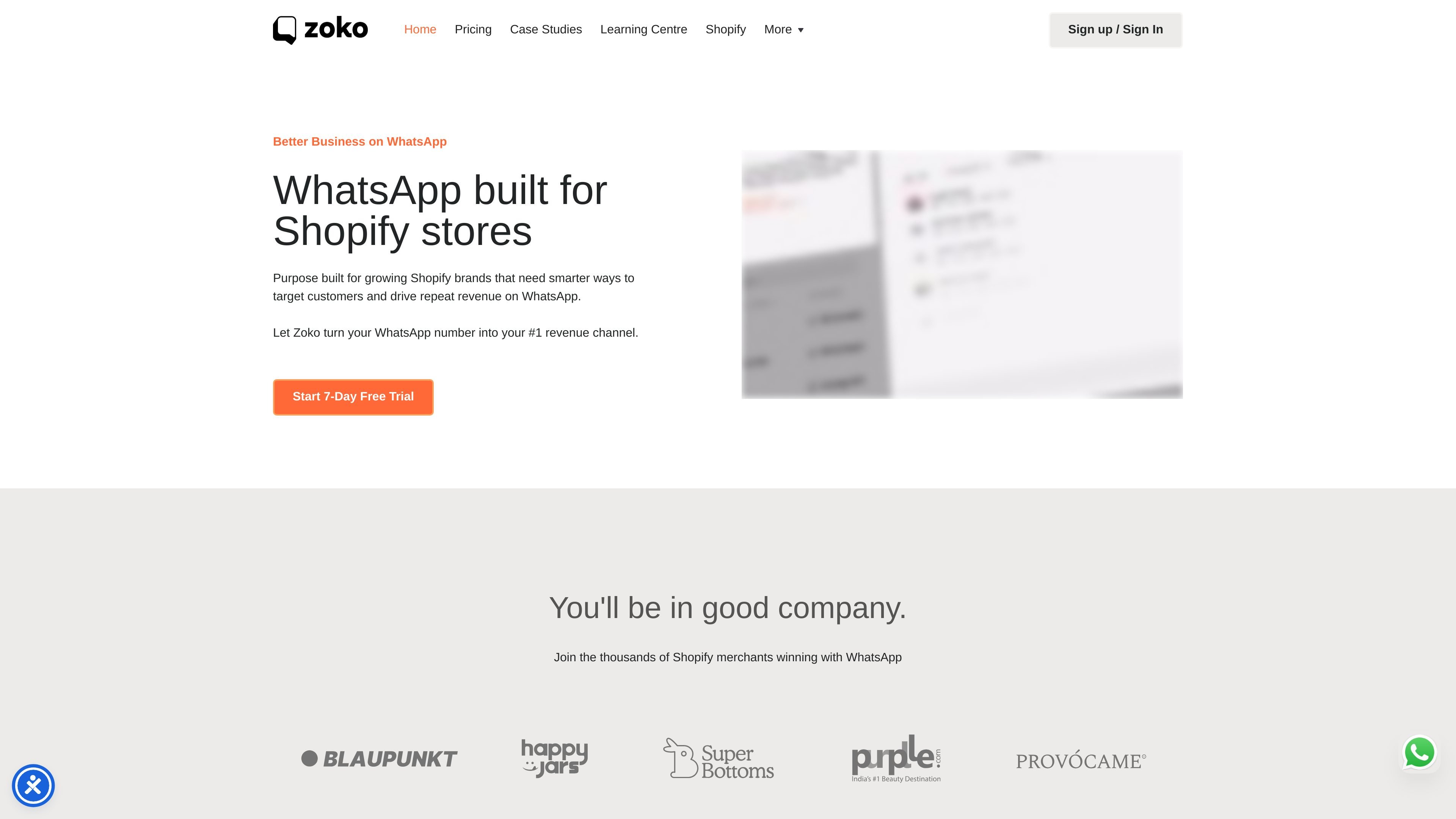
Zoko is an all-in-one WhatsApp platform for Shopify merchants. It is designed to help stores use a single WhatsApp number for sales, marketing, and customer support instead of treating chat as a separate channel.
The product centers on three main jobs: helping shoppers discover products in WhatsApp, automating repetitive commerce workflows, and handling customer conversations at scale. The site also positions Zoko as an official Meta Business partner and says it supports Shopify store catalog sync, broadcasts, support workflows, and multi-agent collaboration.
Pricing is presented as subscription-based with a 7-day free trial, monthly or yearly billing, and fair-use limits. The pricing page also notes that messages and flows continue even if fair-use limits are exceeded, with excess charges applied at the published rates.
Sync a Shopify catalog into WhatsApp so customers can discover and buy products without leaving the chat.
Send WhatsApp broadcasts to engage customers at scale, with the site describing WhatsApp as having stronger open rates than email.
Build automation for order confirmations, post-purchase tasks, and other repeatable workflows using the flowbuilder and prebuilt playbooks.
Route conversations across multiple agents on one WhatsApp number and add team members by invitation.
Segment customers, use tags, and send quick replies to manage higher-volume conversations more efficiently.
Connect automation and reporting through API and webhooks, with detailed analytics available on paid plans.
Show products inside WhatsApp so shoppers can browse a synced catalog and ask questions before buying.
Send targeted broadcasts to customers who already engage on WhatsApp and manage repeat outreach from one place.
Automate repetitive steps such as order confirmation, abandoned checkout recovery, review requests, and delivery updates.
Let a team share one WhatsApp number while routing chats across multiple agents and using tags, quick replies, and segments.
Set up prebuilt or custom flows that connect WhatsApp with Shopify and other supported tools for store operations.
Zoko is built for Shopify merchants that want to run sales, marketing, and customer support on WhatsApp from one platform. The site positions it as a WhatsApp-first tool for stores that want to sell products, send broadcasts, automate flows, and manage support conversations.
The source text shows WhatsApp Catalog, WhatsApp Broadcasts, an automation flowbuilder, customer tags and segments, quick replies, chat widgets, detailed analytics, API and webhooks, and support for multiple agents on a single WhatsApp number.
The pricing page states that Zoko offers monthly and yearly billing, a 7-day free trial, and no contracts, with the ability to cancel anytime. Upgrades take effect immediately and downgrades take effect from the next billing period.
Yes. Zoko says you can bring your own number and set it up as your Official WhatsApp API number after OTP verification. If you want to reuse an existing WhatsApp number, you need to delete the current WhatsApp account before activation.
The pricing page says that if you exceed a plan's fair use limits, your messages and flows continue to work and excess charges are applied according to the pricing page rates.