
Assistant creation and customization
Create AI Assistants from scratch, use templates, and adjust gestures, behavior, voice, and language settings to fit a specific brand or interaction style.

Soul Machines is a platform for creating and deploying human-like AI Assistants and Digital Workers. Build custom assistants in Studio or add Experiential AI Agents with Workforce Connect.
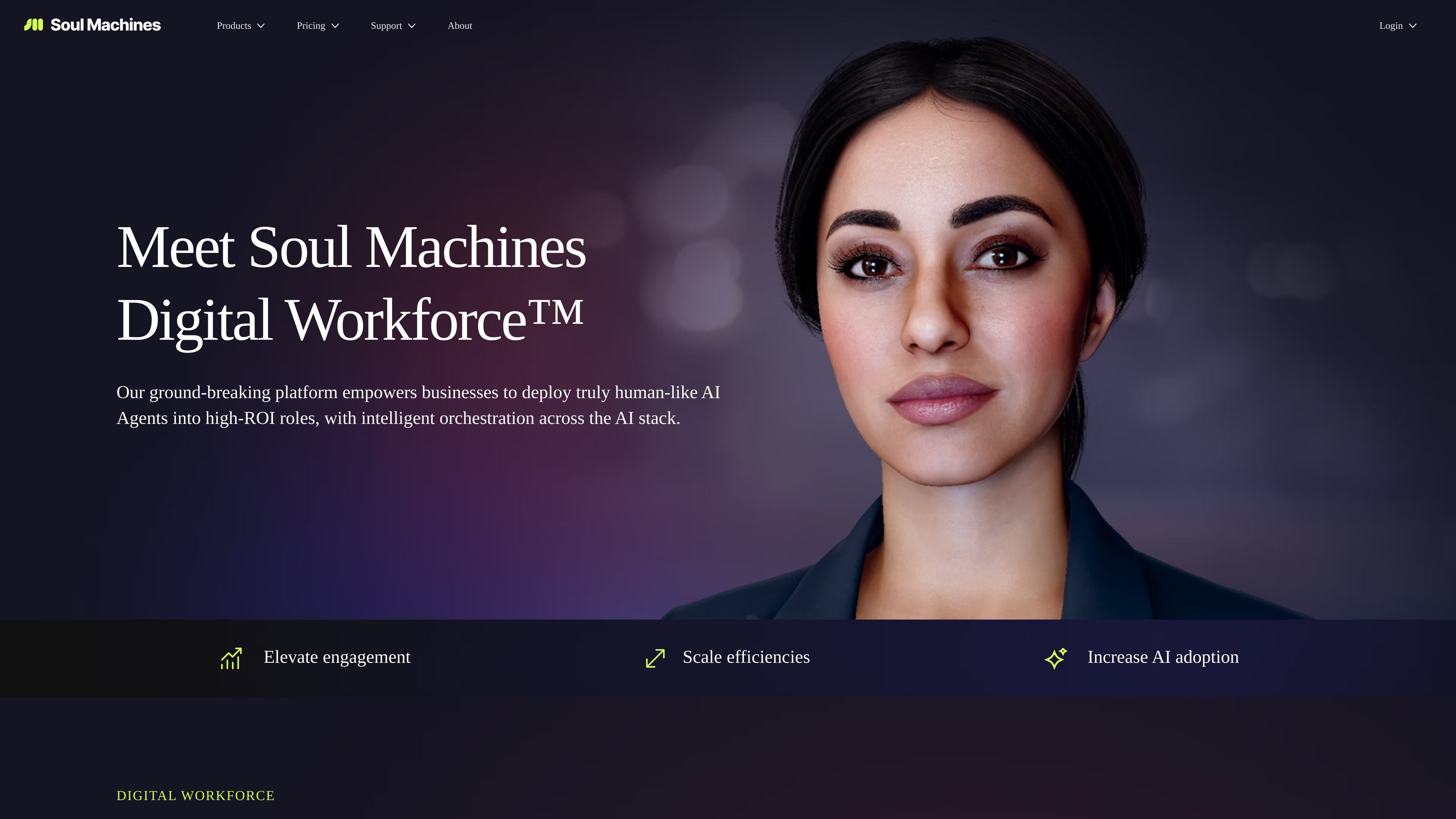
Soul Machines is a platform for building and deploying human-like AI Assistants and Digital Workers. The site frames it around Experiential AI, a patented approach that aims to produce more natural, face-to-face interactions through embodied, emotionally aware agents.
The product line includes Soul Machines Studio for creating assistants from scratch or testing custom integrations, and Workforce Connect for putting Experiential AI Agents into existing digital workflows. The homepage and product pages emphasize use across customer service, operations, HR, healthcare, and personal coaching-style assistants.
Create AI Assistants from scratch, use templates, and adjust gestures, behavior, voice, and language settings to fit a specific brand or interaction style.
Build on the company’s Experiential AI approach, which the site says combines cognitive modeling with embodied cognition to support human-like emotion and interaction.
Train or integrate agents with leading LLMs, including GPT, or with a proprietary model when the plan allows custom LLM integration.
Deploy assistants in live settings with options for full-screen or custom embedded experiences, depending on plan.
Track use through reporting dashboards and plan-based interaction limits, video downloads, and assistant counts.
For Workforce Connect, connect Experiential AI Agents into workflow products, with ServiceNow and Zapier mentioned and more integrations coming soon.
Use Studio to create a branded AI Assistant for customer-facing interactions, with configurable tone, voice, and behavior to match the experience you want to offer.
Use Workforce Connect to place Experiential AI Agents inside the workflow tools your team already uses, rather than building a separate destination for every interaction.
Use the product pages’ example scenarios to support service, operations, HR, and healthcare-style guidance where people need one-on-one help, answers, or coaching.
Use the free plan or 7-day trial to explore templates, interaction design, and deployment before committing to a larger subscription.
Use higher plans when you need more interaction time, more assistants, custom LLM integration, or reporting for scaling teams.
Soul Machines Studio is for creating, customizing, and deploying AI Assistants. The source describes it as a sandbox for developers to experiment, test, and discover what Experiential AI can do, with options for autonomous, emotionally intelligent assistants.
The pricing page shows a free plan for exploration and paid plans for experimentation, validation, scaling, and enterprise use. It also offers a 7-day free trial on paid plans, and enterprise pricing is handled through sales contact.
The source says Studio supports AI Assistant creation, templates, gestures, behavior configuration, voice and language configuration, avatar design, reporting, conversational AI integration, and custom LLM integration on higher plans.
The site positions Soul Machines for building AI Assistants in Studio, using Workforce Connect to deploy Experiential AI Agents into existing workflows, or exploring prebuilt Assistants on the assistants page.
The pricing page directs users to Soul Machines Academy, the Knowledge Base, and YouTube how-to videos for technical help, with additional support by email.