
AI web agent for website conversations
Use ALICE as an AI web agent to answer inbound buyer questions on a website and help move visitors toward a booked call.

Runday.ai is a no-code AI agent platform for website Q&A, lead qualification, appointment booking, outbound outreach, and follow-up flows.
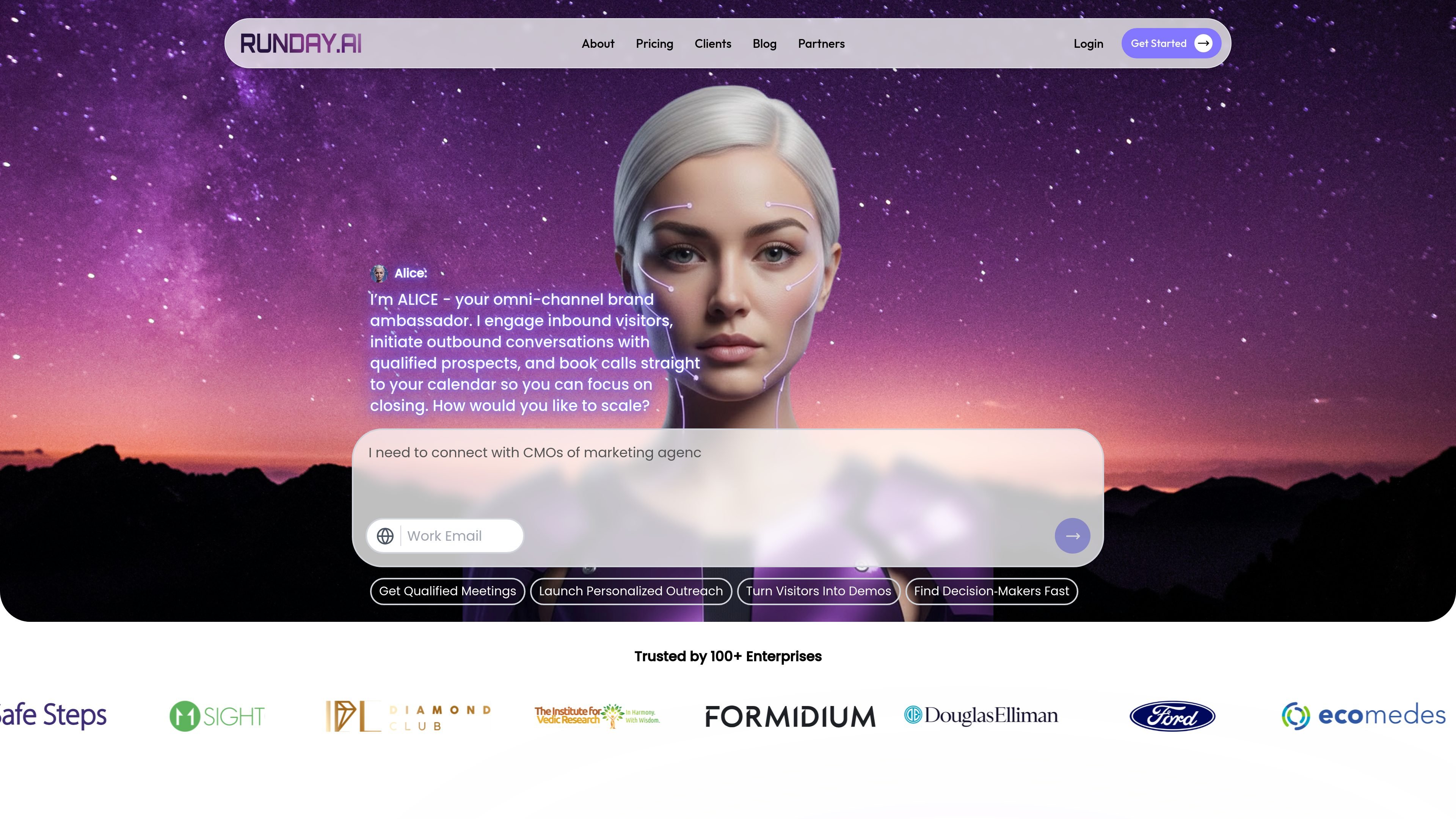
Runday.ai is a no-code platform for building AI agents that engage website visitors, qualify leads, book meetings, and follow up on inquiries. The product’s main agent is named ALICE, which the site describes as an omni-channel brand ambassador that can engage inbound prospects, start outbound conversations, and move qualified leads to a calendar booking.
The website presents Runday.ai as a revenue orchestration tool for sales and customer-facing teams. Its published materials emphasize answering buyer questions from sales content, coordinating with CRM and calendar systems, and using spreadsheet-based configuration to shape the agent’s wording, routes, and booking flows.
Use ALICE as an AI web agent to answer inbound buyer questions on a website and help move visitors toward a booked call.
Send personalized outreach across multiple channels using prospect and company data, with the site describing outbound and social engagement.
Connect with CRM and calendars to create appointments, send reminders, and reduce no-shows with follow-up messaging.
Build and edit agent behavior in a spreadsheet-like interface with tabs for questions, content, settings, images, and validations.
Define variables, conditions, jump words, and supported input types so the agent can branch conversations and collect structured data.
Use the platform for support-style answers as well, with the agent able to read documentation and escalate when needed.
Use the web agent to answer questions from inbound visitors, qualify interest, and move promising leads toward a calendar booking without manual back-and-forth.
Run targeted outreach across outbound and social channels using personalized messages based on social profiles and company data.
Set up reminder and follow-up flows for booked meetings so the agent can help reduce reschedules and no-shows.
Create support flows that answer product or booking questions, route users by jump words, and escalate to a support team when needed.
Build event or reservation workflows where users choose from listed options, share contact details, and receive appointment times.
Runday.ai is positioned as a no-code platform for answering inbound buyer questions, qualifying visitors, and booking appointments into a calendar. The docs also show it can be customized for different chat flows, including support and event booking.
The setup flow shown in the docs uses a spreadsheet-based editor. You edit questions, variables, types, and conditions in tabs such as Questions, Content, Settings, Images, and Validations, then sync changes back to the agent.
The source shows teams can use Runday.ai for inbound engagement, outbound prospecting, customer support automation, and appointment booking. Pricing tiers also mention website engagement, multi-channel tracking, LinkedIn messaging, CRM integration, and AI web agents, so it appears suited to sales and support workflows.
The platform is designed to book calls, capture lead details, answer questions from sales materials, and route users to the right next step. The docs also show support-style flows, jump words, and booking logic for appointments.
The pricing page does not show a published dollar amount in the captured text. Instead, it presents Starter, Professional, Growth, and Enterprise plans with a ‘Talk to sales’ flow.