
Video-based motion capture
Upload a video from a smartphone or online clip and have Plask extract motion data for 3D animation.

Plask Motion is a web-based AI motion capture tool that turns video into 3D animation and renders for common 3D workflows.
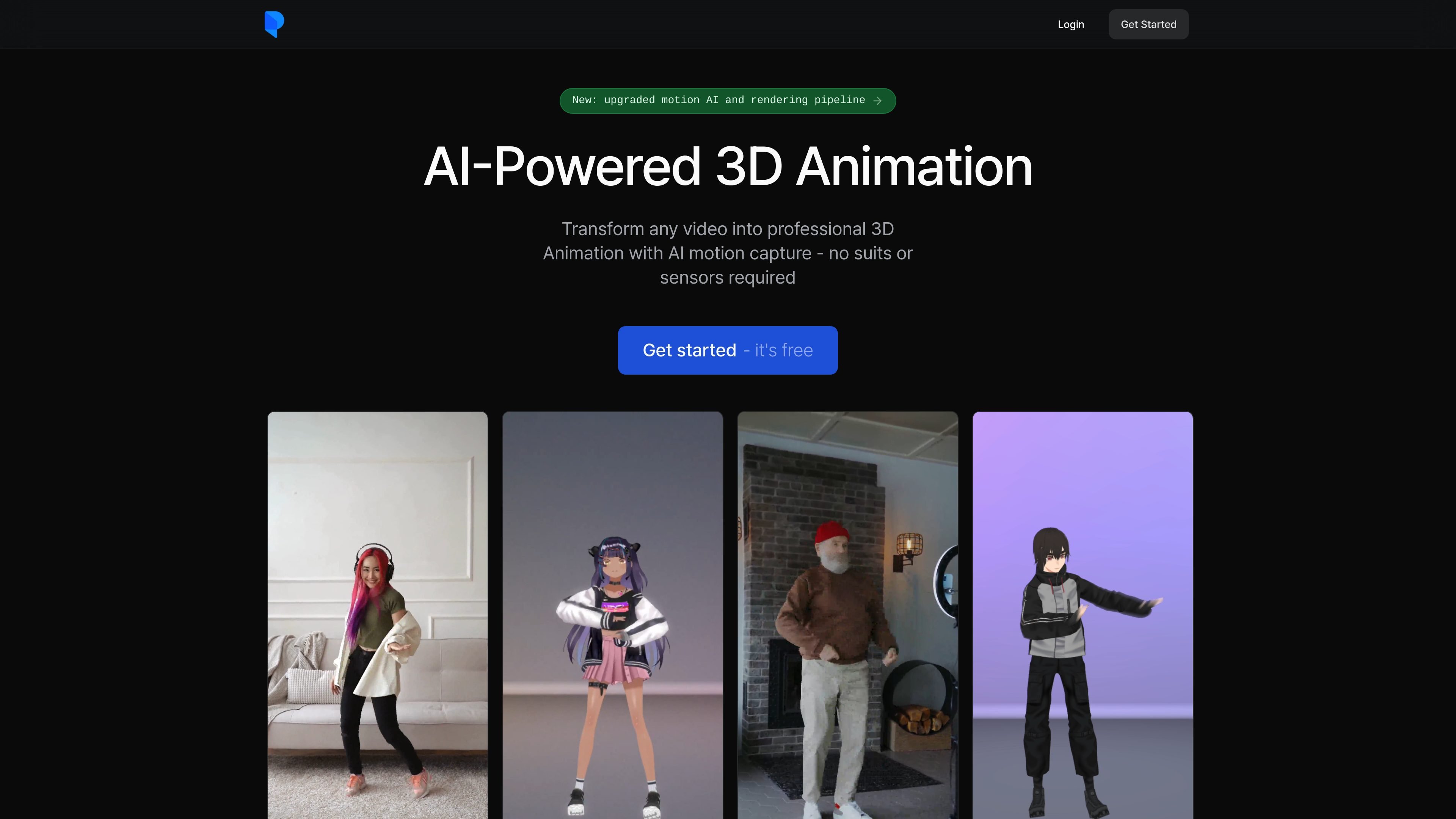
Plask is an AI motion capture and 3D animation tool that turns video footage into motion data for character animation. The site positions it as a camera-based workflow for creating animations without suits or sensors.
According to the homepage, users can import a video, extract motion, animate a 3D model, and then render or export the result to tools such as Unreal, Maya, and Blender. The product also includes lighting, camera, and post-processing controls for creating finished animation renders.
Upload a video from a smartphone or online clip and have Plask extract motion data for 3D animation.
Apply extracted motion to imported characters, including support for blinking and physics on MMD and VRM models.
Adjust lighting, camera behavior, motion blur, depth of field, vignettes, autofocus, and tone mapping from within the animation workflow.
Export rendered video or 3D assets in formats listed on the pricing page, including FBX, GLB, and BVH.
Collaborate through scene sharing and real-time collaboration, both listed on the pricing tiers.
Choose between Free, Standard, and Pro plans, with paid tiers adding larger usage allowances and additional capabilities.
Turn camera footage or online video into motion data, then apply it to a 3D model for animation production.
Prepare 3D character animation for game, film, or virtual content pipelines that need export into external tools.
Create rendered social or short-form content with camera moves, lighting, and post-processing applied inside Plask.
Share scenes and work in real time when multiple people need to review or iterate on an animation setup.
Use the free tier to explore the workflow before moving to a paid plan with more usage and faster processing.
Plask provides AI motion capture from video. The homepage says you can upload a video, extract motion data, and apply it to a 3D character for animation.
The pricing page shows a Free plan and paid Standard and Pro plans. The Free plan is billed yearly and includes a daily motion-capture limit, while Standard and Pro are billed yearly and include a 7-day free trial.
The homepage says exports are compatible with Unreal, Maya, and Blender, and the pricing page also lists FBX, GLB, and BVH export.
The documentation recommends using a video where the full body is visible, with good lighting and a simple background so motion can be extracted more reliably.