
Text to video generation
Generate videos directly from text prompts, with a dedicated text-to-video workflow and multiple resolution choices shown on the feature page.

CoCoClip.AI is a web-based AI video editor for short-form content, with text-to-video, image-to-video, and audio-to-video workflows for YouTube Shorts, TikTok, and Instagram Reels.
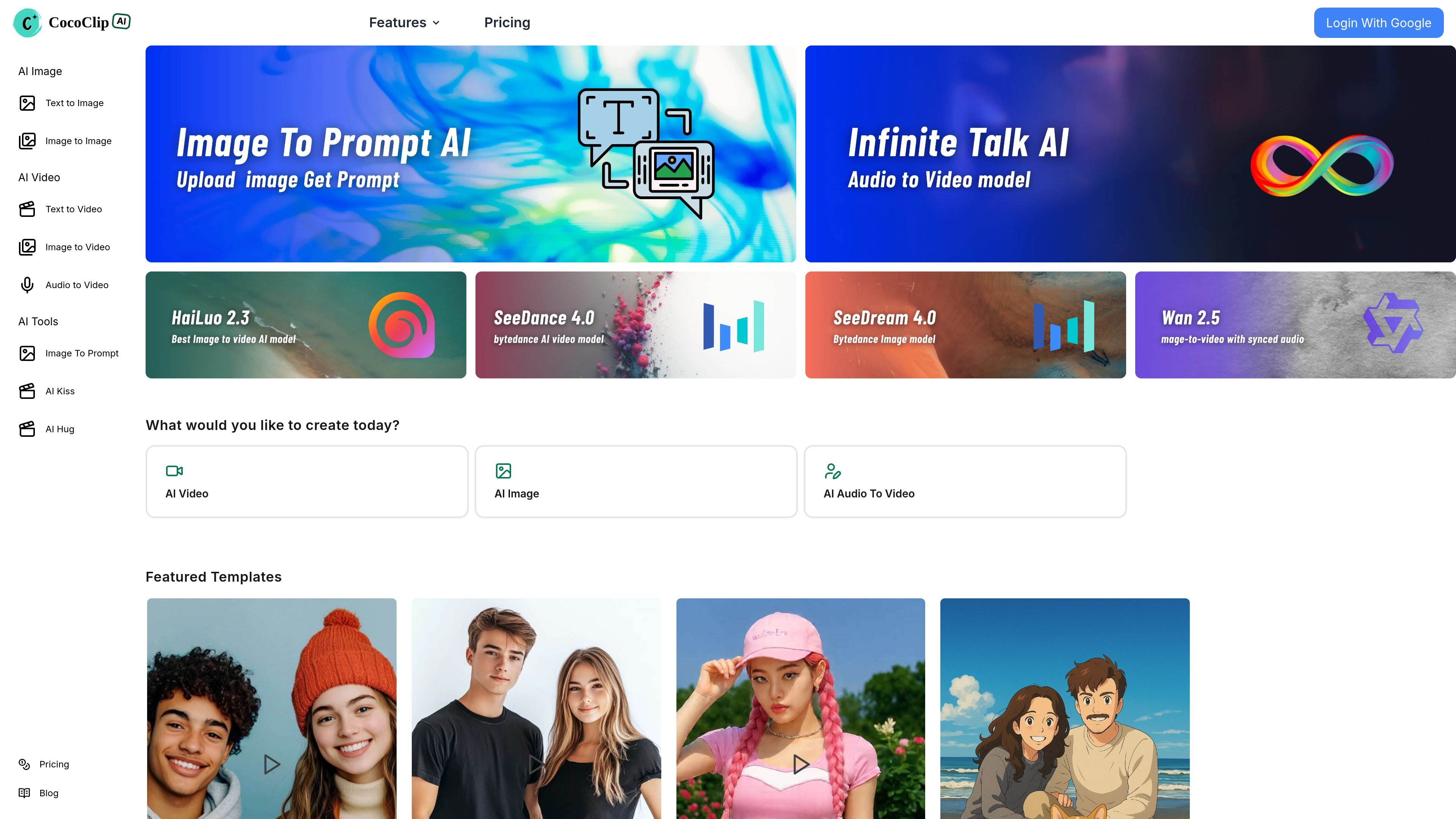
CoCoClip.AI is a web-based AI video editor built for social-media content creation. The site positions it around short-form video workflows for platforms such as YouTube Shorts, TikTok, and Instagram Reels.
The product centers on fast generation and editing tools rather than manual timeline editing. Its main workflows include text-to-video, image-to-video, and audio-to-video, plus related AI tools such as script generation, image generation, lip sync, talking photo, and face swap features.
Generate videos directly from text prompts, with a dedicated text-to-video workflow and multiple resolution choices shown on the feature page.
Turn uploaded images into videos using the image-to-video flow, which supports common image formats and a short-form output workflow.
Create videos from an image plus audio track, with the interface matching video length to the provided audio.
Choose from a broad set of creator tools on the site, including AI script generation, story generation, voiceover-related tools, and automatic video editing features mentioned on the homepage.
Use template and trending-video context to guide content creation, including a homepage section that highlights trending social content and featured templates.
Access the product through a web app with public visibility controls and downloadable output available on the creation pages and pricing plans.
Draft short videos from a written prompt when you want a quick way to turn an idea or script into a social post.
Convert still images into video clips for content repurposing, visual storytelling, or lightweight motion edits.
Build audio-led clips where an uploaded audio track determines the video length, useful for narration or short voice-driven posts.
Use the broader AI toolset to add supporting assets such as scripts, images, talking photos, or face-swap style effects for creator content.
Choose a paid plan when you need predictable monthly output, download support, and commercial use licensing for published videos.
CoCoClip.AI is a web-based AI video editor for creating social-media videos, including text-to-video, image-to-video, and audio-to-video workflows.
The source shows a free quota and paid plans on the pricing page. It does not provide a fully detailed setup flow or trial length.
The product supports downloadable output on paid plans and shows public-visibility options on the creation pages. Specific export formats are not listed in the provided sources.
The pricing page lists plans for different creator levels and includes a commercial use PDF license on paid plans. It does not describe team seats or collaboration features.