
Dual subtitles with on-the-fly translation
Watch content with subtitles in both your target language and your native language side by side. If subtitles are unavailable in your language, InterSub can translate them on the fly.

InterSub browser extension with dual subtitles and instant word translations for language learning on desktop browsers and major streaming platforms.
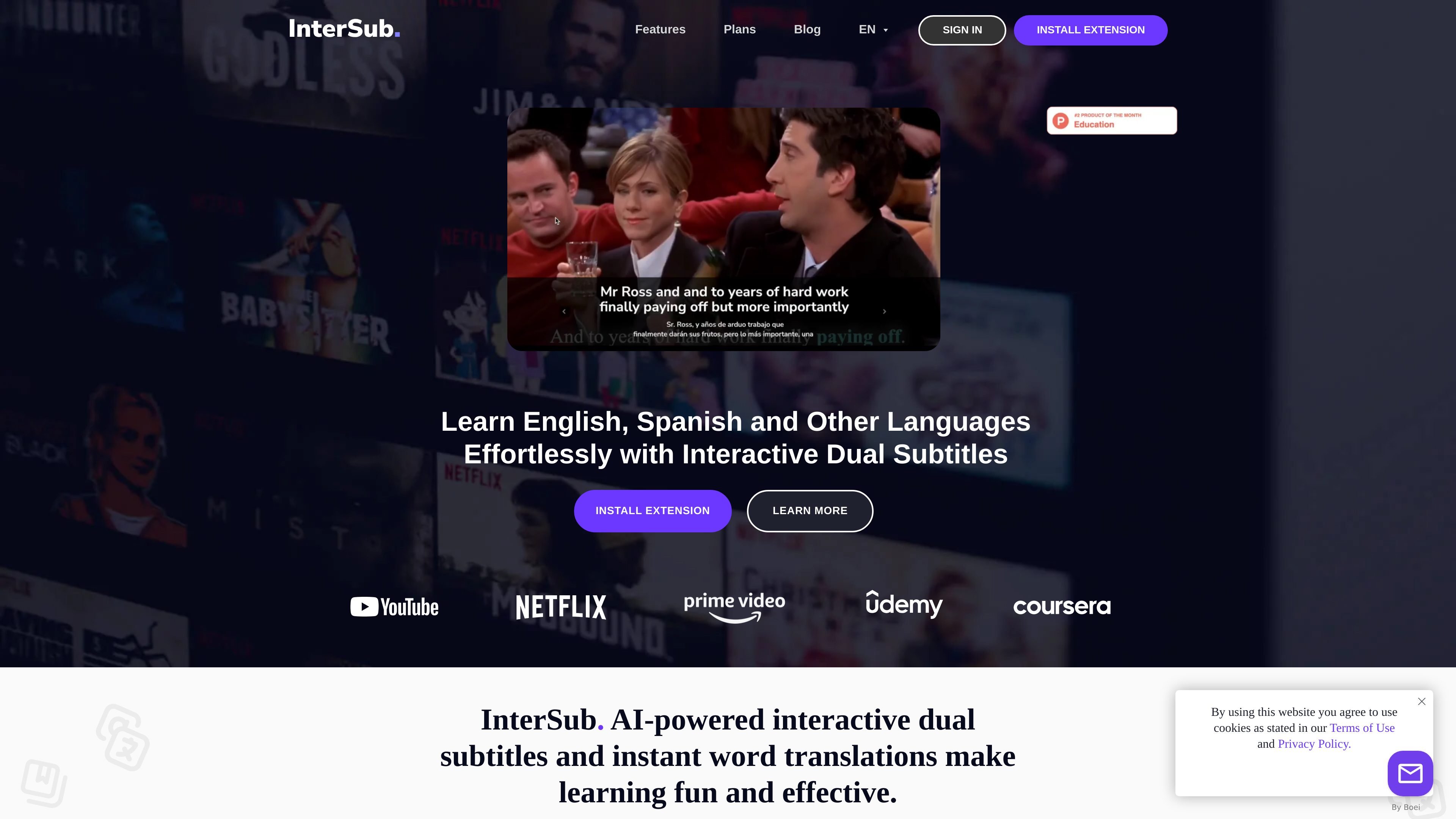
InterSub is a browser extension for interactive dual subtitles and instant word translations. It is designed for language learners who want to understand videos while keeping the original content in view, with support for side-by-side subtitles in the target and native languages.
The product works on desktop browsers and connects to popular streaming and learning platforms such as YouTube, Netflix, Prime Video, Coursera, Udemy, LinkedIn Learning, TED, and Crunchyroll. It also saves looked-up words to a personal word list and can sync that vocabulary to mobile apps or Telegram bots for review.
Watch content with subtitles in both your target language and your native language side by side. If subtitles are unavailable in your language, InterSub can translate them on the fly.
Hover over words in subtitles to see an instant definition and context translation without leaving the video.
Save every translated word to a personal Wordbook for later review, with history and frequently checked words available in the profile.
Use connected mobile apps, Telegram bots, or Anki-style workflows to review saved words away from the browser.
InterSub is available for Google Chrome, Microsoft Edge, and Firefox, and it is designed to work across several major video and course platforms.
The extension recognizes English phrasal verbs, idioms, and compound nouns, and it includes options such as showing subtitles only on pause and using a phone as remote control.
Watch shows, documentaries, or lessons with target-language and native-language subtitles visible at the same time so you can follow the plot without pausing as often.
Check unfamiliar words directly in the subtitle line to get an instant translation and context meaning, then save them automatically to your vocabulary list.
Review saved words later in mobile apps or Telegram bots, or export them for use in other study tools, to turn viewing sessions into repeat practice.
Use the remote control flow when watching on a larger screen so you can pause, rewind, or inspect subtitles from your phone instead of returning to the computer.
Study course videos on platforms such as Coursera, Udemy, or LinkedIn Learning while reducing interruptions from subtitle lookups and keeping your attention on the lesson.
InterSub is a browser extension for Google Chrome, Microsoft Edge, and Firefox. It overlays interactive dual subtitles and lets you hover over words for instant translations while watching supported videos.
It currently supports YouTube, Netflix, Prime Video, TED, Coursera, Udemy, LinkedIn Learning, Crunchyroll, and several other platforms mentioned on the site, with more platforms planned.
The site says InterSub can be used by learners at all levels, including beginners. Dual subtitles and instant translations are intended to reduce the friction of following content in another language.
InterSub works as a desktop browser extension, but it also offers Remote Control support from a phone and connected mobile apps or Telegram bots for reviewing saved words.
The pricing page states there is a 14-day free trial, a free plan with limited features after the trial, and paid options including pay-as-you-go and premium plans.