
Multilingual caption generation
Generate captions in 90+ languages, with the site also describing transcription support in 100+ languages for frame-accurate timing.

ZapCap is a browser-based AI video caption generator with captions, B-roll, transitions, and publishing helpers for creators, businesses, and agencies.
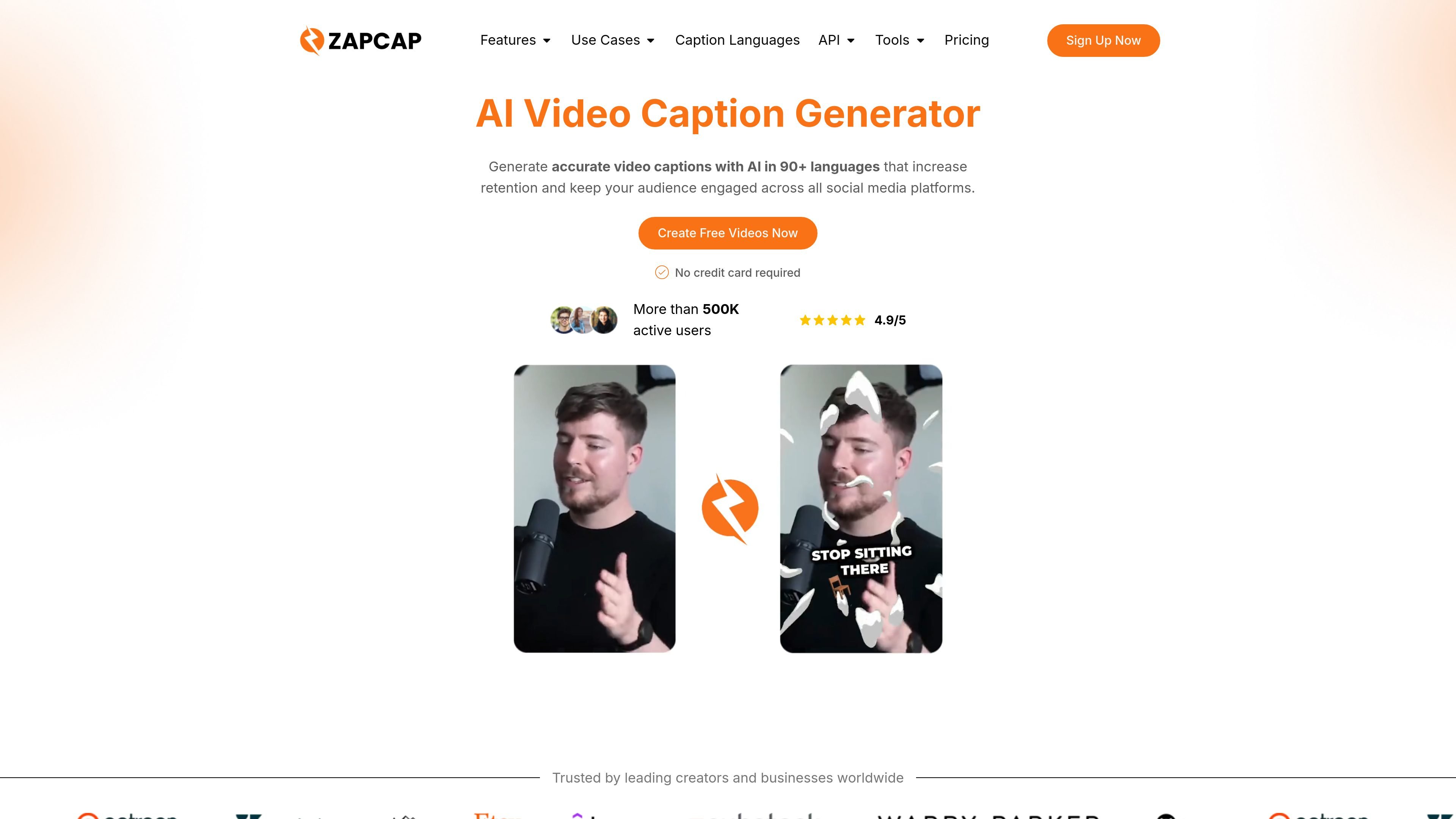
ZapCap is an AI video caption generator that runs in the browser and helps creators add captions, B-roll, transitions, and supporting social video assets without a full desktop editing workflow. The site positions it as a fast way to turn raw clips into publishable videos with automated captioning and lightweight customization.
The product supports 90+ languages on the homepage and 100+ languages in its setup guide, accepts common file formats such as MP4, MOV, and MKV, and lets users export video or subtitle files after editing. Pricing is organized into Free, Starter, Pro, Agency+, and Enterprise options, with the higher tiers adding longer videos, more monthly volume, and faster processing.
Generate captions in 90+ languages, with the site also describing transcription support in 100+ languages for frame-accurate timing.
Upload a video or paste a YouTube, TikTok, or Instagram link, then let ZapCap create captions automatically in the browser.
Use the Magic B-roll feature to insert relevant stock footage, with the option to swap clips or add your own footage.
Add smooth scene changes and motion through transitions, plus sound effects and background music when editing the video.
Choose from 50+ animated caption styles, edit wording on the timeline, and export the finished video or subtitle files.
Generate supporting copy such as descriptions, hooks, hashtags, and templates to speed up social video publishing.
Creators who need subtitles quickly can upload a clip, let ZapCap generate captions automatically, and then adjust the styling before exporting a finished video.
Teams publishing to social platforms can use B-roll, transitions, hooks, and hashtags to turn a raw recording into a more complete post-ready edit.
Agencies handling multiple clients can use the higher-volume plans, faster processing, and multi-client positioning described on the pricing page.
Businesses that publish in multiple languages can use the multilingual transcription and caption options to make content more accessible to broader audiences.
Editors who want subtitle files for reuse can export MP4 along with SRT, VTT, or TXT, which supports repurposing and downstream editing.
ZapCap offers a free version with basic features, and its paid plans add higher video limits, longer durations, and advanced options such as multi-language support.
Yes. The source says ZapCap can generate, edit, and export captions in the browser, and you can adjust wording on the timeline after captions are created.
ZapCap’s browser flow supports upload, auto-generation, customization, and export. The source does not list a desktop app or mobile app install requirement, and it says the tool runs in a modern browser on desktop, iPhone, and Android.
Yes. The source says ZapCap can accept common video formats including MP4 and MOV, and it also mentions support for MKV and 60+ formats, with export options including MP4, SRT, VTT, and TXT.
The source shows plans for individual creators, a Pro tier, and an Agency+ tier with multiple-client usage, plus an enterprise contact option for custom requirements.