
AI clipping from multiple sources
Generate clips from long-form video using multi-signal analysis, with options to work from prompts, topic angles, or source material across YouTube, Twitch, Twitter/X, Vimeo, and uploaded files.

reap is an AI video editor for turning long videos, webinars, and interviews into clips, captions, dubbed versions, and translated subtitles. It also supports automation through a web app, REST API, CLI, and MCP workflows.
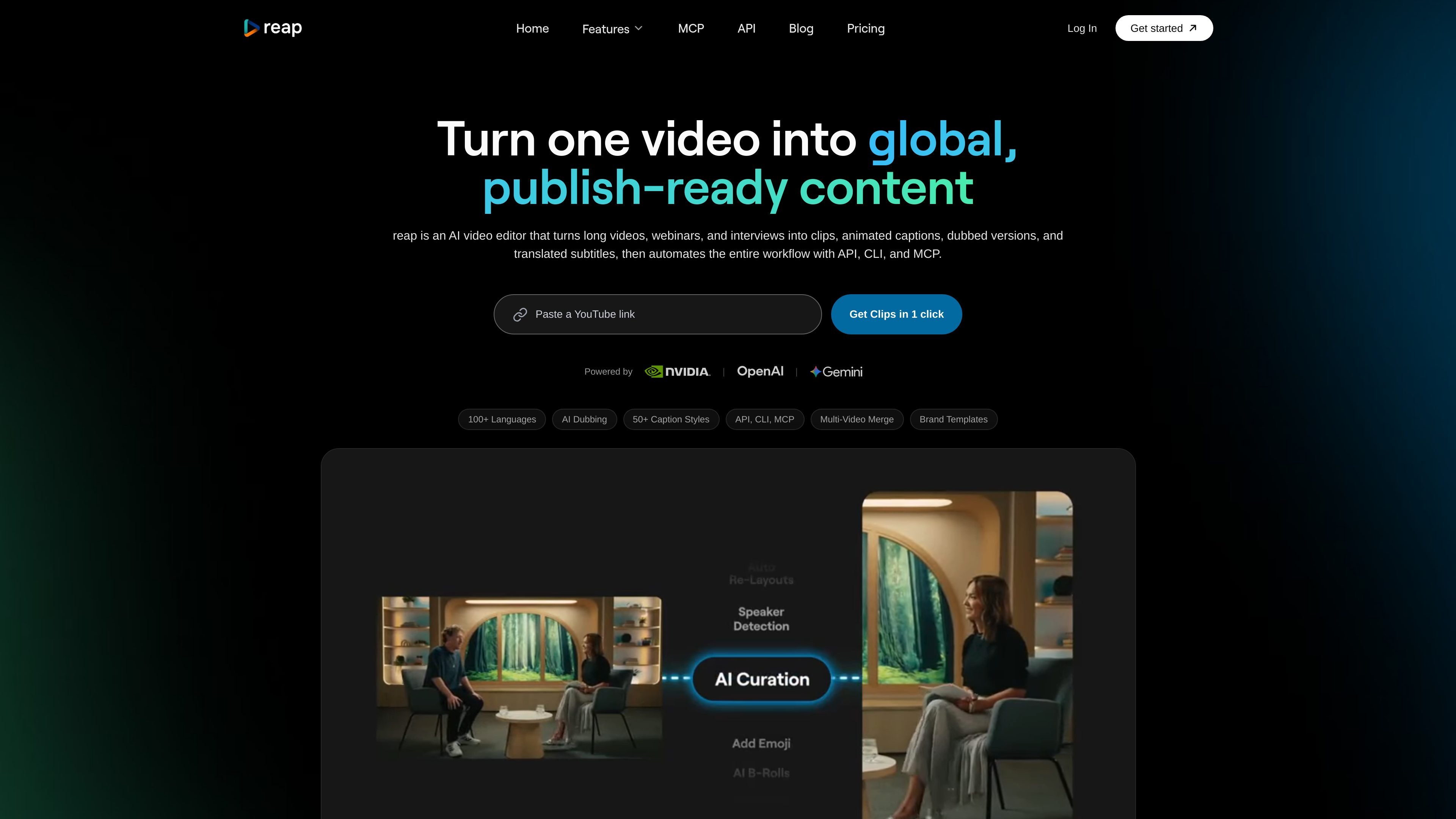
reap is an AI video editor for repurposing long videos, webinars, interviews, and other source footage into clips, animated captions, dubbed versions, translated subtitles, and text-edited cuts. The product combines editing, captioning, localization, and publishing in one workflow so creators and teams can move from raw video to publishable assets without switching tools.
The site emphasizes both manual editing and automation. In addition to the web app, reap exposes REST API, CLI, and MCP workflows, and the pricing page shows plans that scale from a free tier to creator, studio, and enterprise options with different processing limits, export quality, and collaboration features.
Generate clips from long-form video using multi-signal analysis, with options to work from prompts, topic angles, or source material across YouTube, Twitch, Twitter/X, Vimeo, and uploaded files.
Create animated captions with 50+ preset styles, custom fonts and colors, emoji and keyword highlighting, and SRT/VTT export for caption workflows.
Translate subtitles into 100+ languages and generate dubbing in 80+ languages, with romanized script support for languages such as Hinglish and Romanized Urdu.
Edit by transcript instead of a traditional timeline, which lets users delete or rearrange text and have the video update accordingly.
Package videos for vertical and horizontal formats with auto speaker detection, auto reframing, and output ratios including 9:16, 16:9, 1:1, and 4:5.
Run the workflow through the app, REST API, CLI, or MCP, with paid plans including API access and automation-oriented publishing tools.
Turn webinars, interviews, or podcasts into short-form clips that can be published to social platforms without manual highlight hunting.
Create platform-ready captions with animated styles, keyword emphasis, and subtitle exports for TikTok, Reels, Shorts, and other feeds.
Localize a single video into multiple language versions with translated subtitles, dubbing, and romanized-script support for audiences that read in mixed scripts.
Use transcript editing, B-roll insertion, and brand templates to polish a cut before publishing or handing it to a team member.
Automate clip generation and publishing through API, CLI, or MCP when a team needs repeatable workflows or AI-agent-driven production.
reap is built for turning existing video into clips, captions, dubbed versions, translated subtitles, and text-edited cuts. The home page and pricing page both show workflow access through the app, API, CLI, and MCP, so it can fit both manual and automated production setups.
Yes. The pricing page includes a Free plan, and the home page states that paid plans include API access. The pricing page also shows Creator, Studio, and Enterprise tiers with different limits and support levels.
reap supports publishing workflows for TikTok, Instagram Reels, YouTube Shorts, LinkedIn, Facebook, and X. It also supports exporting clips and subtitles in common formats such as 1080p or 4K on paid plans and SRT/VTT export for captions.
The source material shows team collaboration features on Studio and Enterprise plans, including shared projects, roles, and multiple users. Enterprise also adds unlimited team members, SSO, custom integrations, and dedicated support.
The current source shows the core workflow clearly, but it does not provide detailed setup guides, full limitation lists, or deep integration documentation. The safest fit is for users who want to repurpose long-form video and automate clips, captions, and localization.