
Prompt-driven clip creation
Upload long-form videos with spoken content and choose a prompt such as a trailer, a topic-focused clip, a social ad, or a shareable highlight. The product then selects the best parts and turns them into a short video.

AI Video Cut is a web-based AI video editor that repurposes long-form spoken videos into short clips for social platforms, ads, and highlights. It supports prompt-driven clip creation, captions, cropping, and MP4 exports.
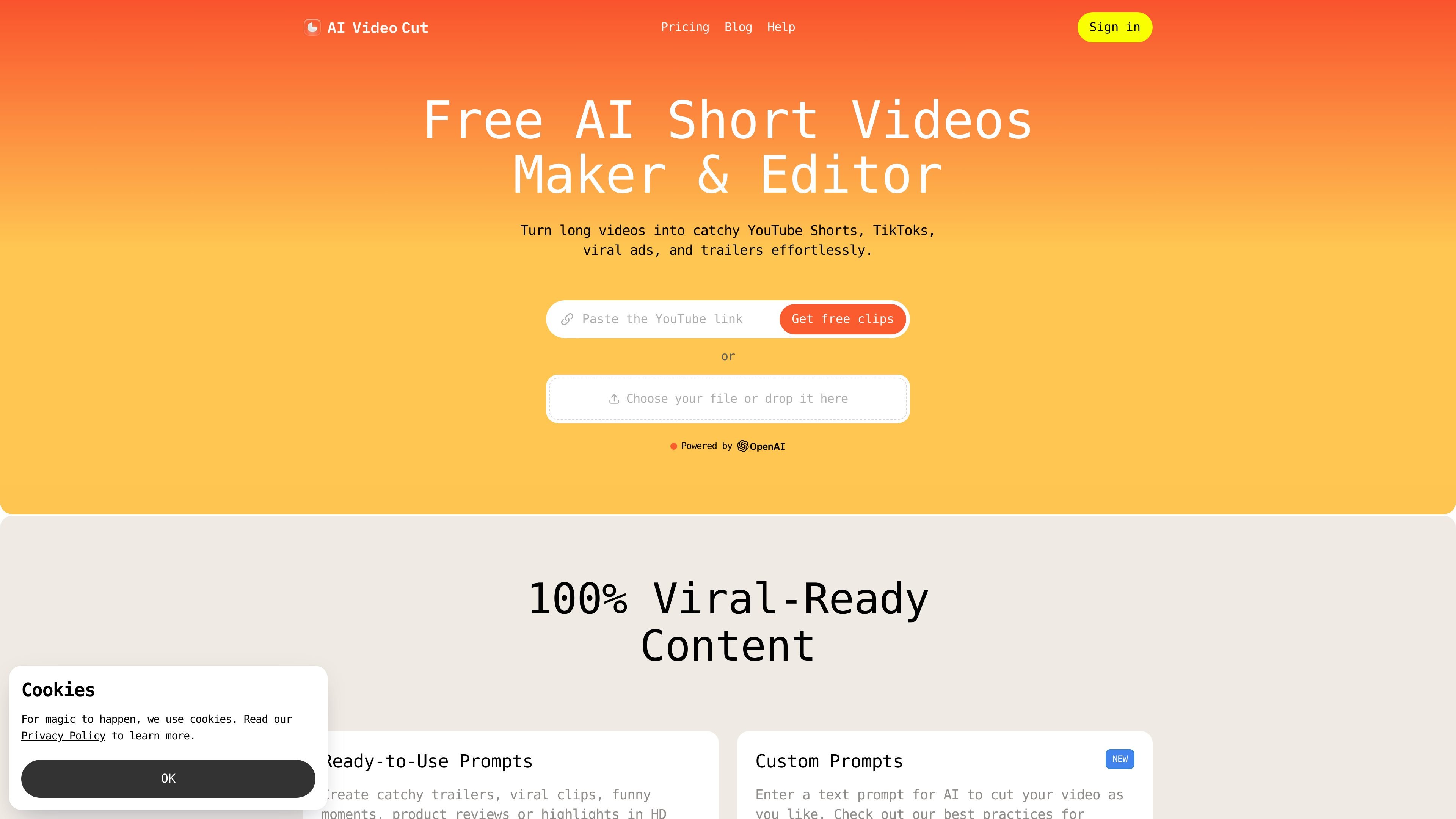
AI Video Cut is an AI video editing and repurposing tool for turning long-form videos with spoken content into short clips. The site positions it for creators and teams that want to produce YouTube Shorts, TikToks, ads, trailers, and other shareable highlights from existing footage.
According to the product pages, the workflow starts with an upload, continues with prompt selection to define the clip type, and ends with AI-assisted cutting, captions, and downloadable short videos. The product also includes an editor, a mobile editor, clip regeneration, and history tracking so users can review and manage outputs after generation.
Upload long-form videos with spoken content and choose a prompt such as a trailer, a topic-focused clip, a social ad, or a shareable highlight. The product then selects the best parts and turns them into a short video.
The help pages list cropping, captioning, short-clip creation, regeneration, and history/minute usage tracking, giving users a place to refine or revisit generated outputs.
Pricing details show multiple output crops: 9:16, 16:9, 1:1, and original. This supports repurposing the same source for short-form and horizontal formats.
The product supports transcripts and video editing in all plan tiers, with the Free plan limited to 5 uses overall and paid plans set to unlimited use.
Pricing lists multi-language transcription in 100 languages, which helps users work with spoken content across different language inputs.
The pricing table states that exports are downloadable in MP4 and that captions styles, face tracking, and hashtag/description generation are available.
Turn interviews, webinars, and longer recordings into short highlights for social platforms. The product is designed to find usable moments and package them as shareable clips.
Create short ad variations from existing footage for campaigns. The pricing page explicitly includes social ads and the homepage speaks to digital marketers.
Pull standout moments from podcast episodes so listeners can preview the best segments before they commit to a full episode.
Repurpose event, conference, or webinar footage into highlight reels and promotional material that can be shared after the event.
Create short product videos from existing media to support e-commerce pages or paid promotions. The homepage specifically calls out e-commerce businesses and product videos.
You upload a long-form video with spoken content, choose a prompt for the type of clip you want, and the product generates a short video you can download. The help pages also mention cropping, captions, clip regeneration, and video history/minute usage.
The help content includes a mobile editor, and the site documents an AI video editor for editing and repurposing clips. The provided sources do not list desktop operating systems or browser compatibility details.
The pricing page shows a Free plan and paid Starter and Pro plans. Free includes 50 one-time minutes, a watermark, 30-minute file length, 2 GB uploads, and 14-day storage; the paid plans remove the watermark and expand minutes, file length, upload size, and storage.
The pricing table lists uploads from own files, YouTube, Reddit, Instagram, Zoom, Twitch, Dailymotion, Facebook, and Google Drive. No other integrations are described in the supplied sources.
The site is built for repurposing long videos into short-form content such as YouTube Shorts, TikToks, Reels, ads, trailers, highlights, and podcast clips. The examples are based on the homepage, pricing page, and help content.